The Evolution of AI Presentation Design in 2026
The landscape of presentation software has undergone a radical transformation over the last few years. We have moved far beyond simple templates and basic auto-layout features. Today, professionals are choosing between two distinct philosophies in the world of artificial intelligence. On one side, we have tools focused on structural integrity and deep research. On the other side, we see tools that prioritize high-concept visual impact and creative imagery.
Choosing the right tool is no longer just about which one has the best icons. It is about how the AI understands your data and how much control it gives you over the final output. In this comparison, we look at two prominent players in the market: NextDocs and Nano Banana Pro. While both leverage advanced AI models, their approach to building a slide deck could not be more different.
NextDocs is built for the professional who needs accuracy, export flexibility, and multiple options to choose from. Nano Banana Pro is designed for the creative who wants to push the boundaries of visual style, even if it means sacrificing traditional editability. This article provides a comprehensive look at how these tools stack up in a professional environment.
For a broader perspective on the current market, you may want to read our analysis of the best AI presentation builders 2026 to see how these specialized tools fit into the wider ecosystem.
Overview of NextDocs
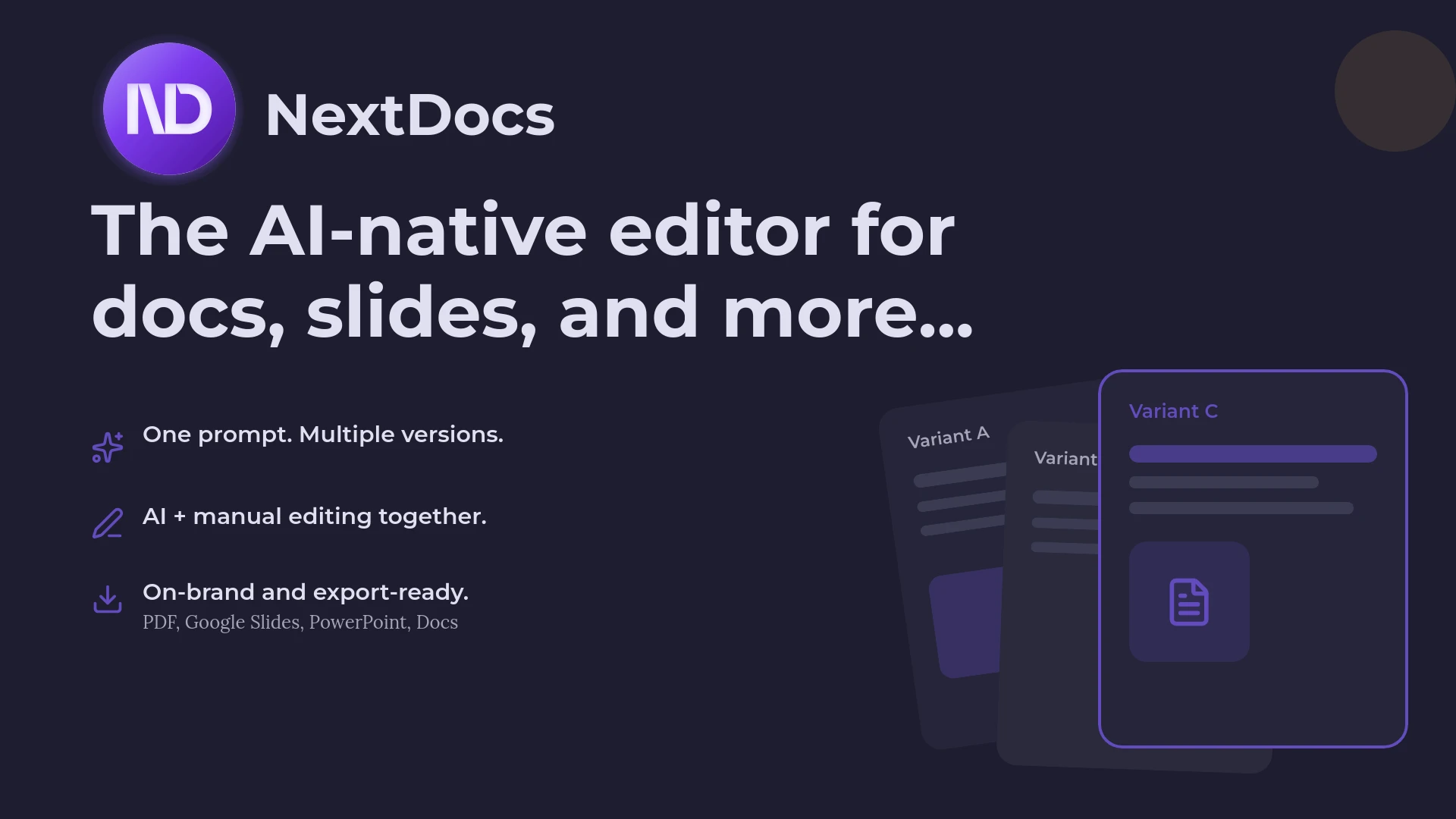
NextDocs positions itself as an AI-native document and presentation platform. It does not just add AI features to a legacy interface. Instead, it uses AI as the core engine for generating structured content. One of its most significant advantages is the concept of multi-variant generation. When you provide a prompt to NextDocs, it does not just give you one result. It generates several distinct versions of your presentation. This allows you to compare different narrative flows and visual styles before committing to a final path.
The tool is particularly strong in the research phase. It integrates deep-research capabilities that allow it to pull real-world data, market statistics, and citations directly into your slides. This eliminates the common problem of AI hallucinations where a tool might invent plausible but false numbers. For founders and consultants, this factual grounding is essential.
NextDocs also prioritizes the reality of modern work. People rarely present in a vacuum. You might need a PDF for an email, a PPTX for a boardroom meeting, or a Google Slides link for a collaborative session. NextDocs handles these universal exports with high fidelity, ensuring that your branding remains consistent regardless of the file format.

Overview of Nano Banana Pro
Nano Banana Pro takes a completely different technical route. It is primarily an image-generation platform applied to the medium of presentations. Instead of creating slides made of text boxes and shapes, it generates high-fidelity images that serve as the background and content of your slides.
This results in a visual quality that is often breathtaking. Nano Banana Pro can create unique, artistic styles that traditional presentation tools struggle to replicate. It is ideal for creative agencies, mood boards, or high-impact keynote sessions where the goal is to evoke an emotion rather than present a spreadsheet.
However, this image-first approach comes with a significant trade-off. Because the slides are generated as images, the text is often not directly editable in the way you would expect in PowerPoint. If you need to change a single word or update a metric, the workflow can become cumbersome. You are essentially asking the AI to regenerate the entire visual asset. This makes it a specialized tool for specific creative use cases rather than a general-purpose business utility.
Key Differences Between the Two Tools
The fundamental difference between NextDocs and Nano Banana Pro lies in the "DNA" of the output. NextDocs produces a structured document. Nano Banana Pro produces a visual artifact.
1. Editability and Flexibility
In NextDocs, every element on the slide is a discrete object. You can click a text box to change the font, move an icon, or update a chart. The AI acts as a co-pilot that helps you arrange these elements. In contrast, Nano Banana Pro often delivers a flattened image. While this ensures a perfect visual composition, it limits your ability to make last-minute changes before a meeting. For those who frequently find themselves looking for plus ai alternatives 2026 because they need more native control, NextDocs offers a much more familiar editing experience.
2. Research and Data Integrity
NextDocs includes a dedicated deep-research engine. If you are building a pitch deck and need the current market size for renewable energy in Europe, the tool will find it and cite the source. Nano Banana Pro focuses on the "look" of the data. It can create a stunning visual representation of a chart, but the underlying numbers are often secondary to the aesthetic. This makes NextDocs the better choice for data-heavy decks and Nano Banana Pro the winner for conceptual presentations.
3. Workflow and Speed
Nano Banana Pro is excellent for generating a "wow" factor quickly for a single slide. However, building a cohesive 20-slide deck can be slower because maintaining visual consistency across multiple generated images requires careful prompting. NextDocs uses a consistent design system and brand kit across the entire generation process. This ensures that slide one and slide twenty look like they belong to the same company. If you are exploring 2026 enterprise AI slide makers, consistency is usually a top priority.
Feature Comparison Table
| Feature | NextDocs | Nano Banana Pro |
|---|---|---|
| Primary Category | Standalone AI Platform | Image-Based Generation |
| Output Type | Fully Editable Objects | Image-Based Slides |
| Research Capabilities | Deep Research with Citations | Limited/Basic |
| Multi-Variant Support | Yes (Multiple versions per prompt) | No (Single image generation) |
| Brand Styling | Advanced Brand Kits | Style Transfer/Visual Prompting |
| Export Formats | PDF, PPTX, Google Slides, Docs | PNG, PPTX (as images) |
| Best For | Founders, Sales, Consultants | Creative Agencies, Mood Boards |
| Learning Curve | Moderate (for advanced features) | High (for prompt engineering) |
| Pricing | Free Tier, starts at $15/mo | Paid Only |
Pricing Comparison
The pricing models for these two tools reflect their target audiences. NextDocs offers a free tier, which is excellent for individuals or small teams who want to test the multi-variant generation engine before committing. Their paid plans start at $15 per month, which is competitive with other affordable PowerPoint AI add-ins available on the market today.
Nano Banana Pro does not offer a free tier. It is positioned as a premium tool for creative professionals. Because generating high-resolution AI images is computationally expensive, the cost reflects the hardware resources required. While the exact pricing can vary based on usage, users should expect a higher entry point and no way to test the full suite of features without a subscription.
For many businesses, the ability to start for free and scale as needed makes NextDocs a more accessible option. This is especially true for teams that are currently comparing beautiful.ai alternatives and want to find a tool that balances cost with a high feature set.
Pros and Cons
NextDocs Pros
- Multi-variant generation provides genuine choice and reduces creative blocks.
- Deep research integration ensures that content is factual and cited.
- High export fidelity across PowerPoint and Google Slides.
- Fully editable output allows for fine-tuning after the AI does the heavy lifting.
- Strong brand controls keep presentations looking professional and consistent.
NextDocs Cons
- The advanced features like deep research and multi-model support have a slight learning curve.
- The interface is robust, which might be overwhelming for someone looking for a one-button solution.
Nano Banana Pro Pros
- Unmatched visual creativity and unique artistic styles.
- Perfect for "hero slides" that need to make a massive visual impact.
- Great for creative brainstorming and visual concepting.
- Can create textures and layouts that are impossible in traditional software.
Nano Banana Pro Cons
- Non-editable output makes small text changes difficult.
- Large file sizes due to the image-heavy nature of the slides.
- Difficult to maintain perfect brand consistency across a long deck.
- No free tier makes it a risky investment for casual users.
Verdict and Recommendation
The choice between NextDocs and Nano Banana Pro ultimately comes down to the purpose of your presentation.
If you are a founder preparing an investor pitch, a consultant delivering a quarterly report, or a sales professional building a proposal, NextDocs is the superior choice. The ability to generate multiple versions, verify your data through deep research, and export to any format makes it a workhorse for professional environments. It bridges the gap between AI creativity and the practical requirements of business communication. Many users who have explored enterprise PowerPoint AI add-ins find that NextDocs provides the most comprehensive standalone experience.
If you are a creative director at an agency, a designer building a mood board, or a speaker at a design conference, Nano Banana Pro is a fascinating tool. It will give you visuals that no one else in the room has. You will have to work harder to manage the text and the final file structure, but the visual "wow" factor might be worth the extra effort.
For the vast majority of business use cases, the editability and data integrity of NextDocs provide a much higher return on investment. The multi-variant generation alone saves hours of trial and error by giving you a range of high-quality starting points rather than a single, static result.
Ready to Create Better Presentations?
Try NextDocs Free and experience multi-variant generation, universal exports, and deep research integration. No credit card required.