
Proposal App AI: Smart Generation for Professional Docs
Use this AI proposal app to quickly craft professional documents. Generate diverse drafts, maintain brand style, and export universally. Produce high-quality proposals efficiently through an intelligent app.
See it in action
Trusted by teams at

















Everything you need to create professional documents
Create Any Professional Proposal Instantly with Our App
The manual process of structuring diverse proposals can be a significant bottleneck. Our proposal app AI allows you to articulate your needs, instantly generating complete, professional documents. Whether for an internal project or an external client, get a polished draft fast. This intelligent app accelerates your document creation, freeing up valuable time.
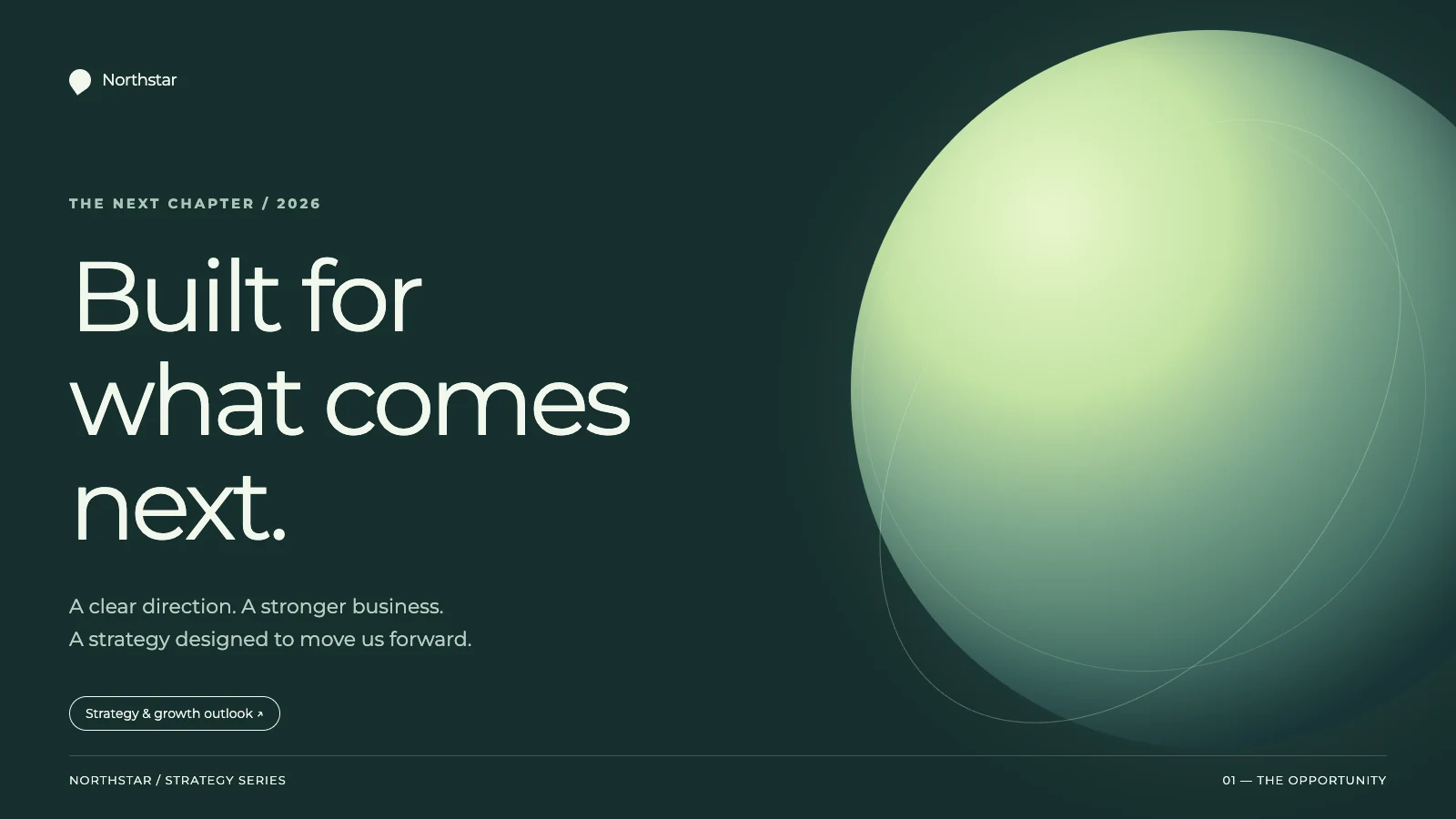
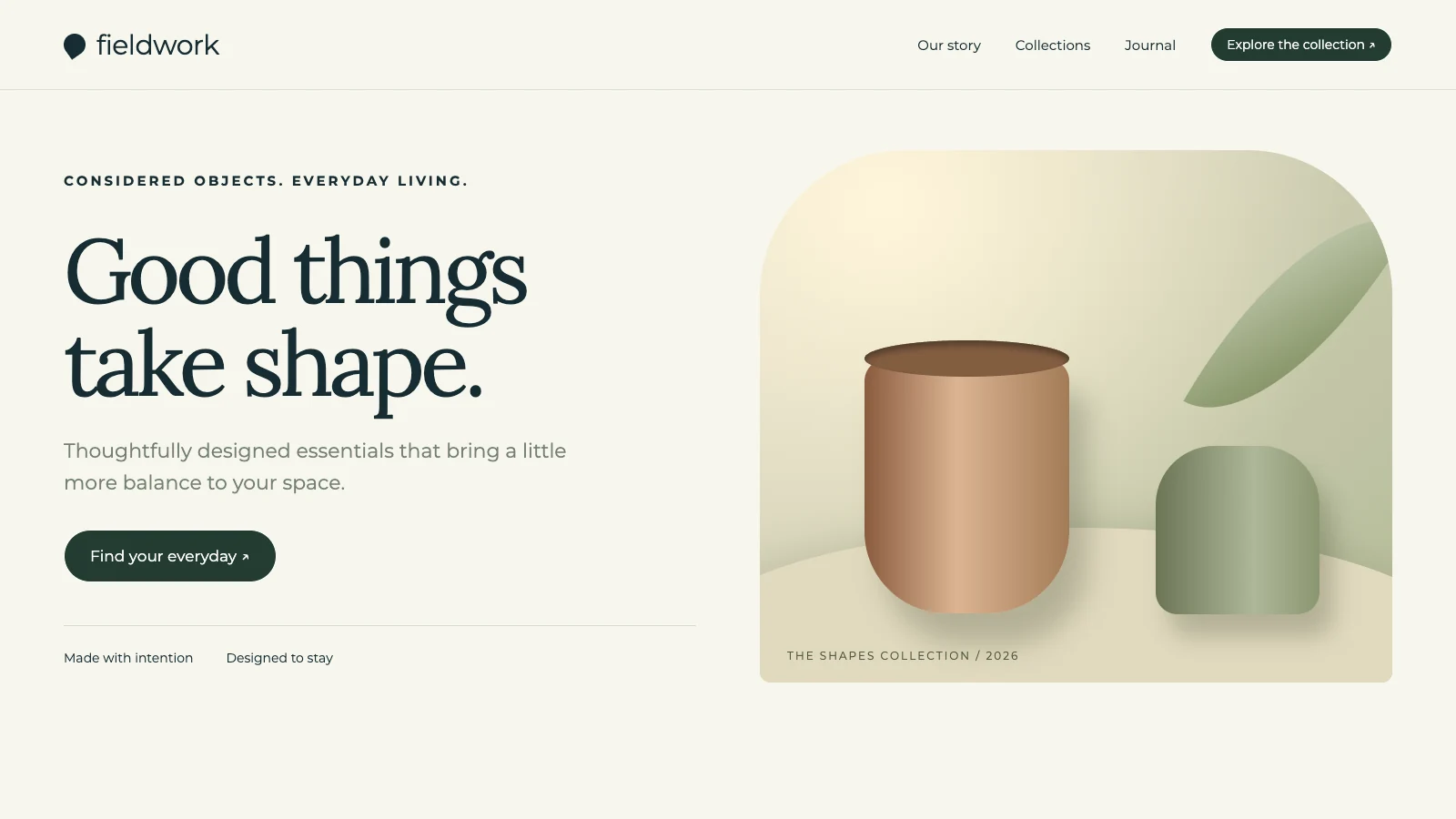
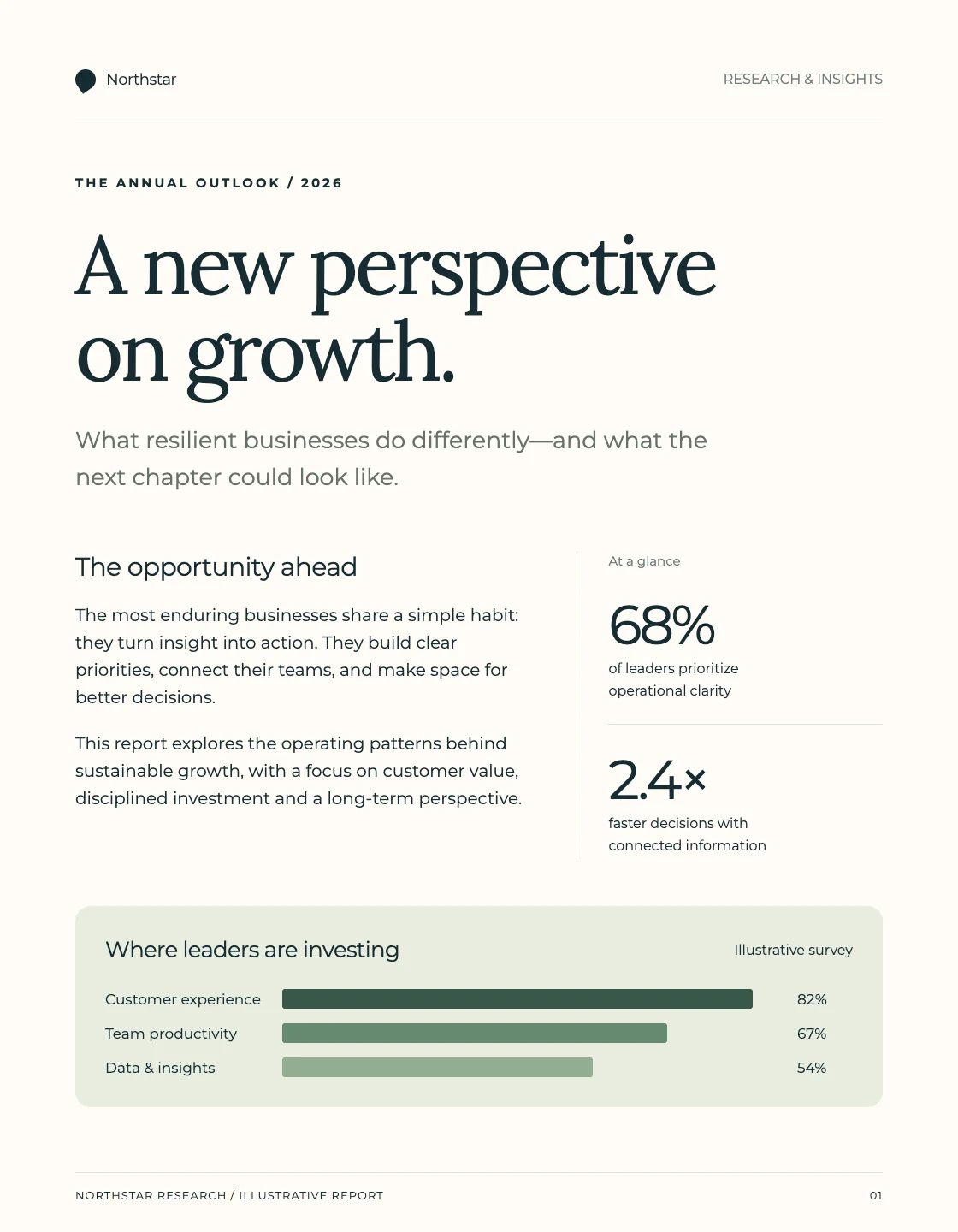
Generate Multiple Proposal Options from One App Prompt
Relying on a single proposal draft can limit your strategic choices. This AI app produces 2-4 distinct versions of your proposal from a single prompt. Easily evaluate different content structures, tones, or emphases for your sales proposal. This flexibility empowers you to select the most persuasive option, boosting your chances of winning.
Create a quarterly business review with key metrics and team updates...
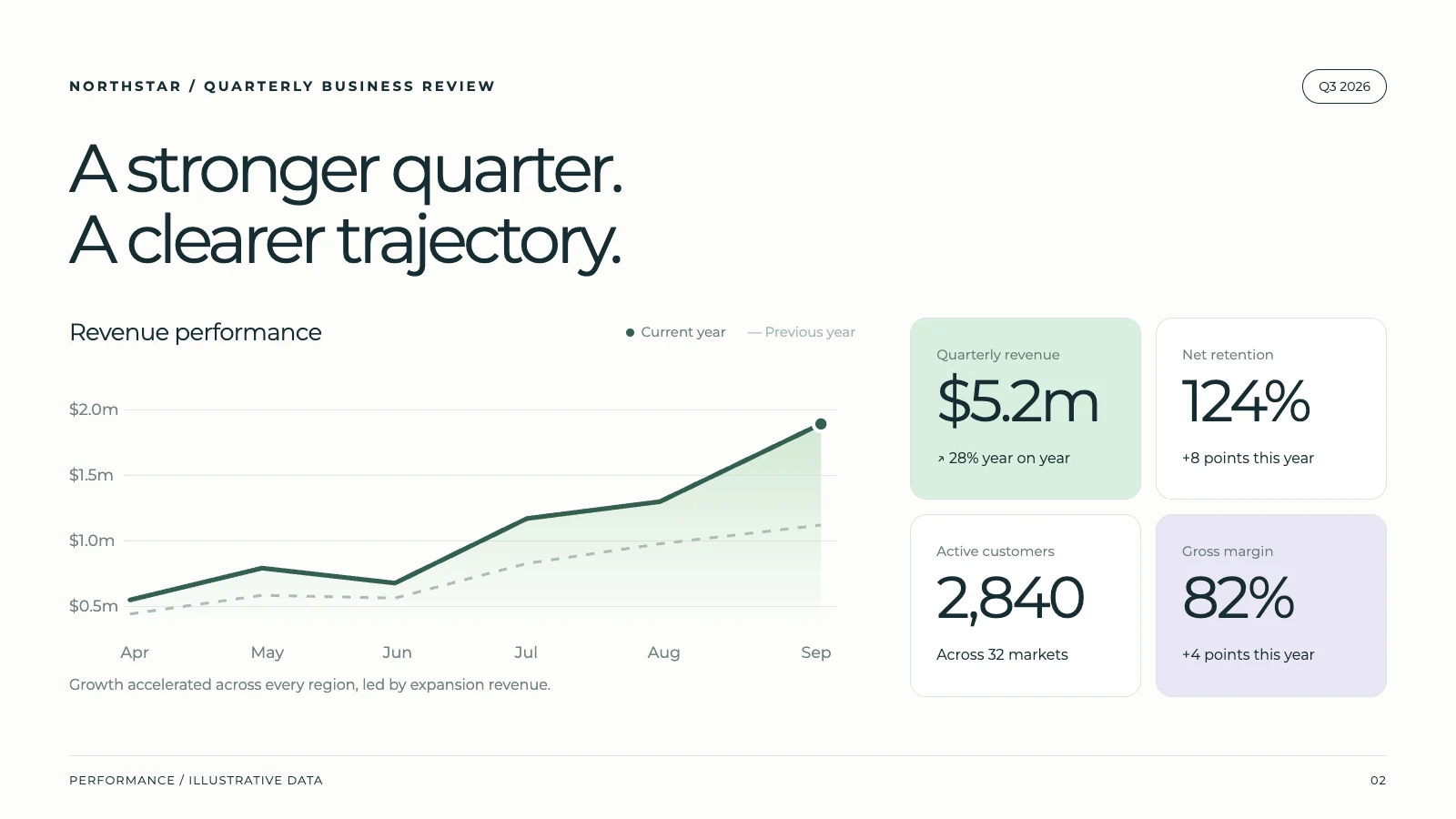
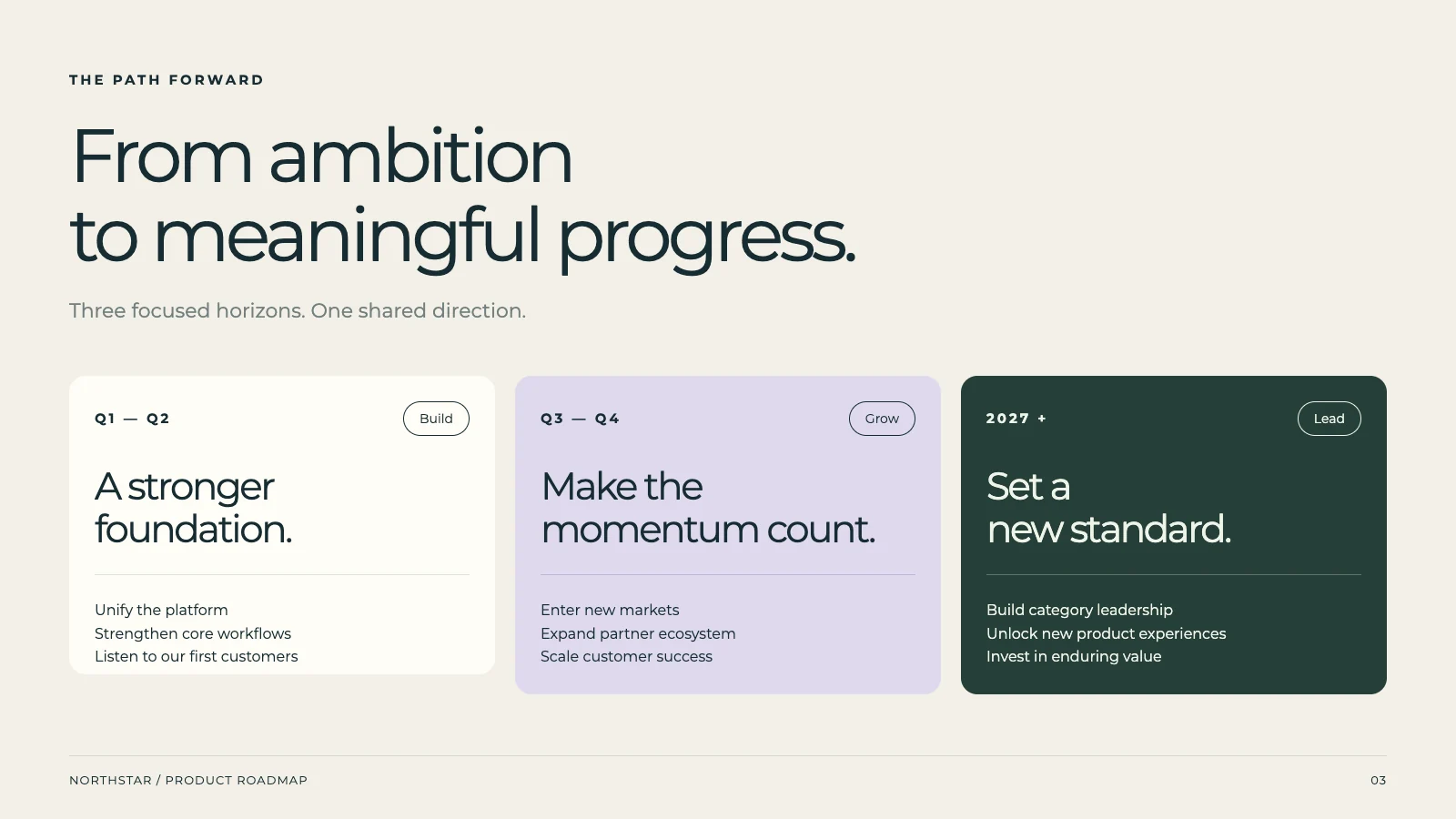
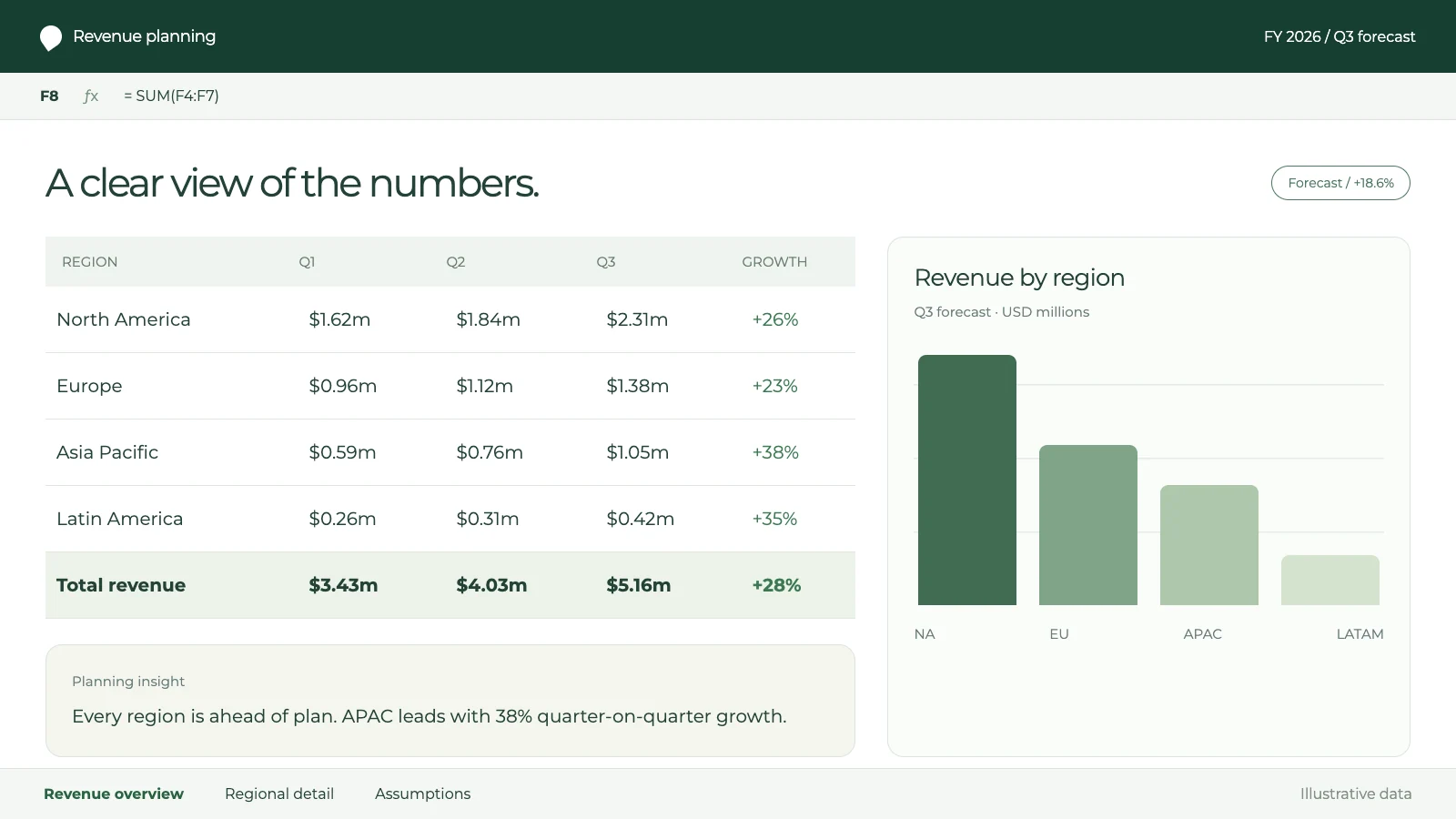
Edit Proposals via AI or Directly within the App
Achieving the perfect proposal often requires both intelligent refinement and precise manual control. The app enables you to ask AI to transform sections or make direct, word-level edits. Command AI to strengthen a proposal's introduction, or personally update sensitive figures. You gain complete mastery, ensuring your final document is flawless.
Rewrite the introduction to be more engaging
Done! I've rewritten it with a compelling hook.
Ensure Consistent Branding Across All App Proposals
Maintaining a unified brand identity across numerous proposals is typically a cumbersome task. This proposal app AI automatically integrates your uploaded brand assets into every document. Your company's logos, preferred colors, and fonts are flawlessly applied to your client proposals. Present a consistent, professional image effortlessly, enhancing your reputation.
Colors
Fonts
Logo
logo.svg
Replace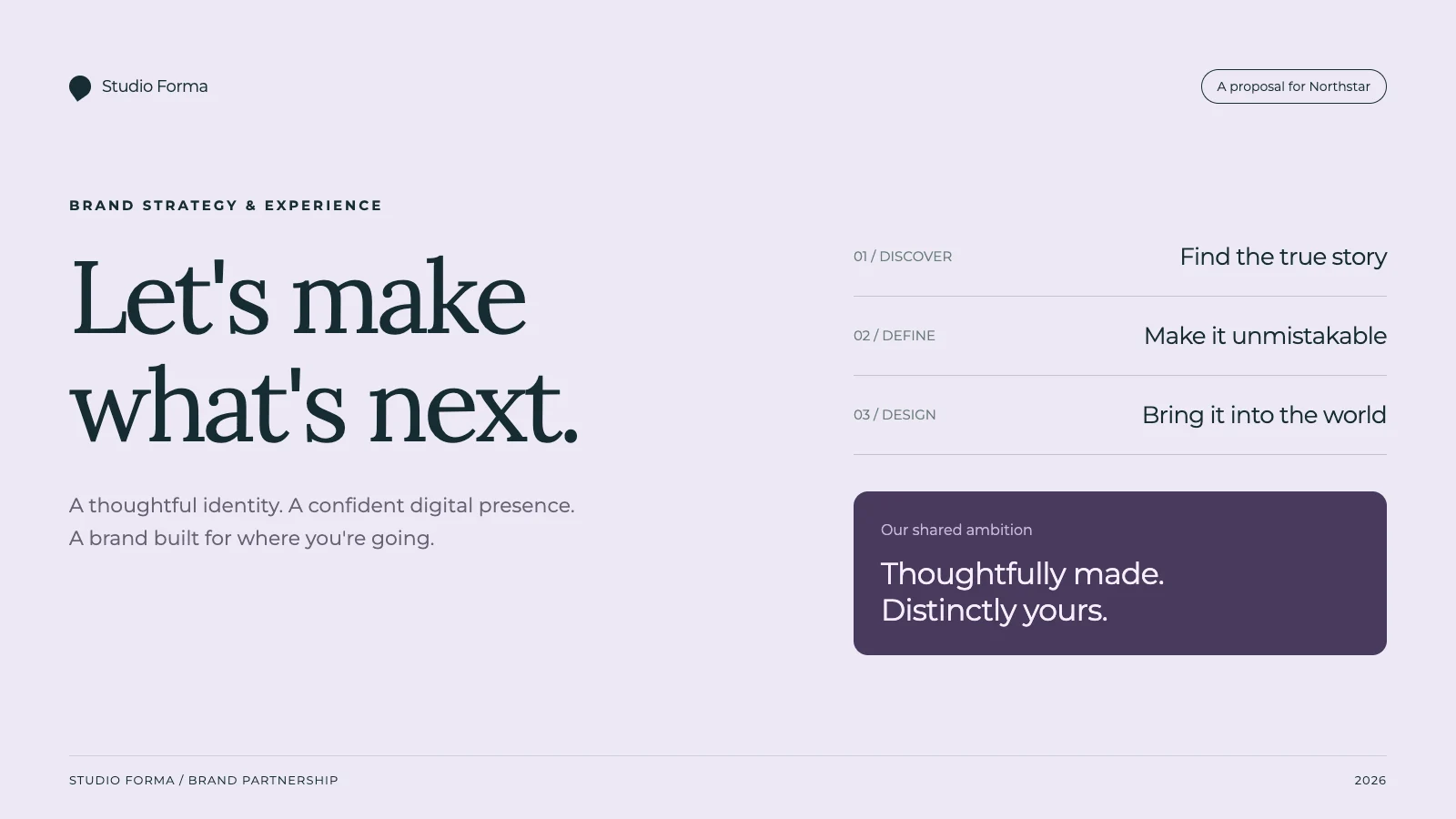
Sales Proposal
Team Report
One-Pager
Export Your Proposals in Any Format for Easy Sharing
Sending proposals in the correct format for every client can be a logistical headache. This app ensures your polished proposals can be exported into all standard formats. Share your comprehensive proposal as a PDF, a dynamic PowerPoint presentation, or an editable Google Docs file. This guarantees broad accessibility, making client review seamless and efficient.
What people are saying
“The presentation turned out perfectly well, which I honestly didn't expect. I thought I would atleast get a few errors but it was flawless. Thanks for creating such a beautiful app and providing such services for free. Really appreciate it.”
Shubham More
University Student
“The AI editing features are a game changer. I use it daily for contracts and proposals—saves me hours of work!”
Michael Carter
Startup Founder
“I’ve never seen an AI tool that combines content generation and formatting so seamlessly. It’s like having a personal assistant for all my documents.”
Shauna Louise
Manufacturing Technician
“NextDocs is an invaluable tool for professionals. My team and I rely on it for creating polished proposals and NDAs in minutes.”
Ethan Johnson
Project Manager
“As a freelancer, NextDocs helps me create client-ready documents effortlessly. The templates and formatting tools are top-notch.”
Maria Gomez
Graphic Designer
“From resumes to contracts, this tool does it all. I can't imagine going back to manually editing documents again!”
Ashwinnie Pillai
Sales Enablement
“The one-click download feature is a lifesaver. I get perfectly formatted documents in seconds—every single time.”
Emma Brown
Marketing Director
Latest from our blog

Write a Client Proposal with AI: Brief, Scope and Worked Example
Turn discovery notes into a client proposal with defined deliverables, fees, a timeline and acceptance checks. Includes a fictional source brief, complete example, reusable prompt and export review.
Read more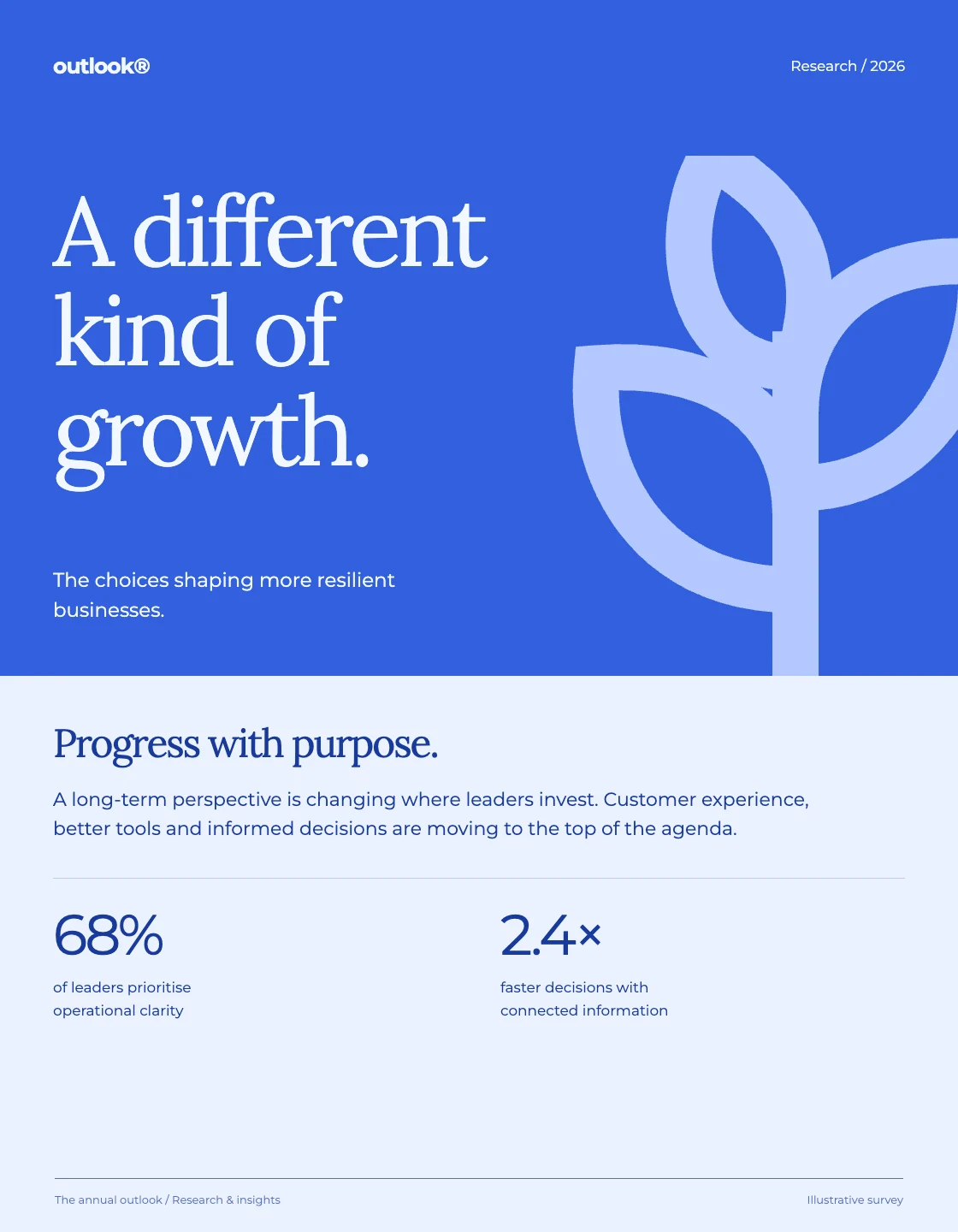
How to Create a Monthly Management Report with AI
Build a monthly management report from a clear source pack. Includes fictional input data, a complete example, calculations to check, a reusable prompt, and a practical export review.
Read moreFormat an AI-Written Report Without Changing the Facts
Turn a messy report into a structured document while preserving numbers, units, decisions and action owners. Includes before-and-after text, a formatting prompt and a practical review process.
Read moreSimple, transparent pricing
Start free, upgrade when you need to. No hidden fees.
Free
For hobbyists
- Up to 8 pages per doc
- Up to 3 exports
- Export to PDF & image
- Basic AI models
- AI image generation
Pro
For individuals
Applicable taxes are calculated at checkout.
- Everything in Free, plus:
- Up to 22 pages per doc
- Unlimited exports
- Export to Slides, PowerPoint, Docs
- Quality AI models
Pro+
For power users
Applicable taxes are calculated at checkout.
- Everything in Pro, plus:
- Up to 46 pages per doc
- Premium AI models
- AI image editing
- Priority support
Ultra
For professionals
Applicable taxes are calculated at checkout.
- Everything in Pro+, plus:
- Up to 92 pages per doc
- Early access features
- Premium support
Prices are in US dollars. Taxes are based on your billing location. New customer pricing. Existing subscriptions keep their current billing terms.
Frequently asked questions
Can I use NextDocs for free?
What can I create with NextDocs?
Can I export to Google Slides, PowerPoint, and PDF?
How do credits work?
Can I collaborate with my team?
How do I use my brand in NextDocs?
Can I cancel or change my plan anytime?
Is my data safe with NextDocs?
What's the difference between Pro and Pro+?
Do unused credits roll over?
Can I get a refund?
Your next great document is one prompt away
Join thousands of users creating polished documents and presentations with AI.