
Free AI Proposal Platform for Client Documents
Start a client proposal with your brief, deliverables and proposed fees. Review the draft, refine its presentation and check the export options available to your plan.
See it in action
Trusted by teams at



















Everything you need to create professional documents
Start a Proposal from Your Client Requirements
Describe the work, audience, deliverables and constraints, and attach relevant source material. Ask NextDocs for a structured proposal draft that separates agreed details from open questions. Review it before adding promises about results, dates or commercial terms.
Explore Alternatives Without Changing the Offer
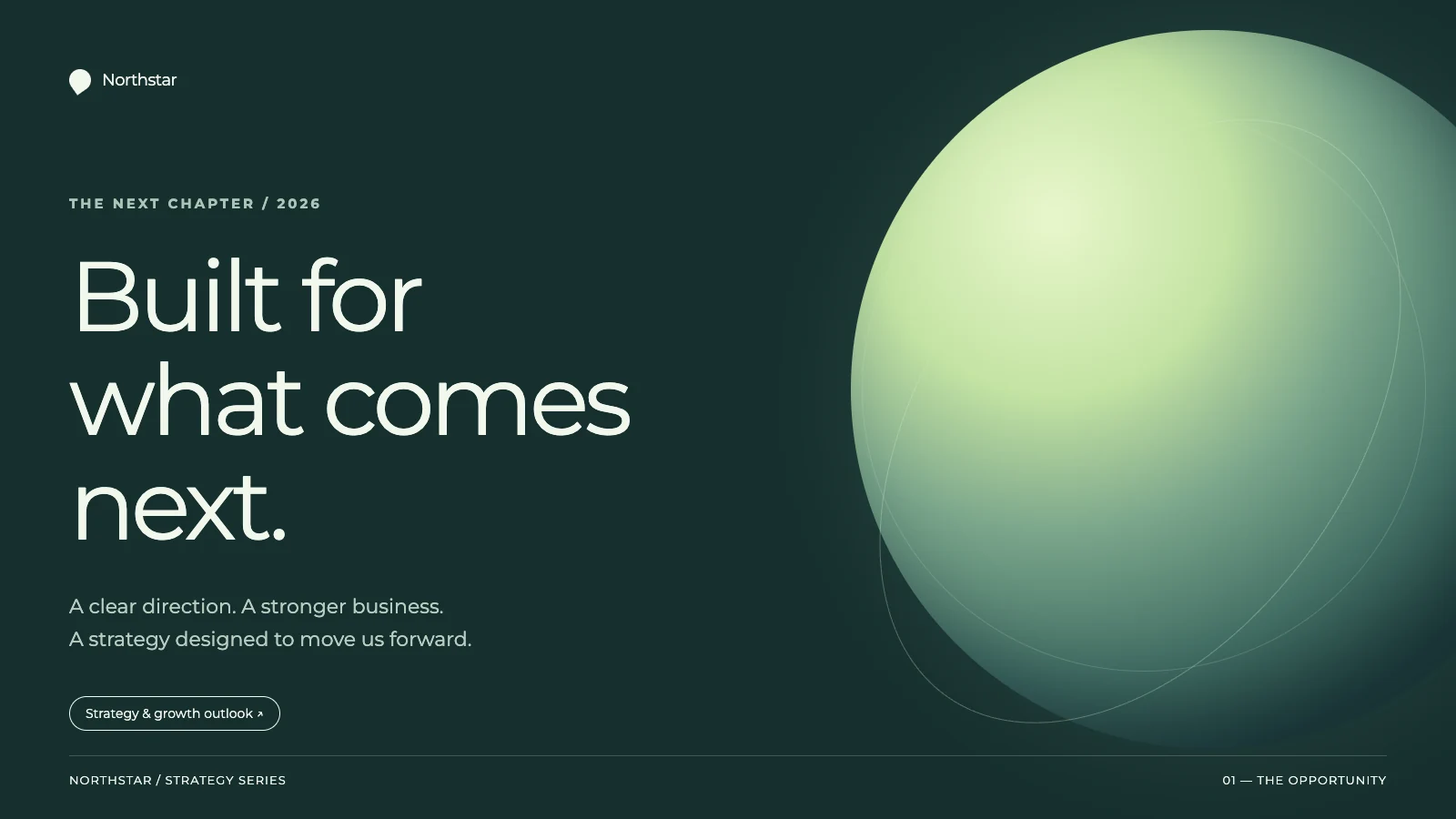
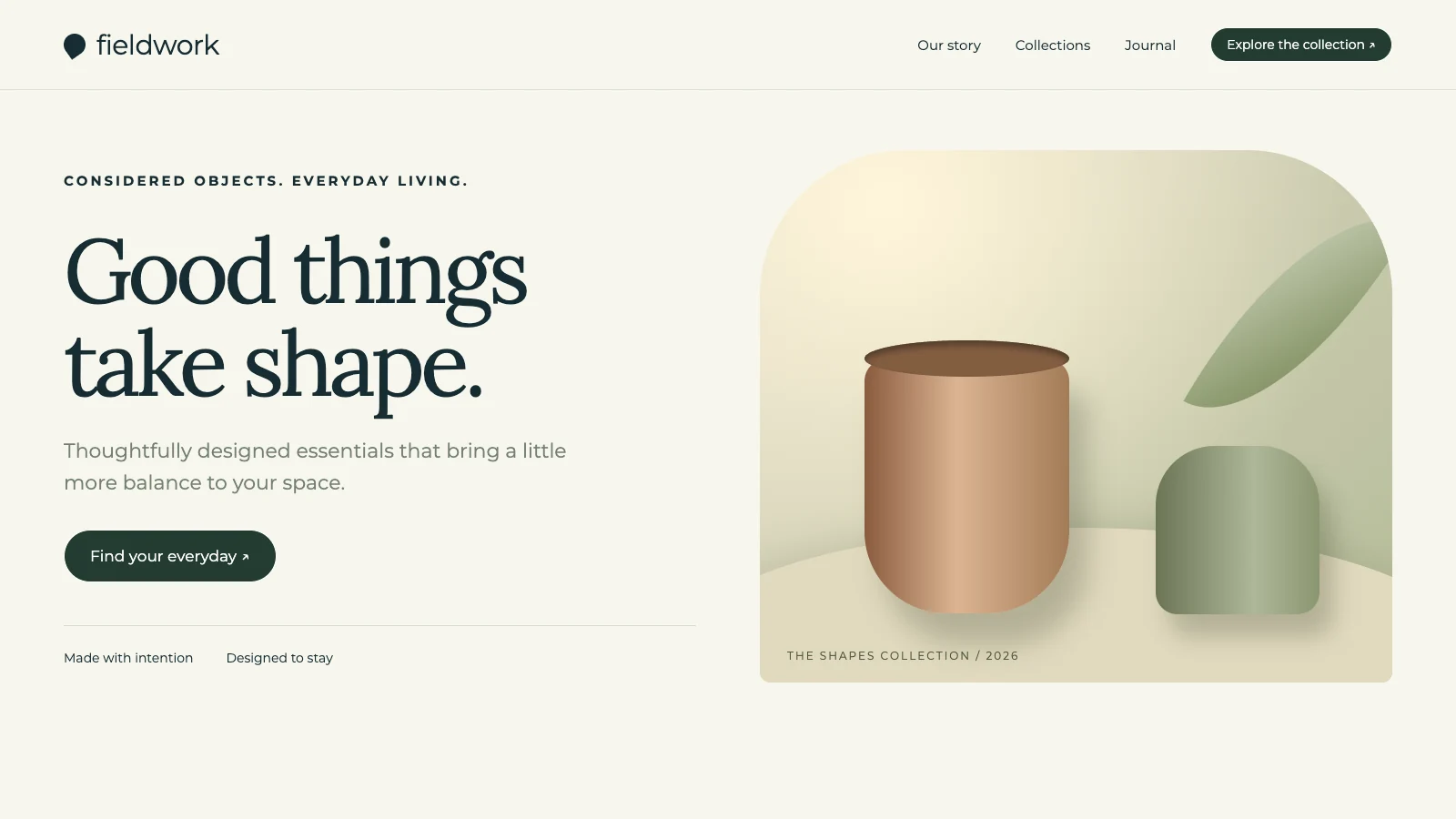
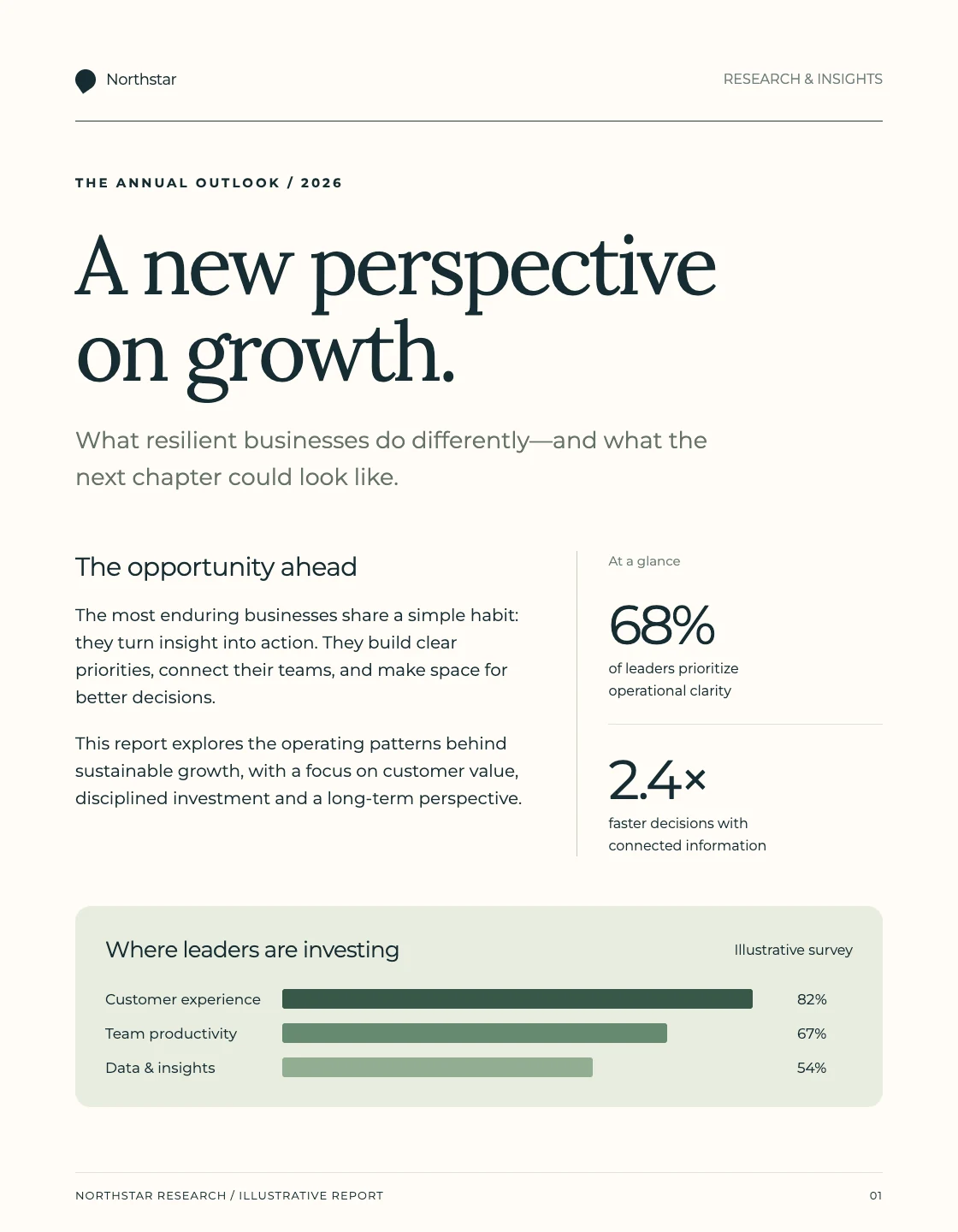
Request a second outline or draft when you want a different tone or reading order. Compare how each version presents the client's need and your proposed work. Keep the scope, fee assumptions and unresolved terms consistent across the alternatives.
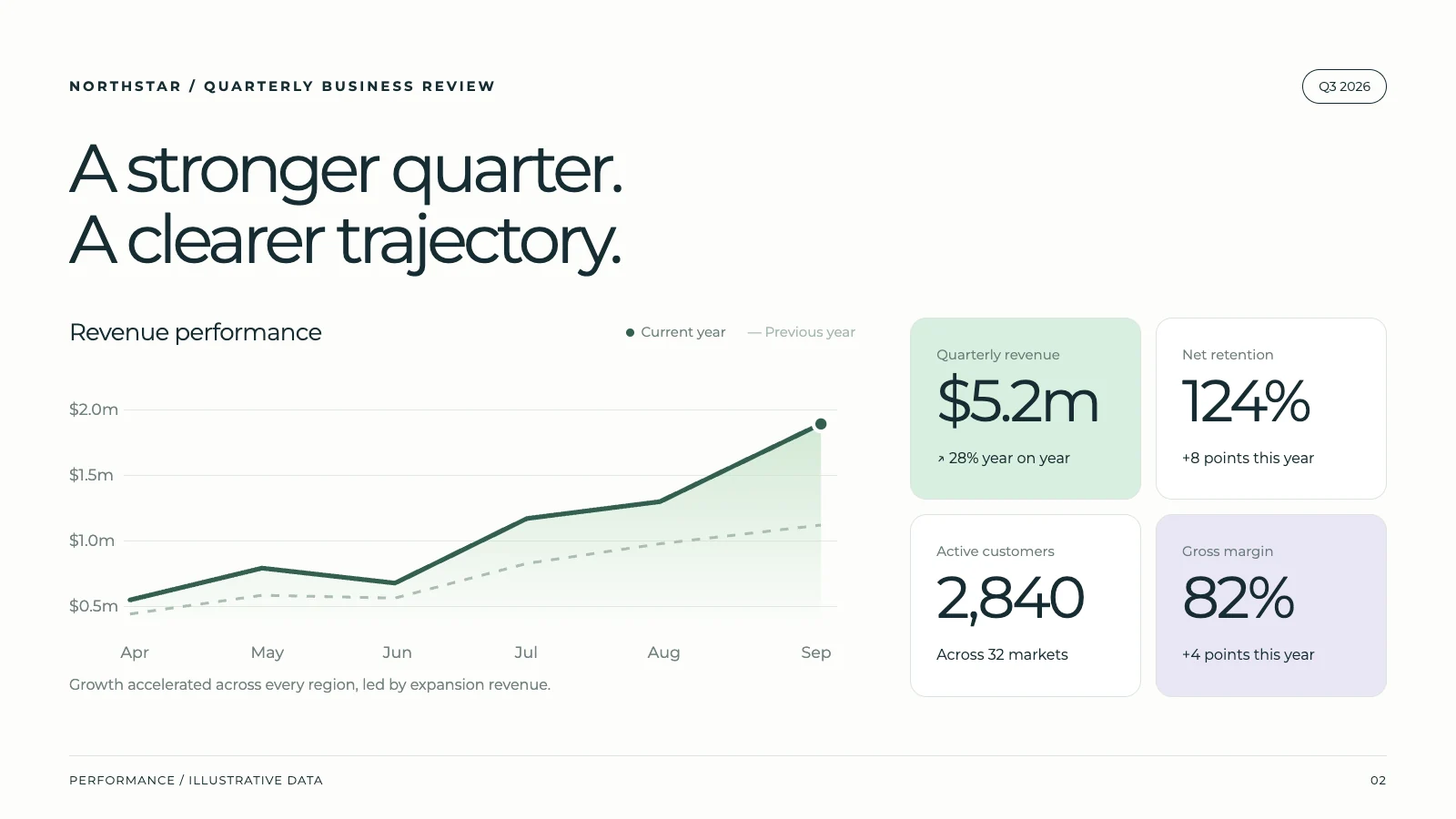
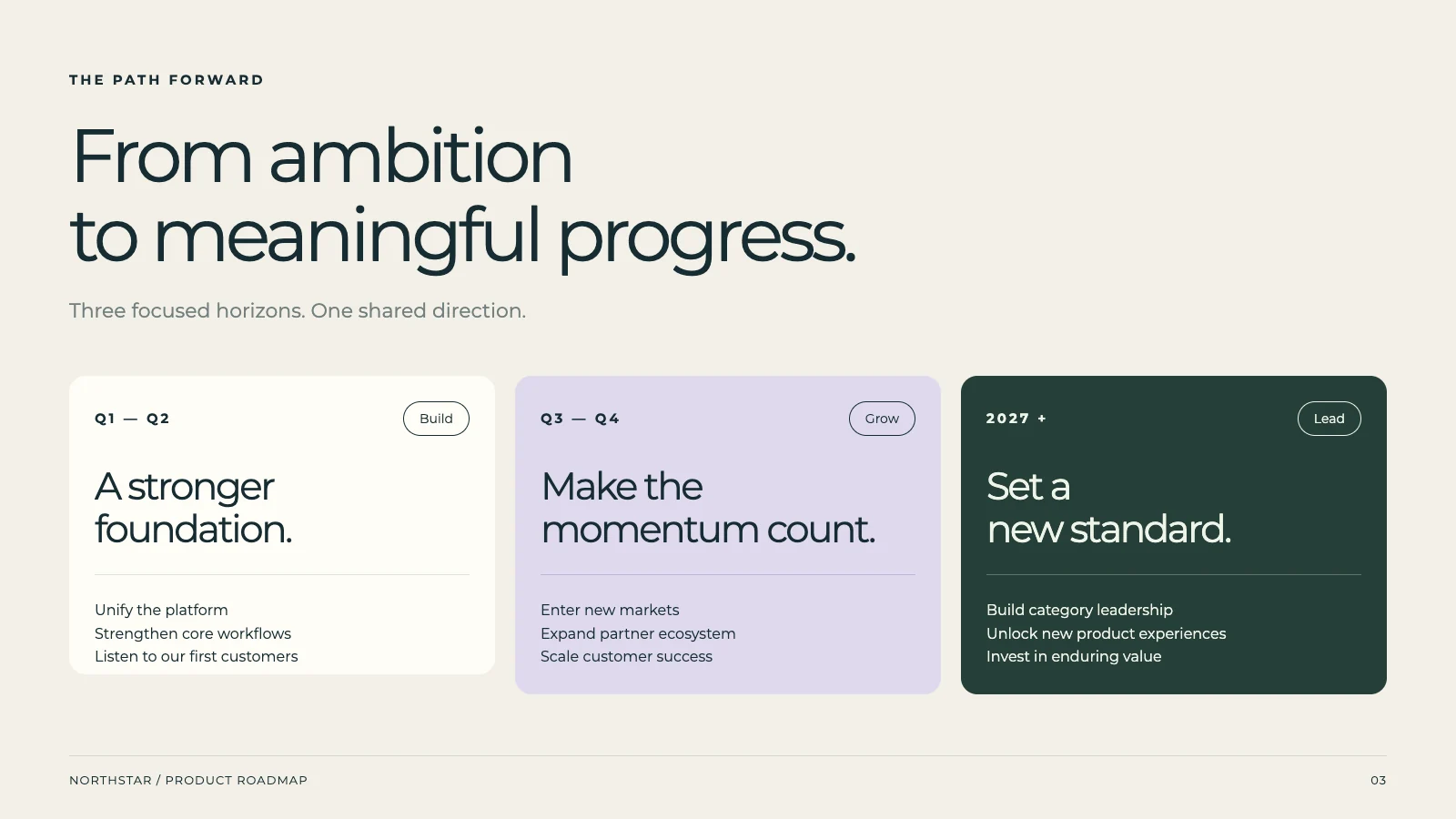
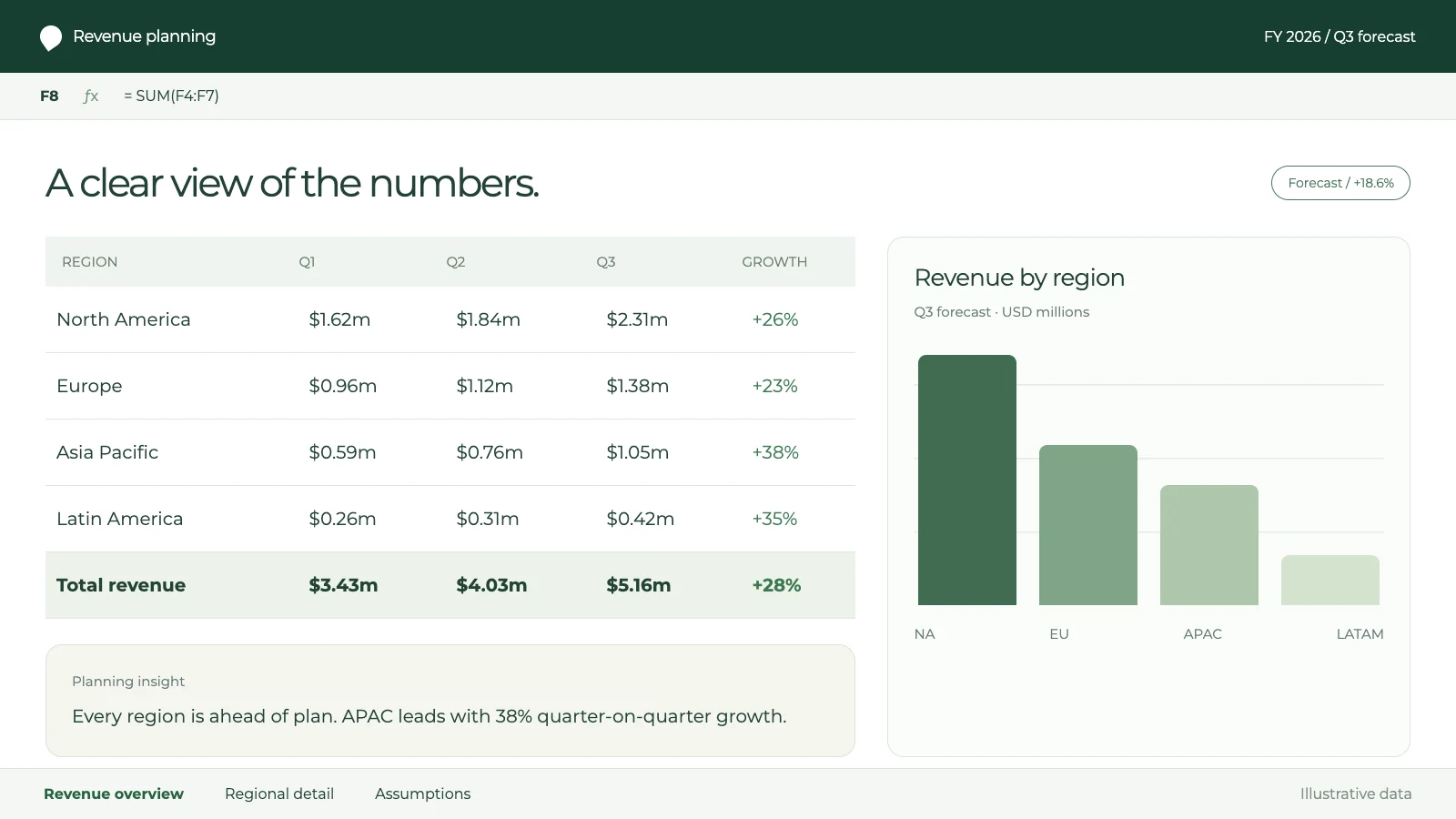
Create a quarterly business review with key metrics and team updates...
Revise the Draft with Specific Feedback
Ask AI to explain a deliverable more clearly, update an approved figure or shorten a section. Name the facts and terms that must stay unchanged. Check the revised totals and the complete proposal before sending it for client review.
Rewrite the introduction to be more engaging
Done! I've rewritten it with a compelling hook.
Use a Consistent Proposal Style
Supply a logo, preferred colors, fonts and an example of your proposal style. Ask for readable headings and tables with consistent spacing. Review the final appearance in your audience's language and check that the required fonts are available.
Colors
Fonts
Logo
logo.svg
Replace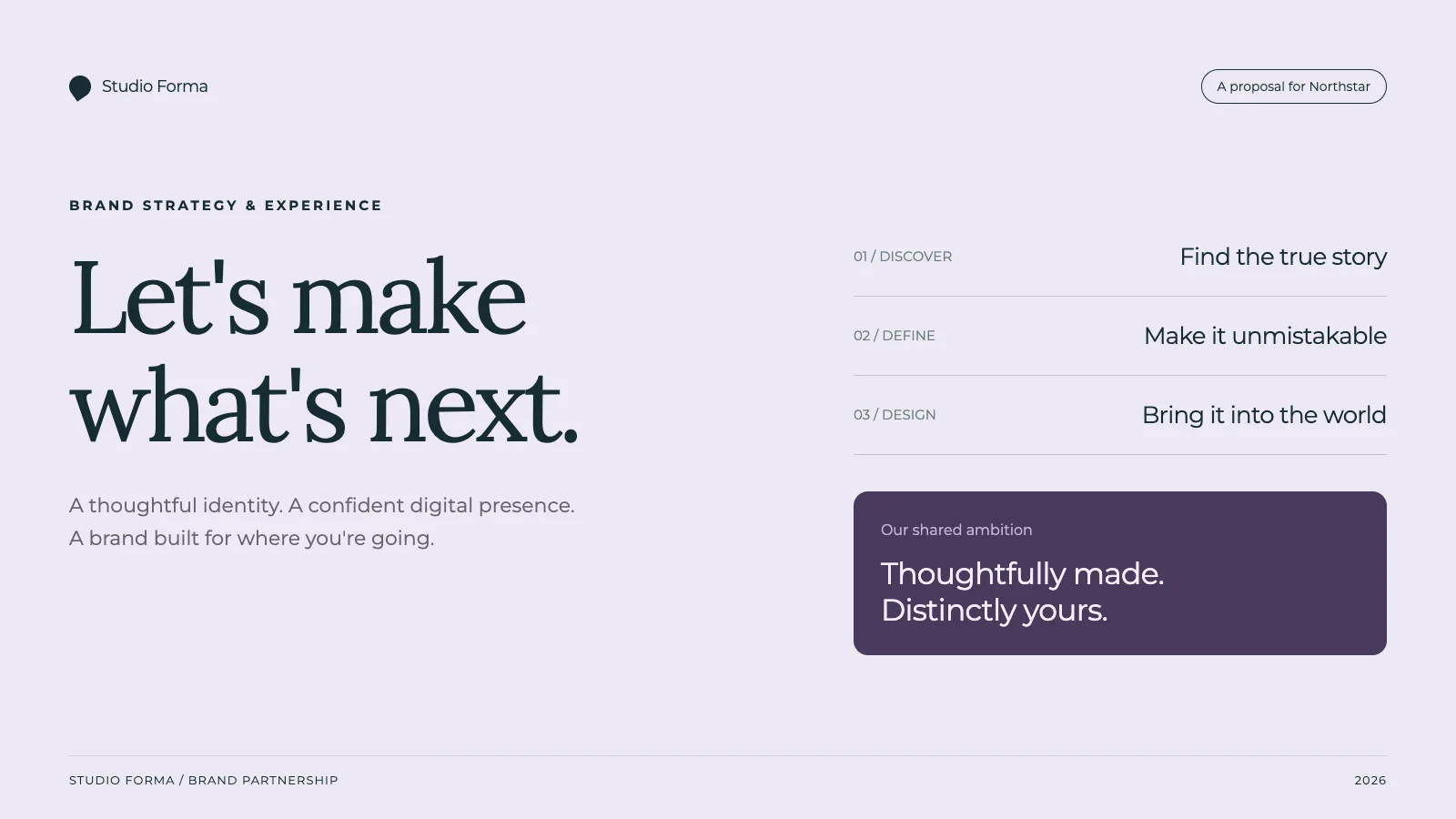
Sales Proposal
Team Report
One-Pager
Check Export Access and Client Editing Needs
Select an export available to your plan. PDF supports viewing, while Word and Google Docs support document handoff with layout checks after substantial edits to fixed-page output. Current Tasks PowerPoint and Google Slides exports use an image per slide, so their text and charts are not separate native objects. Classic and API exports differ.
What people are saying
“The presentation turned out perfectly well, which I honestly didn't expect. I thought I would atleast get a few errors but it was flawless. Thanks for creating such a beautiful app and providing such services for free. Really appreciate it.”
Shubham More
University Student
“The AI editing features are a game changer. I use it daily for contracts and proposals—saves me hours of work!”
Michael Carter
Startup Founder
“I’ve never seen an AI tool that combines content generation and formatting so seamlessly. It’s like having a personal assistant for all my documents.”
Shauna Louise
Manufacturing Technician
“NextDocs is an invaluable tool for professionals. My team and I rely on it for creating polished proposals and NDAs in minutes.”
Ethan Johnson
Project Manager
“As a freelancer, NextDocs helps me create client-ready documents effortlessly. The templates and formatting tools are top-notch.”
Maria Gomez
Graphic Designer
“From resumes to contracts, this tool does it all. I can't imagine going back to manually editing documents again!”
Ashwinnie Pillai
Sales Enablement
“The one-click download feature is a lifesaver. I get perfectly formatted documents in seconds—every single time.”
Emma Brown
Marketing Director
Latest from our blog
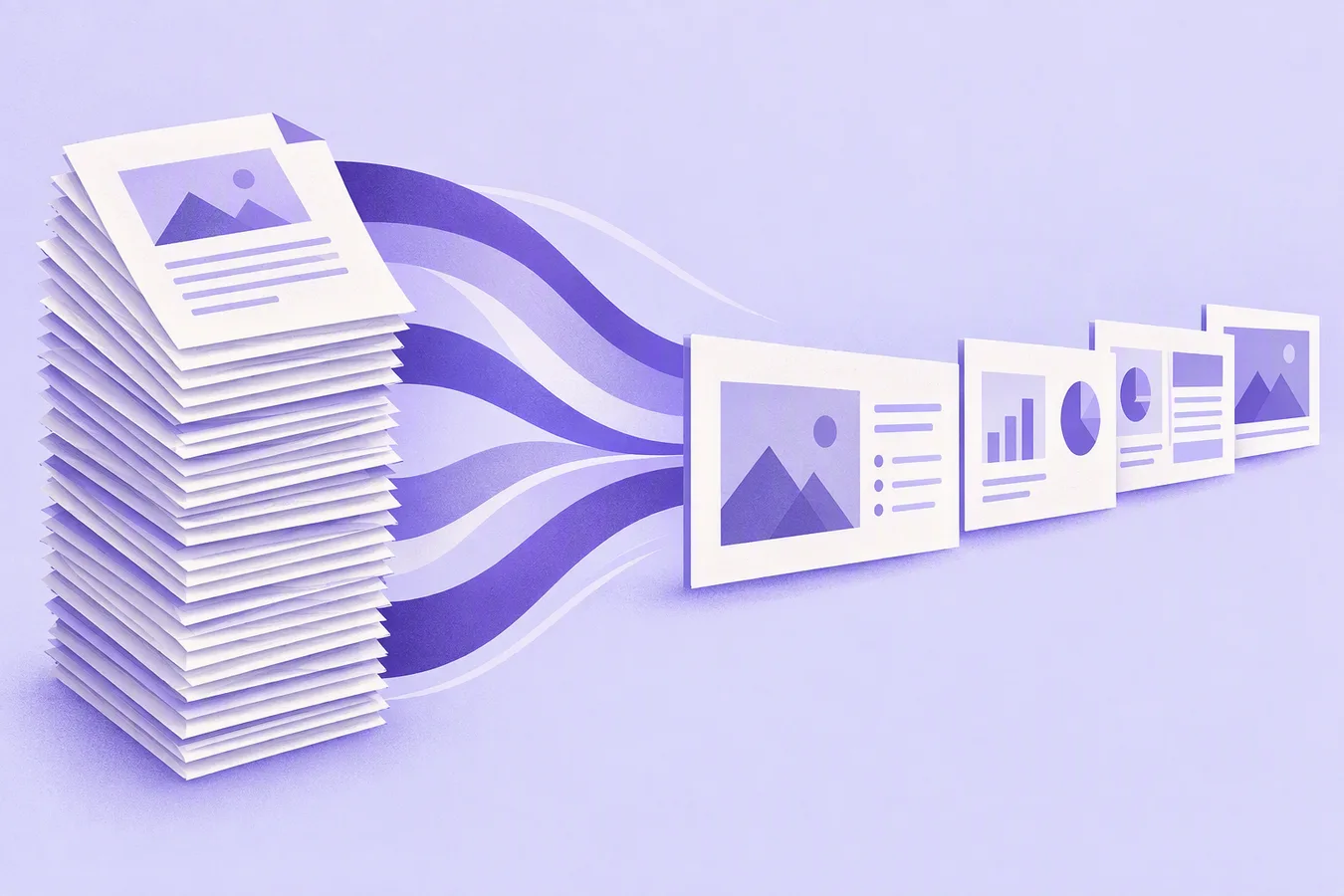
Write a Client Proposal with AI: Brief, Scope and Worked Example
Turn discovery notes into a client proposal with defined deliverables, fees, a timeline and acceptance checks. Includes a fictional source brief, complete example, reusable prompt and export review.
Read more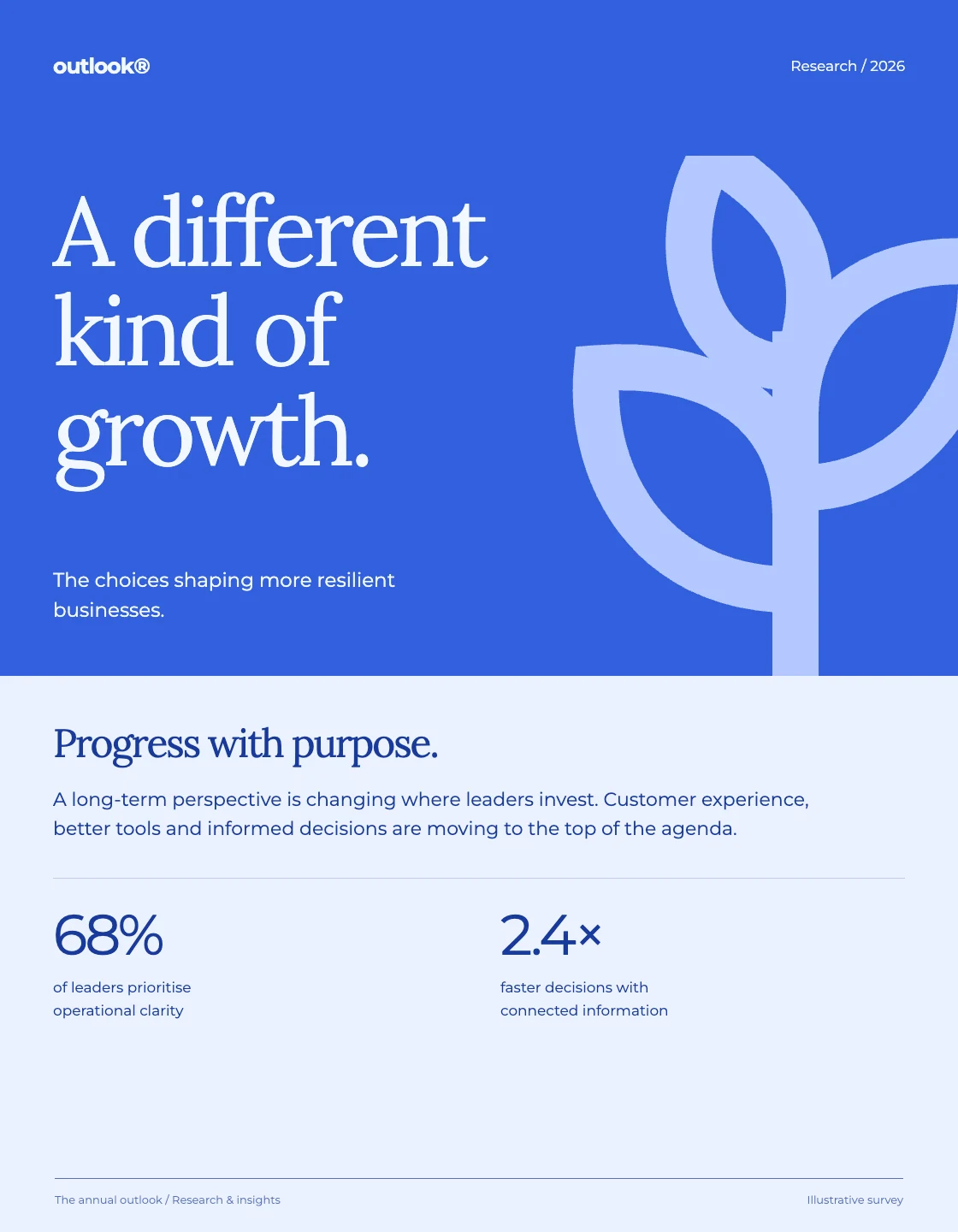
How to Create a Monthly Management Report with AI
Build a monthly management report from a clear source pack. Includes fictional input data, a complete example, calculations to check, a reusable prompt, and a practical export review.
Read moreFormat an AI-Written Report Without Changing the Facts
Turn a messy report into a structured document while preserving numbers, units, decisions and action owners. Includes before-and-after text, a formatting prompt and a practical review process.
Read moreSimple, transparent pricing
Start free, upgrade when you need to. No hidden fees.
Free
For hobbyists
- Up to 8 pages per doc
- Up to 3 exports
- Export to PDF & image
- Basic AI models
- AI image generation
Pro
For individuals
- Everything in Free, plus:
- Up to 22 pages per doc
- Unlimited exports
- Export to Slides, PowerPoint, Docs
- Quality AI models
Pro+
For power users
- Everything in Pro, plus:
- Up to 46 pages per doc
- Premium AI models
- AI image editing
- Priority support
Ultra
For professionals
- Everything in Pro+, plus:
- Up to 92 pages per doc
- Early access features
- Premium support
Frequently asked questions
Can I use NextDocs for free?
What can I create with NextDocs?
Can I export to Google Slides, PowerPoint, and PDF?
How do credits work?
Can I collaborate with my team?
How do I use my brand in NextDocs?
Can I cancel or change my plan anytime?
Is my data safe with NextDocs?
What's the difference between Pro and Pro+?
Do unused credits roll over?
Can I get a refund?
Your next great document is one prompt away
Join thousands of users creating polished documents and presentations with AI.