Contract Assistant AI: Your Smart Tool for Legal Documents
Leverage our Contract Assistant AI to draft legal agreements swiftly. Generate precise contracts, proposals, and terms from simple inputs. Compare multiple versions and ensure consistent branding effortlessly.
See it in action
Trusted by teams at










Everything you need to create professional documents
Generate Diverse Legal Documents with AI Efficiency
Manually drafting varied legal documents wastes precious time. NextDocs' AI contract assistant quickly generates comprehensive documents from your simple input. Create sales contracts, non-compete agreements, or detailed service level agreements. Focus on negotiation, not document assembly.
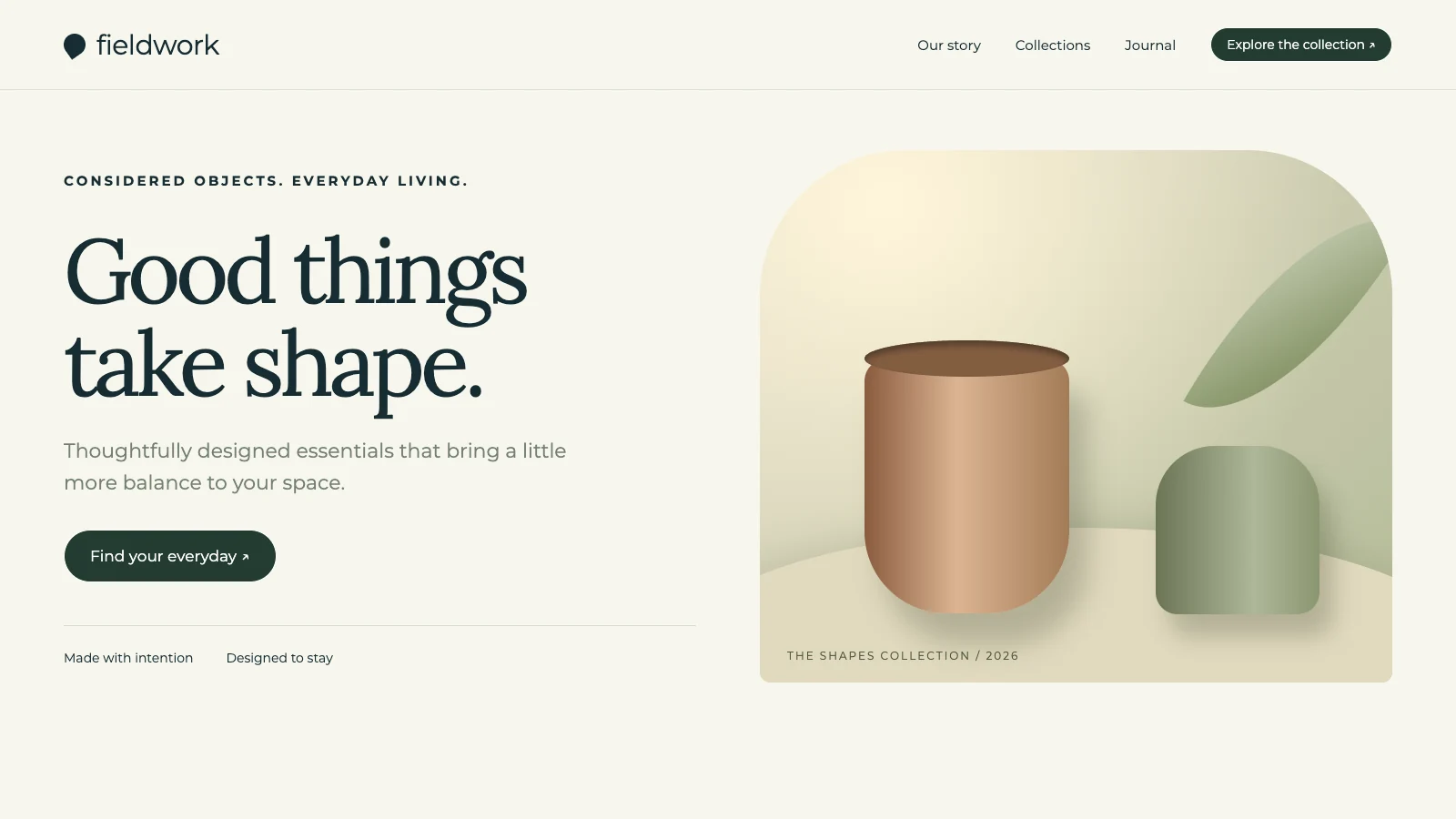
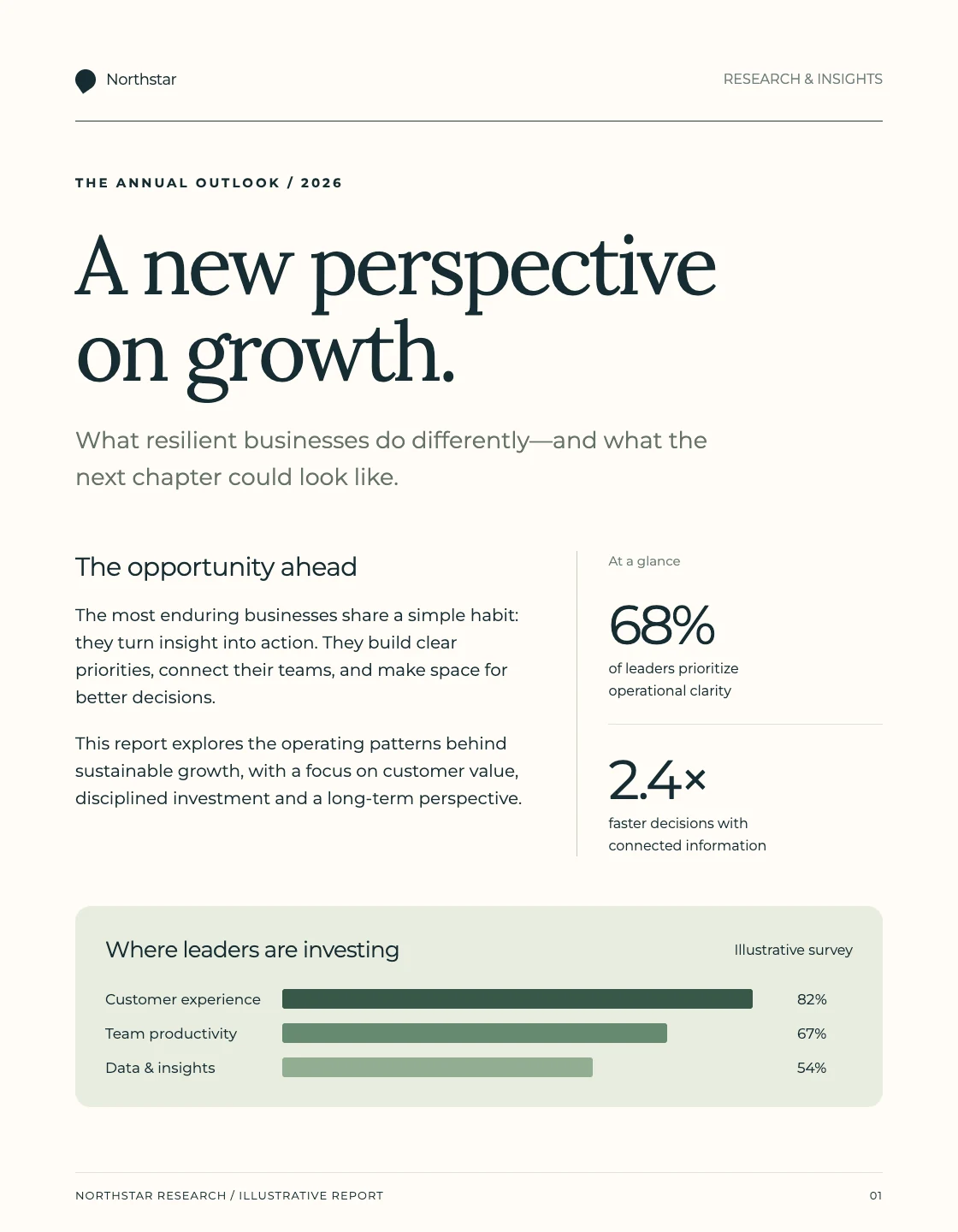
Explore Multiple Contract Options, Choose the Strongest
Avoid being limited to a single contract draft. Our AI assistant generates 2-4 distinct legal versions from your prompt. Compare clauses, wording, and structural elements carefully. Select the most robust and appropriate agreement for your specific business needs.
Create a quarterly business review with key metrics and team updates...
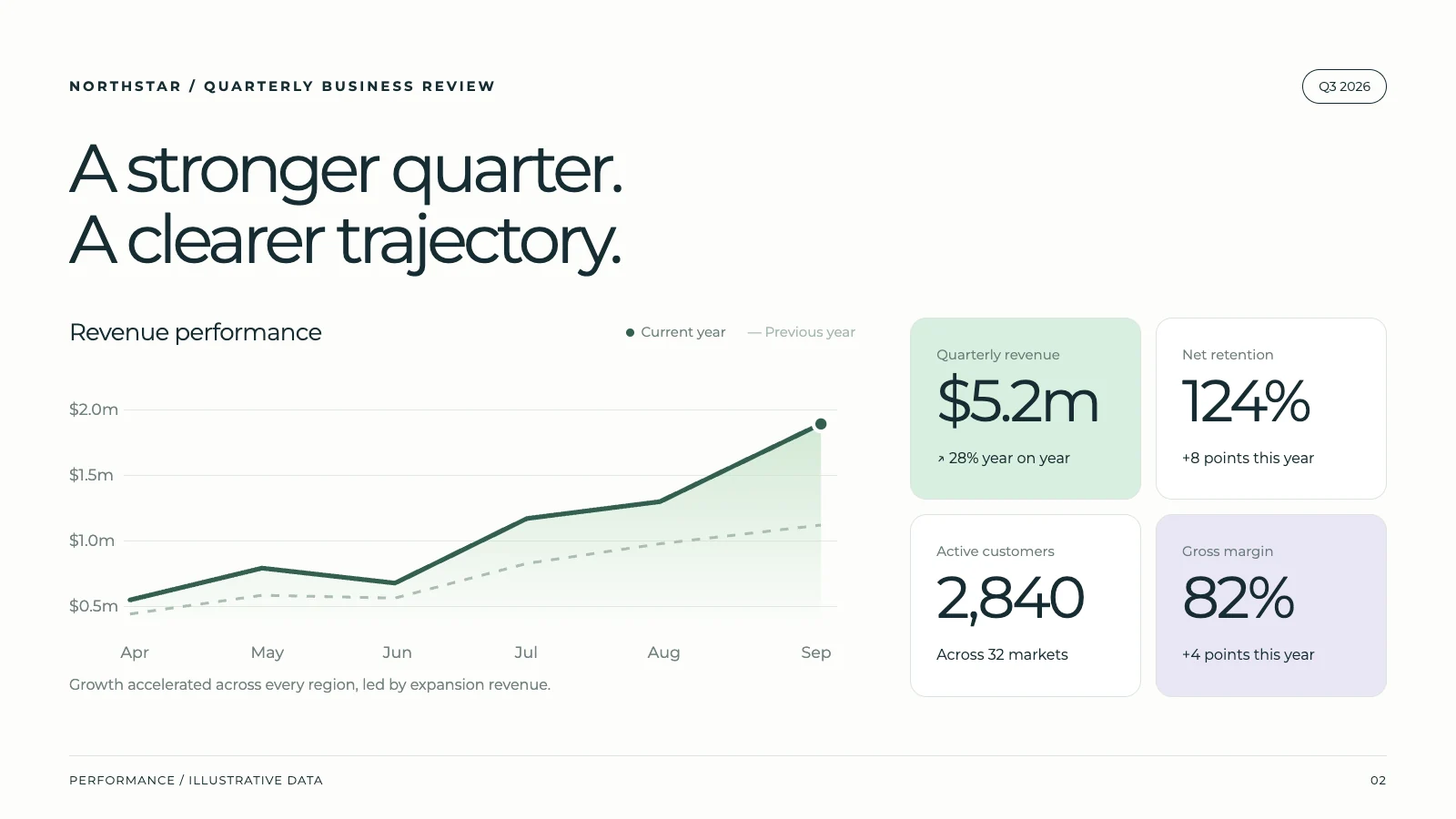
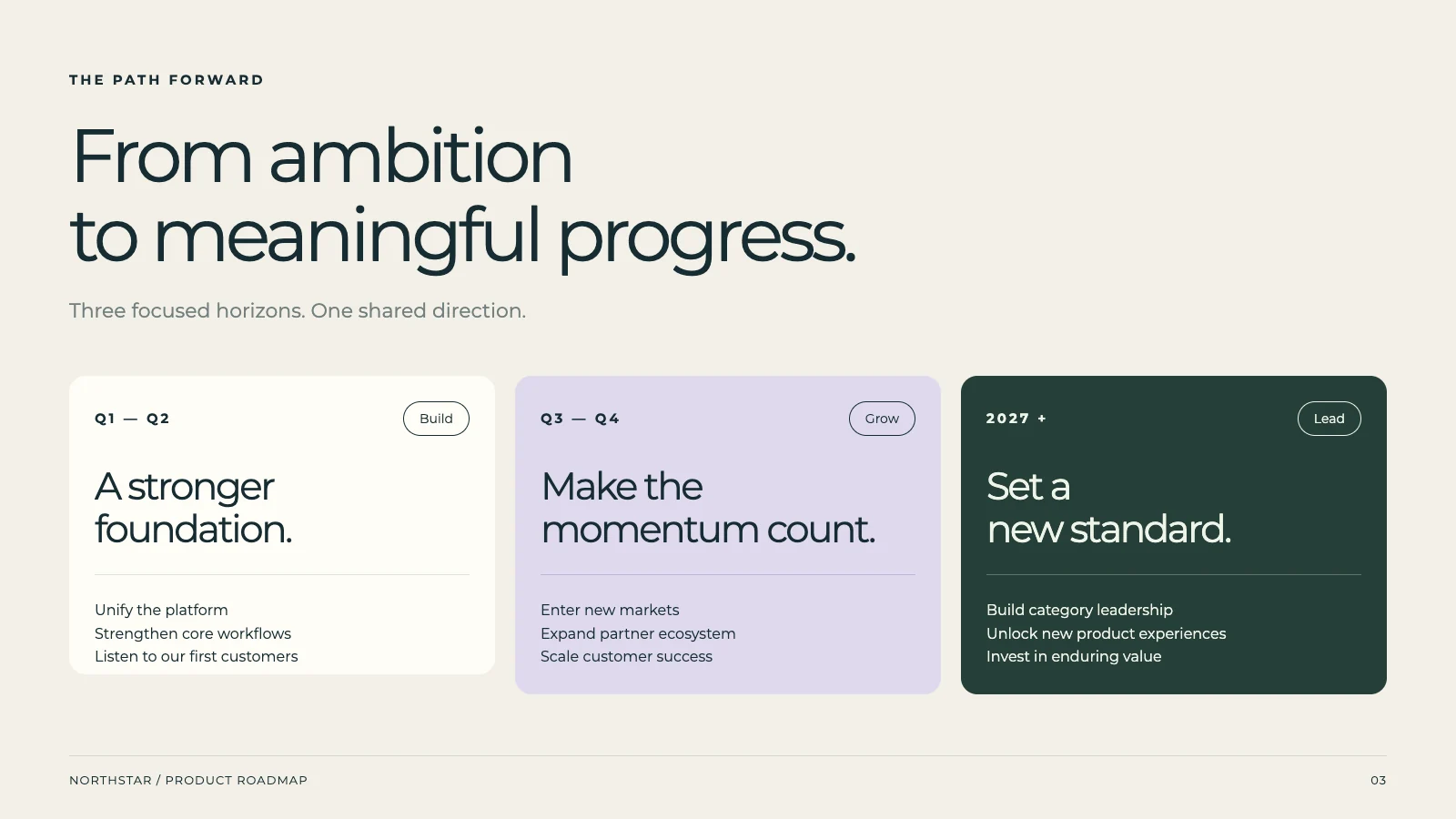
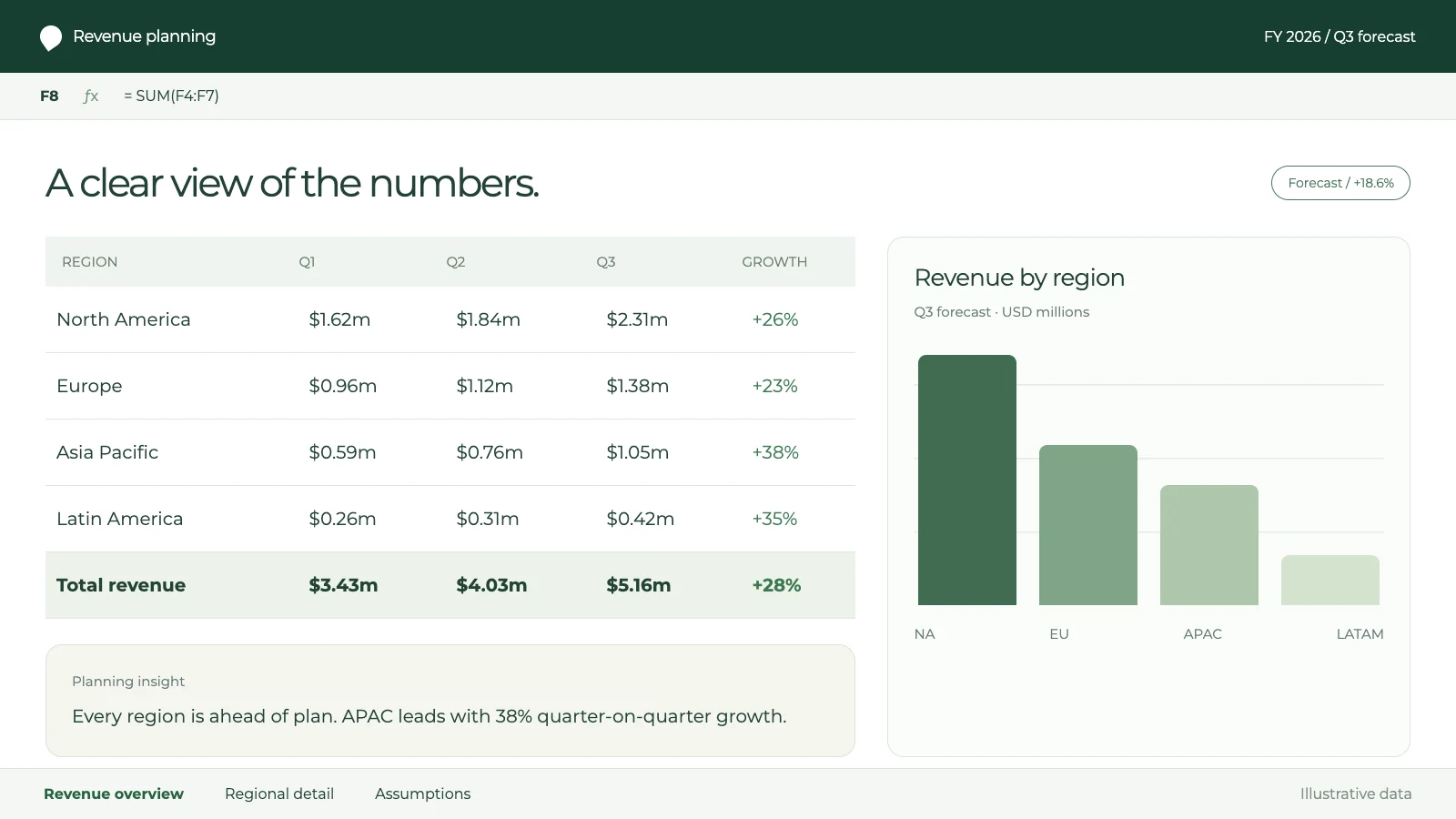
Amend Your Contracts Flexibly, With AI or Manually
Legal documents often require specific amendments. NextDocs provides powerful editing capabilities. Use AI to intelligently adjust entire sections for legal accuracy or manually fine-tune individual terms. Ensure every contract precisely matches your evolving requirements.
Rewrite the introduction to be more engaging
Done! I've rewritten it with a compelling hook.
Ensure Consistent Branding Across All Legal Agreements
Every legal document represents your business. Upload your company's branding assets, such as logos, specific fonts, and color schemes. NextDocs automatically integrates these into all generated contracts. Project a unified, professional image across all communications.
Colors
Fonts
Logo
logo.svg
Replace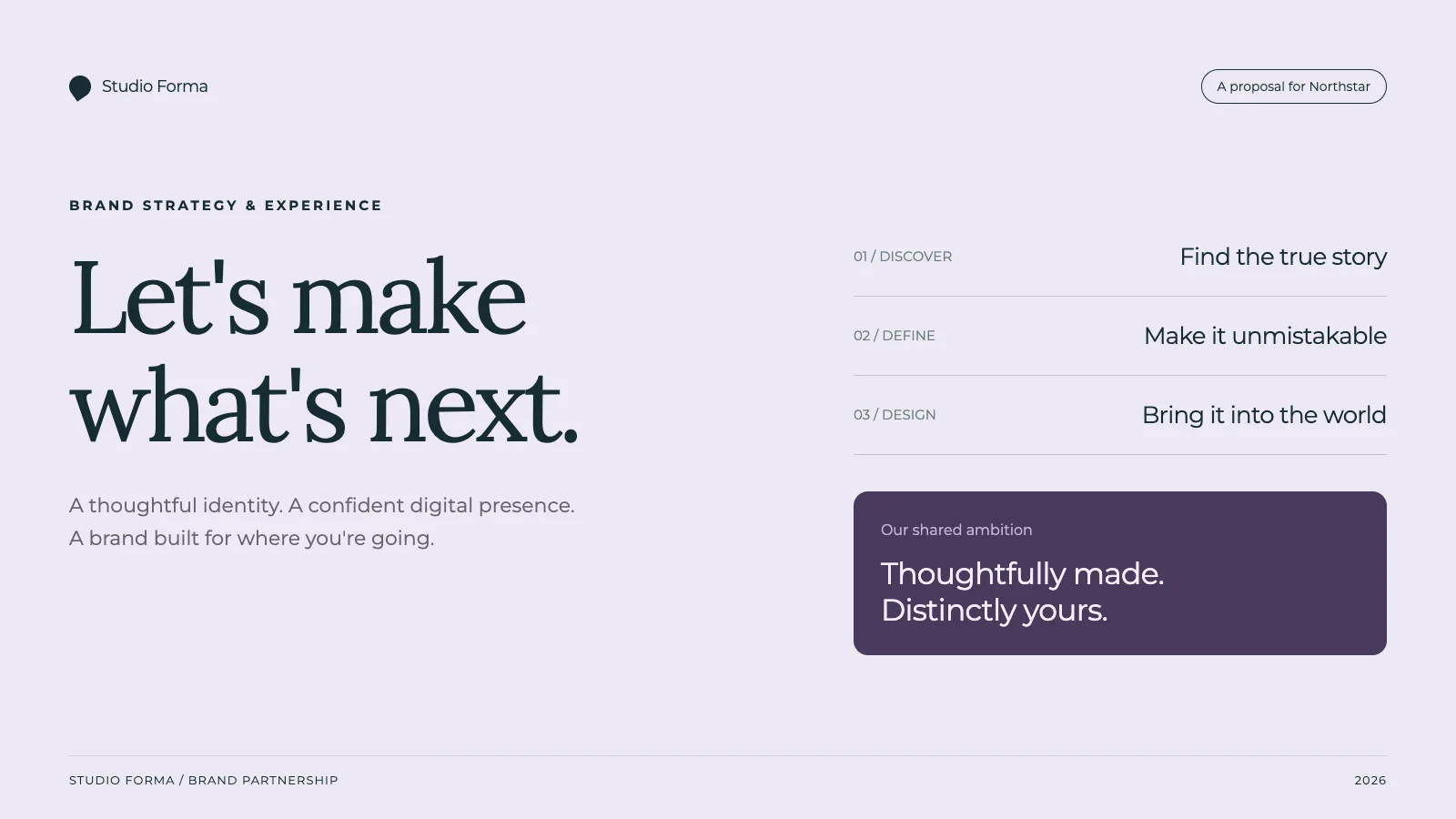
Sales Proposal
Team Report
One-Pager
Distribute Your Completed Contracts in Any Required Format
Once your contract is ready, sharing it efficiently is vital. Export finalized legal documents as secure PDFs for external stakeholders or as editable Google Docs for internal review. NextDocs offers versatile export options, simplifying distribution and collaboration.
What people are saying
“The presentation turned out perfectly well, which I honestly didn't expect. I thought I would atleast get a few errors but it was flawless. Thanks for creating such a beautiful app and providing such services for free. Really appreciate it.”
Shubham More
University Student
“The AI editing features are a game changer. I use it daily for contracts and proposals—saves me hours of work!”
Michael Carter
Startup Founder
“I’ve never seen an AI tool that combines content generation and formatting so seamlessly. It’s like having a personal assistant for all my documents.”
Shauna Louise
Manufacturing Technician
“NextDocs is an invaluable tool for professionals. My team and I rely on it for creating polished proposals and NDAs in minutes.”
Ethan Johnson
Project Manager
“As a freelancer, NextDocs helps me create client-ready documents effortlessly. The templates and formatting tools are top-notch.”
Maria Gomez
Graphic Designer
“From resumes to contracts, this tool does it all. I can't imagine going back to manually editing documents again!”
Ashwinnie Pillai
Sales Enablement
“The one-click download feature is a lifesaver. I get perfectly formatted documents in seconds—every single time.”
Emma Brown
Marketing Director
Latest from our blog

Introducing AI Memory: NextDocs now remembers you
NextDocs now has a personal memory. Set your role, audience, tone, and preferences once — or just tell the AI to remember them — and every new chat already knows how you work. Plus a roundup of everything new across v1.9.
Read more
Are you abandoning NextDocs? A straight answer.
Since we introduced Shyne, the same question has arrived by email, in reviews, and on AppSumo. Here is the answer, what has shipped in NextDocs since July, and exactly what the Shyne offer is if you want it.
Read more
What's new in NextDocs, summer 2026
A catch-up on everything that shipped between June and September, bring your own fonts, Word export, long documents that finish, richer canvas text, new models on every lane, AI Memory, and a support desk that reaches a person, plus a short note on what is new at Shyne.
Read moreSimple, transparent pricing
Start free, upgrade when you need to. No hidden fees.
Free
For hobbyists
- Up to 8 pages per doc
- Up to 3 exports
- Export to PDF & image
- Basic AI models
- AI image generation
Pro
For individuals
- Everything in Free, plus:
- Up to 22 pages per doc
- Unlimited exports
- Export to Slides, PowerPoint, Docs
- Quality AI models
Pro+
For power users
- Everything in Pro, plus:
- Up to 46 pages per doc
- Premium AI models
- AI image editing
- Priority support
Ultra
For professionals
- Everything in Pro+, plus:
- Up to 92 pages per doc
- Early access features
- Premium support
Frequently asked questions
Can I use NextDocs for free?
What can I create with NextDocs?
Can I export to Google Slides, PowerPoint, and PDF?
How do credits work?
Can I collaborate with my team?
How do I use my brand in NextDocs?
Can I cancel or change my plan anytime?
Is my data safe with NextDocs?
What's the difference between Pro and Pro+?
Do unused credits roll over?
Can I get a refund?
Your next great document is one prompt away
Join thousands of users creating polished documents and presentations with AI.