The Landscape of AI Presentations in 2026
The way professionals create presentations has undergone a fundamental shift over the last few years. In 2026, the challenge is no longer finding an AI to write bullet points. The challenge is finding a tool that understands the nuance of your brand, provides accurate research, and gives you enough control to ensure the final output is actually ready for a high-stakes meeting.
Two prominent players in this space represent very different philosophies. Gemini for Google Slides is the integrated solution for those who live within the Google Workspace ecosystem. It promises convenience and proximity to your existing files. On the other hand, NextDocs is a standalone, AI-native platform designed for those who need more than just a quick draft. It focuses on multi-variant generation and deep research.
This article provides a detailed comparison of these two tools to help you decide which one belongs in your professional toolkit. Whether you are a founder preparing for a Series A pitch or a consultant building client reports, understanding the strengths of these platforms is essential for maximizing your productivity.
Overview of NextDocs
NextDocs is built from the ground up as an AI-native document and presentation platform. It does not treat AI as a sidecar or a simple add-on. Instead, the AI is the core engine that drives the creation of the content, the layout, and the research.
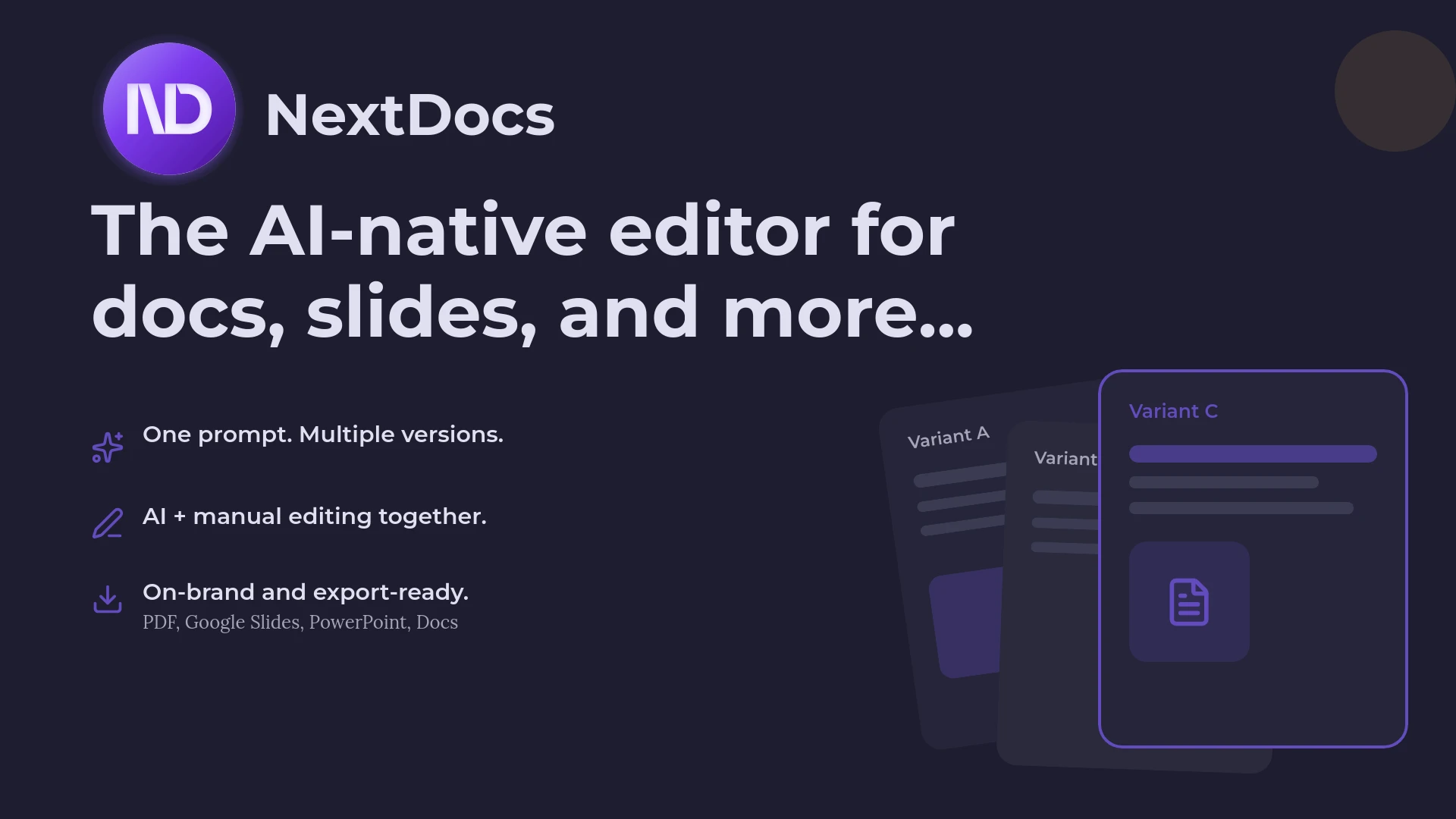
One of the standout features of NextDocs is its multi-variant generation. When you provide a prompt, the system does not just give you one take-it-or-leave-it deck. It generates multiple versions of the presentation simultaneously. This allows users to compare different narrative arcs, visual styles, and content structures. It effectively eliminates the frustration of having to re-prompt the AI repeatedly to get a usable result.
Furthermore, NextDocs addresses the problem of AI hallucinations by integrating deep research capabilities. It pulls actual data points and citations from the web, making it a favorite for research-heavy decks. Its universal export functionality means you can create a presentation and then export it as a PDF, a PowerPoint file, Google Slides, or even a Google Doc without losing your formatting.

Overview of Gemini for Google Slides
Gemini for Google Slides is Google’s answer to the demand for integrated AI within its productivity suite. As an add-in for Google Workspace, it is designed for maximum convenience. If you already store all your data in Google Drive and spend your day in Chrome, Gemini feels like a natural extension of your existing environment.
The primary appeal of Gemini is its ability to reference your other Workspace files. It can look at a Google Doc you recently wrote or scan your Drive to pull relevant context into a slide deck. It also features built-in image generation, allowing users to create custom visuals directly within the Slides interface.
However, because Gemini is built to serve a very broad audience, its outputs can sometimes feel generic. It operates within the standard constraints of Google Slides, which means it lacks some of the more advanced design automation and multi-model support found in standalone platforms. It is an excellent tool for quick internal drafts, but it often requires significant manual cleanup for external presentations.

Key Differences Between NextDocs and Gemini
The choice between these two tools often comes down to your specific workflow and the level of quality you require.
Design Philosophy and Choice
NextDocs operates on the principle of choice. By providing multi-variant outputs, it acknowledges that the first AI generation is rarely perfect. This approach is significantly different from Gemini, which provides a single output that you must then edit manually. For professionals who value having options, the NextDocs approach saves hours of manual restructuring.
Research and Accuracy
A major pain point with many AI tools is the tendency to make up facts or statistics. NextDocs solves this with a dedicated research engine that cites its sources. This makes it one of the best AI presentation builders for educators and researchers who cannot afford to have incorrect data on their slides. Gemini, while capable of referencing your own files, often relies on its general training data for external facts, which can lead to less precise results for niche topics.
Export Flexibility
Gemini is, unsurprisingly, tied closely to the Google ecosystem. While you can export a Google Slide deck to PowerPoint, the formatting often breaks during the transition. NextDocs is format-agnostic. It is built to export perfectly to PDF, PPTX, and Google Slides from a single source. This makes it a superior choice for enterprise AI presentation tools where different stakeholders might require different file types.
Feature Comparison Table
| Feature | NextDocs | Gemini for Google Slides |
|---|---|---|
| Category | Standalone AI Platform | Google Workspace Add-in |
| Generation Style | Multi-variant (Multiple choices) | Single output |
| Research Capabilities | Deep research with citations | Basic web search / Drive context |
| Export Formats | PDF, PPTX, Google Slides, Docs | Google Slides, PDF, PPTX |
| Brand Styling | Advanced brand kits and themes | Basic Google Slides themes |
| Image Generation | Integrated multi-model support | Google Imagen integration |
| Collaboration | Native and via exports | Google Workspace collaboration |
| Best For | Founders, Consultants, Researchers | Internal teams, Google users |
Pricing and Value Comparison
When evaluating these tools, it is important to consider both the direct cost and the time saved.
NextDocs offers a free tier that allows users to experience the multi-variant generation before committing. Paid plans start at $15 per month. This is a competitive price point for professionals who need a dedicated tool for high-quality output. For many users, this is considered one of the most affordable AI presentation tools when you factor in the research and export features that replace other paid subscriptions.
Gemini for Google Slides is typically bundled with Google Workspace subscriptions. While there is a free version, the more advanced features require a Gemini for Google Workspace add-on, which often costs around $20 per user per month. While this might seem like no extra cost if your company already pays for it, the specialized features of NextDocs often provide a higher return on investment for users who create presentations frequently.
Deep Dive: Content Quality and Editing
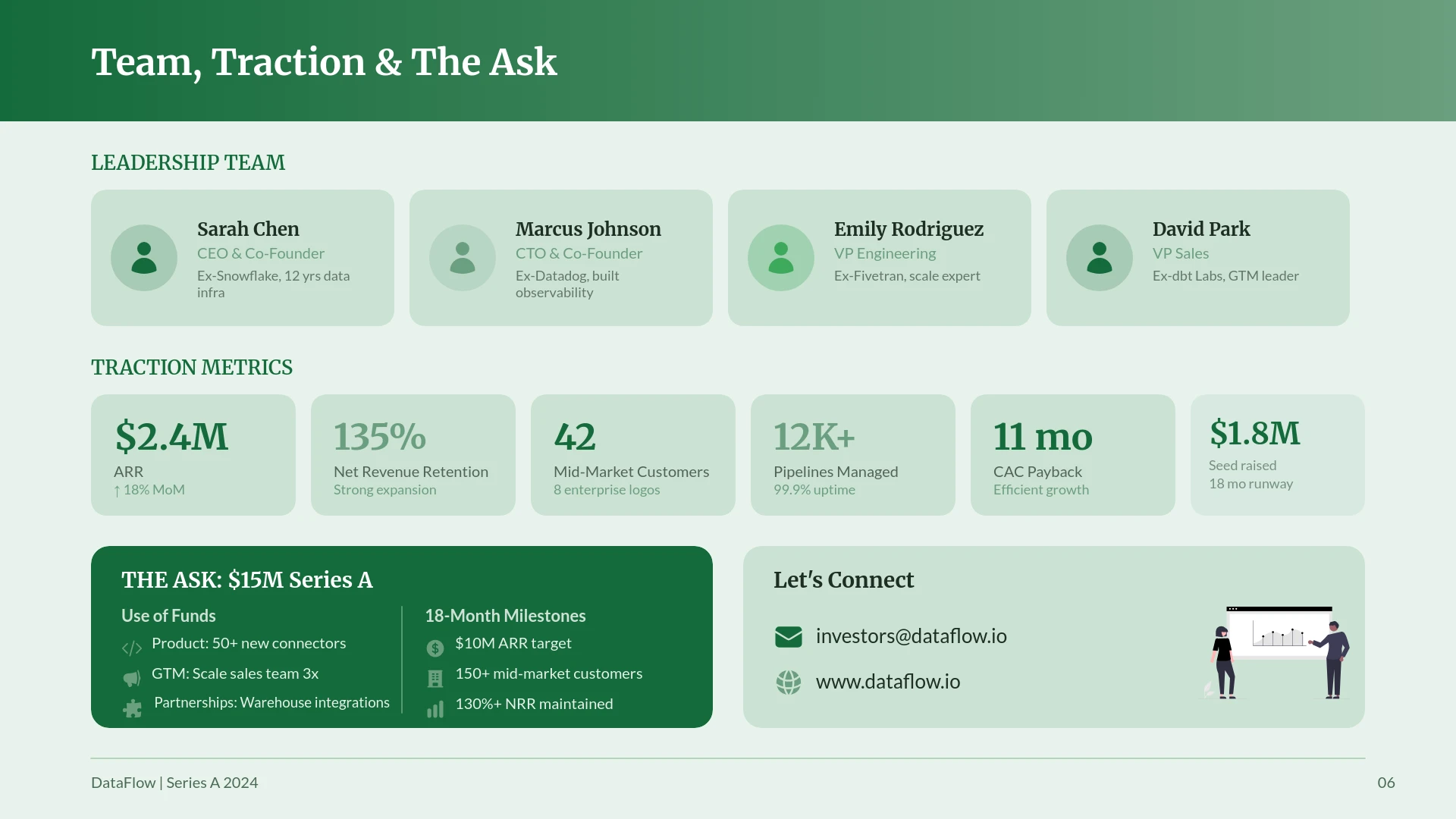
Content is the most critical part of any presentation. In our testing, NextDocs consistently produced more sophisticated narrative structures. Because it uses multiple AI models, it can tailor the tone of the writing to specific audiences. For example, a pitch deck generated by NextDocs will use investor-centric language, while a training deck will focus on clarity and education.
Gemini tends to produce shorter, more concise bullet points. This is helpful for a quick summary, but it often lacks the depth required for a 20-minute presentation. If you find yourself frequently looking for 2026 Gemini Google Slides alternatives, it is likely because you have outgrown the basic content generation and need more robust storytelling capabilities.
NextDocs also features an AI-native editor. This allows you to highlight a specific section of a slide and ask the AI to "expand this point" or "make this more professional." This granular control is much more advanced than the sidebar-based editing found in Gemini.
Pros and Cons
NextDocs
Pros:
- Multi-variant generation gives you multiple creative directions at once.
- Deep research integration provides factual data with real citations.
- Universal exports ensure your decks look great in PowerPoint or Google Slides.
- Multi-model support allows for the highest quality text and image generation.
- Brand kit features maintain visual consistency across all your documents.
Cons:
- There is a slight learning curve to master the advanced research and model settings.
- As a standalone tool, it requires one extra step to move files into Google Drive if that is your final storage destination.
Gemini for Google Slides
Pros:
- Seamlessly integrated into the Google Workspace environment.
- Can reference your existing documents and emails for context.
- No new software to install or learn if you are familiar with Google Slides.
- Fast and convenient for simple, internal presentations.
Cons:
- Output quality can be generic and lacks professional "polish."
- Limited template variety compared to specialized AI design tools.
- Single-output generation means you have less creative choice.
- Formatting can be inconsistent when exporting outside of the Google ecosystem.
Verdict: Which Tool Should You Choose?
The decision between NextDocs and Gemini for Google Slides depends on your priorities.
If your primary goal is speed and convenience for internal meetings, Gemini for Google Slides is a solid choice. It is already there in your toolbar, and for a quick five-slide update for your team, it does the job. It is a convenient utility for the casual user.
However, if you are a professional whose success depends on the quality of your presentations, NextDocs is the clear winner. The ability to see multiple variants of a deck before you start editing is a game-changer for productivity. The research capabilities ensure that your content is grounded in fact, not just plausible-sounding AI text. For those who want to see where the industry is heading, checking out the best AI presentation builders of 2026 shows that specialized tools like NextDocs are outperforming general-purpose assistants.
NextDocs is built for those who need to deliver excellence. Whether you are exporting to PowerPoint for a client or sharing a Google Slides link with a partner, NextDocs provides the flexibility and quality that a standard add-in cannot match.
Ready to Create Better Presentations?
Try NextDocs Free and experience multi-variant generation, universal exports, and deep research integration. No credit card required.