

The Evolution of AI Presentation Design
The landscape of professional presentations has shifted dramatically over the last few years. In the past, creating a high-quality deck required hours of manual layout work, hunting for icons, and ensuring that brand colors were consistent across dozens of slides. Today, AI-powered tools have streamlined this process, moving from simple text-to-slide generation to sophisticated platforms that handle research, design, and multi-format exports.
Two of the most prominent names in this space are NextDocs and Canva Magic Design. While they both aim to solve the same fundamental problem, they approach it from very different angles. Canva is a design giant that has integrated AI into its existing, massive ecosystem. NextDocs, on the other hand, is a specialized, AI-native platform built specifically to handle the complex requirements of consultants, founders, and sales teams who need more than just a pretty template.
Choosing between these two requires an understanding of your specific workflow. Are you looking for a tool that can generate social media graphics and quick visual slides? Or do you need a robust system that can conduct deep research and export to professional formats like PowerPoint and Google Slides without losing formatting? This guide provides an in-depth comparison to help you decide which tool deserves a place in your professional toolkit. For a broader look at the market, you may also want to explore our review of the best AI presentation builders 2026.
NextDocs Overview: The Researcher and Specialist
NextDocs is positioned as a high-end, AI-native document and presentation platform. Unlike many tools that treat AI as a secondary feature, NextDocs was built from the ground up to leverage large language models for every stage of the creation process. Its primary focus is on accuracy, choice, and professional flexibility.
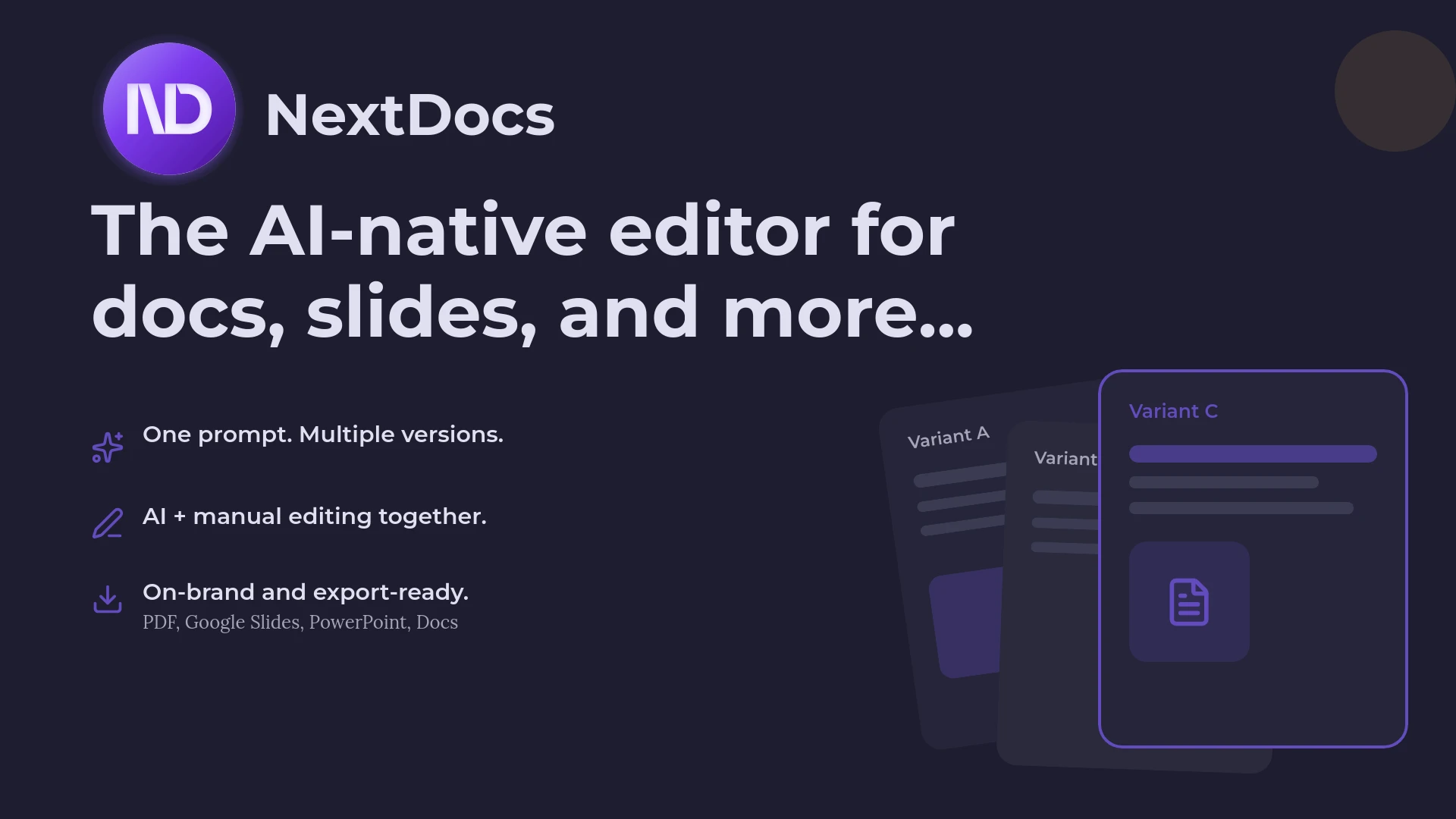
One of the standout features of NextDocs is its multi-variant generation. Most AI tools provide a single output based on a prompt. If the AI misses the mark, the user has to re-prompt or edit heavily. NextDocs generates several distinct versions of the presentation simultaneously. This allows users to compare different narrative structures, visual styles, and content depths before settling on a final direction.
Furthermore, NextDocs integrates deep research capabilities directly into the slide generation process. For professionals building pitch decks or market reports, this is a significant advantage. The tool does not just generate plausible text. It searches for real data, statistics, and citations to ensure the content is grounded in fact. This makes it a top contender among the best AI pitch deck builders available today.

Canva Magic Design Overview: The Creative Generalist
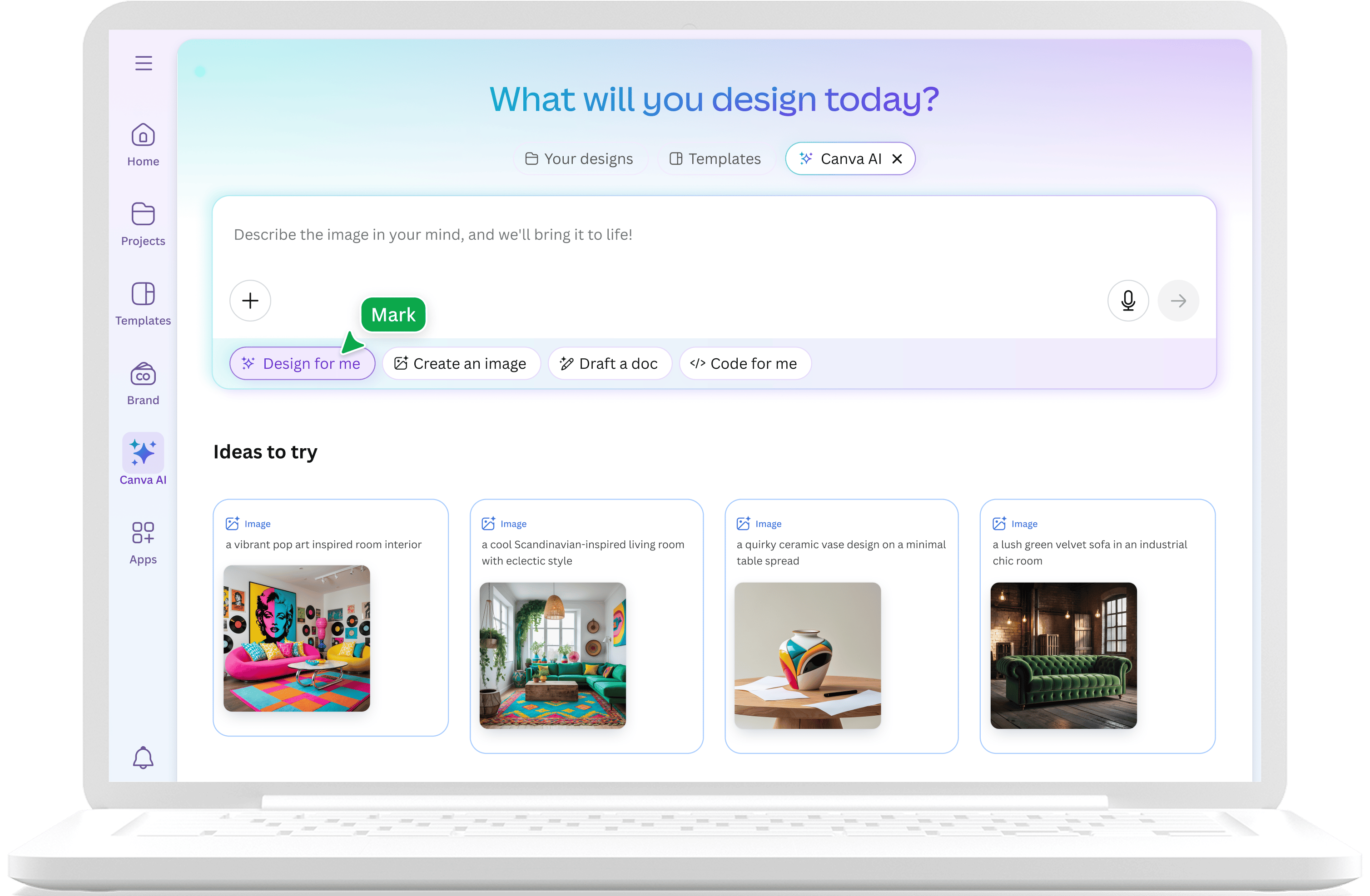
Canva Magic Design is part of the broader Canva Visual Suite. It leverages Canva's enormous library of millions of templates, photos, and graphic elements to turn a simple text prompt into a visual presentation. Because Canva is already used by millions of marketers and social media managers, Magic Design feels like a natural extension of a familiar workflow.
The strength of Canva lies in its visual variety. It is arguably the most versatile tool for creating content that needs to exist across different formats. You can start with a presentation and quickly turn those same assets into a social media post, a video, or a flyer. For users who prioritize "vibes" and visual impact over deep data or complex corporate structures, Canva is often the first choice.
However, Canva was not originally built for AI. The Magic Design feature essentially acts as a smart search and assembly engine that picks templates and images based on your keywords. While the results are often beautiful, they can sometimes lack the narrative depth required for high-stakes business meetings. If you find Canva too focused on aesthetics over substance, you might want to look at various Canva alternatives that cater more to data-driven professionals.
Key Differences Between NextDocs and Canva
To understand which tool fits your needs, it is important to look at the genuine differences in how they function.
Content Depth and Research
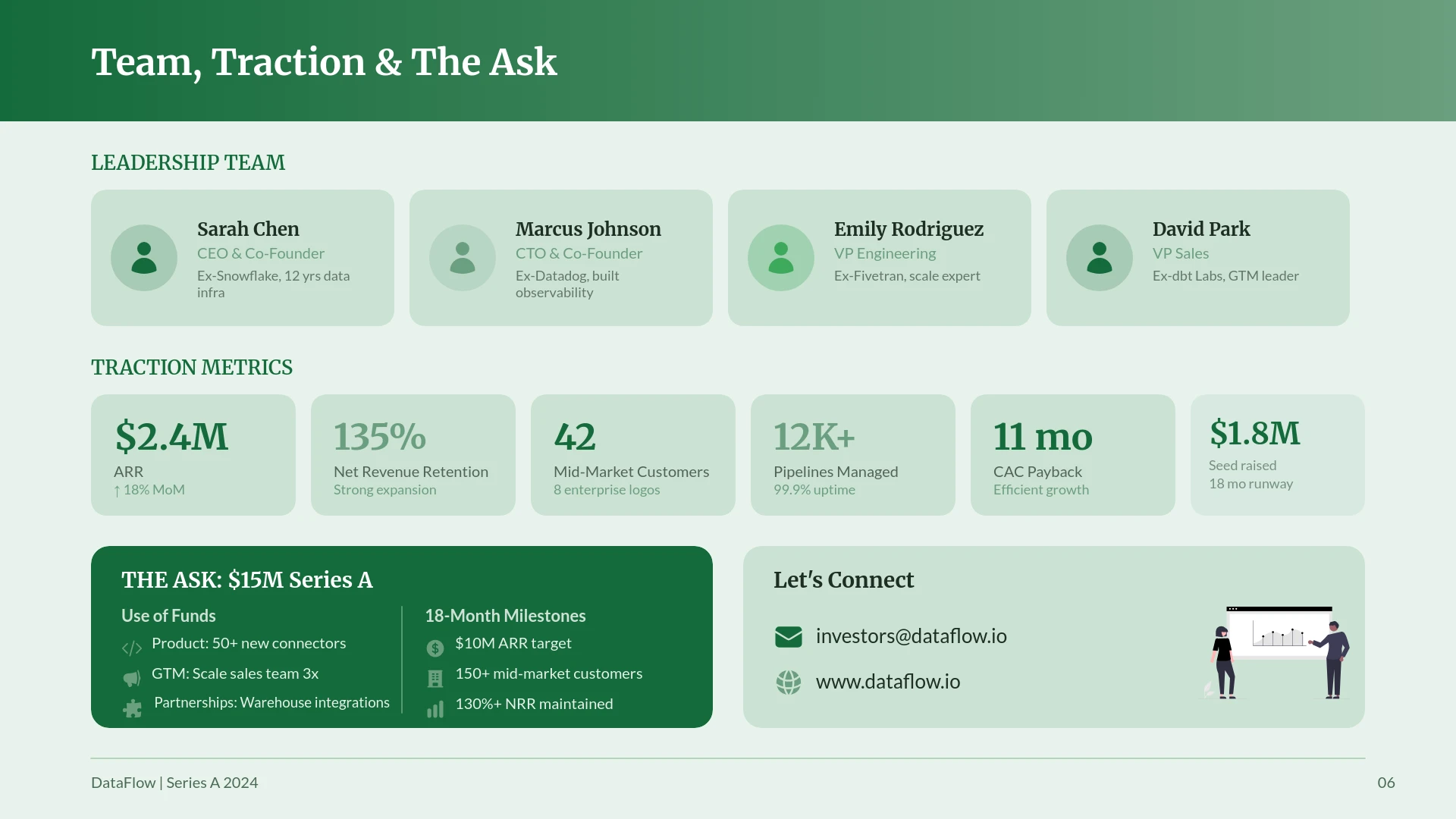
NextDocs excels at the thinking part of the presentation. It uses advanced models to structure a narrative that makes sense for the specific audience, whether that is a Series A investor or a corporate board. Its deep research feature pulls in actual market figures, which is a rare capability in the AI presentation space.
Canva Magic Design is more of a visual curator. It excels at finding a layout that looks modern and professional. While it can generate text, the content often feels more generic and usually requires a human to step in and add specific data points or technical details.
Export Flexibility
This is a major pain point for many professionals. Canva is a closed ecosystem. While it does allow exports to PowerPoint, the formatting often breaks, and elements that were editable in Canva become static images in PPTX. Canva is best used when you are presenting directly from their platform or exporting to a PDF or video.
NextDocs offers universal exports. It was designed to play well with others. You can export your deck to PowerPoint, Google Slides, or even a Google Doc without losing the ability to edit the text or move shapes. This makes it ideal for consultants who must deliver a final file to a client who uses a specific software. For those who need to stay within the Microsoft ecosystem, you can compare this with enterprise PowerPoint AI add-ins.
Multi-Variant Selection
NextDocs recognizes that AI is not perfect. By providing multiple variants for a single prompt, it gives the user the power of choice. You might like the opening of Variant A but the competitive landscape slide of Variant B. NextDocs makes it easy to combine these. Canva provides one "Magic" result at a time, which can lead to a repetitive process of "trying again" if the first result is not what you wanted.
Feature Comparison Table
| Feature | NextDocs | Canva Magic Design |
|---|---|---|
| Primary Category | AI-Native Specialist | Design-First Generalist |
| Generation Style | Multi-variant (Multiple choices) | Single-variant (One choice) |
| Research Capabilities | Deep research with citations | General AI knowledge |
| Export Formats | PPTX, Google Slides, PDF, Google Docs | PDF, PPTX, PNG, MP4, Social Media |
| Template Library | Professional/Corporate focus | Enormous (Millions of assets) |
| Brand Controls | Deep brand kit integration | Strong brand kit (Pro only) |
| Collaboration | Real-time with editor | Real-time with editor |
| Best For | Founders, Consultants, Sales | Marketers, Social Media, Visuals |
| Starting Price | $15/month | $13/month |
Deep Dive: NextDocs Strengths
NextDocs is built for the professional who cannot afford to have "hallucinated" data in their slides. When you use the research-heavy deck feature, the AI scans reliable sources to find actual numbers. This is a game changer for sales teams who need to show market trends or founders who need to justify their valuation.
The editing experience in NextDocs is also unique. It provides an AI-native editor that allows you to talk to the slide. You can highlight a section and ask the AI to "make this more concise" or "add a row to this table comparing us to a new competitor." This level of granular control, combined with the ability to export to any format, makes it one of the most affordable AI pitch deck builders when you consider the time saved on manual labor.
Deep Dive: Canva Magic Design Strengths
Canva's greatest strength is its sheer scale. If you need a presentation that looks like a high-end fashion magazine, a tech startup website, or a colorful classroom lecture, Canva has the assets to make it happen. Their Magic Design tool is incredibly fast at applying a visual style across a whole deck.
For marketers who need to maintain a consistent look across a presentation, an Instagram story, and a LinkedIn banner, Canva is unbeatable. The integration of their AI image generator, Magic Media, allows you to create custom visuals on the fly that match your brand's aesthetic. While the AI content generation might be thinner than NextDocs, the design possibilities are virtually endless.
Pricing Comparison
Both tools offer a tiered approach to pricing, making them accessible for individuals and teams alike.
NextDocs Pricing
NextDocs offers a free tier that allows users to experience the multi-variant generation and basic editing features. This is perfect for testing the tool on a single project. The Pro tier starts at approximately $15 per month. This tier unlocks deep research, universal exports to all formats, and advanced brand styling. For larger organizations, team plans provide shared brand kits and collaborative workspaces.
Canva Pricing
Canva has a very popular free tier, but Magic Design and many of the best templates are locked behind Canva Pro. Canva Pro starts at about $13 per month for one person. It includes the full suite of AI tools, the brand kit, and access to the entire premium asset library. For teams, the pricing scales based on the number of users, often offering a better per-head rate for larger groups.
Pros and Cons
NextDocs
Pros:
- Multi-variant generation provides better creative starting points.
- Deep research integration ensures data accuracy and includes citations.
- Universal exports to PowerPoint and Google Slides are flawless.
- Multi-model support allows for the best content generation.
- Professional, corporate-ready templates that look serious.
Cons:
- There is a slight learning curve to master the advanced AI-native editor.
- The template library is smaller than Canva's millions of options.
Canva Magic Design
Pros:
- Access to a massive library of photos, icons, and templates.
- Excellent for multi-format content (video, social media, print).
- Very intuitive interface that most people already know how to use.
- Strong free tier for basic design needs.
Cons:
- AI content quality can be inconsistent and generic.
- The "too designed" look can sometimes feel unprofessional in conservative corporate settings.
- Exporting to PowerPoint often results in formatting errors.
- Collaboration can lag when working on very large files with many assets.
The Verdict: Which Tool Should You Use?
The choice between NextDocs and Canva Magic Design comes down to the nature of your work and your final output requirements.
Choose NextDocs If...
You are a founder, consultant, or business professional who needs to create high-stakes presentations. If your slides need to be backed by research, and if you need to be able to hand over a perfectly formatted PowerPoint or Google Slides file to a client, NextDocs is the superior choice. The multi-variant generation will save you time by giving you the best narrative options right from the start. It is the tool for those who value content depth and professional flexibility.
Choose Canva Magic Design If...
You are a marketer, social media manager, or small business owner who needs to create highly visual content quickly. If you want a tool that can handle your presentations, your Instagram posts, and your business cards all in one place, Canva is the way to go. It is perfect for situations where the visual "wow" factor is more important than deep data or specific corporate export formats.
Final Thoughts on AI Presentation Tools
As we move through 2026, the gap between "design tools" and "content tools" is narrowing. Canva is trying to become more intelligent, and NextDocs is constantly adding more design flexibility. However, the core philosophies remain different. Canva wants to be your entire creative suite. NextDocs wants to be the intelligent engine that powers your most important professional documents.
Regardless of which you choose, the days of staring at a blank white slide are over. These AI tools allow you to focus on the strategy and the message while the software handles the heavy lifting of layout and initial drafting.
Ready to Create Better Presentations?
Try NextDocs Free and experience multi-variant generation, universal exports, and deep research integration. No credit card required.