Google’s Gemini 2.5 Flash Image (code‑name “Nano Banana”) is drawing a lot of attention — and for good reason. It combines fast image generation with powerful editing and visual reasoning, making it ideal for apps that need both creativity and control.
In this post, we’ll cover what makes Nano Banana special, show practical use cases, outline pricing expectations, and provide a quickstart so you can try it right away in NextDocs.
Why Nano Banana
- Subject identity, maintained: Generate consistent characters and products across multiple images. Great for brand assets and product shots from different angles.
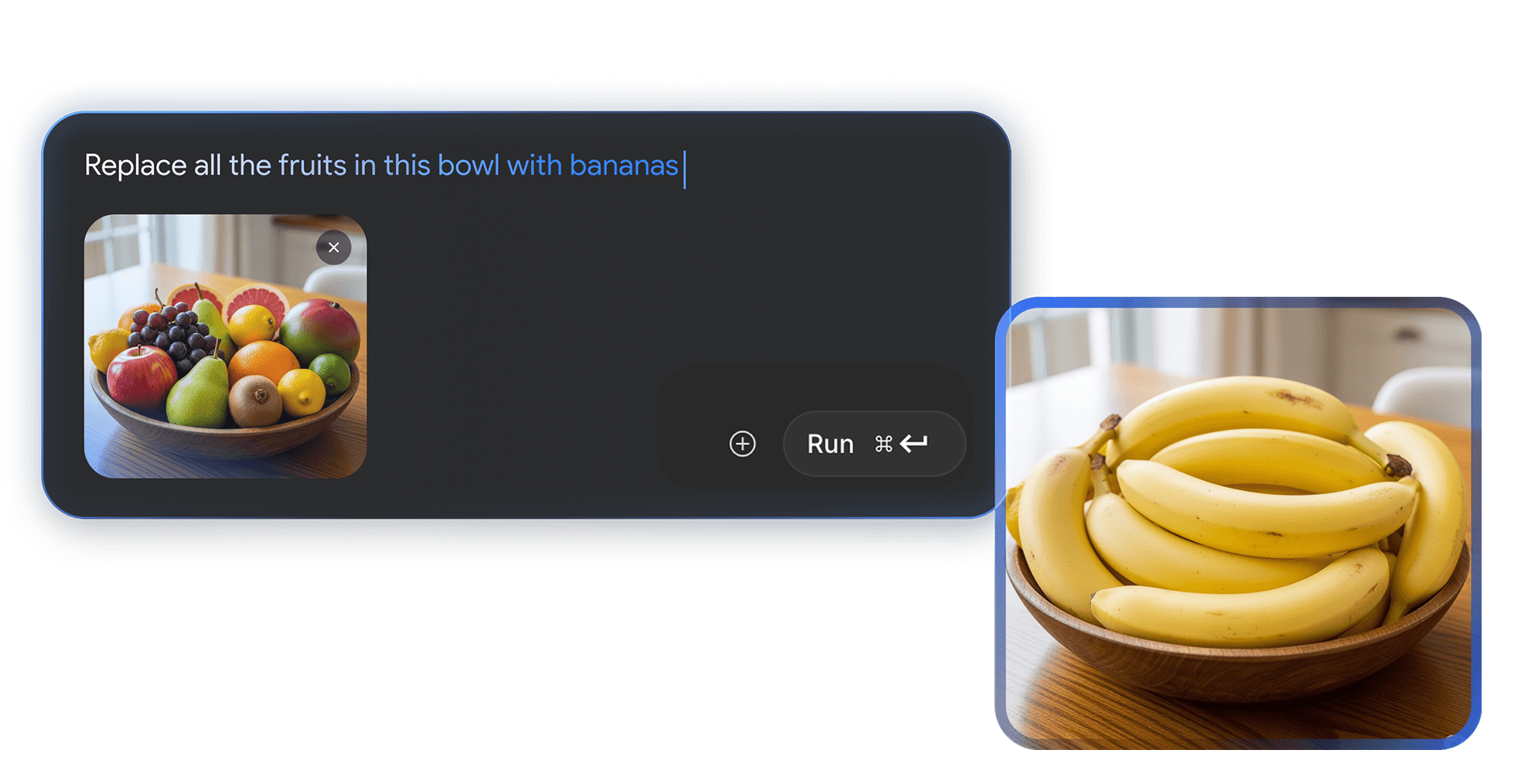
- Intelligent, prompt‑based editing: Apply targeted edits with simple text — remove objects, change poses, adjust lighting — without complex selections.
- Visual reasoning: Go beyond generation. The model understands scenes, instructions, and relationships to follow complex editing prompts.
- Trust & Safety (SynthID): Images are invisibly watermarked to clearly indicate AI generation, supporting responsible use.
Core Capabilities
Consistent Characters and Subjects
Keep a character or product consistent across scenes and angles. This is especially useful for:
- Marketing series and storyboards
- Product catalogs and variations
- Brand mascots and recurring characters
Prompt‑Based Editing (Local & Global)
Turn text into edits. Examples:
- "Remove the background and keep soft shadows"
- "Change the subject’s pose to a three‑quarter view"
- "Make lighting a warm sunset tone"
Visual Reasoning for Rich Tasks
Blend understanding and generation:
- Follow multi‑step editing instructions in context
- Understand objects and relationships in a scene
- Create compositions that respect your constraints
Trust and Safety with SynthID
All outputs include an invisible SynthID watermark. It’s designed to make AI‑generated content auditable while remaining unobtrusive to viewers.
Pricing (At a Glance)
Nano Banana is available in NextDocs via our fal.ai integration. Pricing is surfaced in the side panel before you run a job. As of this update:
- Generation (1024×1024): typically around $0.10 per image
- Edits (1024×1024): typically around $0.10 per image
Actual charges depend on model selection and size; always refer to the estimate shown next to the Run action.
Developer Quickstart
Below is a minimal example adapted from Google’s docs. You can use the NextDocs Media panel (AI tab) to try prompts interactively, or call the API directly in your own scripts.
import PIL.Image
from google import genai
from google.genai import types
from io import BytesIO

client = genai.Client()

prompt = """
Show me a picture of a nano banana dish in a fancy restaurant with a Gemini theme
"""

response = client.models.generate_content(
    model="gemini-2.5-flash-image-preview",
    contents=[prompt],
)

for part in response.candidates[0].content.parts:
  if part.text is not None:
    print(part.text)
  elif part.inline_data is not None:
    image = PIL.Image.open(BytesIO(part.inline_data.data))
    image.save("generated_image.png")
Try it in NextDocs
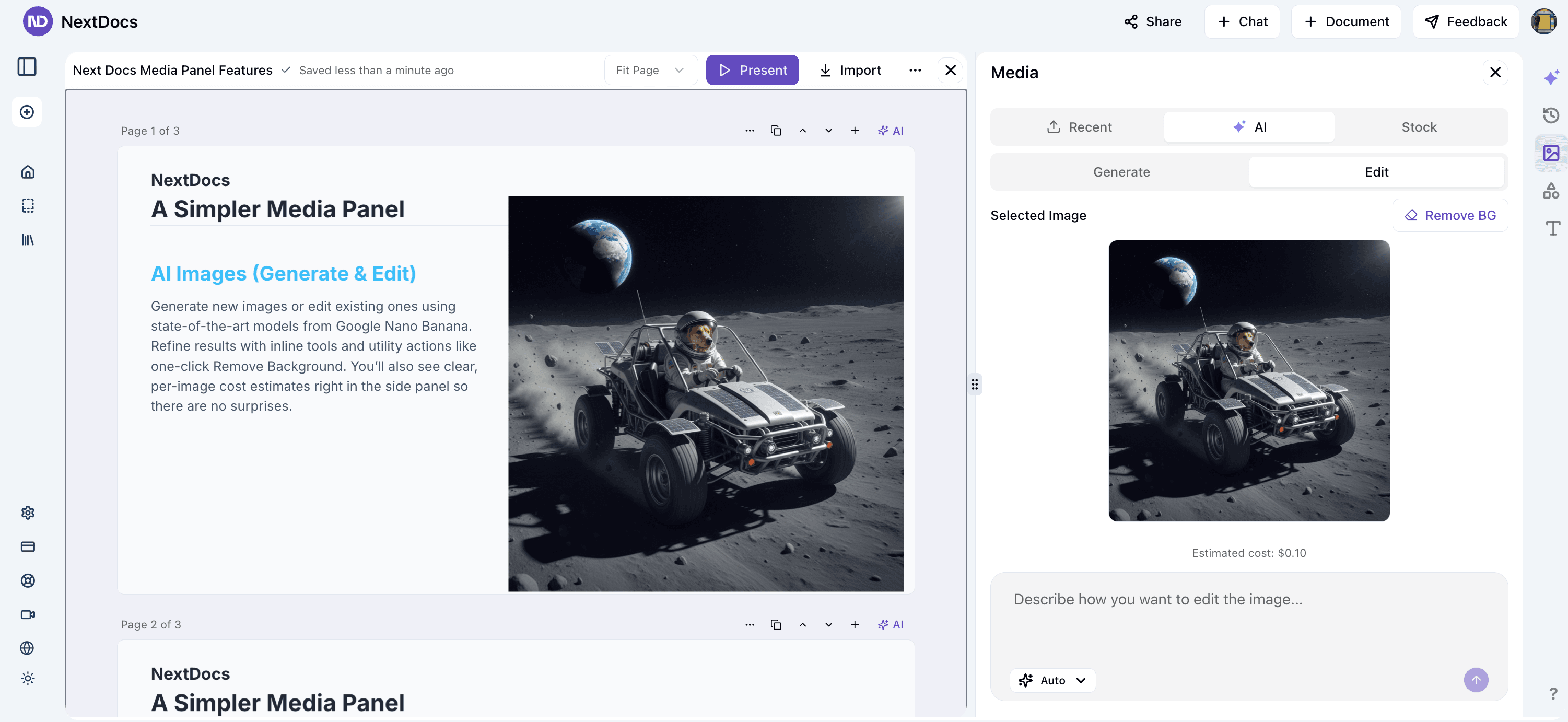
Open the Media panel → AI → select "Nano Banana" (or leave on Auto) → enter your prompt → review the estimated cost → Run. For edits, pick "Edit", write the instruction (e.g., "remove background"), and preview the result before inserting.
Case Studies and Inspiration
- Consistent brand characters across campaigns
- Product hero images in multiple settings
- Visual A/B tests for landing pages
Related
— The NextDocs Team