


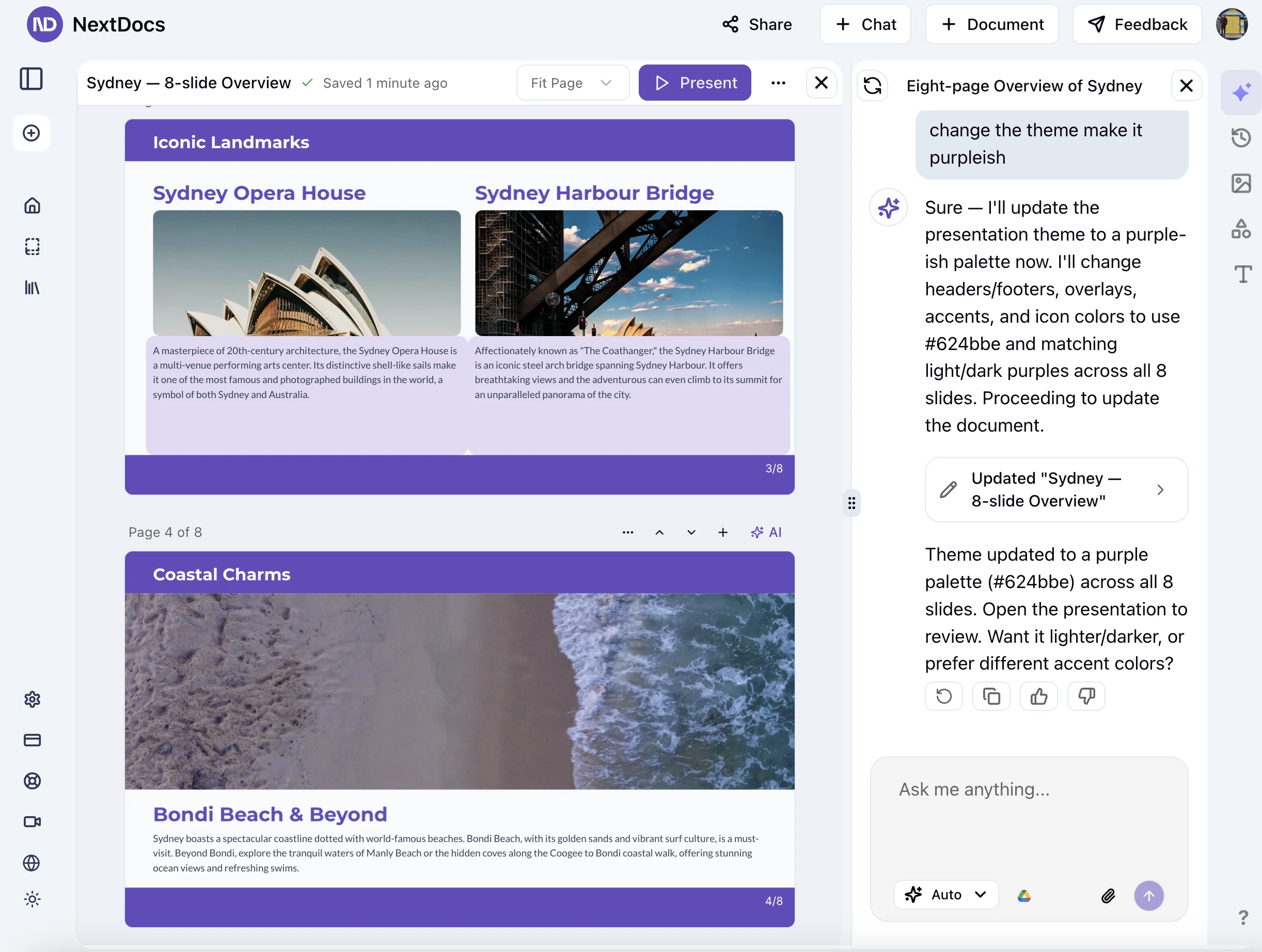
Perfect exports. Smarter AI. A smoother experience.
We’ve refined NextDocs from end to end — exports now render more accurately, AI writes with better structure and fewer mistakes, and the UI feels faster and more consistent.
This weekly update breaks down what changed, why it matters, and how to get the best results.
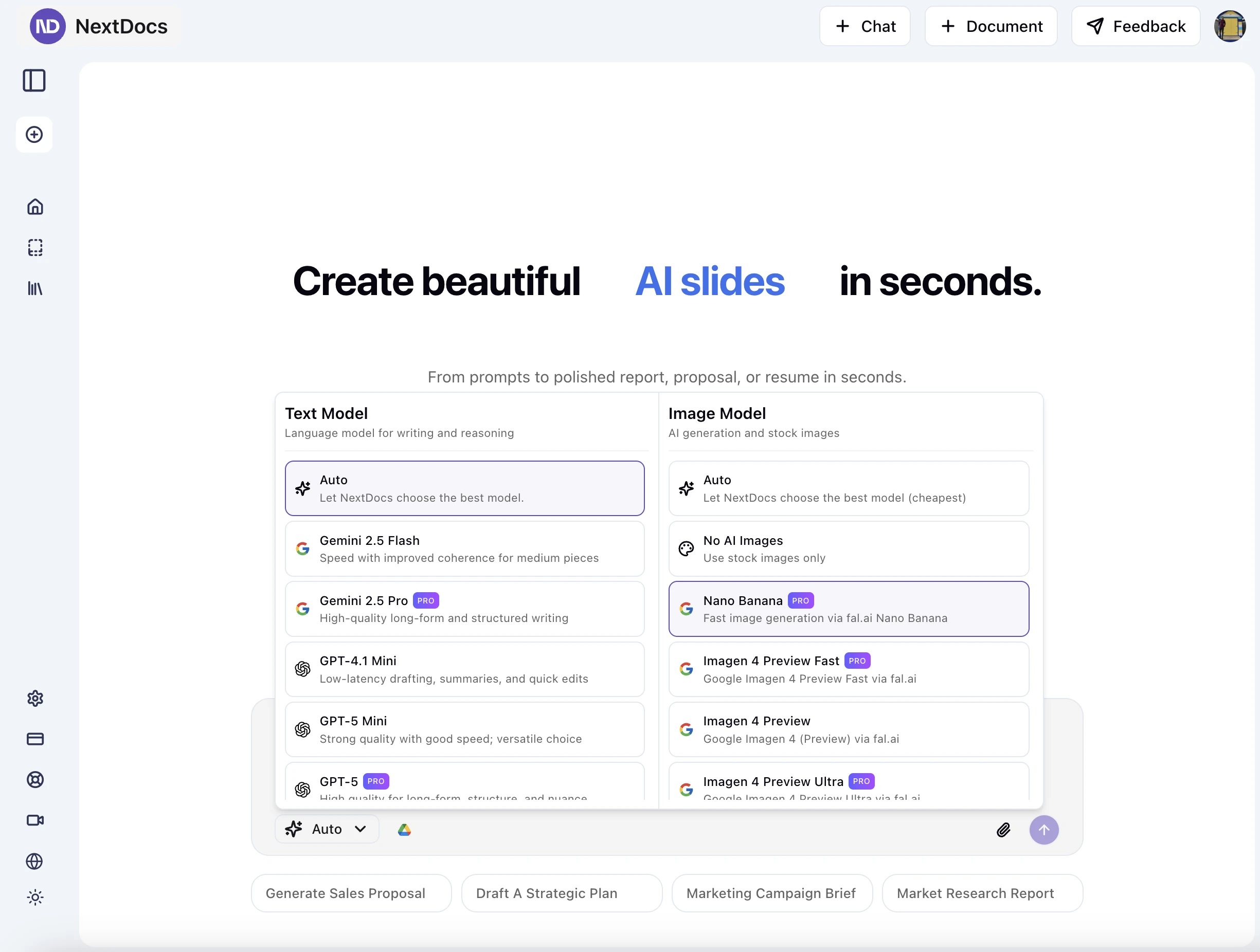
🧠 Smarter AI that makes fewer mistakes
We upgraded our default models and refined our prompt orchestration to generate cleaner, more predictable output — especially for longer documents.
What’s improved:
- More consistent headings, lists, and section structure (fewer layout surprises)
- Better instruction-following when you specify tone, audience, or required sections
- Reduced factual drift across multi-page documents
- Lower timeout rate on complex, image-heavy artifacts
How to get the best output:
- Start with a short outline (bullets are great). The model now uses outlines as a structural anchor.
- Be explicit about constraints (max words per section, number of bullets, call-to-actions).
- Use quick refine passes instead of one giant prompt. Short, iterative instructions work best.
Before/after example (structure stability):
- Before: Mixed heading levels across pages, occasional list nesting issues
- After: Stable H2/H3 hierarchy and predictable bullet nesting, even after multiple edits
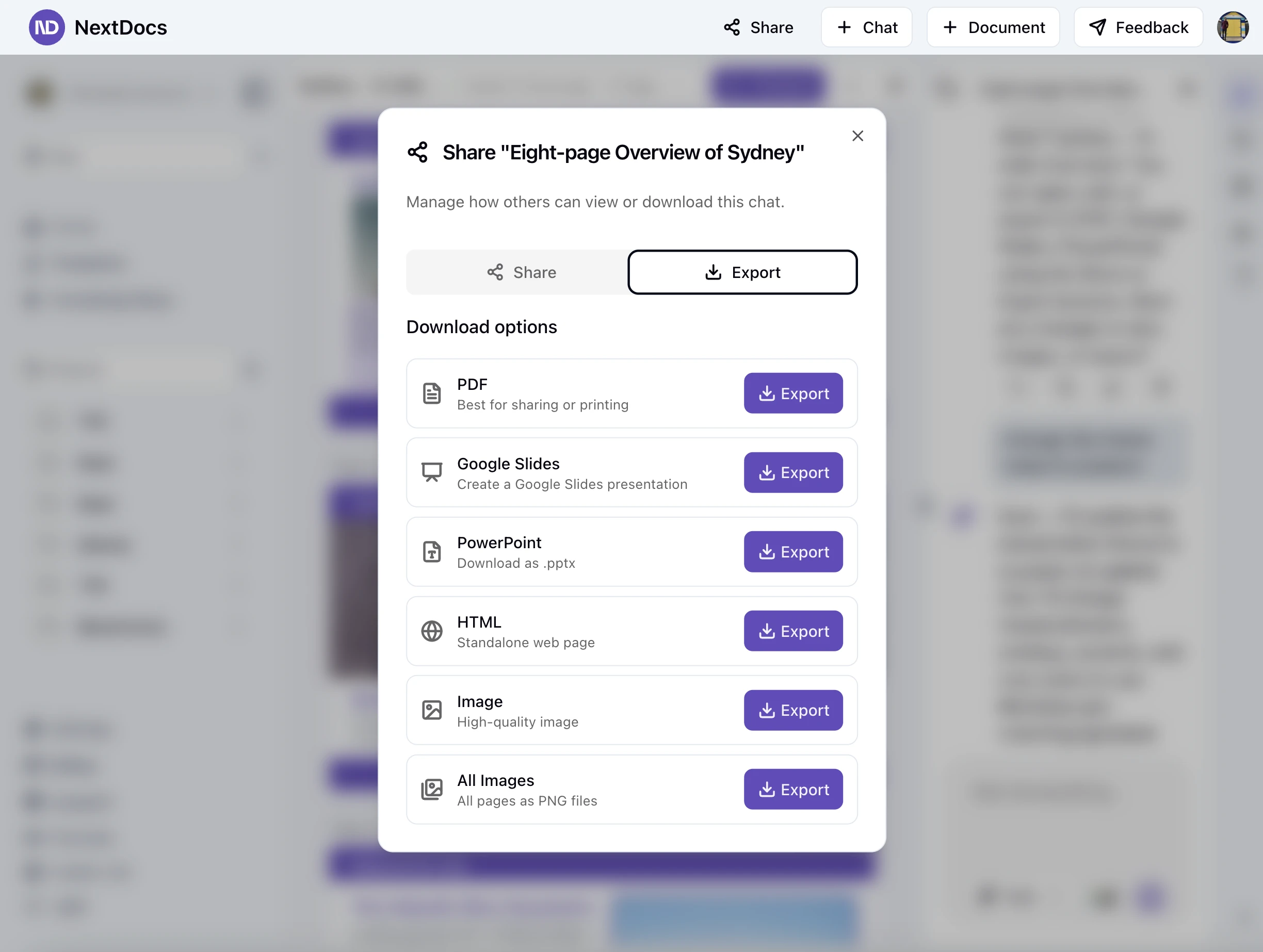
📤 Flawless exports — Google, PowerPoint, and PDF
Under the hood, our export pipeline now performs better layout measurement, font metrics handling, and spacing normalization. The result: exports that match what you see in the editor.
Highlights:
- Google Slides and PowerPoint: tighter text measurement → fewer line wraps and spacing shifts
- Improved handling for icons, gradients, and rich text (bold/italic/code/links)
- More reliable bullet and numbered list alignment across platforms
- PDF exports now preserve letter spacing and line-height more accurately
Practical wins:
- Slide titles keep their size and wrap points between editor → Slides/PowerPoint
- Paragraph spacing and bullet indenting survive copy/paste and exports
- Links and CTA text remain clickable and readable in PDFs
Known limitations (we’re working on these):
- Very large presentations may take longer to export
- Exotic fonts may fall back to the closest available variant
- Some gradient edge cases can render slightly differently between apps
⚡ Faster, smoother interface
We focused on perceived speed and consistency so the app feels lighter and more responsive.
What you’ll notice:
- New loading states and inline progress for long-running actions
- Cleaner menus and spacing for faster scan-ability
- Consistent paddings and type scale across chat, editor, and export views
- Reduced layout shift when switching between tools or tabs
Tips for a smoother flow:
- Use the quick actions in the editor toolbar for common operations (convert to list, promote/demote headings)
- Keep images under a reasonable size for snappier uploads and renders
- If you’re collaborating, short descriptive section titles make diffs easier to follow
What’s next
We’re actively working on:
- Smarter table generation and editing (with consistent export fidelity)
- Multi-page layout suggestions that adapt to your brand theme
- Faster image tools and background processing for large media
If there’s something you’d like to see prioritized, reply and tell us — it genuinely helps us set the roadmap.
💬 We’d love your feedback
We’re always improving NextDocs based on your input — if you spot an issue or have suggestions, reply to this post or reach out in-app. We read every message.
If you haven’t tried NextDocs yet, now’s a great time.
Ready to give it a spin? Visit our homepage and start creating.