
AI Proposal Tool: Craft Persuasive Documents Quickly
Utilize this AI proposal tool to build strong client pitches. Instantly generate varied drafts, ensure brand adherence, and share easily. Create impactful proposals efficiently to win deals.
See it in action
Trusted by teams at



















Everything you need to create professional documents
Create Professional Proposals for Any Purpose Instantly
Starting new proposals from a blank page can be a productivity killer. This AI proposal tool allows you to describe your needs, and it instantly generates a fully structured, professional document. From sales pitches to comprehensive project plans, receive a polished draft quickly. This powerful tool helps you streamline your workflow, focusing on client engagement.

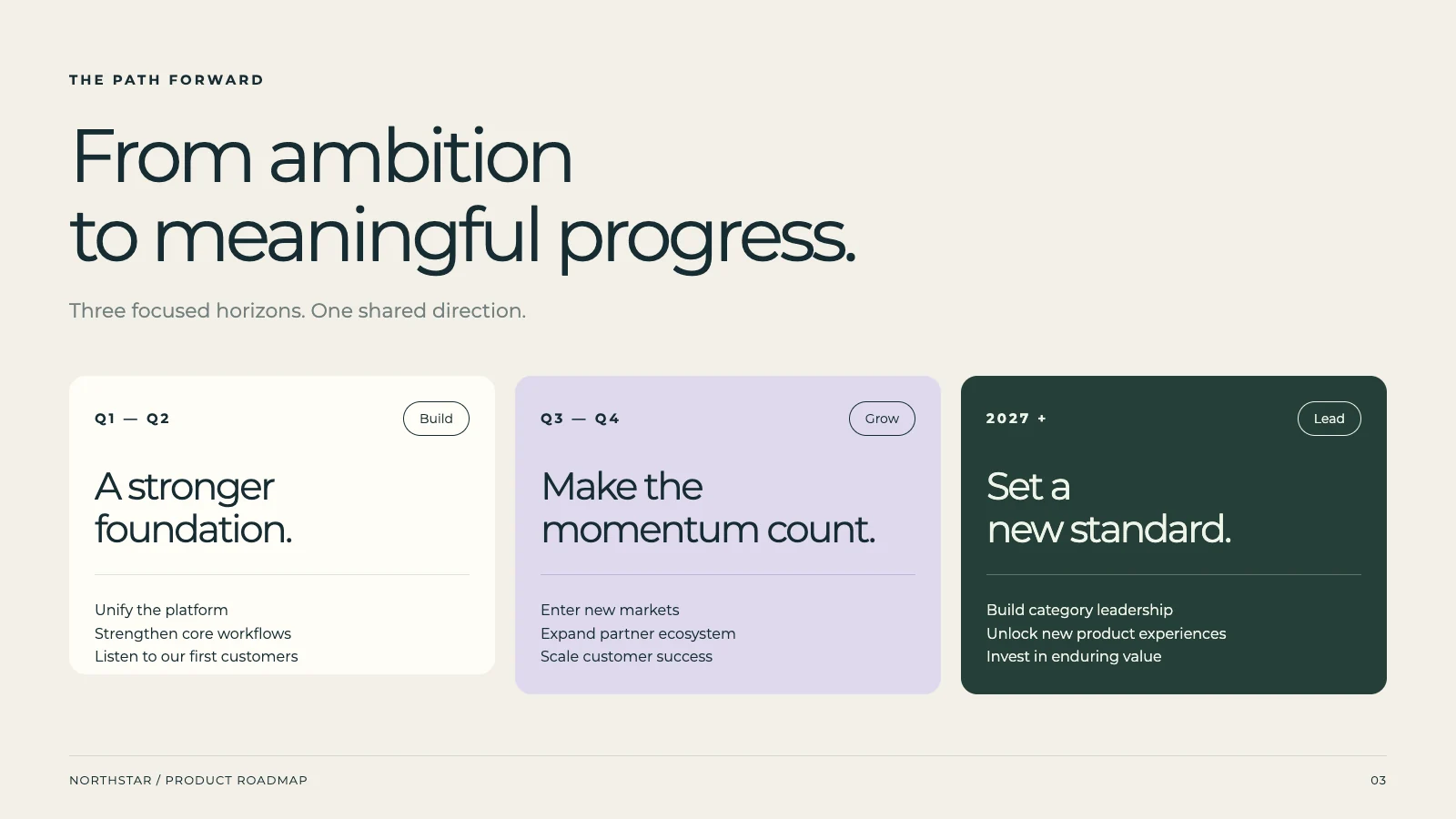
Generate Multiple Proposal Versions for Selection
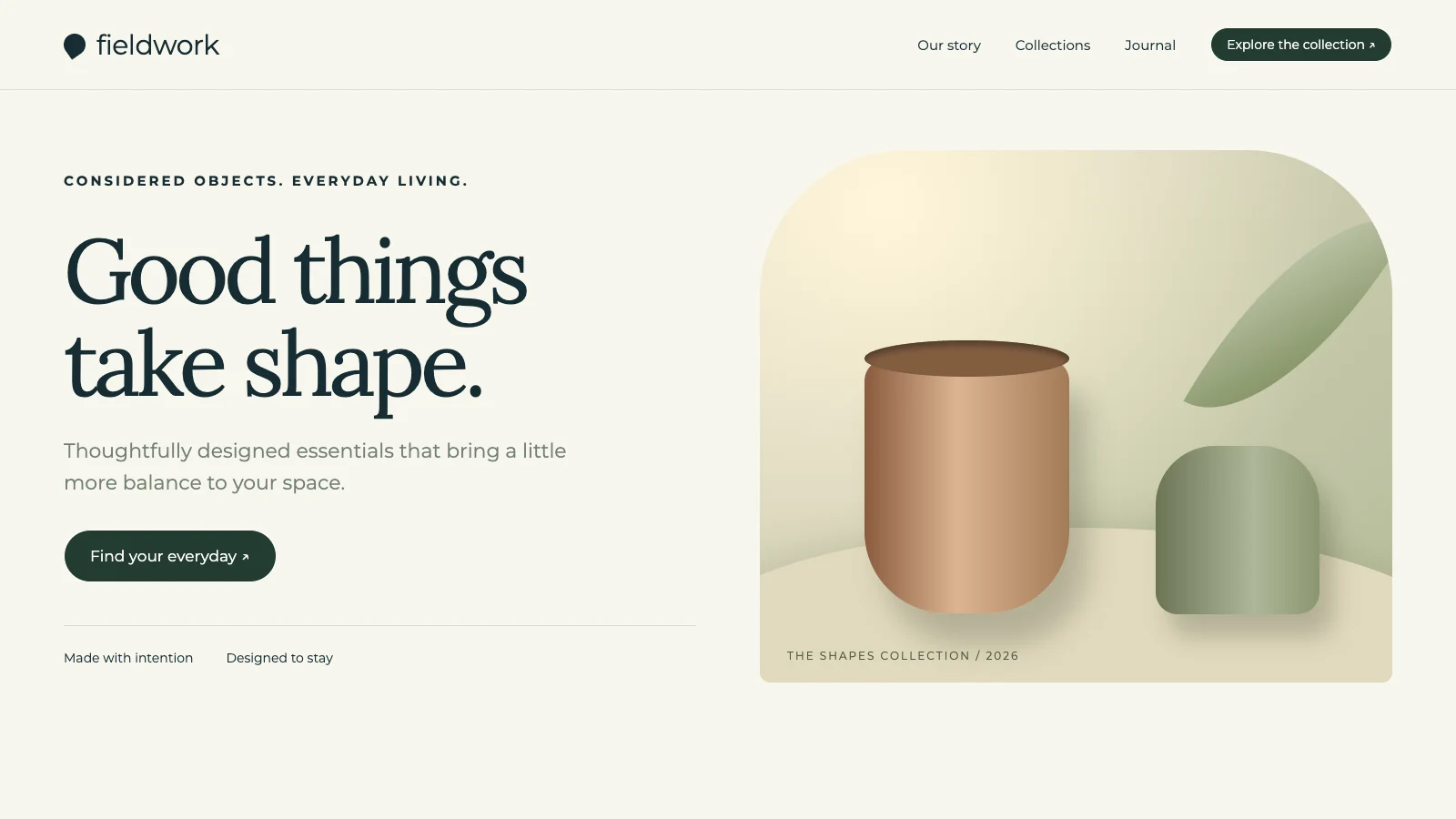
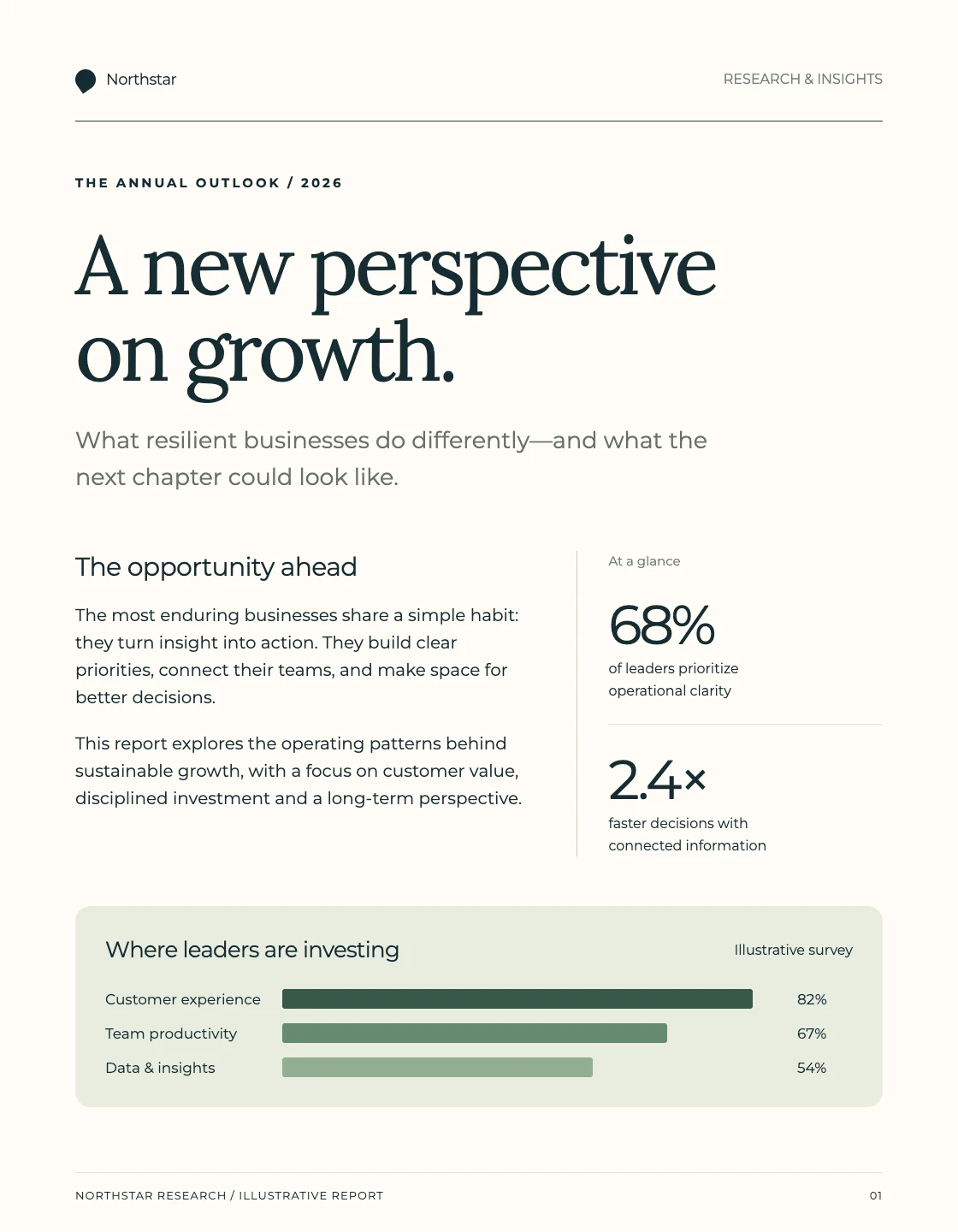
Submitting a single proposal version can limit your strategic options. Our AI proposal tool creates 2-4 distinct drafts from your initial prompt. Compare different angles, structures, or emphases for your consulting proposal. This gives you the advantage of choosing the most compelling and persuasive document to win over prospects.
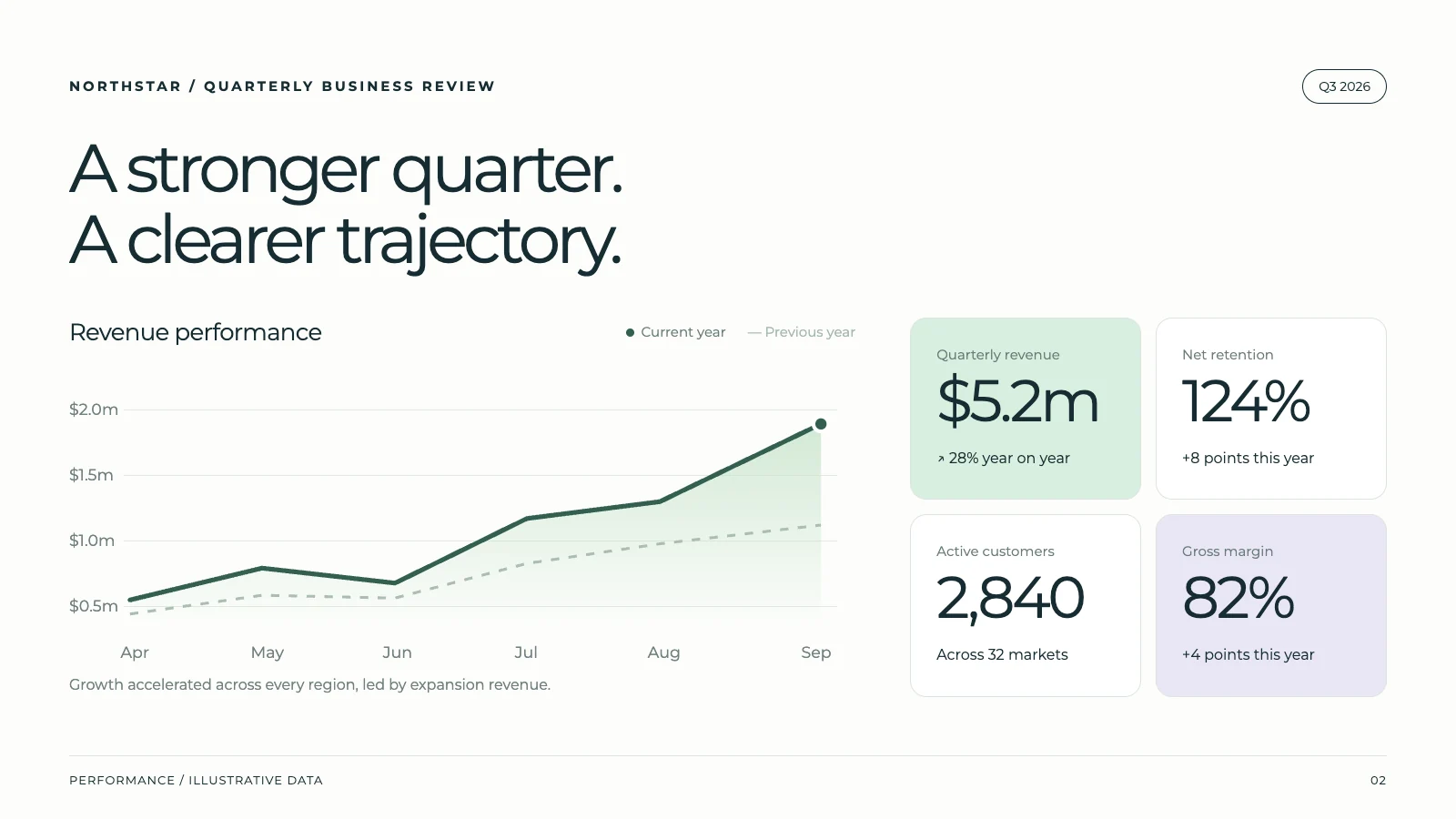
Create a quarterly business review with key metrics and team updates...
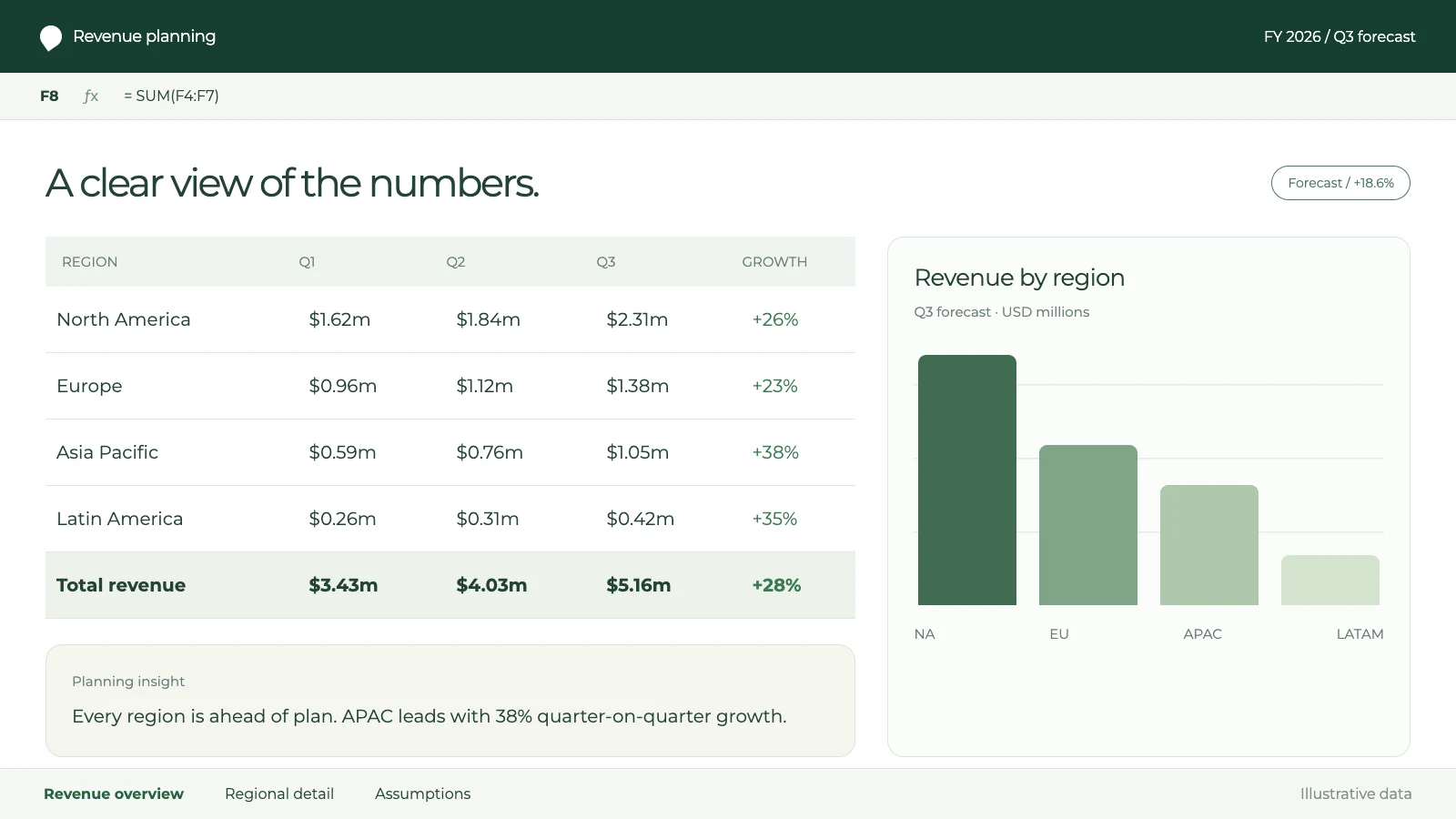
Refine Your Proposals with AI or Personalize Manually
Generic AI outputs often require specific adjustments to truly shine. This tool lets you leverage AI to enhance sections or make precise manual edits. Ask AI to strengthen the benefits section of your business proposal, or directly modify budget figures. You retain full control, ensuring every detail aligns with your exact vision.
Rewrite the introduction to be more engaging
Done! I've rewritten it with a compelling hook.
Ensure Consistent Branding on All Your Proposals
Maintaining brand consistency across all outgoing proposals is a continuous challenge. This AI tool automatically applies your uploaded brand assets to every document generated. Your company's logo, colors, and fonts are flawlessly incorporated into your client proposals. Project a professional, cohesive brand image effortlessly, boosting your credibility.
Colors
Fonts
Logo
logo.svg
Replace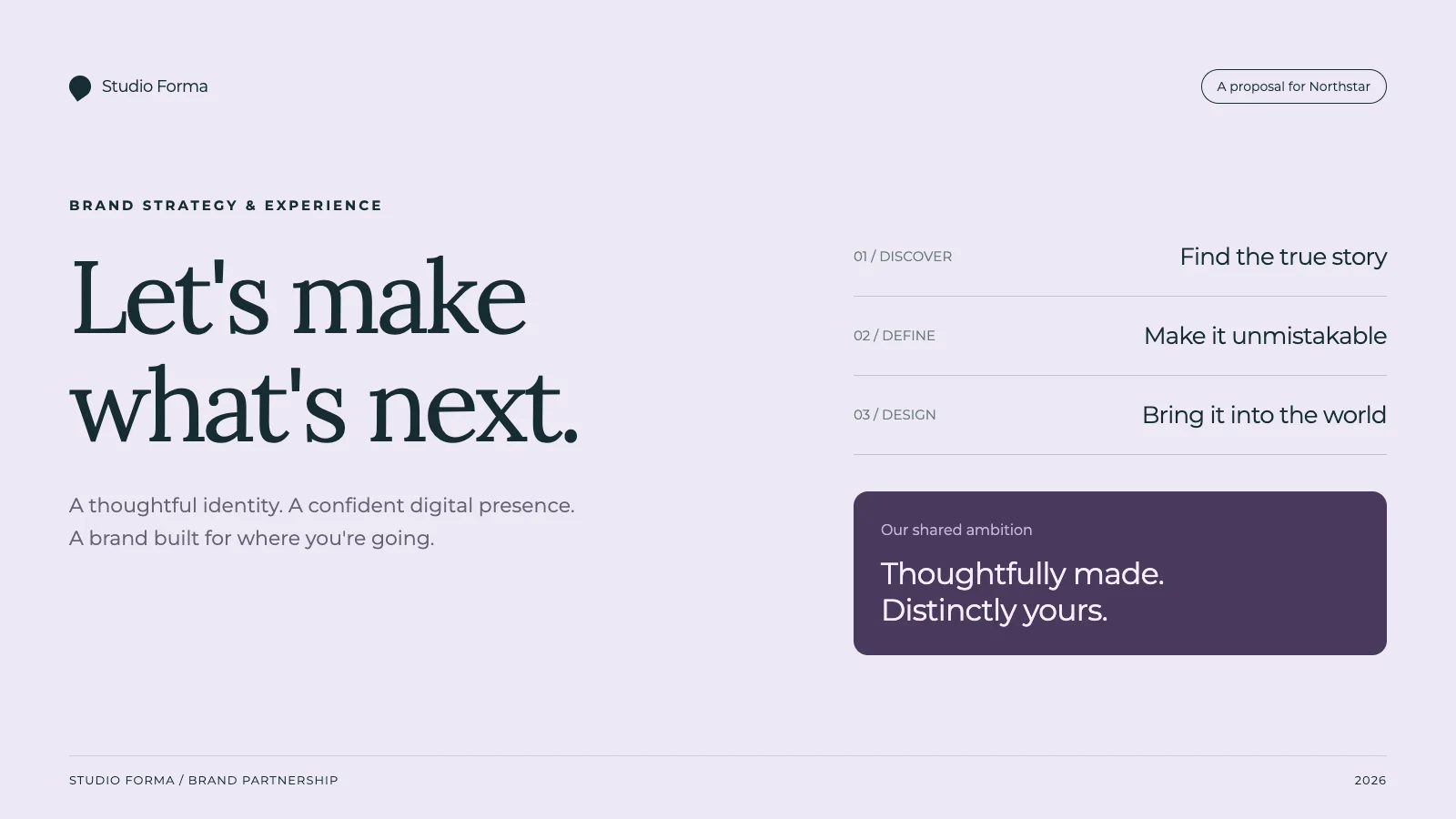
Sales Proposal
Team Report
One-Pager
Export Proposals in Any Format for Easy Delivery
Dealing with incompatible file formats for proposal delivery can cause unnecessary delays. This AI proposal tool enables you to export your final documents into all widely accepted formats. Share your winning proposal as a PDF, a dynamic Google Slides presentation, or an editable PowerPoint. This ensures smooth delivery and easy client access.
What people are saying
“The presentation turned out perfectly well, which I honestly didn't expect. I thought I would atleast get a few errors but it was flawless. Thanks for creating such a beautiful app and providing such services for free. Really appreciate it.”
Shubham More
University Student
“The AI editing features are a game changer. I use it daily for contracts and proposals—saves me hours of work!”
Michael Carter
Startup Founder
“I’ve never seen an AI tool that combines content generation and formatting so seamlessly. It’s like having a personal assistant for all my documents.”
Shauna Louise
Manufacturing Technician
“NextDocs is an invaluable tool for professionals. My team and I rely on it for creating polished proposals and NDAs in minutes.”
Ethan Johnson
Project Manager
“As a freelancer, NextDocs helps me create client-ready documents effortlessly. The templates and formatting tools are top-notch.”
Maria Gomez
Graphic Designer
“From resumes to contracts, this tool does it all. I can't imagine going back to manually editing documents again!”
Ashwinnie Pillai
Sales Enablement
“The one-click download feature is a lifesaver. I get perfectly formatted documents in seconds—every single time.”
Emma Brown
Marketing Director
Latest from our blog

Write a Client Proposal with AI: Brief, Scope and Worked Example
Turn discovery notes into a client proposal with defined deliverables, fees, a timeline and acceptance checks. Includes a fictional source brief, complete example, reusable prompt and export review.
Read more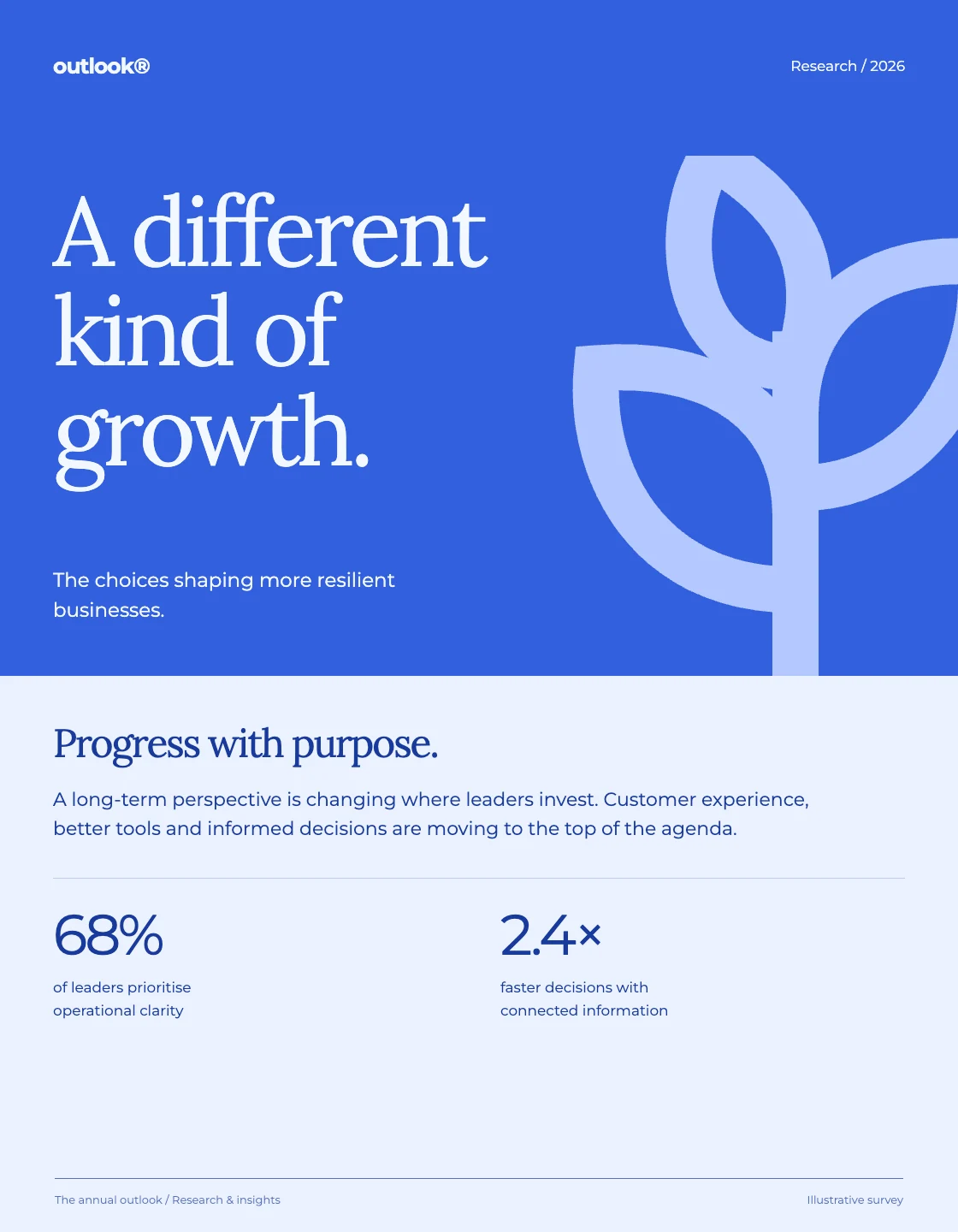
How to Create a Monthly Management Report with AI
Build a monthly management report from a clear source pack. Includes fictional input data, a complete example, calculations to check, a reusable prompt, and a practical export review.
Read moreFormat an AI-Written Report Without Changing the Facts
Turn a messy report into a structured document while preserving numbers, units, decisions and action owners. Includes before-and-after text, a formatting prompt and a practical review process.
Read moreSimple, transparent pricing
Start free, upgrade when you need to. No hidden fees.
Free
For hobbyists
- Up to 8 pages per doc
- Up to 3 exports
- Export to PDF & image
- Basic AI models
- AI image generation
Pro
For individuals
Applicable taxes are calculated at checkout.
- Everything in Free, plus:
- Up to 22 pages per doc
- Unlimited exports
- Export to Slides, PowerPoint, Docs
- Quality AI models
Pro+
For power users
Applicable taxes are calculated at checkout.
- Everything in Pro, plus:
- Up to 46 pages per doc
- Premium AI models
- AI image editing
- Priority support
Ultra
For professionals
Applicable taxes are calculated at checkout.
- Everything in Pro+, plus:
- Up to 92 pages per doc
- Early access features
- Premium support
Prices are in US dollars. Taxes are based on your billing location. New customer pricing. Existing subscriptions keep their current billing terms.
Frequently asked questions
Can I use NextDocs for free?
What can I create with NextDocs?
Can I export to Google Slides, PowerPoint, and PDF?
How do credits work?
Can I collaborate with my team?
How do I use my brand in NextDocs?
Can I cancel or change my plan anytime?
Is my data safe with NextDocs?
What's the difference between Pro and Pro+?
Do unused credits roll over?
Can I get a refund?
Your next great document is one prompt away
Join thousands of users creating polished documents and presentations with AI.