

Write a client proposal with AI in fifteen minutes, then send it as Word
Proposals are the document people most often need fast and most often get wrong. The structure is standard, the content is specific to one client, and the client wants a file they can comment on. This is a worked example of doing the whole thing in NextDocs, with the prompts written out so you can copy them.
The example is a marketing agency proposing a website redesign. Swap in your own details.
Minute 0 to 2: set the brand once
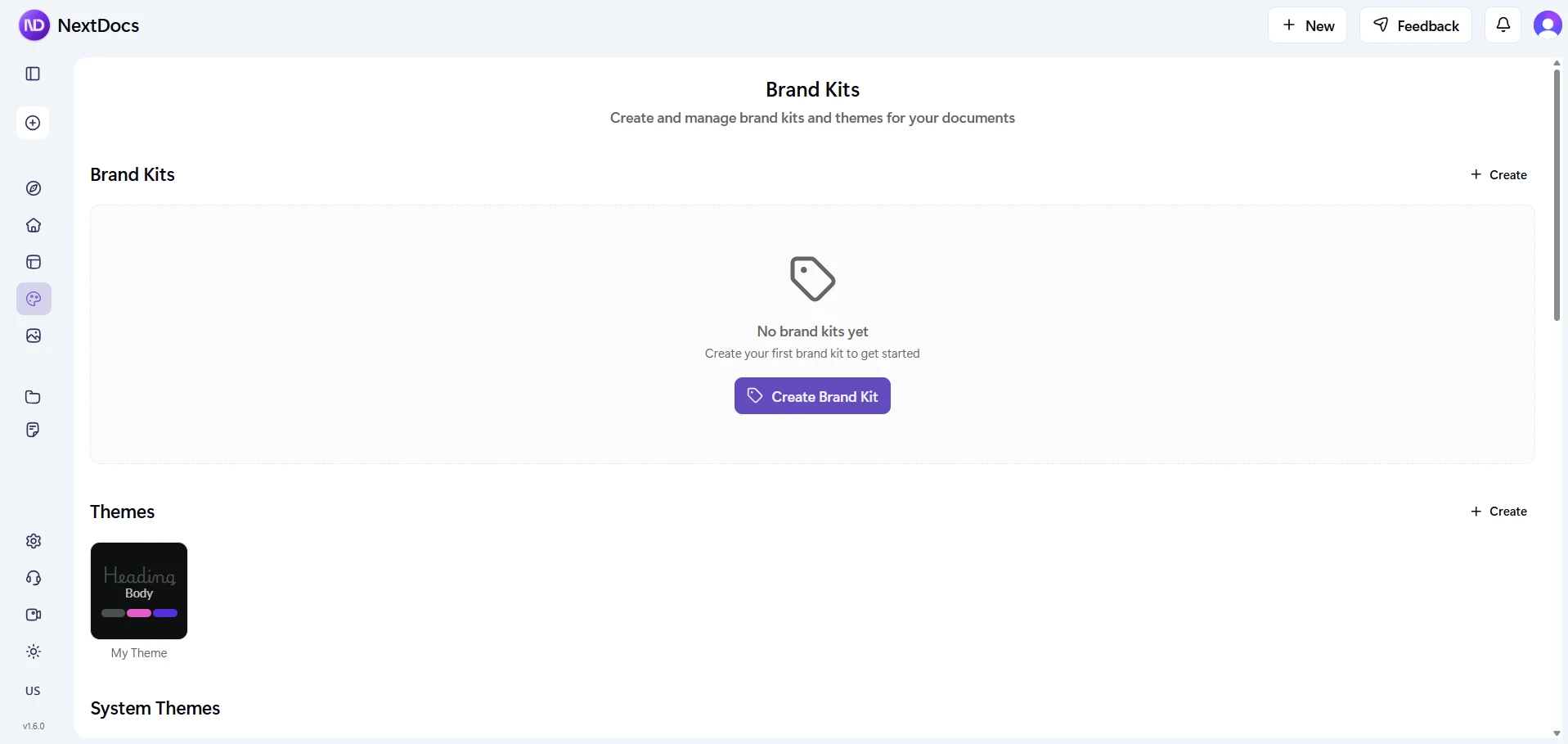
If you have not already, open Brand kit and set your logo, colours, fonts and a line about tone. If you have uploaded a brand font, it will be embedded in the PDF and carried into the Word file by name. This takes two minutes the first time and zero minutes every time after; the brand kit post covers it.
If you use AI Memory, tell it once: "I write proposals for a marketing agency. Formal but warm. Always include a pricing table and a timeline." Every proposal after this one starts from that.
Minute 2 to 4: the brief
Start a new document from the AI proposal generator or from a proposal template, and paste a brief. It does not need to be tidy:
Client: Harbour & Finch, a regional accounting firm, 40 staff, three offices. They want a website redesign: current site is 2019, not mobile-friendly, no online booking. Goals: look credible to business clients, get more consultation bookings, be easy for their own team to update. Budget signal from the call: around $40k. Timeline: launch before their financial-year push in March. We're proposing discovery, design, build on Webflow, content migration, and three months of support. Decision maker is the managing partner; she cares about not looking cheap and not being locked in.
Then the instruction:
Write a client proposal from this brief. Sections: executive summary, understanding of their goals, proposed approach in phases, timeline as a table with weeks, investment as a table with three options (essential, recommended, extended), why us, next steps. Formal but warm. Twelve to fifteen pages. Use the brand kit. Do not invent client quotes or statistics.
That last sentence matters. Ask the AI not to invent and it will not.
Minute 4 to 9: generate versions and choose
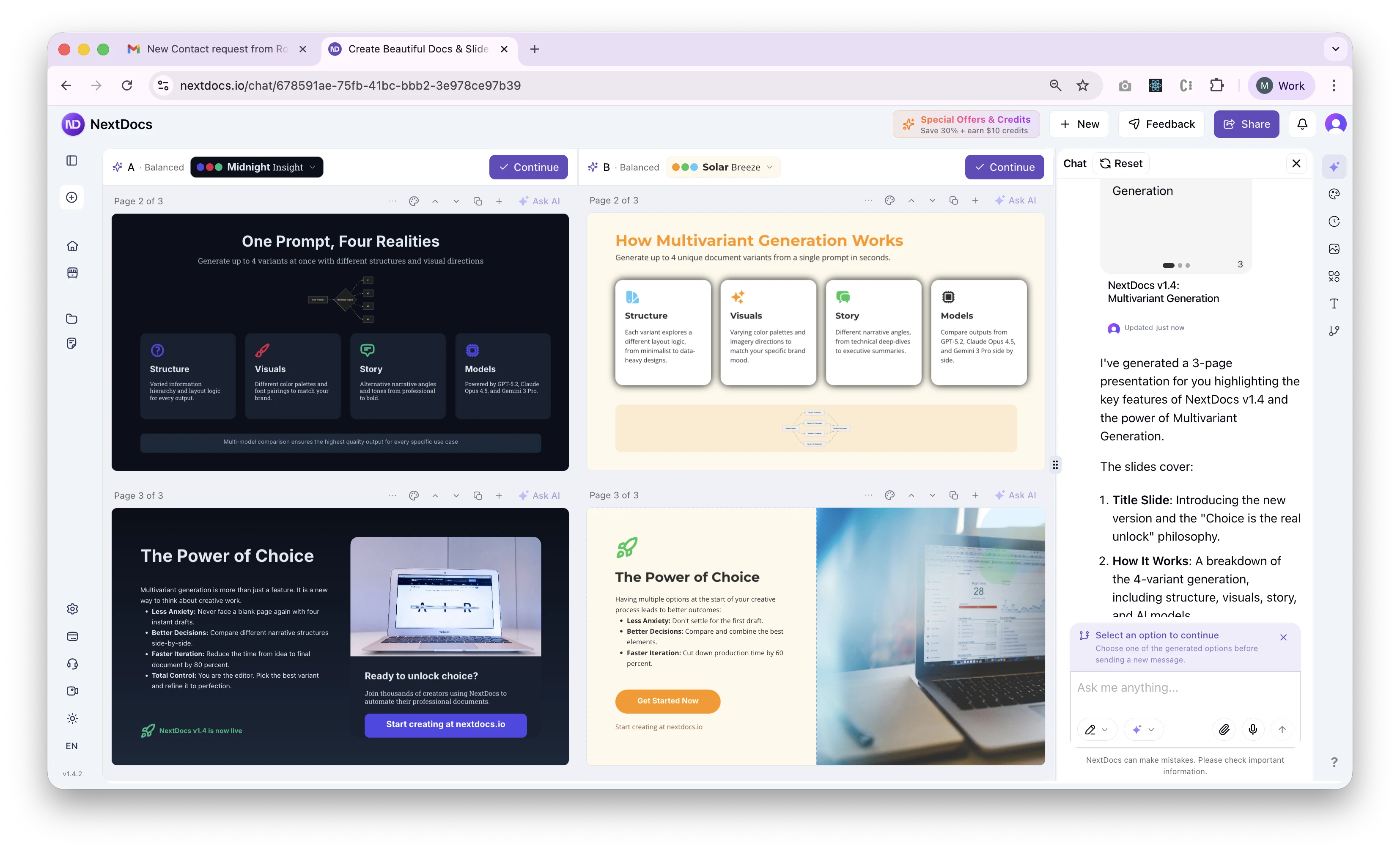
Choose the Quality mode and generate three versions. This is the step that saves the most time: instead of editing one draft into shape, you read three complete proposals and pick the structure you would have written. One will lead with the client's goals, one with your approach, one with the investment. You know which the managing partner wants to see first.
Pick it. Delete the other two.
Minute 9 to 13: three edits
Every AI proposal needs the same three human touches:
- The executive summary. Rewrite the first paragraph in your own words. It is the only part the decision maker is certain to read.
- The numbers. Check the investment table against your actual pricing. Ask the AI to adjust: "Make the recommended option $38,500 and move content migration into it."
- The timeline. Check it against your team's calendar. "Shift the build phase two weeks later; discovery needs three weeks, not two."
Each edit is a sentence in the chat, and the document updates in place.
Minute 13 to 15: export and send
Export to Word (DOCX) for the client, because a proposal is something they will annotate and forward internally, and Word is what their team will open it in. Word export carries headings, tables, images, links and your fonts by name.
Export to PDF as well, for the version you attach to the email, so the first impression is pixel-exact.
Keep the source in NextDocs. When the client asks for a revised scope, and they will, you change the brief and regenerate the affected section rather than starting over.
What this replaces
The old version of this process was an afternoon: open the last proposal, find and replace the client name, miss one, rewrite the approach, rebuild the pricing table, fight the formatting, export, notice the fonts are wrong. Fifteen minutes is not an exaggeration; the reading is the slow part.
If the proposal is a team effort
Some proposals are written by three people at once, or turn into a pitch deck and a follow-up video for the client. That is the case Shyne was built for: the same brand kit, a shared canvas, and an agent that edits where everyone can see it. Shyne does not export to Word, though, so for a proposal that must end as a DOCX, NextDocs is the tool.
The NextDocs Team