

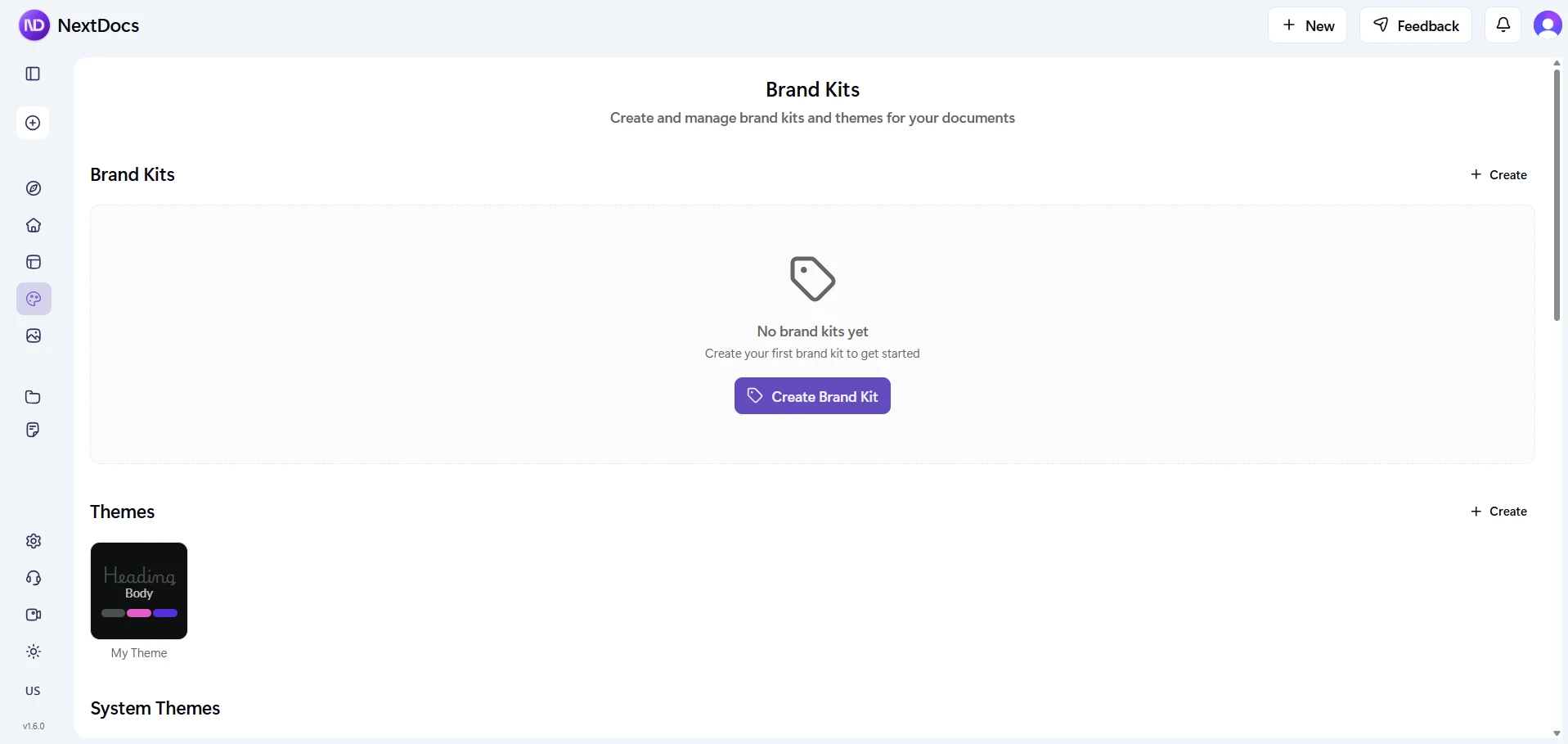
NextDocs v1.6: Brand Kit
Today we are releasing NextDocs v1.6 with a feature that changes how teams stay on brand: Brand Kit.
Define your brand identity once. Colors, fonts, logos, tone of voice. Every document, presentation, and report you create from that point forward follows your brand automatically.
No more manually adjusting colors. No more checking if the right logo was used. No more inconsistent outputs across your team.
The Problem
Every team has the same issue. You create 50 documents a month, and half of them look different from the other half. Wrong colors, wrong fonts, wrong logo placement. The brand guidelines exist somewhere in a PDF that nobody opens.
AI makes this worse. You generate a beautiful presentation, but it uses generic colors and a default font. You spend 20 minutes fixing it to match your brand. Multiply that by every document your team creates.
Brand Kit fixes this.
What is Brand Kit?
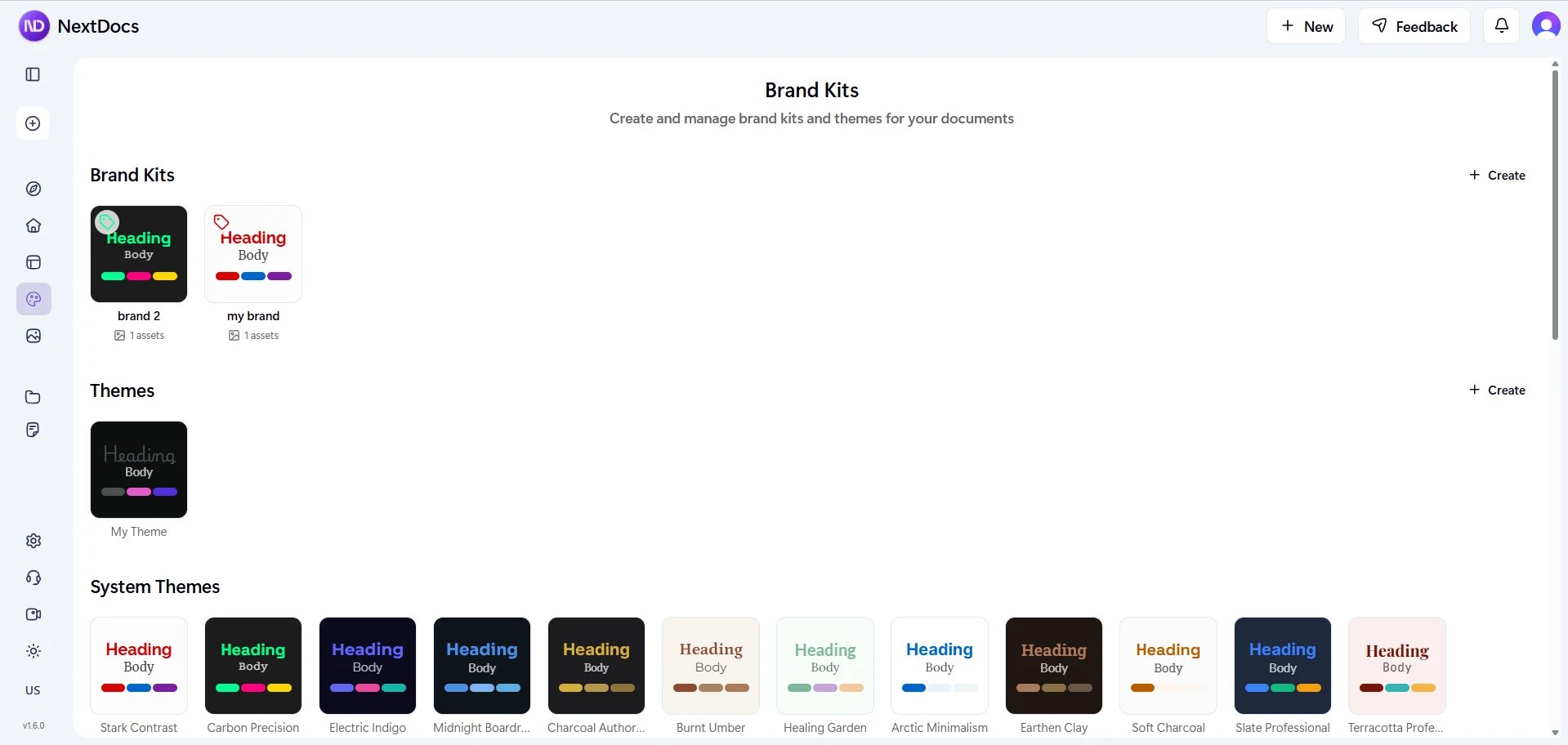
Brand Kit is a unified brand identity that combines:
- Theme: Your colors, fonts, and visual style
- Logos and images: Your company logo, product images, team photos
- Icons: Brand-specific icons and graphics
- AI instructions: Tone of voice, writing style, terminology preferences
When you select a Brand Kit before generating a document, AI uses all of this automatically. Every output matches your brand from the first draft.
How It Works
1. Create Your Brand
Go to the Brand Kit page and create a new brand. Give it a name, pick a theme, and upload your assets.
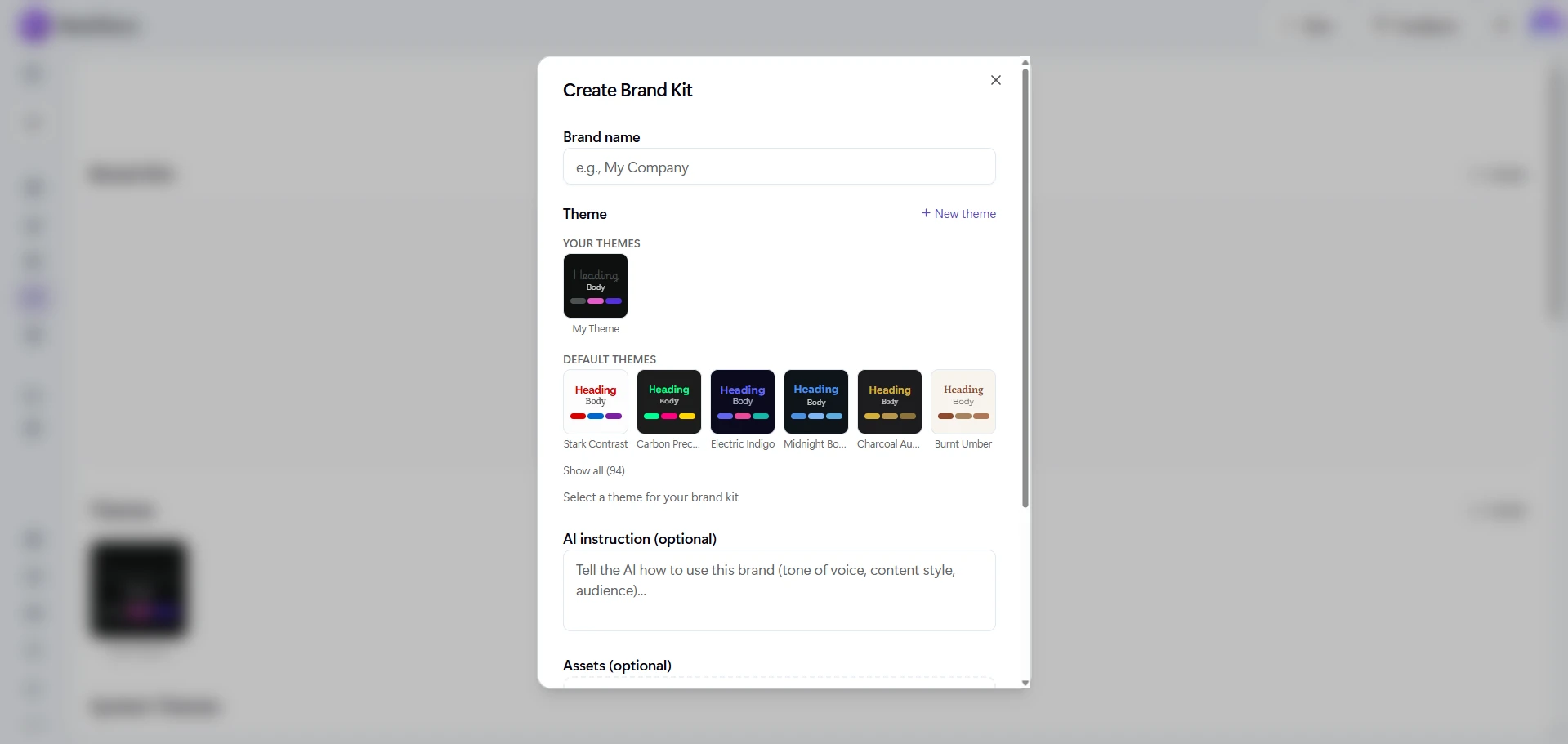
You can upload:
- Images: Logos, product photos, hero images, backgrounds
- Icons: Brand icons, social media icons, custom graphics
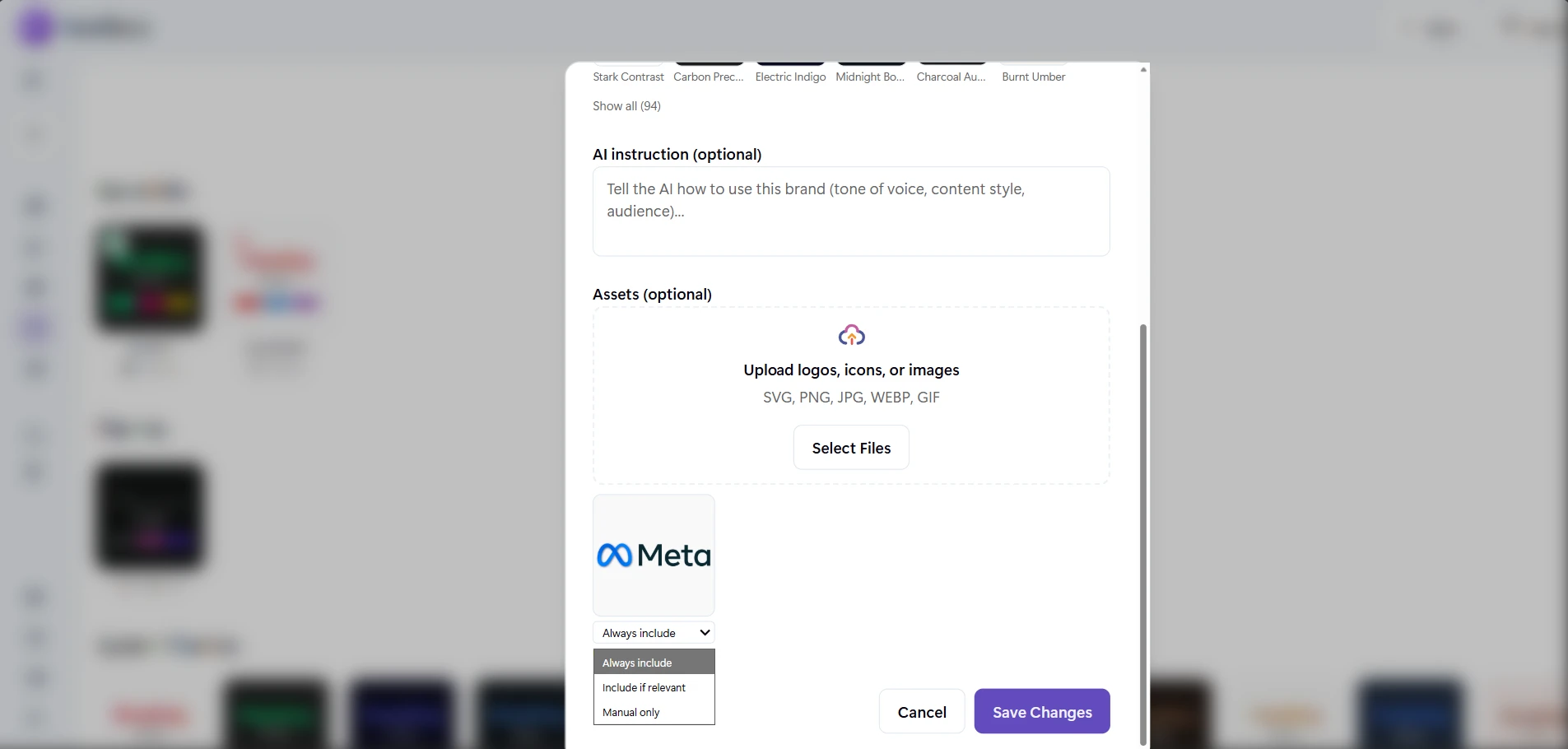
For each asset, you set a usage mode:
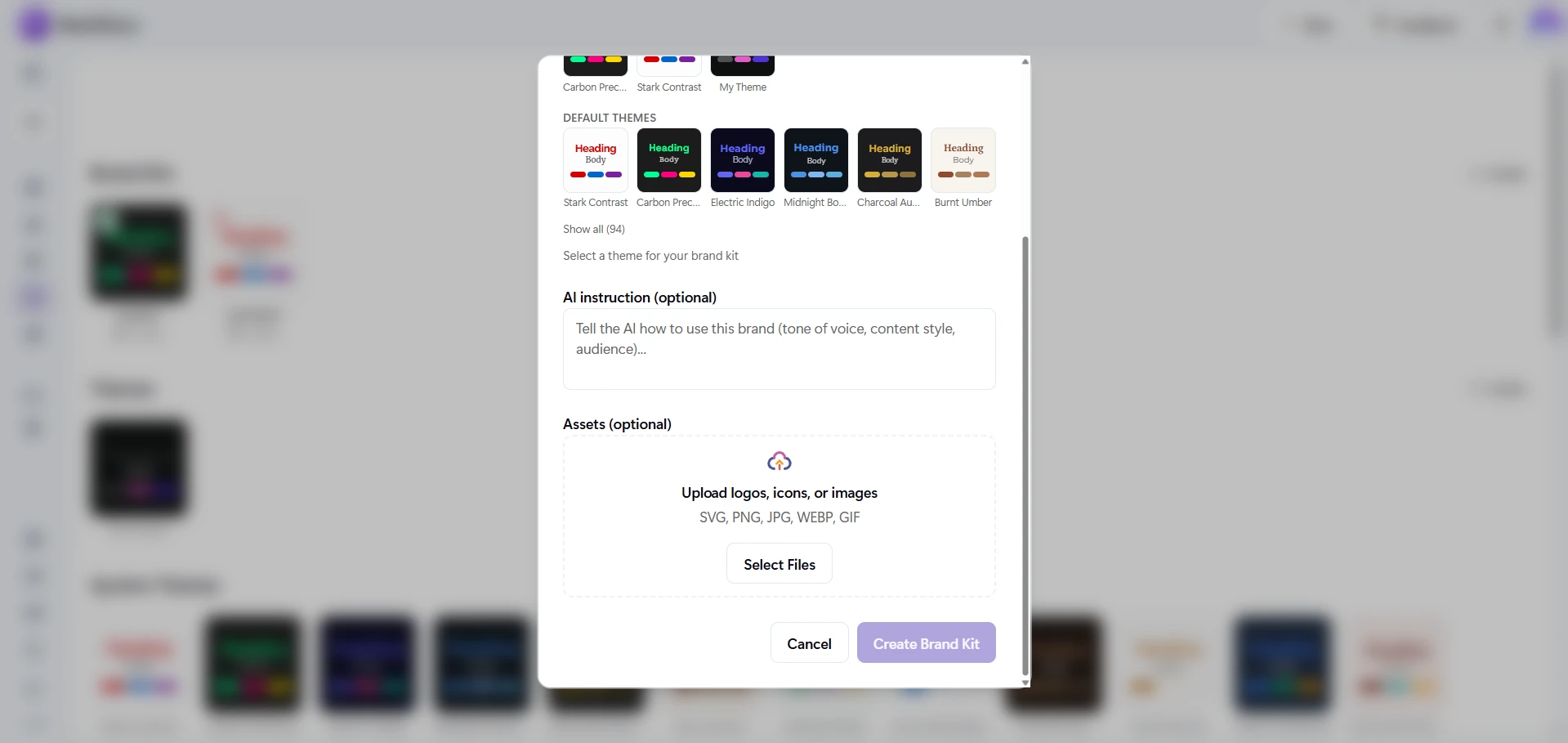
| Mode | What It Means |
|---|---|
| Always | AI must include this asset in every document (e.g., your company logo) |
| Maybe | AI can use this asset if it fits the content (e.g., product screenshots) |
| Never | Asset is stored but AI will not use it automatically |
2. Set Your AI Instructions
Write custom instructions that tell AI how to write for your brand:
"Use a professional but approachable tone. Avoid jargon. Always refer to our product as 'Acme Platform', never 'the platform'. End presentations with our tagline: Better tools, better outcomes."
These instructions are applied to every document generated with this Brand Kit.
3. Select Your Brand When Creating
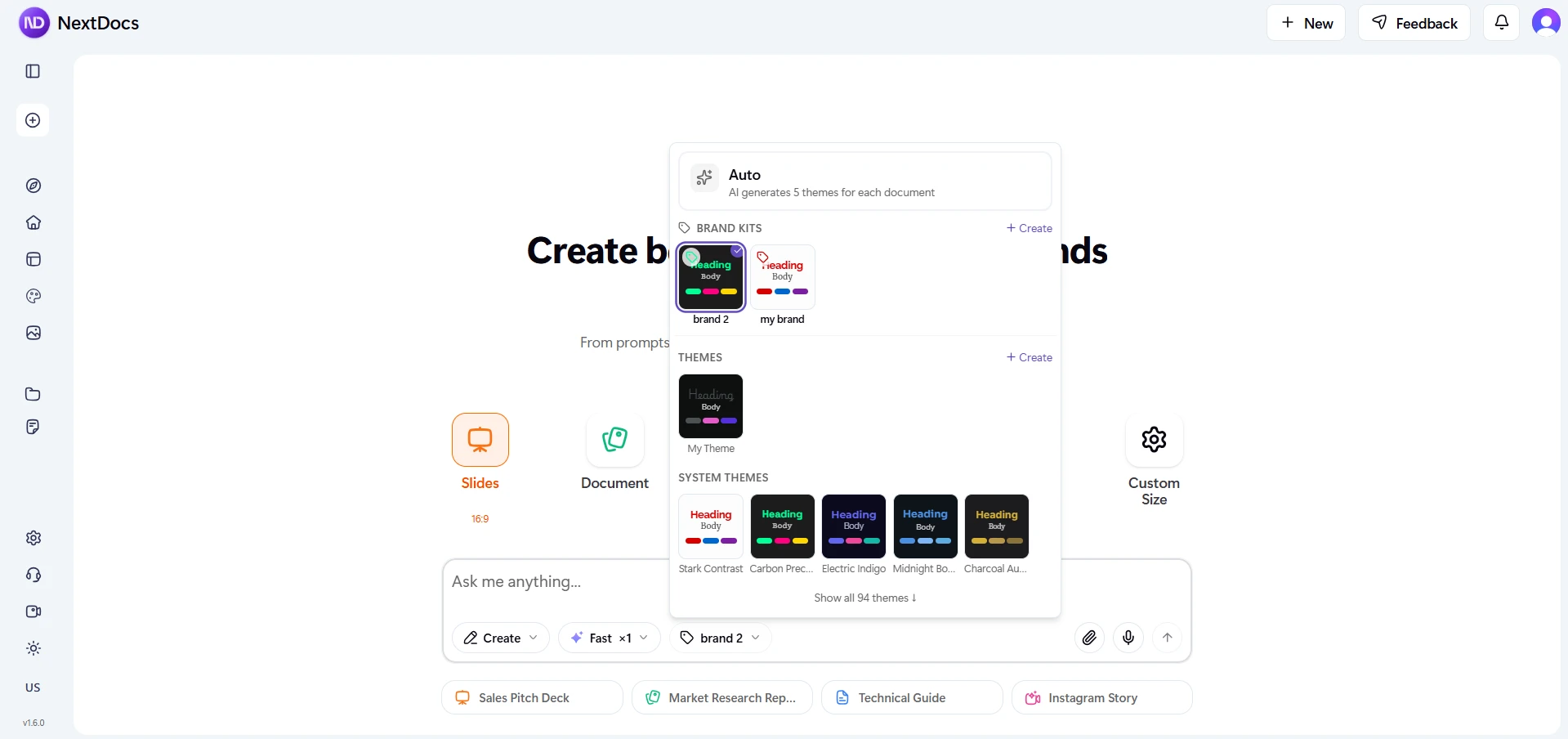
When you start a new document, select your Brand Kit from the brand selector. AI will:
- Apply your theme (colors, fonts, backgrounds)
- Include your "Always" assets (logos, brand images)
- Consider your "Maybe" assets based on context
- Follow your AI writing instructions for tone and style
The result is a document that looks and sounds like your company from the first page.
Use Cases
Sales teams: Every proposal, pitch deck, and client presentation uses the same brand identity. No rogue PowerPoints with the wrong logo.
Marketing teams: Campaign decks, social content, and reports all follow brand guidelines without manual effort.
Agencies: Create separate Brand Kits for each client. Switch between them in one click. No cross-contamination.
Founders and startups: Define your brand once and focus on content, not design. Every investor deck, one-pager, and internal doc is consistent.
New AI Models
Claude Opus 4.6
We have added Claude Opus 4.6 from Anthropic as a new premium model option. Opus 4.6 is Anthropic's most capable model, producing the highest-quality output for complex, long-form writing. Available on Pro plans.
Claude Sonnet 4.6
Claude Sonnet 4.6 is also now available, offering a strong balance between quality and speed for structured documents and presentations. Available on Pro plans.
5 New Free Models
We have also added five new AI models available to all users at no cost:
| Model | Description |
|---|---|
| Kimi K2.5 | High-quality model from Moonshot AI |
| MiniMax M2.1 | Fast and capable general-purpose model |
| GLM 4.7 | Strong multilingual model from Zhipu AI |
| DeepSeek V3.2 | Low-cost, high-quality model |
| DeepSeek V3.2 Thinking | Reasoning model for complex document planning |
All five models are available on the free plan. No upgrade required.
Mobile Editing Improvements
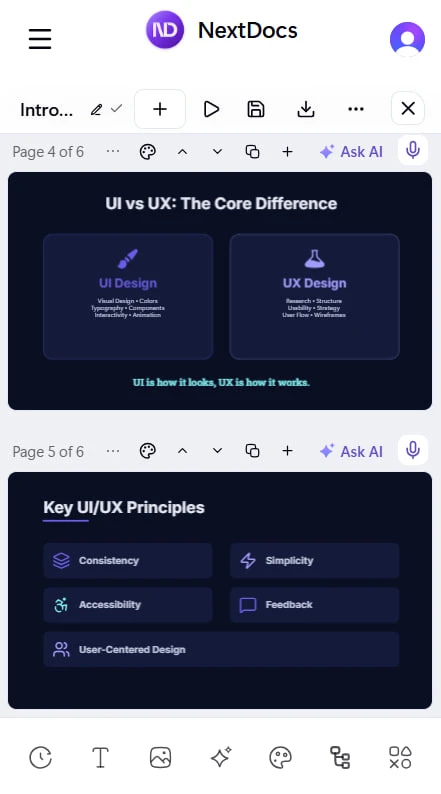
We have made significant improvements to the mobile editing experience:
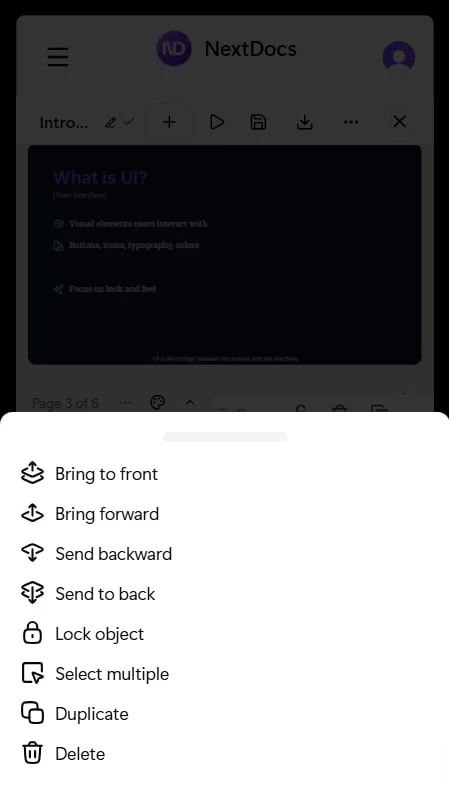
- Floating selection toolbar: A new contextual toolbar appears when you select objects on mobile, with quick access to common actions
- Multi-select mode: Select and move multiple objects at once on touch devices
- Inline text editing: Edit text directly on the canvas with font and style controls
- Mobile color picker: A new drawer-based color picker designed for touch interaction
Also in v1.6
80+ New Themes The theme library has expanded significantly. Over 80 new professionally designed themes across categories like corporate, dark tech, warm creative, bold gradient, elegant serif, and more.
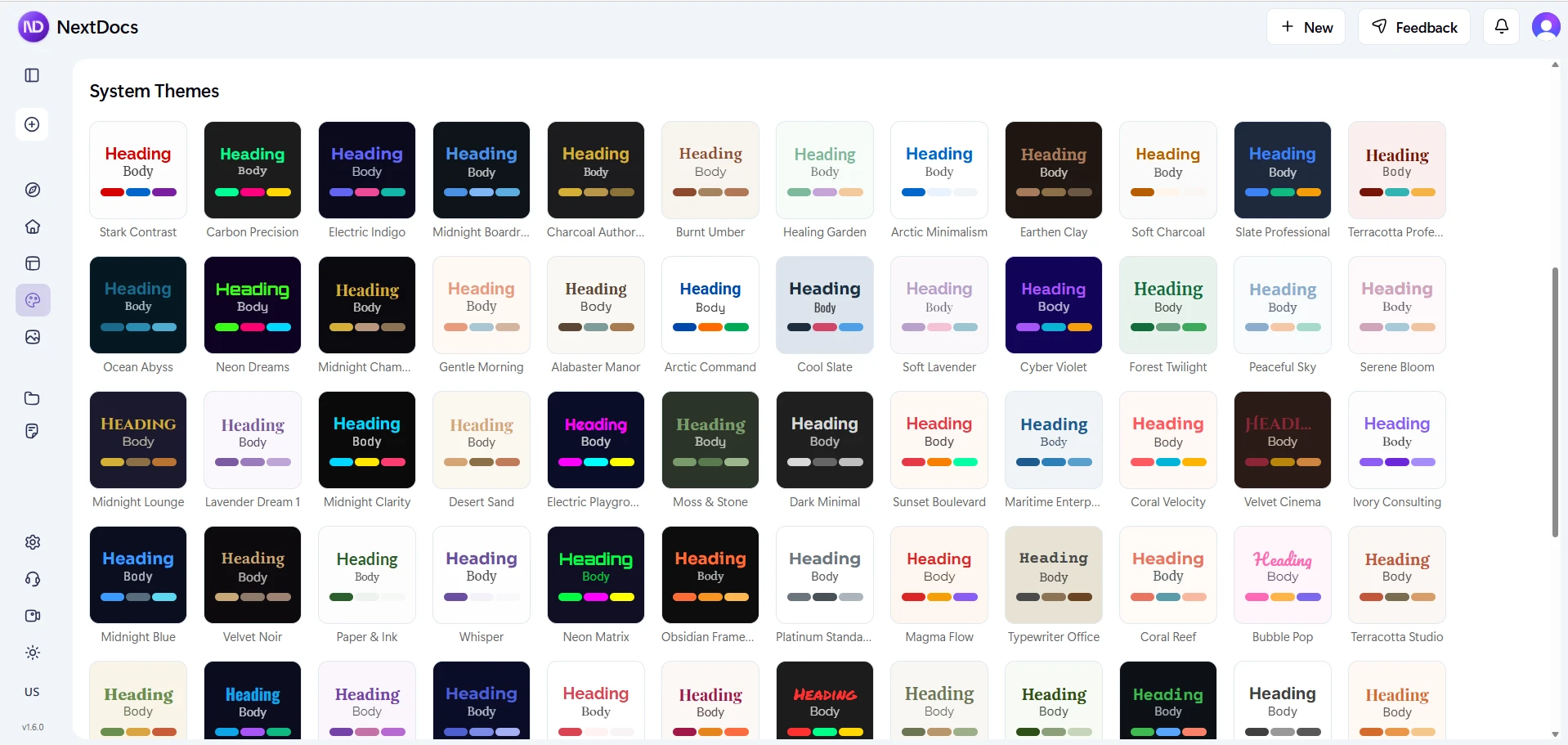
Improved Exports More reliable exports to PDF, Google Slides, and PowerPoint. Better image handling and improved compatibility.
Performance Improvements Faster rendering, smoother canvas interactions, and reduced load times across the editor.
Try Brand Kit
Go to nextdocs.io and create your first Brand Kit.
Set your brand once. Let AI handle the rest.
The NextDocs Team
Related posts
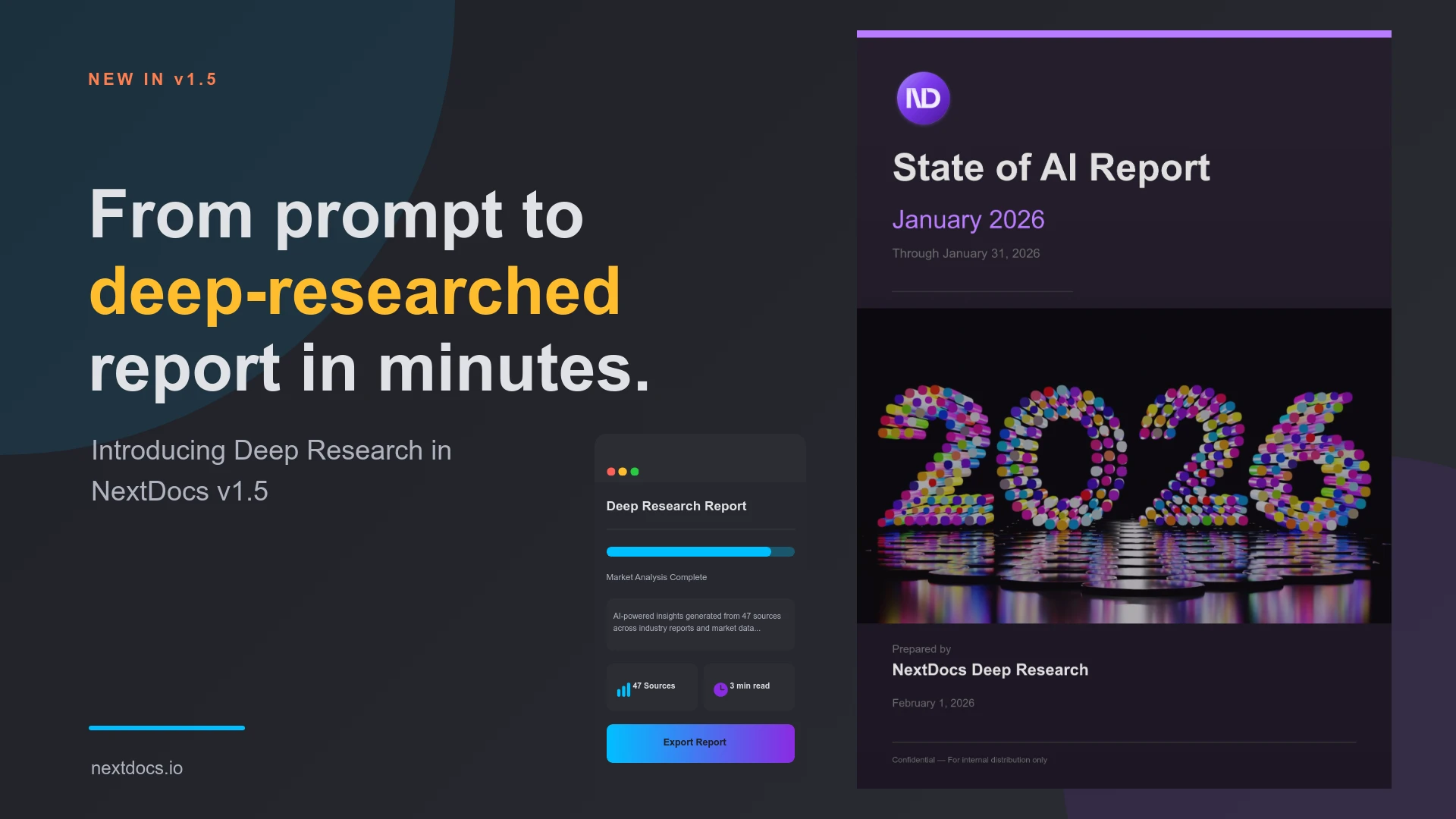
Introducing Deep Research — NextDocs v1.5
AI now researches your topic before creating your document. Deep Research searches the web, reads articles, and synthesizes information from multiple sources. Get documents backed by real data and proper citations.
Read more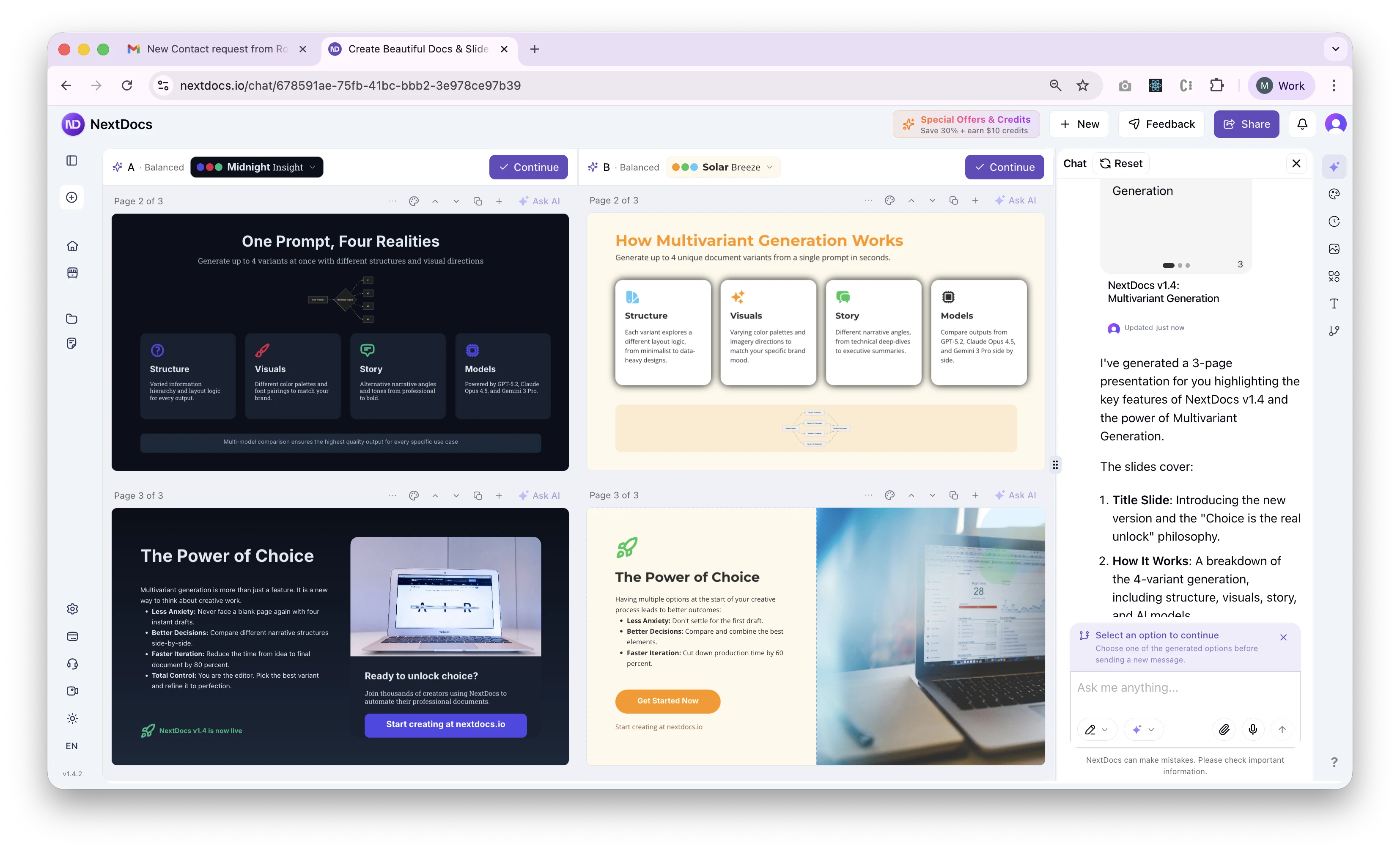
Introducing Multivariant Generation — NextDocs v1.4
Generate up to 4 document variants simultaneously. Compare different structures, visual directions, and stories side by side. Layer themes on top. Pick your favorite. This changes everything about how you create.
Read more