

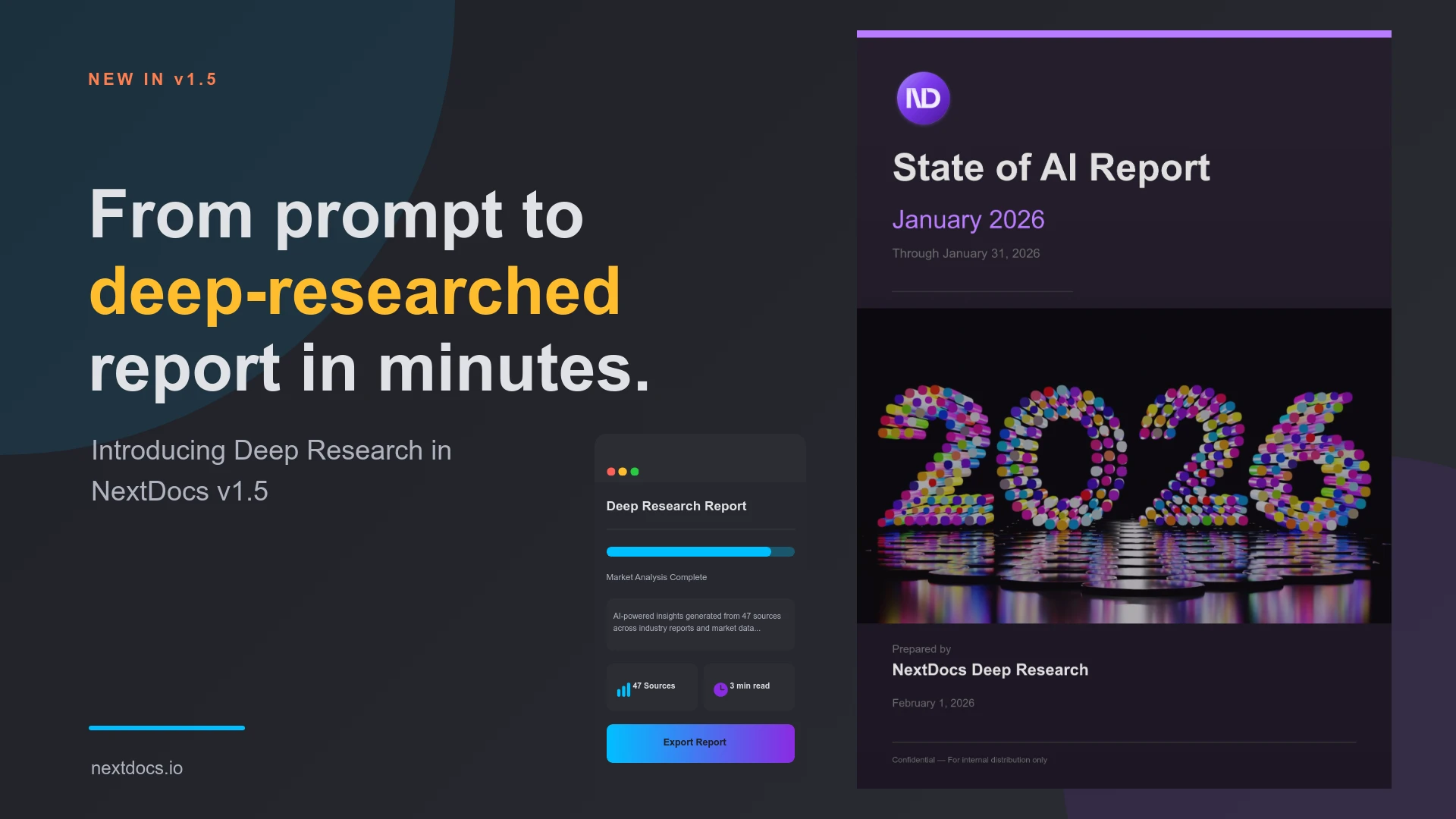
Introducing Deep Research — NextDocs v1.5
Today we're launching NextDocs v1.5 with a feature that fundamentally changes how AI creates documents.
Deep Research lets AI research your topic before creating your document. Instead of generating content from training data alone, AI actively searches the web, reads articles, and synthesizes information from multiple sources.
The result? Documents backed by real, current information — not just AI imagination.
The Problem with AI-Generated Content
Traditional AI document tools have a fundamental limitation: they can only use what's in their training data.
Ask for a report on "AI trends in 2026" and you get content based on patterns the model learned — not actual current information. The document might sound authoritative, but it's essentially educated guessing.
This is fine for creative work. But for reports, analysis, whitepapers, and research-driven content, you need facts. You need sources. You need information that's actually current.
That's what Deep Research delivers.
How Deep Research Works
Choose Your Research Depth
Before generating, select how thorough you want the research to be:
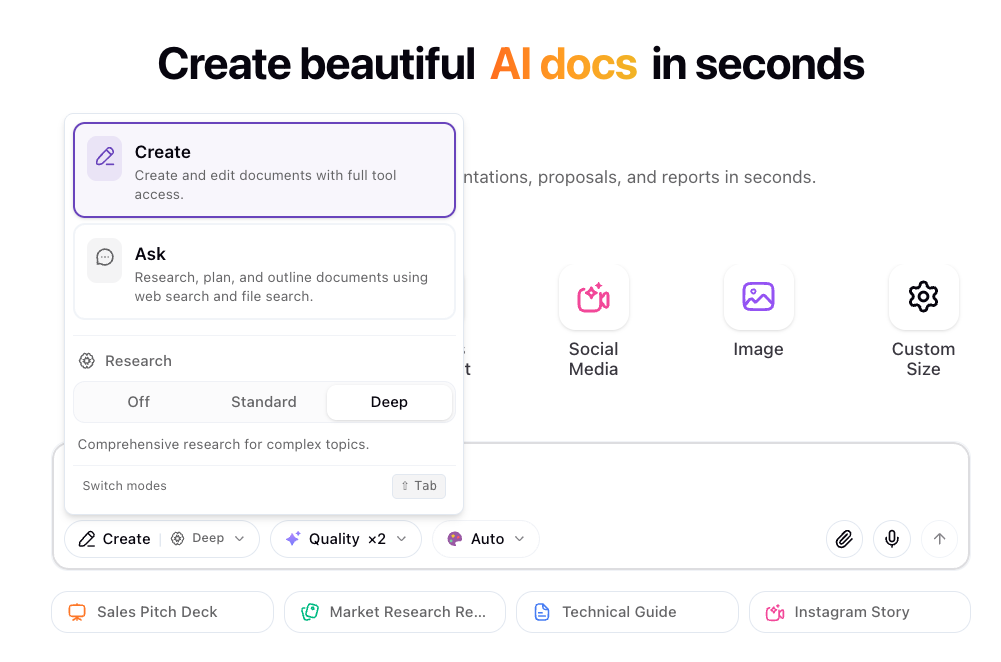
| Depth | Best For |
|---|---|
| Off | Creative content, storytelling, content that doesn't need external sources |
| Standard | Most documents — balanced research with good speed |
| Deep | Comprehensive whitepapers, detailed analysis, research-heavy content |
Watch AI Research in Real-Time
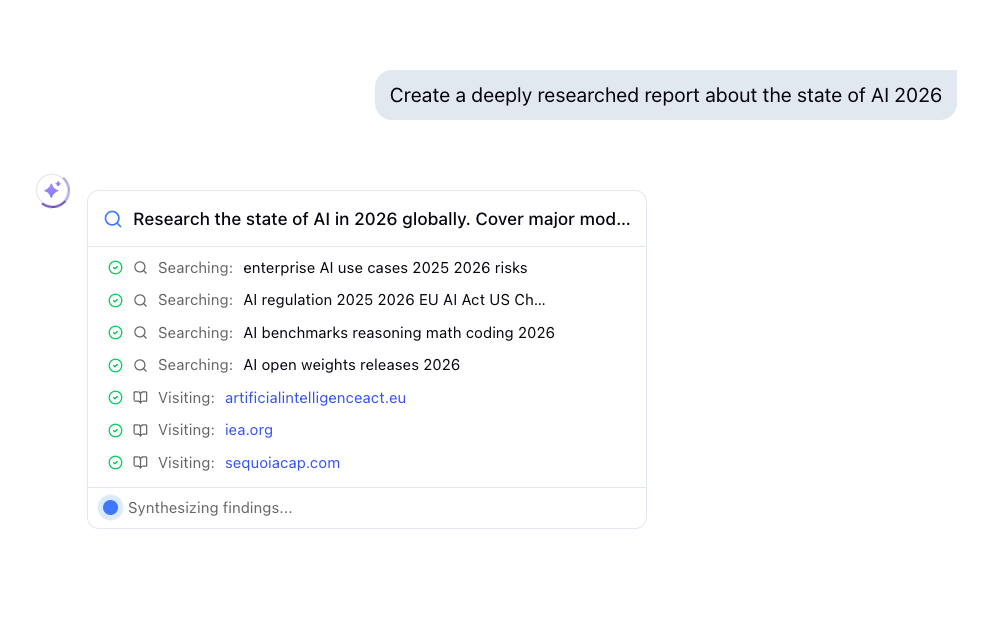
Once you hit generate, you'll see AI working through your topic:
- Web searches — Finding relevant, current information
- Article reading — Extracting key insights from sources
- File searches — Checking your uploaded documents and knowledge base
- Synthesis — Combining findings into coherent content
No black box. You see exactly what AI is doing and what sources it's using.
Get Documents with Real Sources
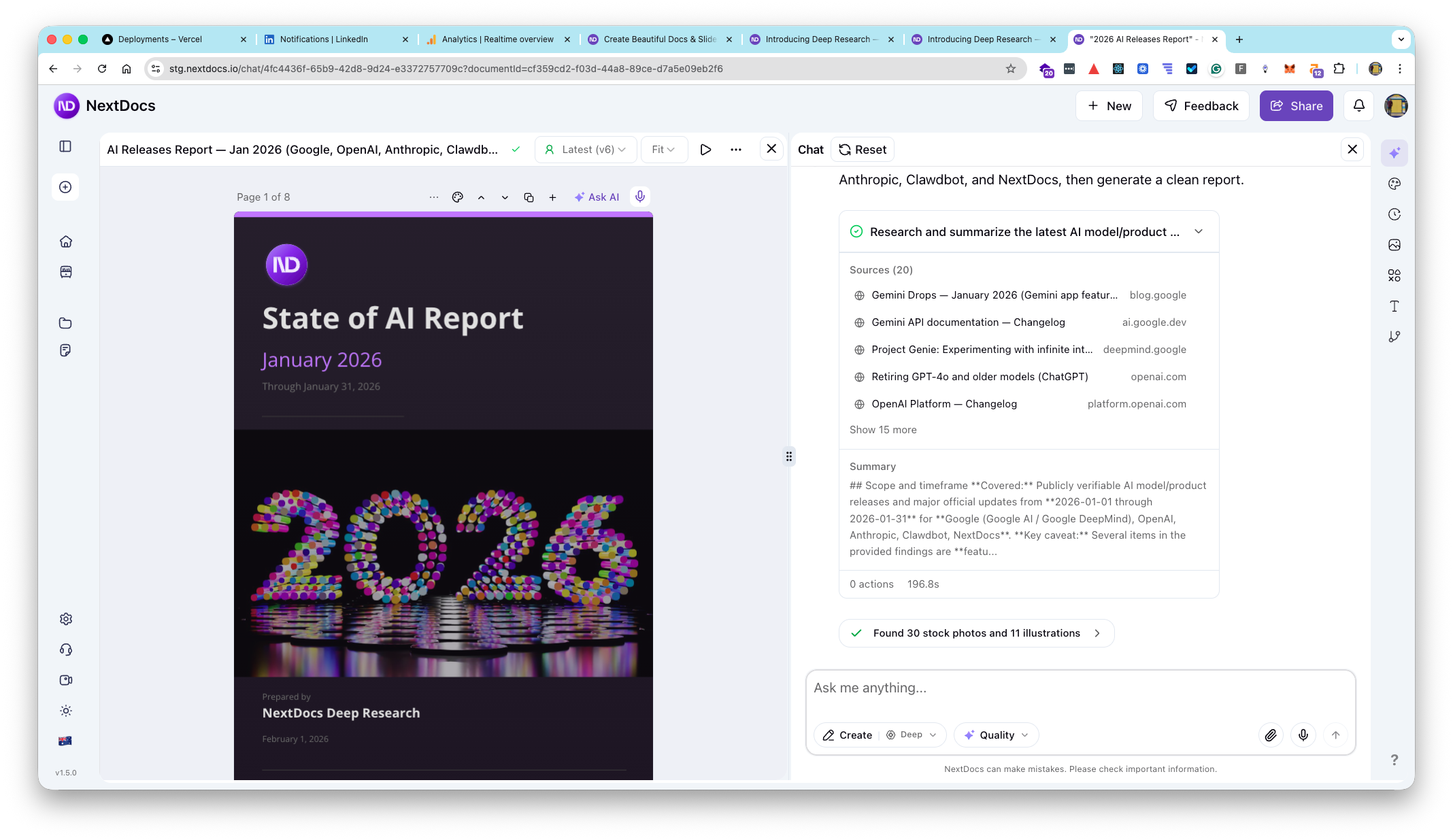
Your finished document includes proper citations:
- List of all sources consulted
- Links to original articles
- Clear attribution for facts and data
This isn't just better content — it's verifiable content.
What AI Can Research
Deep Research gives AI access to four research tools:
Web Search
AI searches the web for current information on your topic. Multiple searches, different angles, comprehensive coverage.
Article Reading
When AI finds relevant pages, it reads and extracts the key information. Not just skimming — actually understanding and synthesizing the content.
Your Files
If you've uploaded documents or built a knowledge base, AI searches through your files too. Company data, past reports, reference materials — all fair game.
Multiple Sources
AI combines information from many sources into a coherent document. Cross-referencing, fact-checking, building a complete picture.
Real-World Examples
Here's where Deep Research shines:
Market Research Report
Prompt: "Create a report on AI trends in 2026 with current market data and expert predictions"
Without Deep Research: Generic content based on training data patterns
With Deep Research: Current statistics, recent announcements, expert quotes, and links to sources
Competitive Analysis
Prompt: "Research and compare the top 5 project management tools — features, pricing, and user reviews"
Without Deep Research: General feature comparisons from memory
With Deep Research: Current pricing, recent feature updates, actual user feedback from review sites
Industry Overview
Prompt: "Write a comprehensive overview of the renewable energy sector with recent statistics"
Without Deep Research: Outdated figures and general trends
With Deep Research: Latest industry reports, recent policy changes, current market numbers
Investment Memo
Prompt: "Research Tesla's recent performance and create an investment analysis"
Without Deep Research: Historical patterns and general analysis
With Deep Research: Recent earnings, current stock performance, analyst opinions, news coverage
Standard vs Deep Research
Both modes use the same research tools. The difference is thoroughness:
Standard Research
- Targeted searches on key aspects of your topic
- Reads the most relevant sources
- Good balance of speed and depth
- Best for most documents
Deep Research
- More comprehensive searches across your topic
- Reads more sources and digs deeper
- Takes longer but delivers more thorough results
- Best for whitepapers, detailed reports, serious analysis
Choose based on what you're creating. A quick proposal? Standard is fine. A board presentation with data? Go Deep.
Transparency Built In
We believe AI research should be transparent. That's why Deep Research shows you everything:
- Every search query — See what AI is looking for
- Every source read — Know where information comes from
- Progress in real-time — No waiting blindly
- Full citation list — Verify anything you want
If you don't trust a source, you can check it. If you want more depth on a topic, you know what was covered.
Also in v1.5
Performance Boost
The editor is faster and more responsive. Smoother interactions, especially with complex layouts.
Export Improvements
Faster, more reliable exports to Google Slides and PowerPoint. Better image handling across all formats.
Getting Started
New to NextDocs?
- Create an account at nextdocs.io
- Start a new document — presentations, documents, or reports
- Select research depth — Standard or Deep
- Enter your prompt — Describe what you want to create
- Watch AI research — See sources being gathered
- Get your document — Complete with citations
Existing User?
Deep Research is available now. Look for the research depth selector before you generate.
What's Next
Deep Research is just the beginning. We're exploring:
- Parallel research — Research multiple topics simultaneously for complex documents
- Domain-specific modes — Specialized research for legal, medical, financial content
- Research caching — Faster repeat queries on similar topics
- Source quality scoring — Prioritize authoritative sources
Try It Now
Ready to create documents backed by real research?
👉 Start Creating with NextDocs
Questions or feedback? We're here to help: hello@nextdocs.io
Research first. Create second. Better documents.
— The NextDocs Team
Related posts
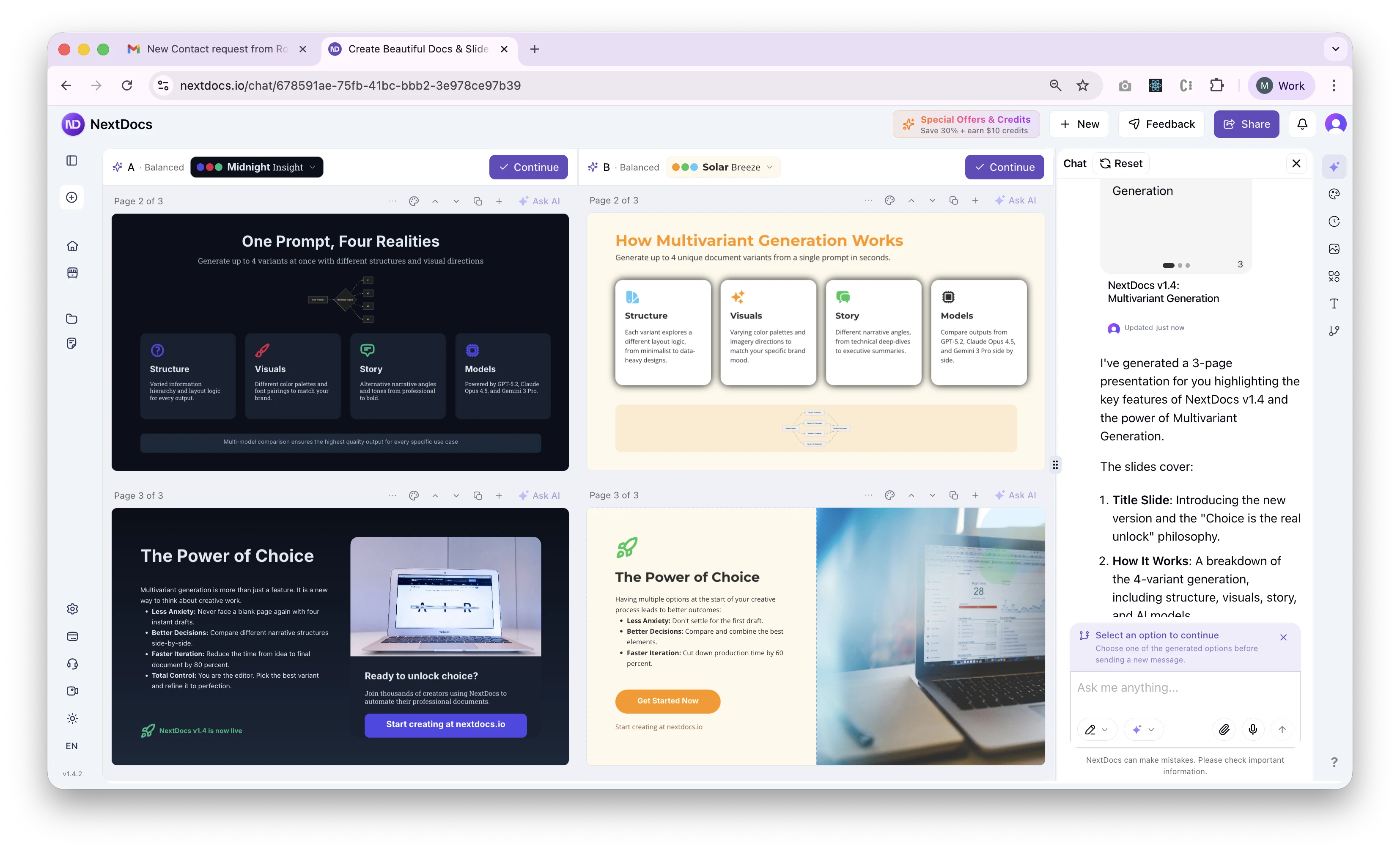
Introducing Multivariant Generation — NextDocs v1.4
Generate up to 4 document variants simultaneously. Compare different structures, visual directions, and stories side by side. Layer themes on top. Pick your favorite. This changes everything about how you create.
Read more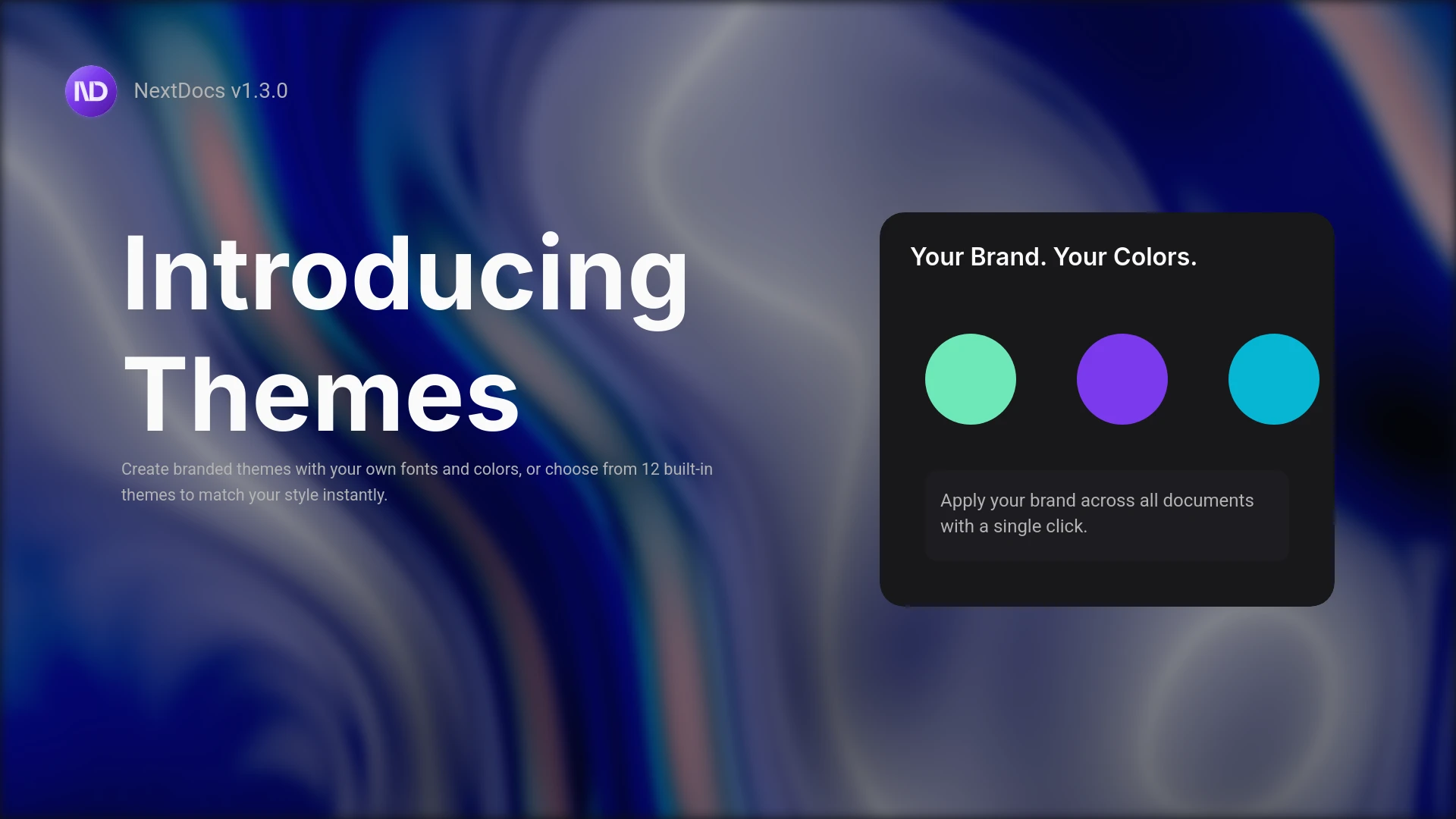
Introducing Themes and the Pageless Document Editor
Create branded documents with custom themes. Define your fonts, colors, and style. Plus a new pageless editor for flowing documents like reports and proposals. Professional results, your brand identity.
Read more