AI Report Online Platform: Create Professional Reports Instantly
Generate polished AI reports effortlessly with our online platform. Describe your needs, get multiple versions, and export professional documents quickly. Streamline report creation for any project.
Everything you need to create professional documents
Generate Professional AI Reports and Documents with Ease
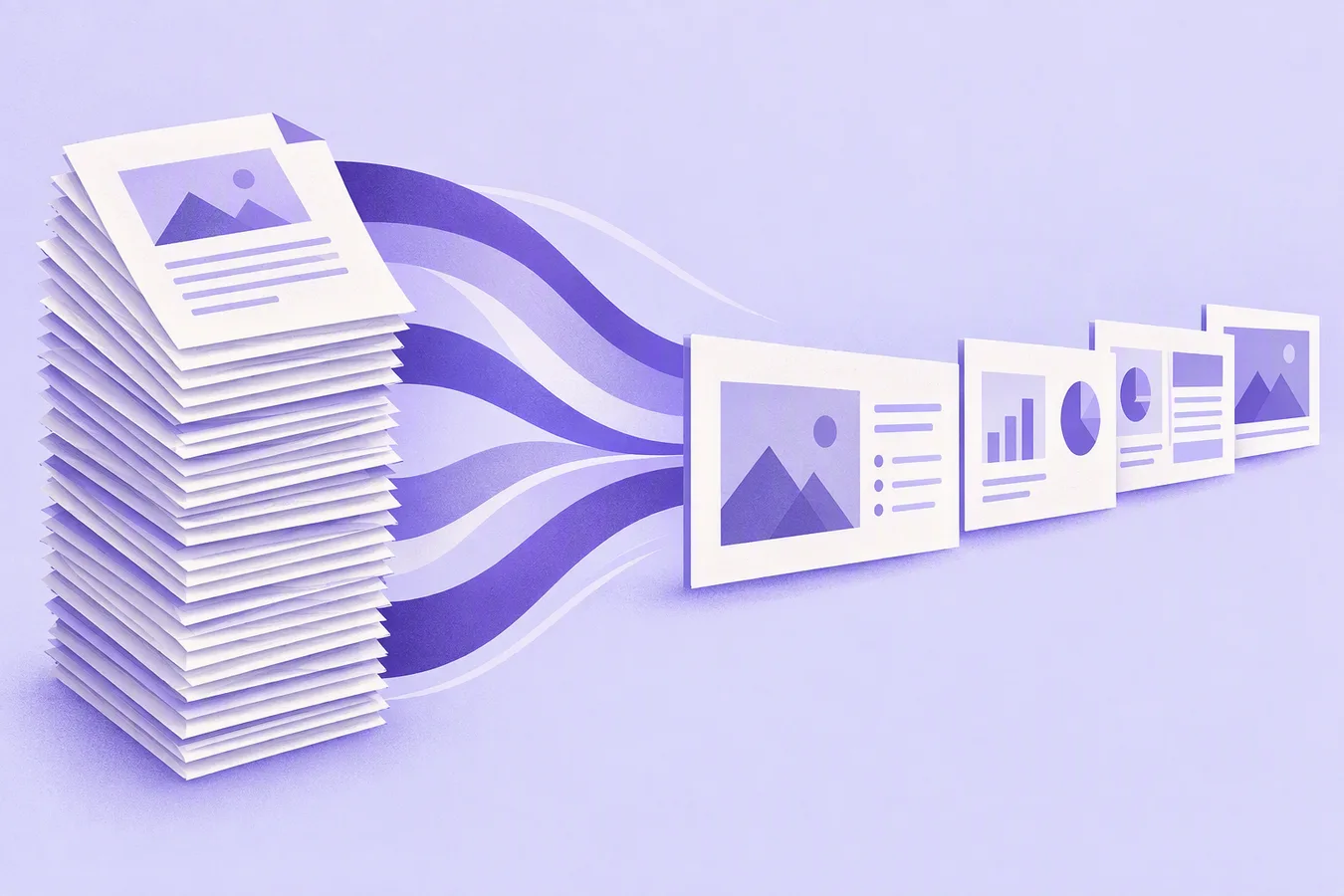
Creating detailed reports can be time-consuming and complex. Our AI online platform simplifies this, transforming your ideas into polished reports instantly. Just describe your requirements, and AI generates comprehensive research papers, project summaries, or market analyses, saving you valuable time.
October revenue A$126,000; operating costs A$94,500. 1
Delivery notes
Three delayed projects: two approvals and one scheduling conflict. 2
Decision request
Up to A$3,000 of temporary support is proposed and remains unapproved. 3
References
Research
Review October report evidence
Monthly financial data
Referenced
October revenue A$126,000; operating costs A$94,500.
Delivery notes
Referenced
Three delayed projects: two approvals and one scheduling conflict.
Decision request
Referenced
Up to A$3,000 of temporary support is proposed and remains unapproved.
Information not supplied
Review
No retention data or revenue forecast was supplied.
Check each claim against its source
3 example references
Review source support
Explore Diverse AI Report Options from One Simple Prompt
Struggling to find the right angle for your report? NextDocs generates 2-4 distinct versions from a single prompt, offering diverse perspectives and structures. Easily compare these AI-generated options, picking the best fit for your audience or specific reporting needs. This ensures your final report is always impactful.
Create a quarterly business review with key metrics and team updates...
v1 — Data-Focused
v2 — Narrative
v3 — VisualSelected
v4 — Balanced
4 of 4 versions generated100%
Refine Your AI Reports with Smart Editing Tools
Need to fine-tune your AI-generated report? Our platform allows you to either empower AI to rephrase entire sections or manually adjust specific sentences and data points. This flexibility ensures your report perfectly aligns with your vision and maintains factual accuracy. Achieve precision and quality in every deliverable.
Ensure Consistent Branding Across All Your AI Reports
Maintaining brand consistency across multiple reports is often a challenge. NextDocs automatically applies your uploaded logos, fonts, and color palettes to every AI-generated report. This guarantees all your research papers, financial summaries, or project updates consistently reflect your professional brand identity without extra effort.
Sharing your completed reports should be effortless. NextDocs supports universal export, letting you download your AI-generated reports as PDFs, Google Docs, or PowerPoint presentations. This versatility ensures your professional reports are always accessible and ready for any audience or platform. Share your insights without compatibility worries.
“The presentation turned out perfectly well, which I honestly didn't expect. I thought I would atleast get a few errors but it was flawless. Thanks for creating such a beautiful app and providing such services for free. Really appreciate it.”
SM
Shubham More
University Student
“The AI editing features are a game changer. I use it daily for contracts and proposals—saves me hours of work!”
MC
Michael Carter
Startup Founder
“I’ve never seen an AI tool that combines content generation and formatting so seamlessly. It’s like having a personal assistant for all my documents.”
SL
Shauna Louise
Manufacturing Technician
“NextDocs is an invaluable tool for professionals. My team and I rely on it for creating polished proposals and NDAs in minutes.”
EJ
Ethan Johnson
Project Manager
“As a freelancer, NextDocs helps me create client-ready documents effortlessly. The templates and formatting tools are top-notch.”
MG
Maria Gomez
Graphic Designer
“From resumes to contracts, this tool does it all. I can't imagine going back to manually editing documents again!”
AP
Ashwinnie Pillai
Sales Enablement
“The one-click download feature is a lifesaver. I get perfectly formatted documents in seconds—every single time.”
Prices are in US dollars. Taxes are based on your billing location. New customer pricing. Existing subscriptions keep their current billing terms.
FAQ
Frequently asked questions
Can I use NextDocs for free?
Yes. Our free plan includes AI credits each month, so you can create and export documents right away. Upgrade anytime for higher limits and premium features like advanced AI models and image editing.
What can I create with NextDocs?
You can create presentations, pitch decks, proposals, contracts, reports, resumes, cover letters, and social media posts. One prompt, multiple formats — no design skills required.
Can I export to Google Slides, PowerPoint, and PDF?
Available formats and export limits depend on your plan and workflow. PDF is suitable for viewing. Newly generated visual presentations in current Tasks export to PowerPoint as one image per slide, and Google Slides imports that output; text, shapes and charts are not individually editable native objects. Fixed-page Word and Google Docs exports use positioned text and artwork, so substantial edits need a layout check. Classic and public API exports differ. Review a sample in the application you will use.
How do credits work?
Credits pay for AI generation and editing. Usage varies with the model, task and amount of work. Check your account's usage and billing pages for the current balance, allowance, reset period and available credit options. Export formats and limits are also controlled by your plan.
Can I collaborate with my team?
Yes. You can invite team members, share documents, and work together in real time. For larger teams with advanced admin controls and SSO, check out our Business plans.
How do I use my brand in NextDocs?
Provide your colors, fonts, logo and a reference document, and explain which elements to reuse. Where brand-kit controls are available, select the relevant kit for the work. Review generated pages and the exported file for consistent headings, tables, spacing and font availability.
Can I cancel or change my plan anytime?
Yes. You can upgrade, downgrade, or cancel your subscription at any time from your billing settings. Changes take effect at the start of your next billing cycle.
Is my data safe with NextDocs?
Yes. We prioritize security and privacy — your data is encrypted and never sold.
What's the difference between Pro and Pro+?
Pro includes premium AI models and export to Google Slides, PowerPoint, and Docs. Pro+ adds up to 46 pages, AI image editing, and priority support — ideal for power users who create frequently.
Do unused credits roll over?
No, credits reset each month and do not roll over. We recommend choosing a plan that matches your typical usage.
Can I get a refund?
If you're not satisfied, you can request a refund within 30 days of purchase. Refunds are based on the unused portion of your subscription or credits. Contact our support team and we'll help you out.
Your next great document is one prompt away
Join thousands of users creating polished documents and presentations with AI.