


Sora shuts down on 24 September. Here is how to put AI video in a deck now.
OpenAI's Sora, the text-to-video model that made "AI video" a phrase everyone knew, is going away. The consumer app closed on 26 April 2026, and the API is scheduled to shut down on 24 September 2026. Reports at the time put the app below half a million users against a running cost of about a million dollars a day, which explains the decision, but not what you do next if video had become part of how you present.
This post is the practical answer. There are two routes that work today, and they suit different jobs.
First, what "video in a deck" usually means
When people say they want video in a presentation, they mean one of three things:
- A deck that moves. Slides with animated text, transitions and builds, exported as a video file for LinkedIn, YouTube, a kiosk or a landing page.
- Generated footage inside a deck. A short clip, made from a prompt, that sits on a slide or between slides.
- A film made from the deck. The presentation as the storyboard, with clips, voiceover and captions cut together into a finished video.
Sora only ever did the second. The tools below cover all three.
Route one: NextDocs, when the deck itself should move
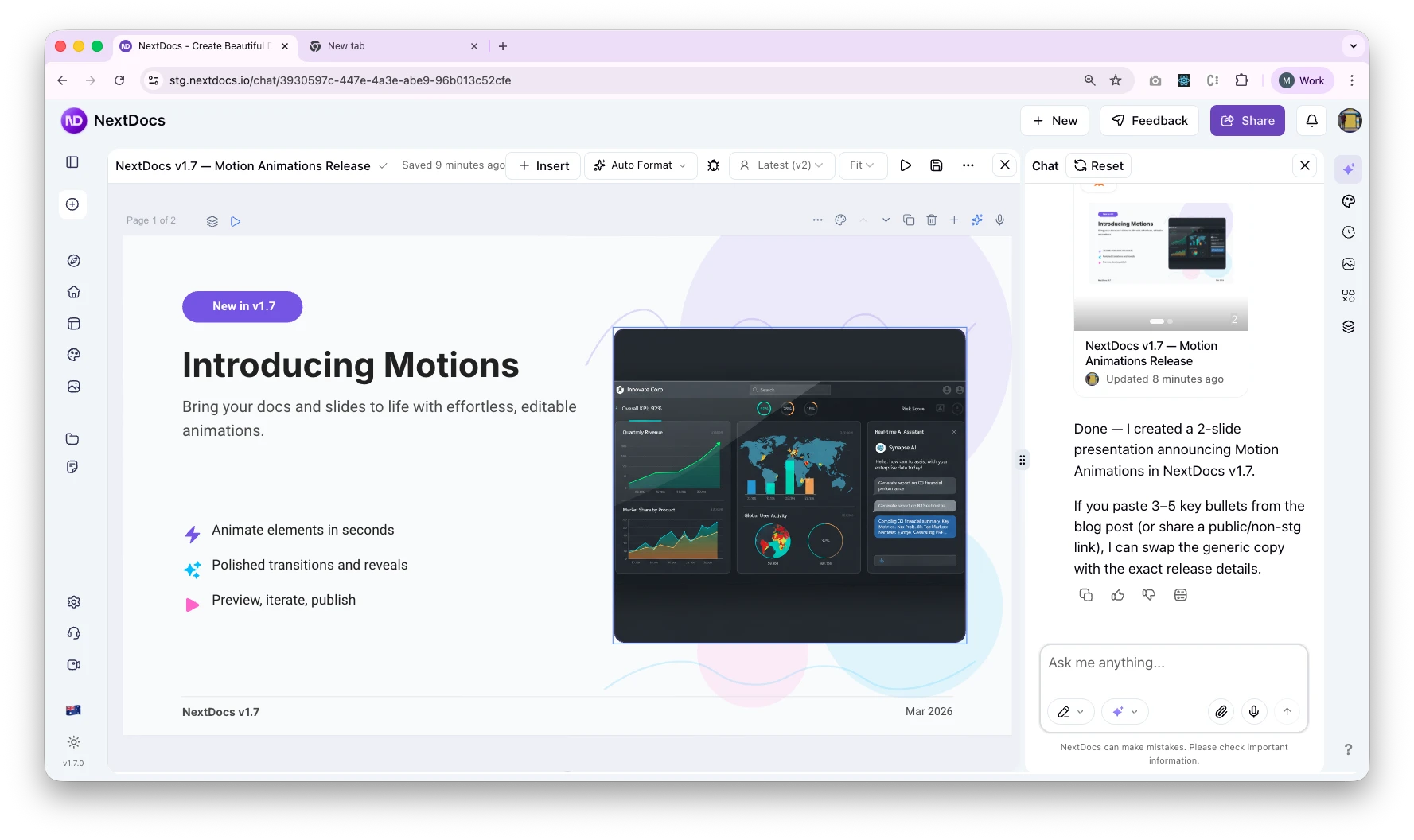
NextDocs added motion animations in v1.7. You pick animation presets for elements and slides, preview them in the editor, and export the whole presentation as an MP4. No timeline, no editing software, no rendering on your machine.
It is the right route when the content is the deck. A product update that plays on a screen at reception, a LinkedIn post that is really five slides, a walkthrough you want to embed on a page. You get a video file from the presentation you already made, and the presentation stays editable for the next version.
What it does not do is generate footage. There is no clip generator inside NextDocs, and that is deliberate: it is a document tool with real exports, not a video editor.
Route two: Shyne, when video is part of the work
Shyne is the product we built for the cases where video is not an afterthought. Its agent generates clips from a prompt with Google's Veo 3.1 or Kuaishou's Kling 3, and can start from a reference image so the footage matches a slide. The clips land on a timeline that lives on the same canvas as the deck, so a film is a sequence with time on it rather than a separate project in a separate app.
From there you can add narration with ElevenLabs voices, drop in background music from your own files or stock, cut and trim clips, add captions, and export the result as an MP4 through a hosted render, or publish it straight to YouTube, LinkedIn, TikTok, Instagram, Facebook or Threads from the same place.
Two honest notes. Generated video models cost credits, so this is a paid-plan feature on Shyne. And Shyne does not generate music; it uses the tracks you give it.
What replaced Sora in the wider market
If you are choosing a model rather than a tool, the September 2026 landscape looks like this:
- Google Veo 3.1 is the current Veo, with native audio. There is no Veo 4; Google's newer push is Gemini Omni, whose 1.1 release in late August added 4K upscaling, scene extension and frame interpolation.
- Kling 3 and Kling 3 Omni from Kuaishou are the strongest of the Chinese video models and are what most third-party tools now offer.
- Black Forest Labs shipped FLUX 3 in July and FLUX 3 Video in August.
- Runway has moved toward real-time interactive world models rather than clip generation.
Shyne offers Veo 3.1 and Kling 3 today. We add models when they prove better on real jobs, not when they trend.
Which route to pick
- You have a finished deck and want a video version of it: NextDocs, export to MP4.
- You want generated footage, narration and a cut, next to the slides, with your team in the file: Shyne.
- You do both: make the deck in NextDocs, and bring the brand kit into Shyne for the film.
Sora made a lot of people expect video from the same place they make everything else. That expectation was right. It just needs a tool built for it.
Export a deck to video in NextDocs · Try Shyne free
The NextDocs Team