

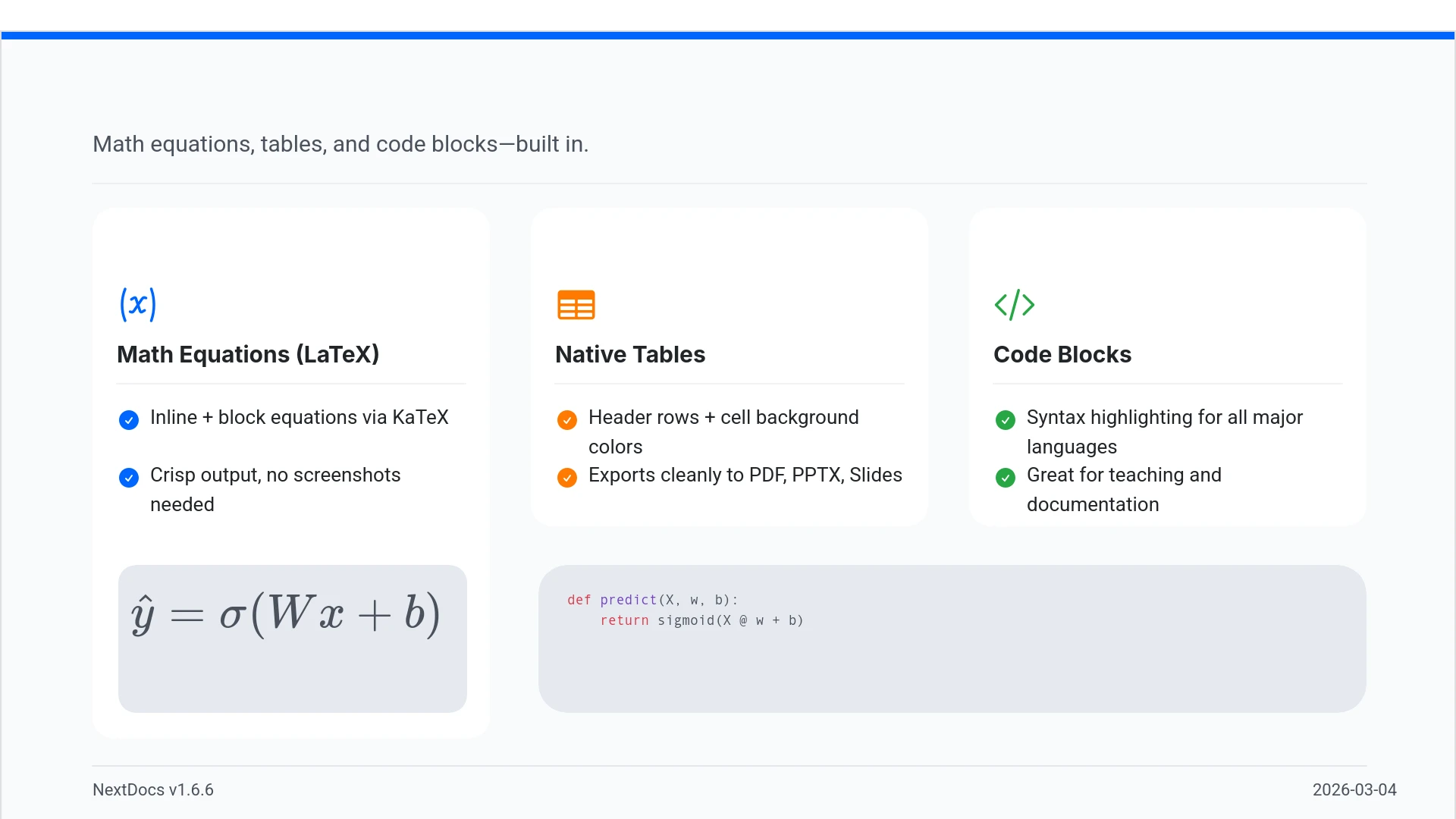
NextDocs v1.6.6: Math Equations, Tables, and Code Blocks
NextDocs v1.6.6 adds first-class support for technical and academic content. You can now include real LaTeX equations, structured tables, and syntax-highlighted code blocks directly in your presentations and documents.
If you're a researcher, teacher, student, or engineer, your slides can finally look the way your content demands.
Math Equations
You can now write real math equations in your slides. NextDocs supports both inline equations within a paragraph and full block equations on their own line, all rendered with KaTeX.
Whether it's a quadratic formula, a matrix, or a summation, the AI generates proper LaTeX notation that renders beautifully and exports cleanly to PDF, PowerPoint, and HTML.
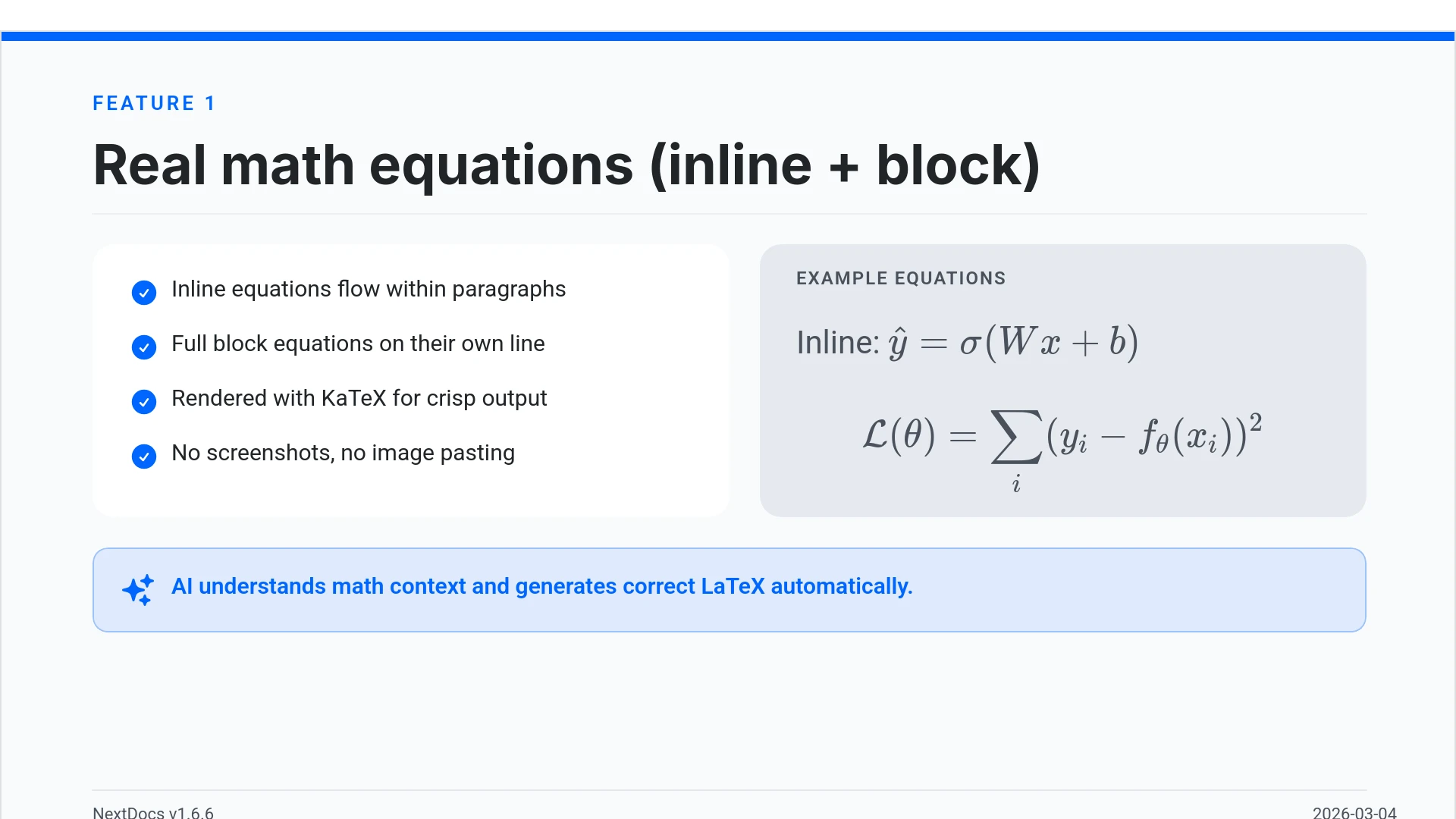
What this means in practice:
- Thesis defenses — include your actual formulas instead of screenshots
- Lecture slides — equations render live, not as pasted images that break at different resolutions
- Research presentations — statistical models, proofs, and notation displayed correctly
- Technical reports — inline equations flow naturally within your text
The AI understands mathematical context. Ask it to create a slide about machine learning and it will include the relevant equations with proper notation, not pseudocode approximations.
Tables in Rich Text
Tables are now a native part of the rich text editor. Instead of arranging rectangles and text boxes to simulate a table layout, you can use real structured tables with rows, columns, and headers.
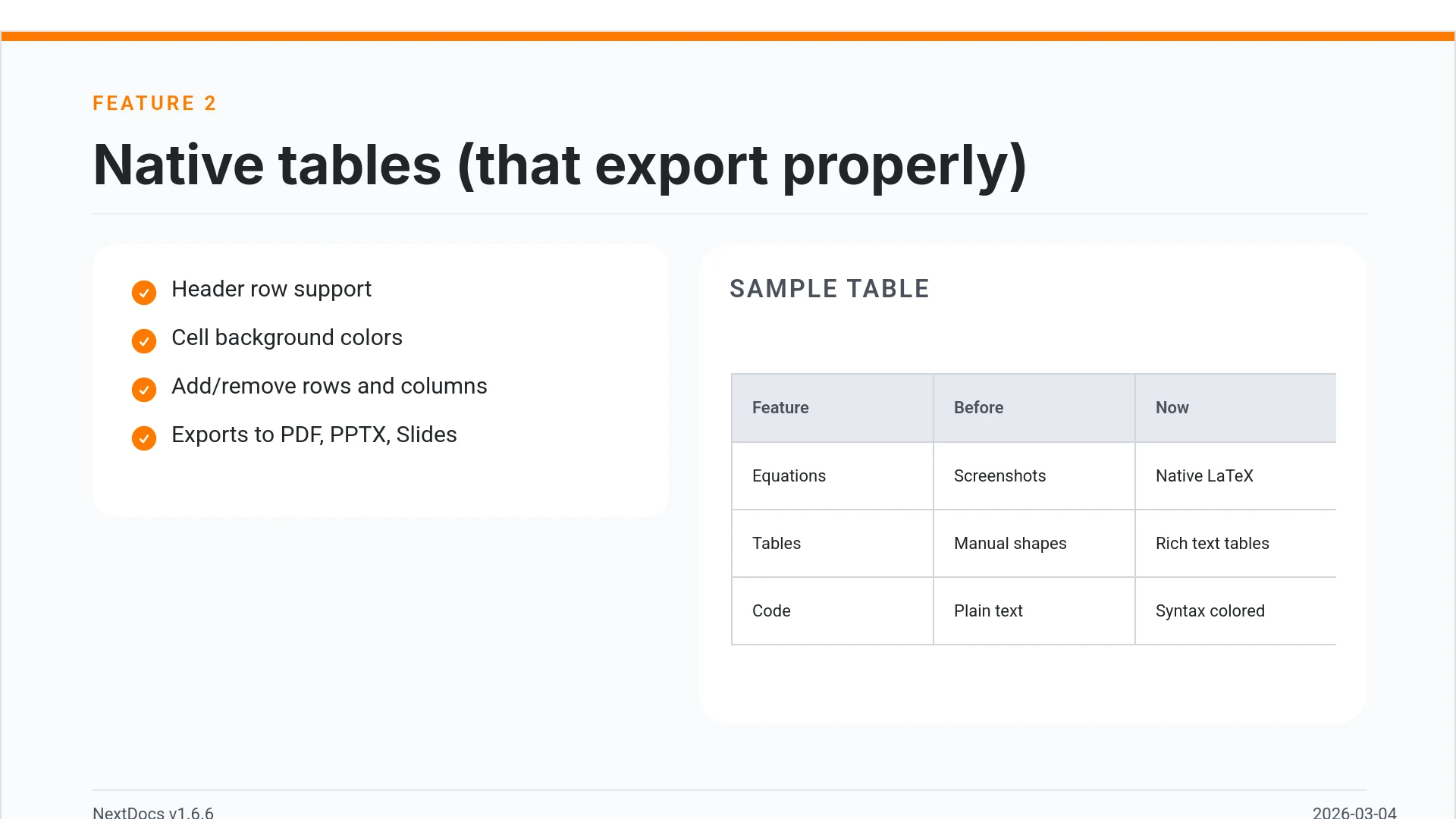
Features:
- Add and remove rows and columns
- Cell background colors
- Header row support
- Proper export to all formats (PDF, PPTX, Google Slides)
The AI uses real tables automatically when your content calls for comparisons, data summaries, schedules, or any organized information. No more fighting with alignment.
Code Syntax Highlighting
Code blocks now render with proper syntax coloring for all major programming languages. Whether you are presenting a code review, teaching a programming concept, or documenting an API, your code will be readable and professional.
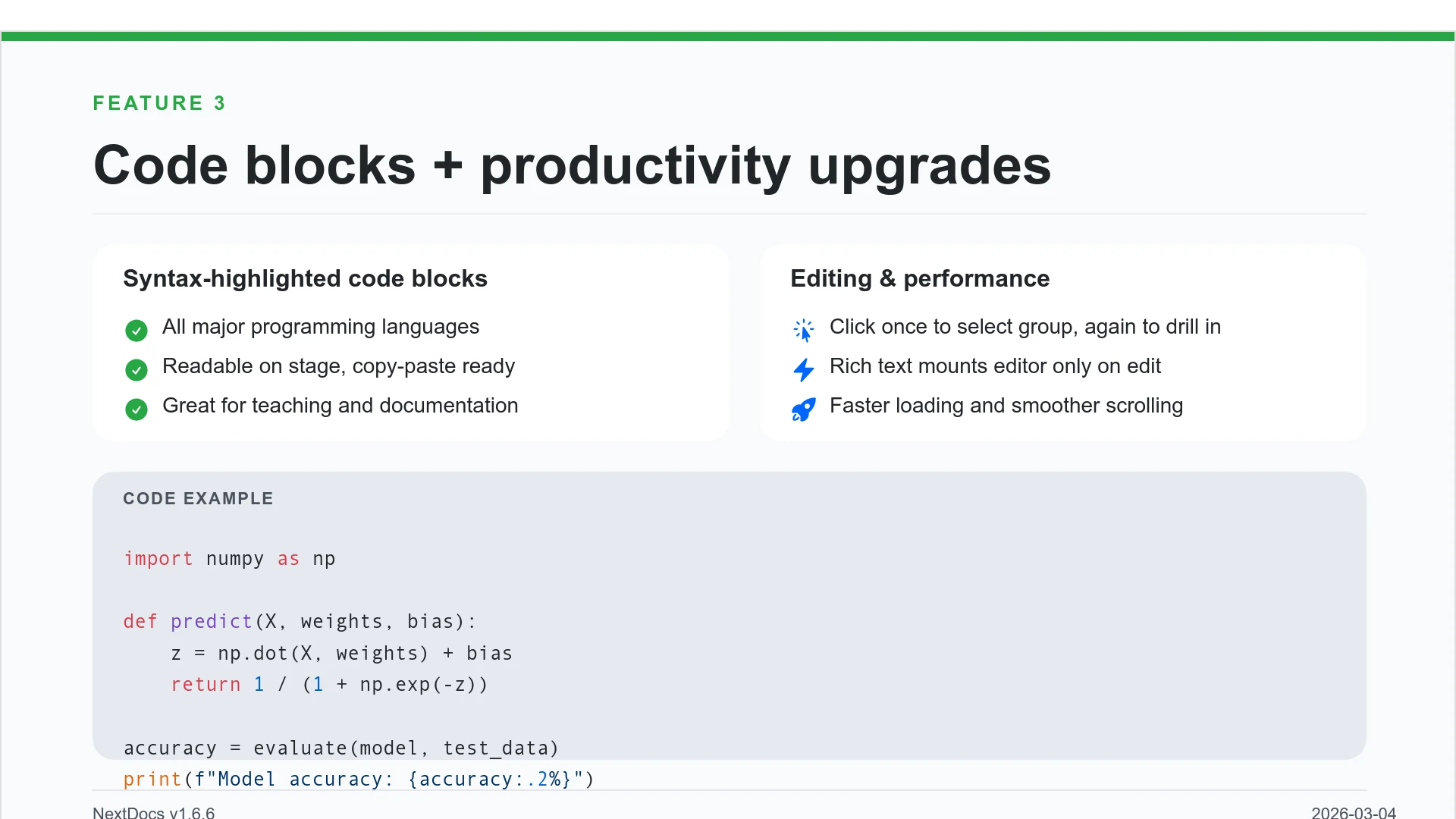
Use cases:
- Engineering standups — show the actual code, not a screenshot of your IDE
- Teaching — syntax coloring helps students read and understand code faster
- Technical documentation — API examples that are copy-paste ready
- Conference talks — clean, readable code on stage
Smoother Group Editing
Working with grouped objects on the canvas is now more intuitive. Click a group once to select it as a whole. Click again to drill inside and select individual elements. No double-click, no special key combinations.
This makes it much easier to quickly adjust a single text block or image within a complex slide layout without ungrouping everything first.
Faster Canvas
Rich text blocks on the canvas now only mount their full editor when you click to edit them. In view mode, they render as lightweight static content. If you have slides with many text blocks, you will notice the difference immediately — faster loading, smoother scrolling.
Other Improvements
- Page numbers now automatically re-index when you add, delete, or reorder pages
- Broken images show a "Replace Image" button so you can fix them without opening the side panel
- Theme generation now produces a balanced set of 2 light and 2 dark themes
- Locale handling improved for non-English pages with correct
langattribute in HTML
Who is this for?
v1.6.6 was built with a clear audience in mind:
- Academics and researchers who need real equations in their conference talks and thesis defenses
- Teachers and professors who create lecture slides with formulas, code examples, and data tables
- Students preparing coursework, lab reports, and thesis presentations
- Engineers and developers who present technical content with code snippets and system diagrams
- Data scientists who need to show statistical formulas alongside their analysis
If you have ever pasted a screenshot of an equation into a slide because the tool could not render it natively, v1.6.6 fixes that.
Try It
These features are available now for all users. Start creating or open an existing document and try adding an equation, a table, or a code block.
For more details, see the full release notes.
Related posts
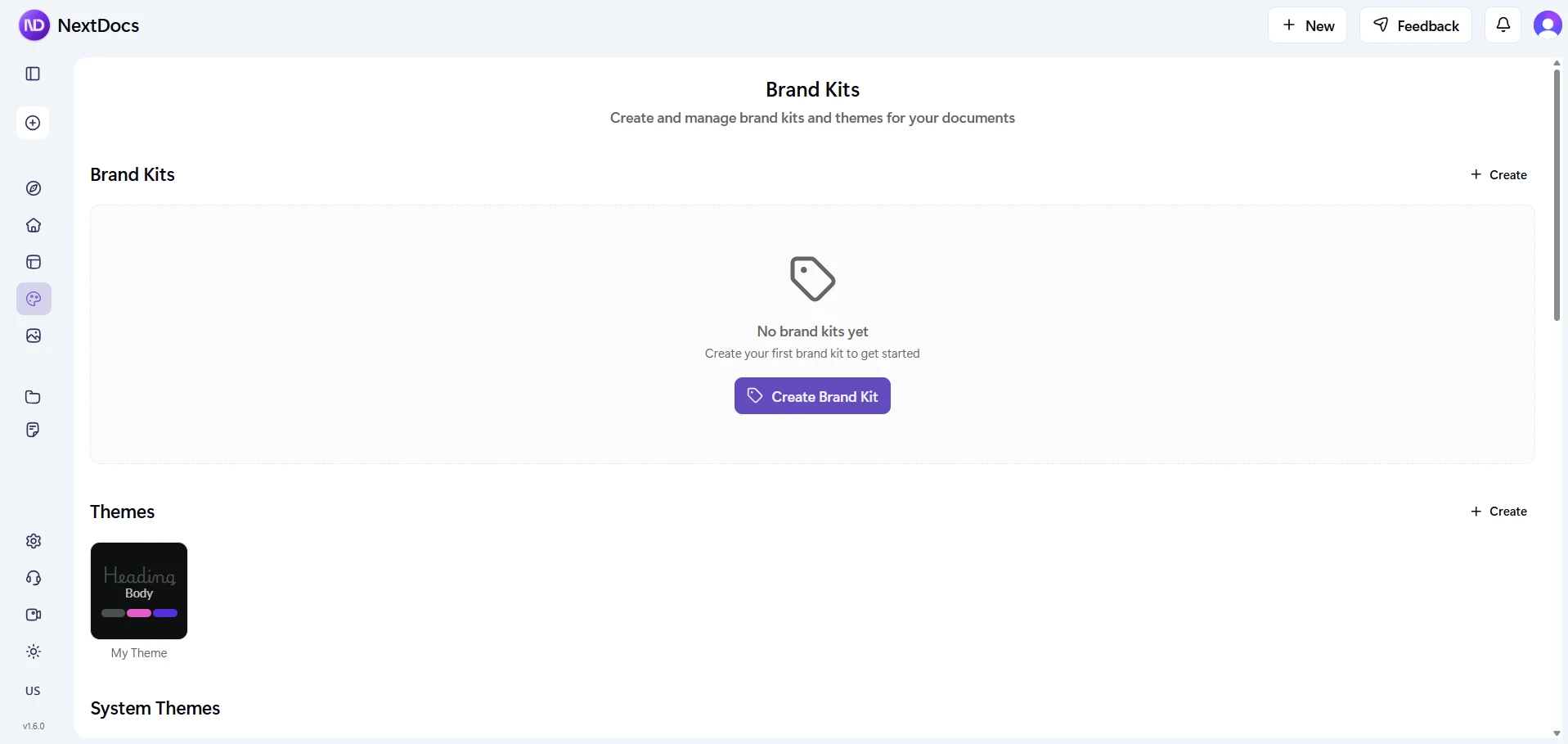
NextDocs v1.6: Brand Kit
Define your brand identity once with colors, fonts, logos, and tone of voice. Every document you create follows it. No more inconsistent outputs. Always stay on brand.
Read more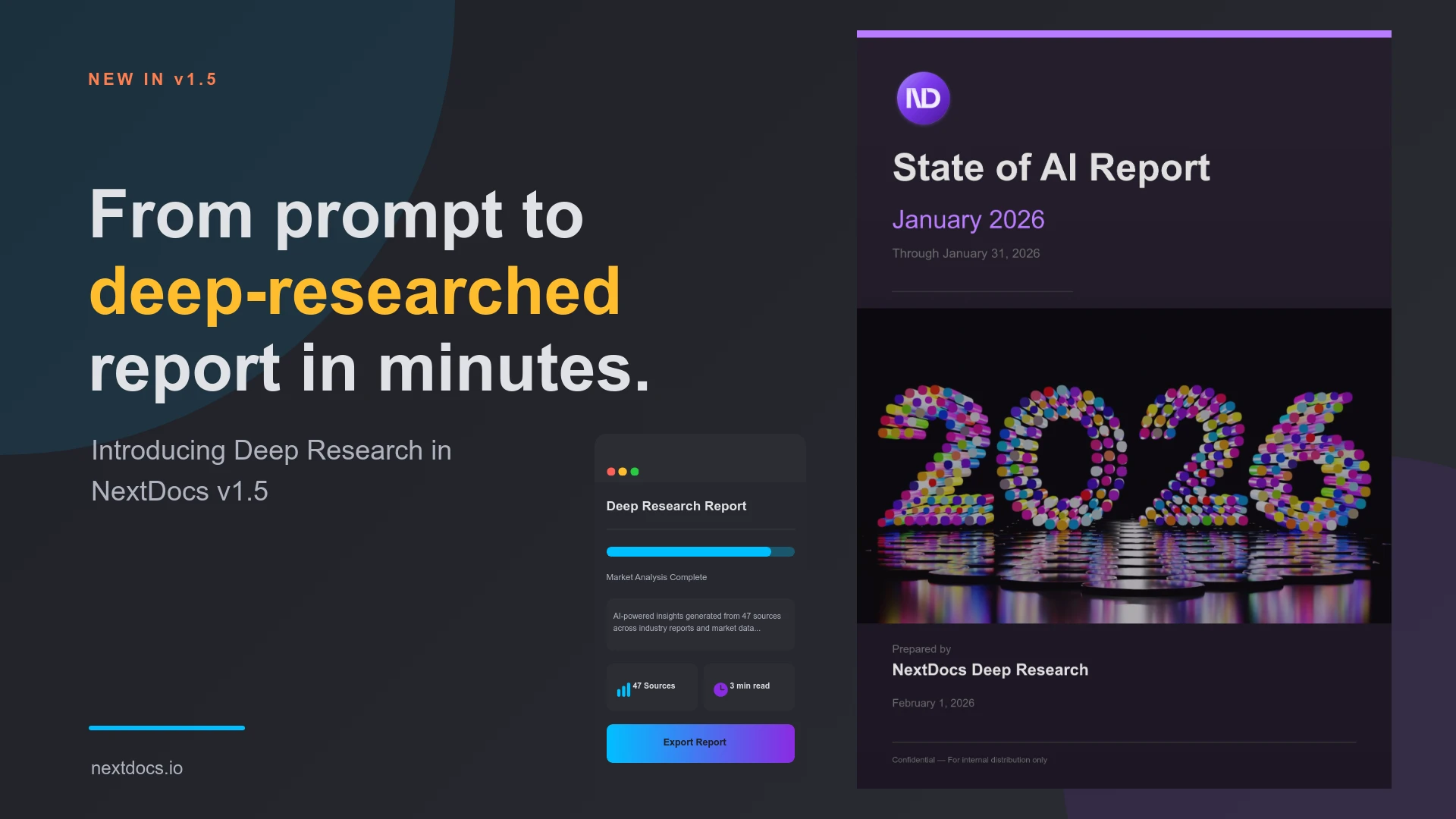
Introducing Deep Research — NextDocs v1.5
AI now researches your topic before creating your document. Deep Research searches the web, reads articles, and synthesizes information from multiple sources. Get documents backed by real data and proper citations.
Read more