
AI Proposal Generator: Create Professional Proposals Fast
Draft a client proposal from your brief, scope and requirements. Review fees and exclusions, refine the wording and prepare a document your client can assess.
See it in action
Trusted by teams at



















Everything you need to create professional documents
Draft a Client Proposal from the Agreed Brief
Supply the client's requirements, intended deliverables, known constraints and proposed approach. NextDocs can help organize them into a proposal draft with scope, exclusions, fees and next steps. Flag unresolved terms instead of inventing a commitment.
Compare Proposal Structures for the Same Scope
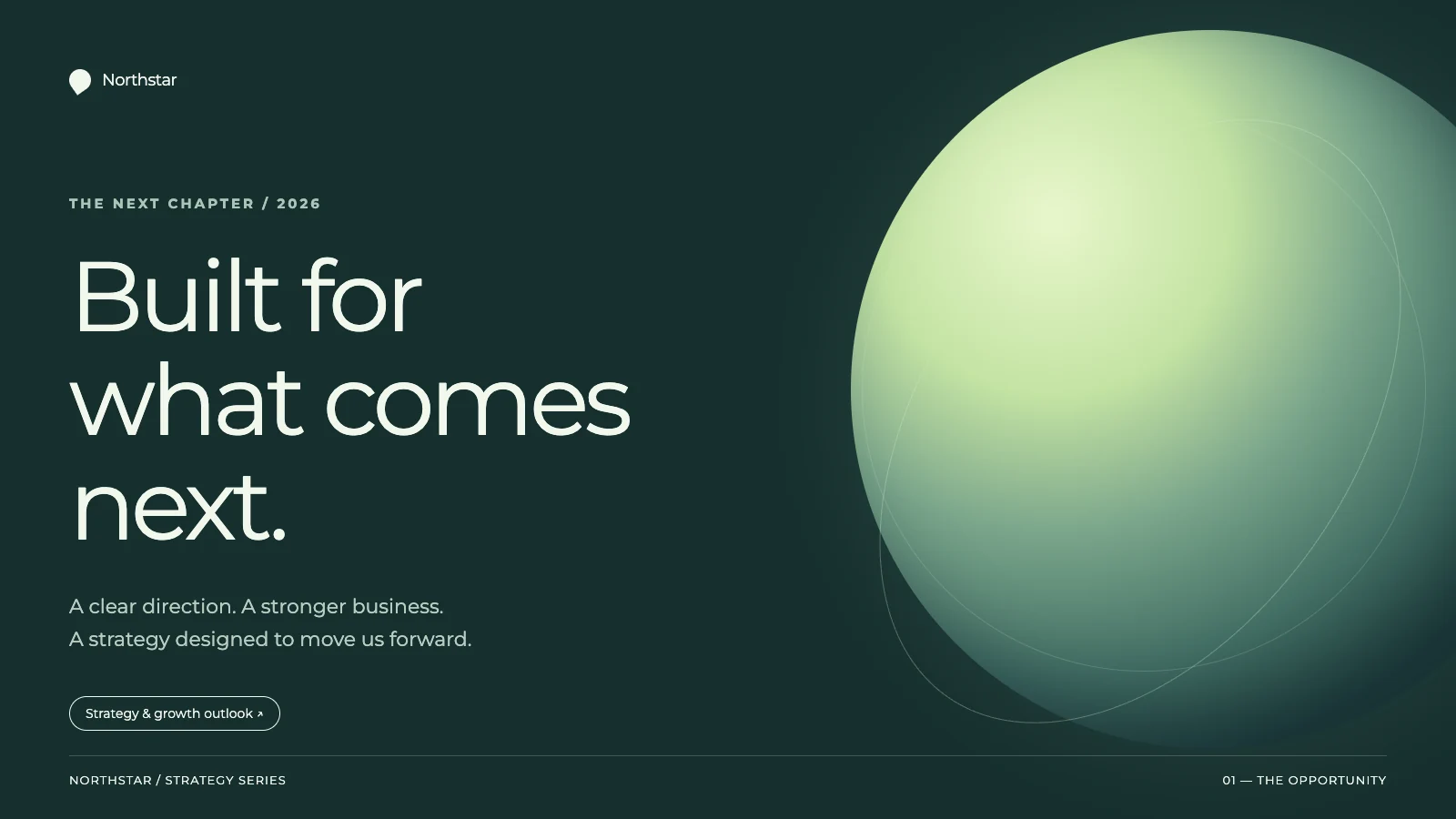
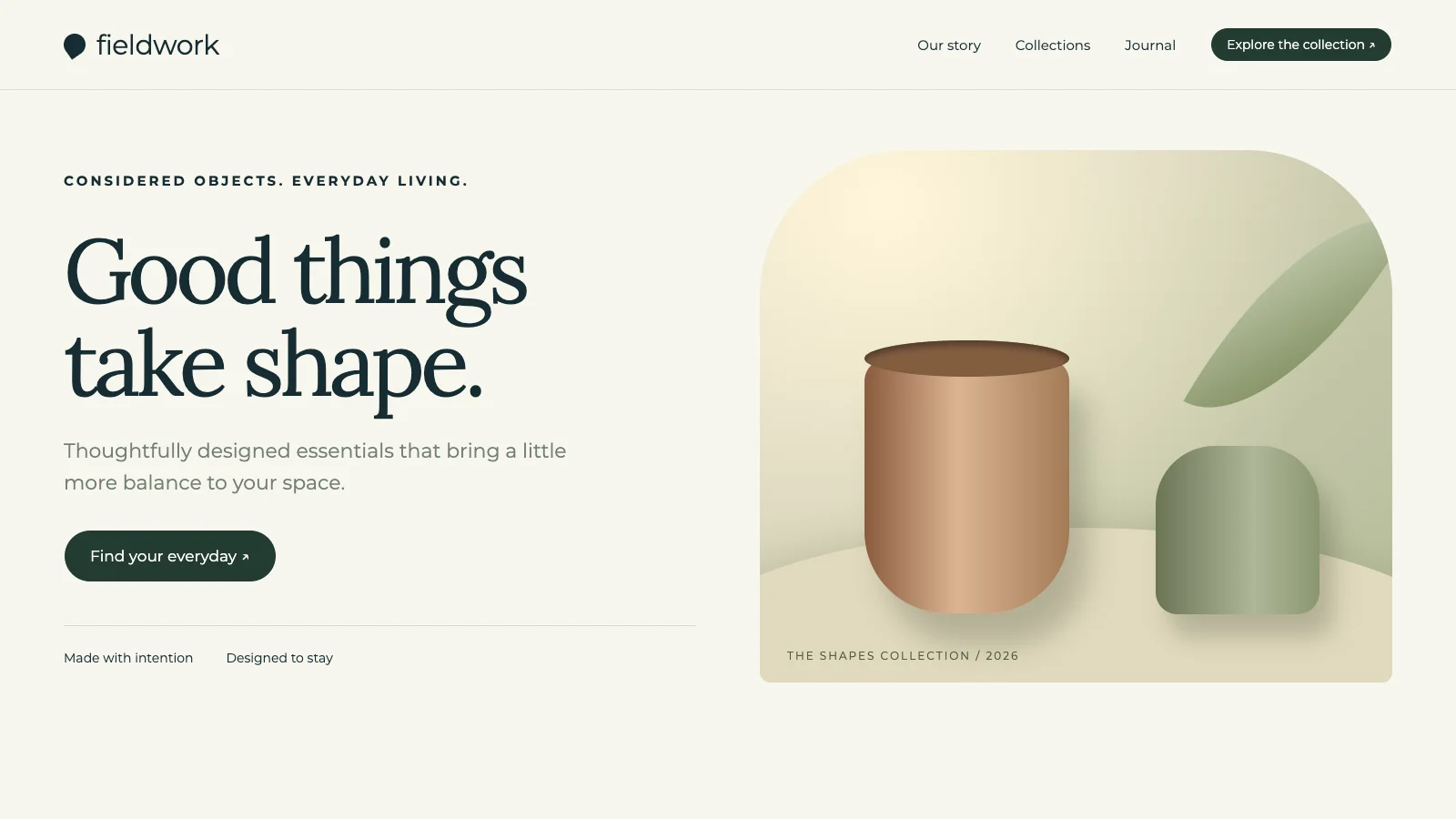
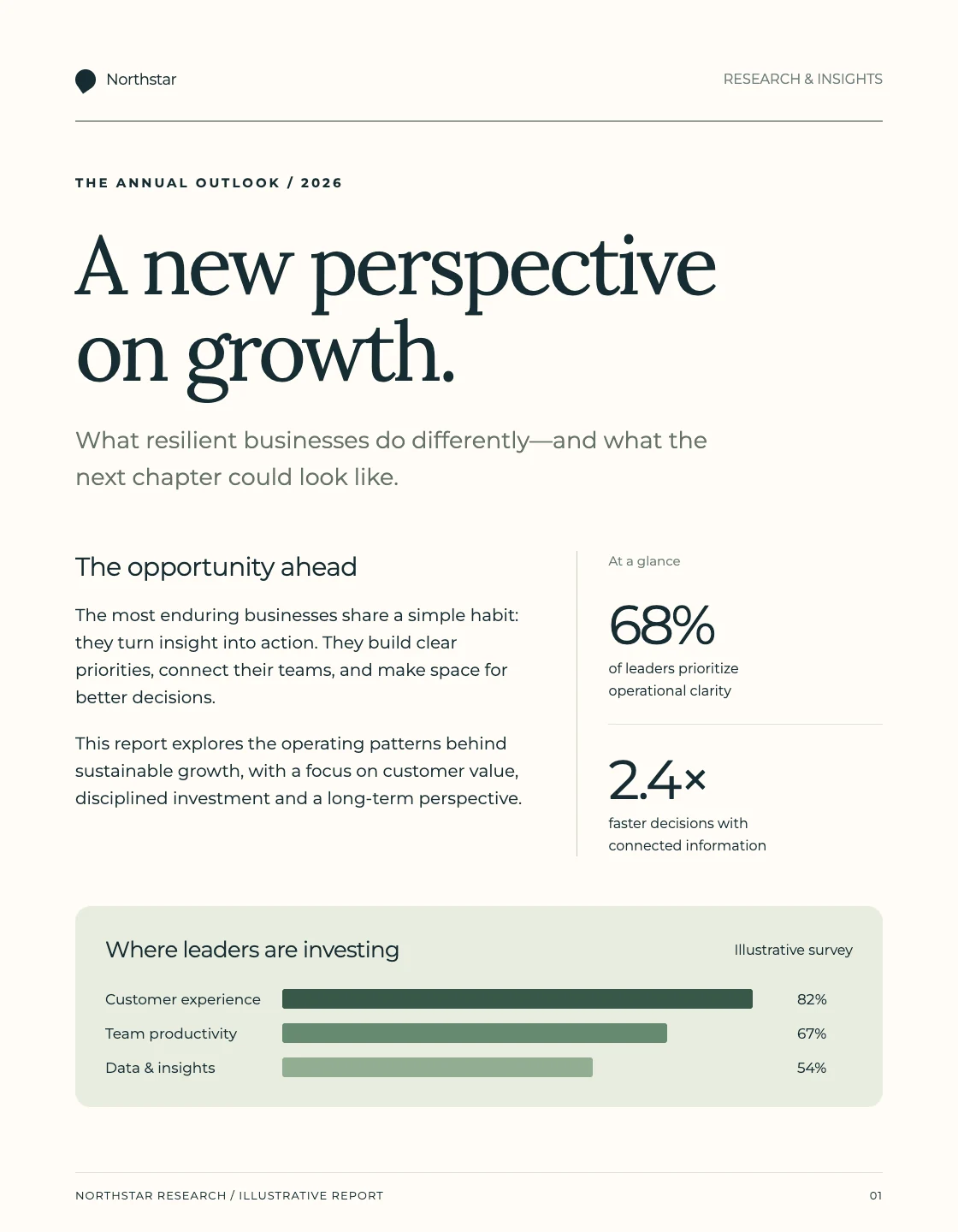
Ask for an approach that leads with the client's problem or one that leads with deliverables and milestones. Request separate drafts explicitly when you need alternatives. Keep the agreed scope, effort and fees consistent while comparing how each version explains the work.
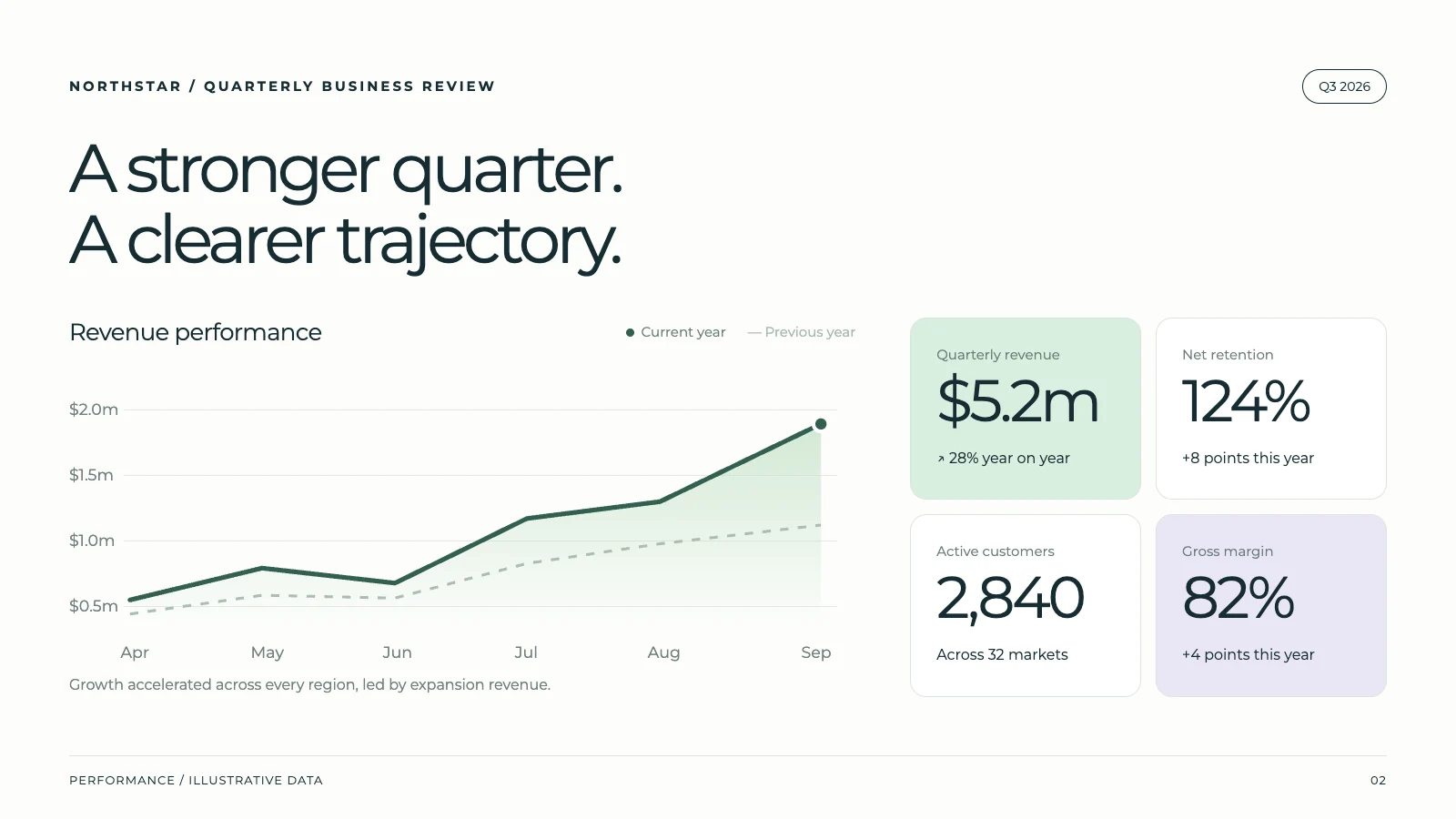
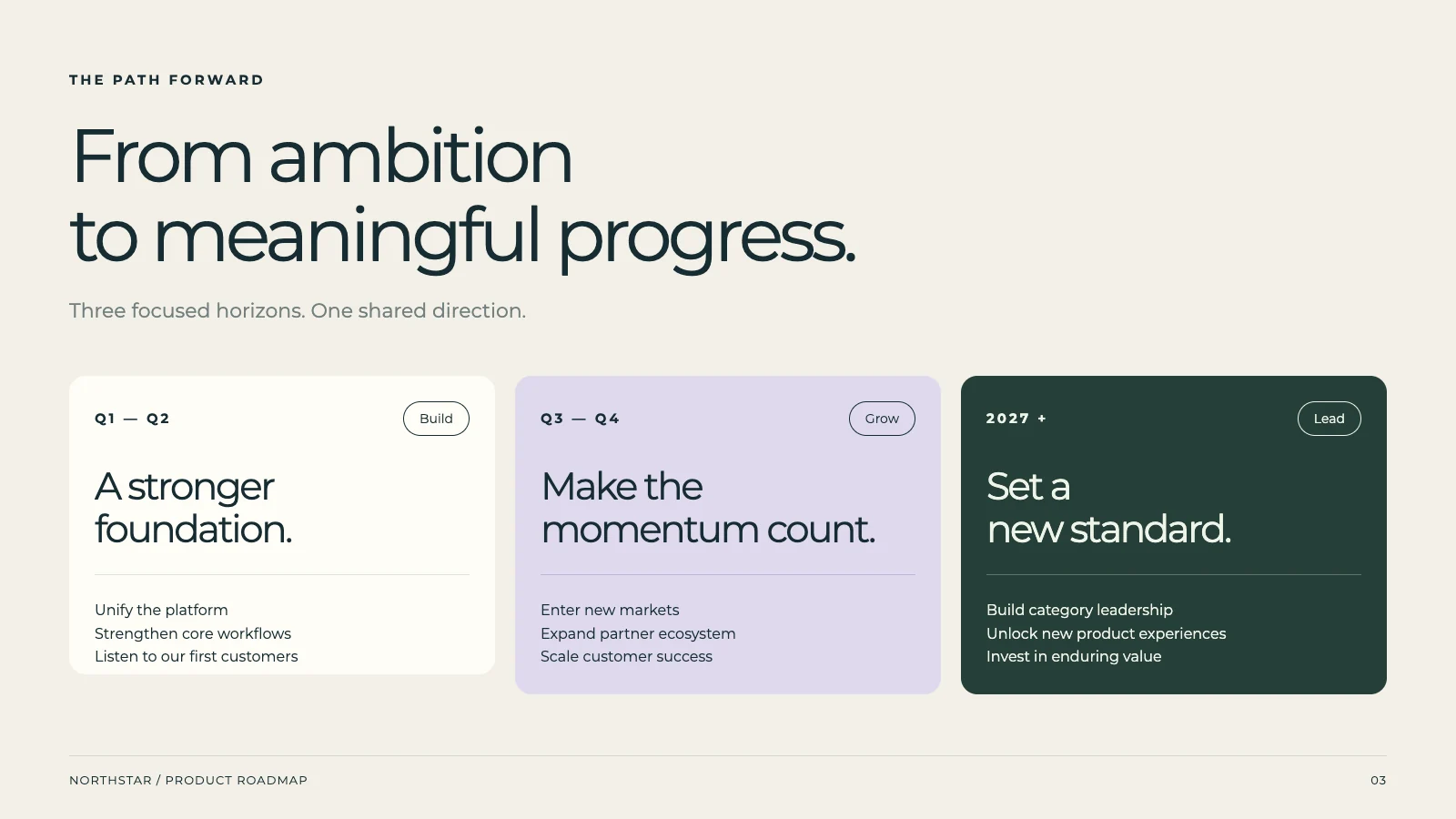
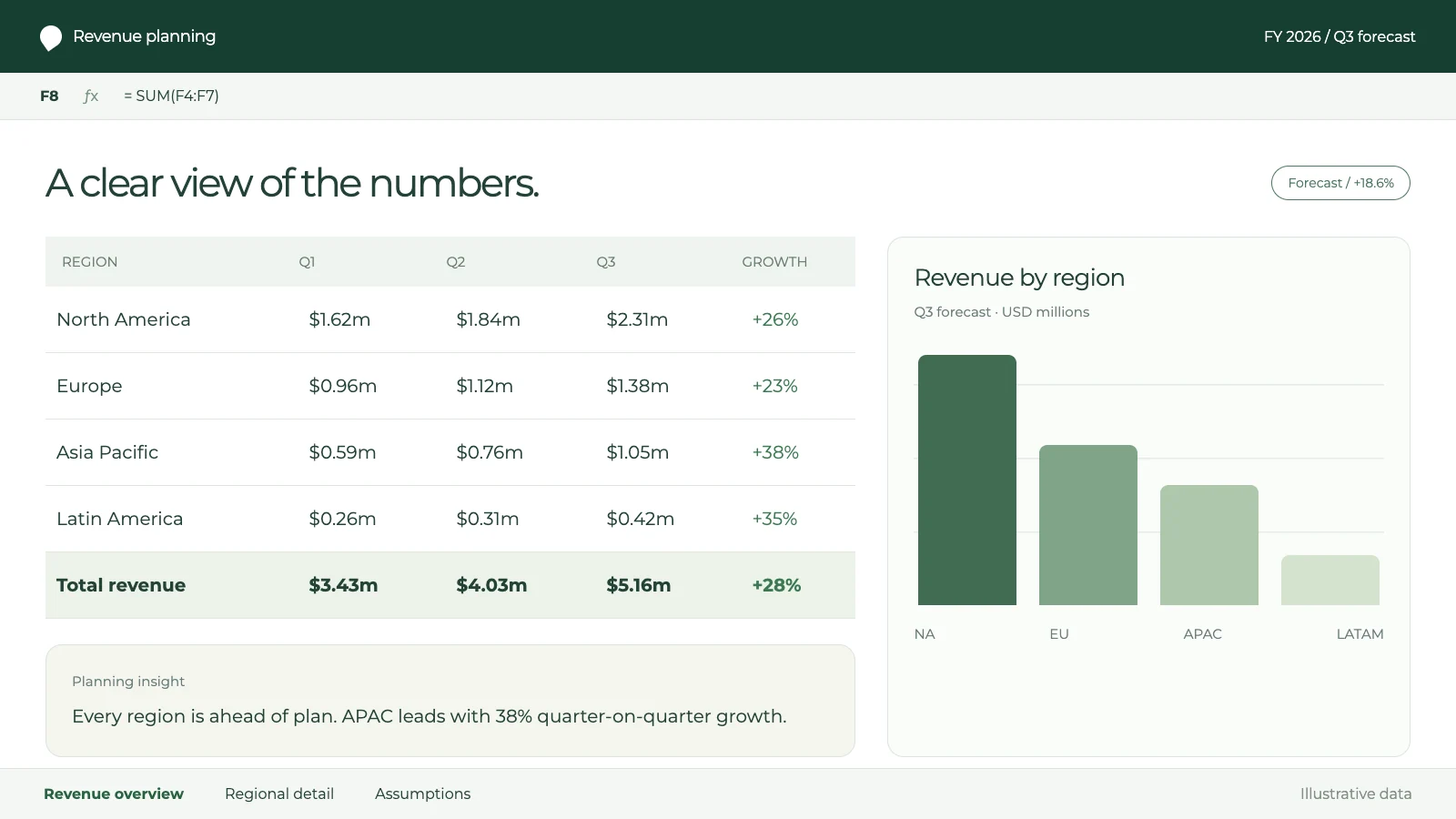
Create a quarterly business review with key metrics and team updates...
Refine the Proposal and Check Changed Figures
Ask AI to clarify a deliverable, shorten an introduction or apply an approved rate change. State the terms that must stay unchanged. Review the fee total, timeline, exclusions and every affected section before treating the revised draft as ready to send.
Rewrite the introduction to be more engaging
Done! I've rewritten it with a compelling hook.
Style the Proposal for Your Client and Brand
Provide your logo, colors, fonts and a suitable reference document. Ask for consistent headings, tables and emphasis, then review the result for the client's language and reading context. Check font availability and the final exported layout.
Colors
Fonts
Logo
logo.svg
Replace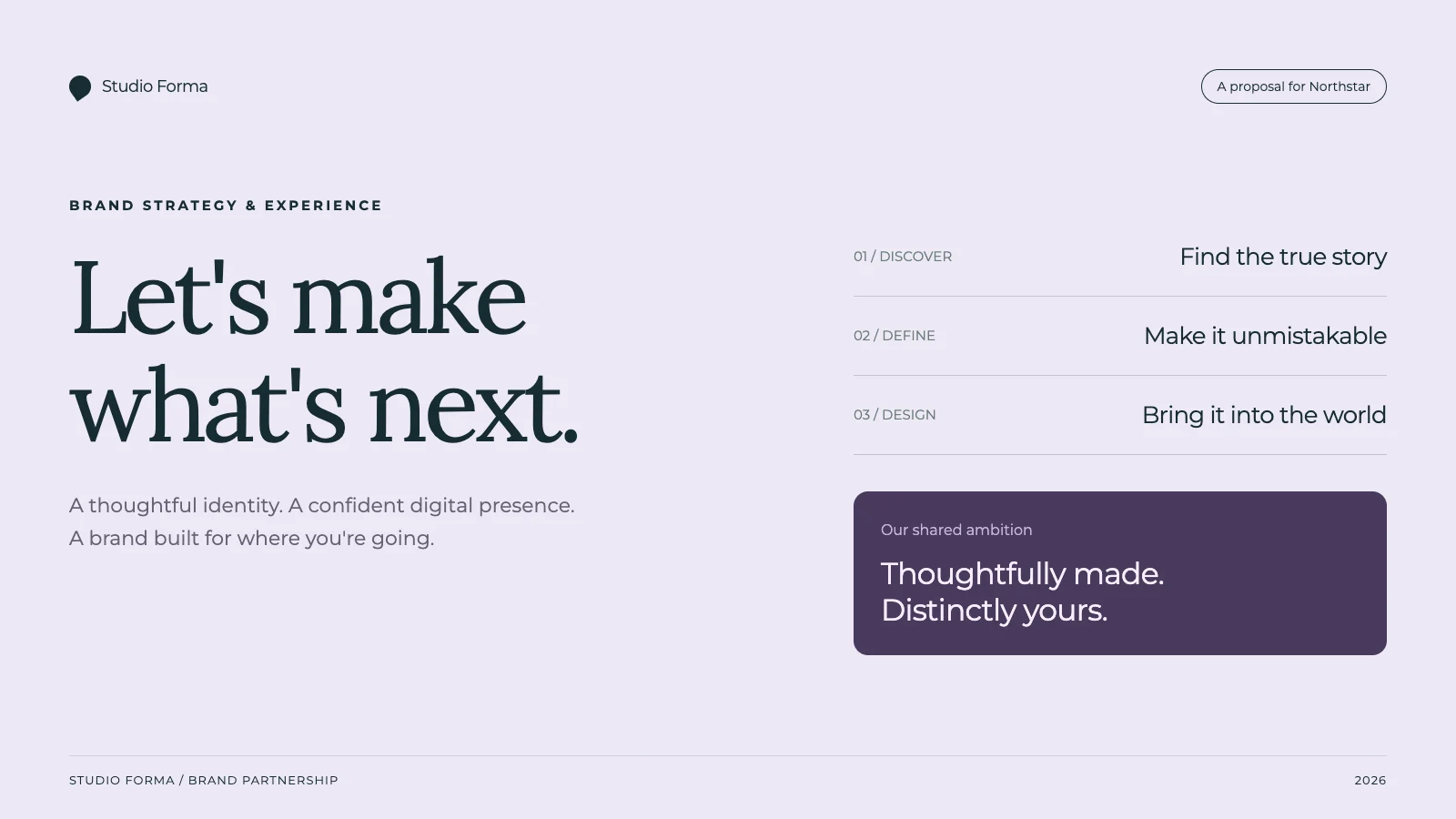
Sales Proposal
Team Report
One-Pager
Prepare a Proposal for Review and Handoff
Choose PDF for a viewing copy, or an available Word or Google Docs export for document work. Fixed-page exports use positioned text and artwork, so larger edits need a layout check. Current Tasks PowerPoint and Google Slides exports contain one image per slide, with different Classic and API routes. Confirm plan access and review the final file.
What people are saying
“The presentation turned out perfectly well, which I honestly didn't expect. I thought I would atleast get a few errors but it was flawless. Thanks for creating such a beautiful app and providing such services for free. Really appreciate it.”
Shubham More
University Student
“The AI editing features are a game changer. I use it daily for contracts and proposals—saves me hours of work!”
Michael Carter
Startup Founder
“I’ve never seen an AI tool that combines content generation and formatting so seamlessly. It’s like having a personal assistant for all my documents.”
Shauna Louise
Manufacturing Technician
“NextDocs is an invaluable tool for professionals. My team and I rely on it for creating polished proposals and NDAs in minutes.”
Ethan Johnson
Project Manager
“As a freelancer, NextDocs helps me create client-ready documents effortlessly. The templates and formatting tools are top-notch.”
Maria Gomez
Graphic Designer
“From resumes to contracts, this tool does it all. I can't imagine going back to manually editing documents again!”
Ashwinnie Pillai
Sales Enablement
“The one-click download feature is a lifesaver. I get perfectly formatted documents in seconds—every single time.”
Emma Brown
Marketing Director
Latest from our blog

Write a Client Proposal with AI: Brief, Scope and Worked Example
Turn discovery notes into a client proposal with defined deliverables, fees, a timeline and acceptance checks. Includes a fictional source brief, complete example, reusable prompt and export review.
Read more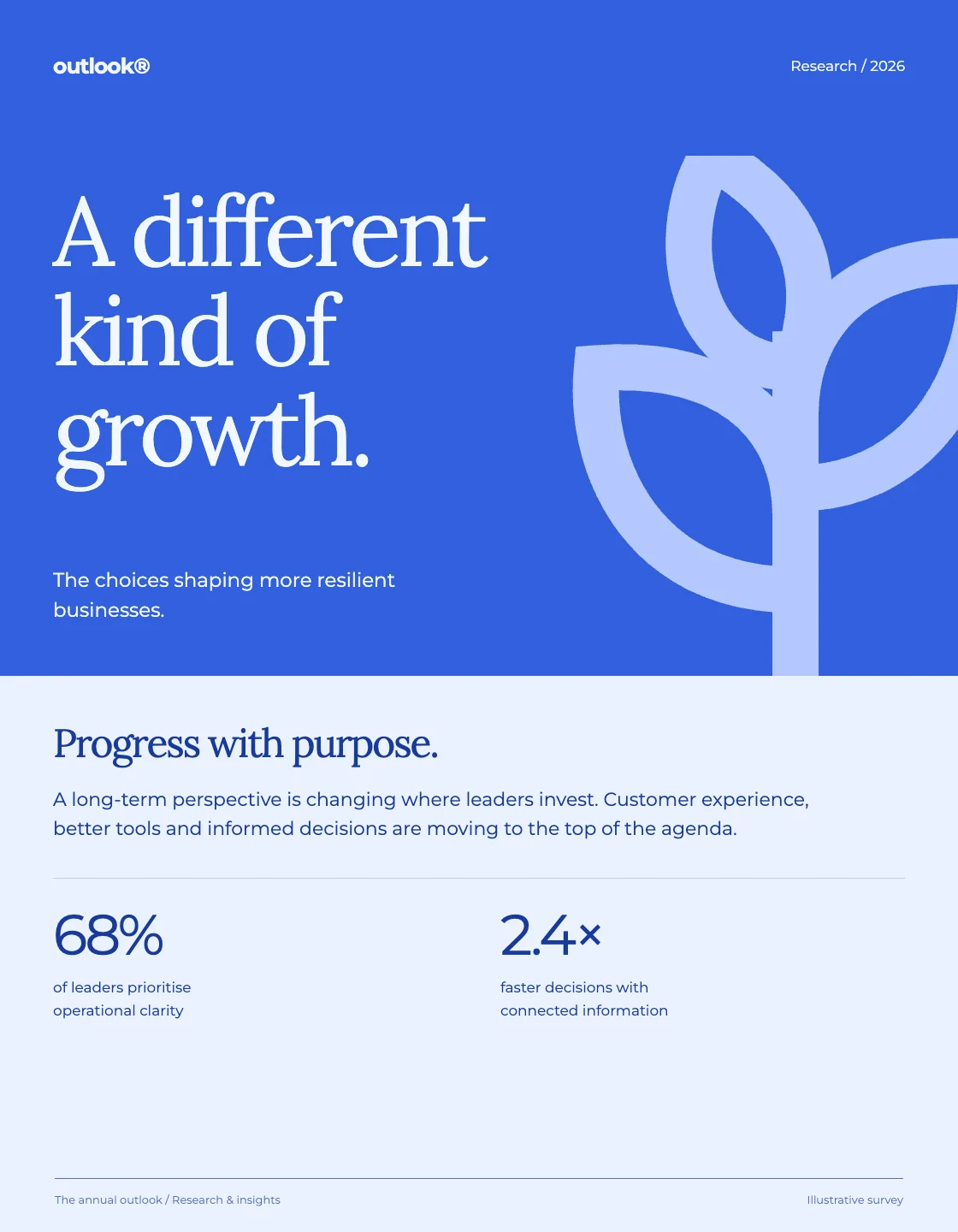
How to Create a Monthly Management Report with AI
Build a monthly management report from a clear source pack. Includes fictional input data, a complete example, calculations to check, a reusable prompt, and a practical export review.
Read moreFormat an AI-Written Report Without Changing the Facts
Turn a messy report into a structured document while preserving numbers, units, decisions and action owners. Includes before-and-after text, a formatting prompt and a practical review process.
Read moreSimple, transparent pricing
Start free, upgrade when you need to. No hidden fees.
Free
For hobbyists
- Up to 8 pages per doc
- Up to 3 exports
- Export to PDF & image
- Basic AI models
- AI image generation
Pro
For individuals
- Everything in Free, plus:
- Up to 22 pages per doc
- Unlimited exports
- Export to Slides, PowerPoint, Docs
- Quality AI models
Pro+
For power users
- Everything in Pro, plus:
- Up to 46 pages per doc
- Premium AI models
- AI image editing
- Priority support
Ultra
For professionals
- Everything in Pro+, plus:
- Up to 92 pages per doc
- Early access features
- Premium support
Frequently asked questions
Can I use NextDocs for free?
What can I create with NextDocs?
Can I export to Google Slides, PowerPoint, and PDF?
How do credits work?
Can I collaborate with my team?
How do I use my brand in NextDocs?
Can I cancel or change my plan anytime?
Is my data safe with NextDocs?
What's the difference between Pro and Pro+?
Do unused credits roll over?
Can I get a refund?
Your next great document is one prompt away
Join thousands of users creating polished documents and presentations with AI.