
NextDocs vs MagicSlides: AI Presentation Builder Comparison (2026)
A detailed comparison of NextDocs and MagicSlides, analyzing features, pricing, and export capabilities to find the best AI presentation tool for your professional workflow.

The Evolution of Slide Creation in 2026
The landscape of professional presentations has shifted dramatically over the last few years. We have moved past the era where AI was merely a novelty that generated generic bullet points. In 2026, the best AI presentation builders are expected to act as research assistants, designers, and copywriters all at once. Professionals no longer have the patience to spend hours formatting boxes or hunting for icons. They need tools that understand context and deliver high quality results on the first try.
Two tools that often come up in this conversation are NextDocs and MagicSlides. While both aim to solve the problem of slide creation, they take fundamentally different approaches to the problem. MagicSlides is built as a convenient add-on for the Google Workspace ecosystem, while NextDocs is a standalone, AI native platform designed for deep research and multi format flexibility.
This article provides a comprehensive comparison of these two platforms. We will examine their core features, pricing structures, and output quality to help you decide which tool fits your specific needs as a founder, consultant, or sales professional.
Overview of NextDocs
NextDocs is a standalone platform built from the ground up to leverage artificial intelligence across the entire document lifecycle. Unlike tools that simply wrap a chatbot interface around a slide deck, NextDocs uses an AI native editor that understands the structural relationships between text and visual elements. It is frequently ranked among the best AI presentation builders for startups 2026 due to its focus on research accuracy and professional aesthetics.
The core philosophy of NextDocs is "Choice over Chance." Instead of generating a single version of a presentation and forcing the user to fix it, NextDocs generates multiple variants for every prompt. This allows users to compare different narrative flows and design styles instantly. Furthermore, it addresses the common issue of data hallucination by integrating deep research capabilities that pull real statistics with verifiable citations.
Overview of MagicSlides
MagicSlides takes a different path by living where many users already work: Google Slides. As a Google Workspace add-on, it provides a bridge for users who want AI assistance without leaving their familiar environment. It is a popular choice for those looking for free PowerPoint AI add-ins 2026, even though its primary strength lies in the Google ecosystem.
The tool excels at content repurposing. If you have a YouTube video, a long PDF, or a messy text document, MagicSlides can scan that content and convert it into a basic slide deck. It is designed for speed and convenience, making it a favorite for educators, trainers, and content creators who need to turn existing material into a visual format quickly. However, because it operates within the constraints of a Google Slides add-on, it lacks the deep design control and advanced AI features found in standalone platforms.
Key Differences Between the Two Platforms
When comparing these tools, the differences go beyond just the user interface. They represent two different workflows for the modern professional.
Standalone Platform vs. Add-on Integration
NextDocs is a standalone platform. This means it has its own dedicated editor designed specifically for AI interaction. This allows for features like the multi-variant generation and the ability to export to multiple formats including PDF, PPTX, Google Slides, and even Google Docs. MagicSlides, conversely, is an add-on. While this makes it easy to access within Google Slides, it limits the tool to the features and formatting capabilities allowed by Google’s API.
Multi-Variant Generation vs. Single Output
One of the most significant frustrations with AI tools is the "one and done" approach. MagicSlides follows this traditional path: you provide a prompt, and it generates one deck. If you do not like it, you must try a new prompt. NextDocs changes this by providing several distinct versions of the presentation at once. This multi-variant approach is essential for high stakes presentations where the first interpretation of a prompt might not match the user's vision.
Deep Research vs. Content Summarization
MagicSlides is excellent at summarization. It can take a YouTube link and pull out the main points for a slide. NextDocs goes a step further with deep research. It does not just summarize what you give it; it can go out and find new information, market data, and competitive insights to flesh out a deck. This makes it a superior choice for those who need to build presentations from scratch without having all the data ready beforehand.
Feature Comparison Table
| Feature | NextDocs | MagicSlides |
|---|---|---|
| Category | Standalone AI Platform | Google Slides Add-on |
| Primary Strength | Multi-variant & Deep Research | YouTube to Slides & Repurposing |
| Export Formats | PDF, PPTX, Google Slides, Docs | Google Slides (Native) |
| Research Capabilities | Deep web research with citations | Basic text/link summarization |
| Design Control | AI-native editor with brand kits | Limited to Google Slides themes |
| Generation Style | Multiple variants per prompt | Single output per prompt |
| Learning Curve | Moderate (Advanced features) | Very Low (Simple interface) |
| Best For | Founders, Consultants, Sales | Trainers, Students, Quick Drafts |
Pricing Comparison
Pricing is often a deciding factor for individual professionals and small teams. Both tools offer a free tier, but the value proposition changes as you scale.
NextDocs starts with a free tier that allows users to experience the multi-variant generation. Its professional plans start at $15 per month. This price reflects the higher compute costs associated with running multiple AI models and performing deep web research. For professionals who use the tool to win deals or secure funding, the investment is usually justified by the time saved on research and design.
MagicSlides is more budget friendly for casual users, with plans starting at approximately $8 per month. This makes it an attractive option for students or internal team members who just need to get a draft on the screen. However, for those looking for MagicSlides alternatives, the lower price point often comes with the trade-off of more manual editing work after the AI has finished its task.
Pros and Cons of NextDocs
Pros
- The multi-variant generation provides genuine choice and reduces the need for constant re-prompting.
- Universal exports allow you to work in one place and deliver in any format, making it one of the best AI presentation builders with Google Slides export on the market.
- Deep research integration eliminates the need to spend hours on Google before starting your slides.
- Support for multiple AI models ensures that you are always using the best technology available for your specific content.
- Brand styling is consistent across all slides, ensuring a professional look for corporate users.
Cons
- There is a slight learning curve for users who want to master the advanced AI-native editor.
- The higher price point compared to simple add-ons might be a barrier for students or casual users.
Pros and Cons of MagicSlides
Pros
- The YouTube-to-slides feature is a unique and highly effective way to repurpose video content.
- Because it lives inside Google Slides, there is almost no learning curve for existing Workspace users.
- It is very fast at creating basic drafts from existing text or documents.
- The pricing is accessible for almost any budget.
Cons
- The output is often quite basic and requires significant manual design work to make it look professional.
- It is limited to the Google Slides ecosystem, which can be a problem for users who need native PowerPoint files or PDFs.
- It lacks advanced research capabilities, often leading to generic content if the input prompt is not highly detailed.
Deep Dive: Why Research Matters in 2026
In the current professional environment, accuracy is the new currency. A beautiful deck with incorrect facts can ruin a consultant's reputation or cause an investor to lose interest in a startup. This is where the gap between NextDocs and MagicSlides becomes most apparent.
MagicSlides relies heavily on the content you provide. If you give it a link, it summarizes that link. If you give it a short prompt, it uses general knowledge from its underlying AI model. NextDocs, however, uses a dedicated research agent. When you ask for a market size slide, it does not just guess. It looks for the latest reports and includes citations. This level of detail is a major reason why users looking for the best AI presentation builders 2026 are moving toward tools that prioritize data integrity.
Workflow Integration: Which Fits Your Style?
Your choice between these two tools likely depends on your existing workflow.
If your workflow involves taking a script or a video and quickly turning it into a visual aid for a meeting, MagicSlides is an excellent companion. It stays out of the way and provides a quick starting point within the Google Slides interface. It is the "utility tool" of the presentation world.
If your workflow involves creating high stakes documents where you need to iterate on ideas, ensure data accuracy, and export to various formats for different stakeholders, NextDocs is the superior choice. It is a "production environment" rather than just a utility. Founders who need to send a PDF to one investor and a Google Slides link to another will find the universal export feature indispensable.
Verdict and Recommendation
Choosing between NextDocs and MagicSlides comes down to the complexity of your work and the quality of output you require.
Choose MagicSlides if:
- You are primarily a Google Slides user and do not want to learn a new interface.
- You need to turn YouTube videos or existing documents into slides quickly.
- You are on a tight budget and only need a basic draft to work from.
- Your presentations are mostly for internal use where design is secondary to speed.
Choose NextDocs if:
- You need professional, investor-ready slides with minimal manual editing.
- You want the benefit of seeing multiple versions of your deck before choosing a direction.
- You require deep research and factual accuracy with citations for your content.
- You need to export your work to PowerPoint, Google Slides, and PDF from a single source.
- You are a consultant, founder, or sales professional whose career relies on high quality presentations.
While MagicSlides is a capable tool for quick drafts and content repurposing, NextDocs offers a more robust, professional-grade solution for those who view presentations as a critical part of their business. The ability to generate multiple variants and perform deep research makes NextDocs the clear winner for anyone who needs their slides to do more than just fill a screen.
Ready to Create Better Presentations?
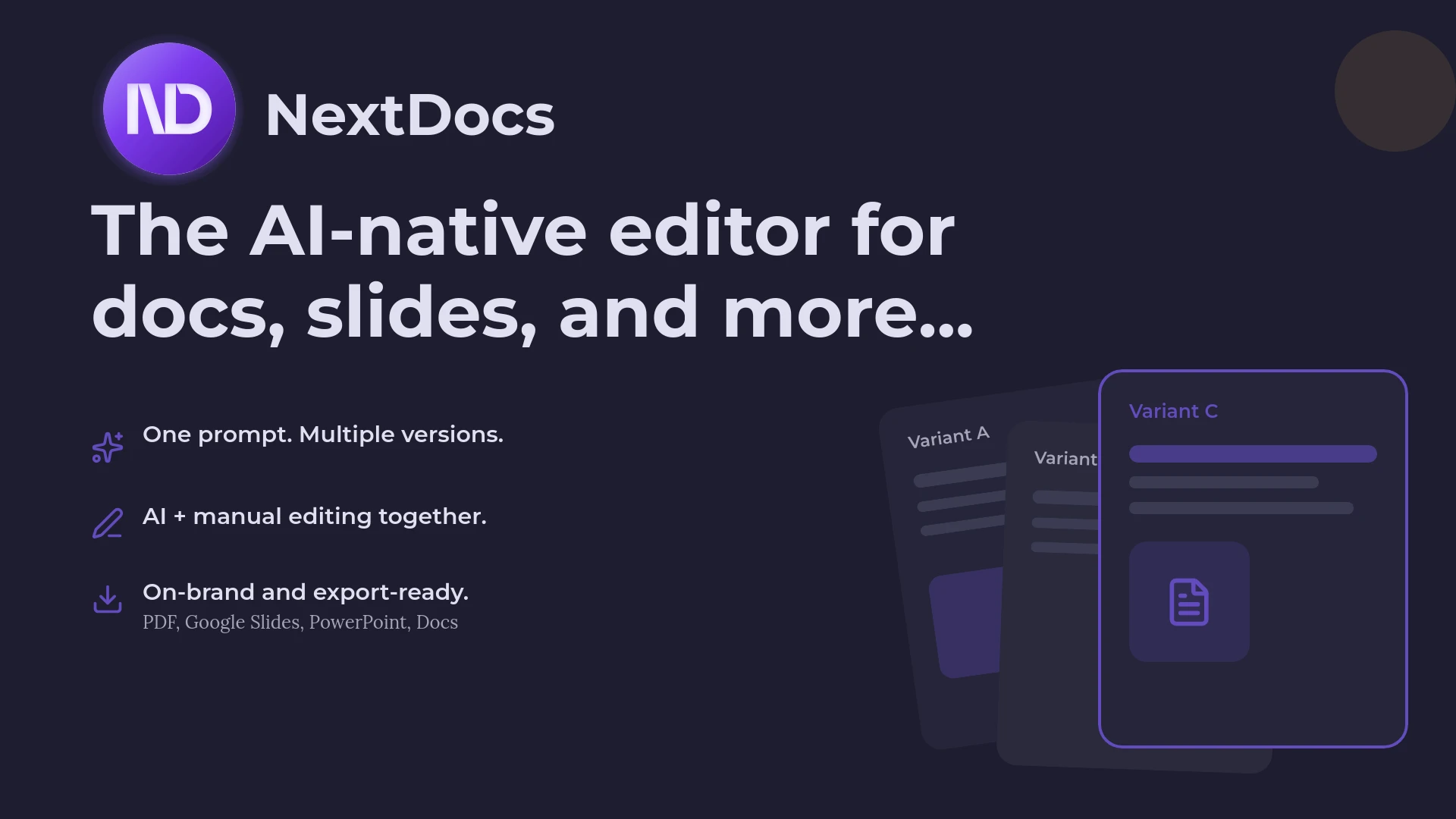
Try NextDocs Free and experience multi-variant generation, universal exports, and deep research integration. No credit card required.