
AI Presentation Assistant: Design Polished Slides Fast.
Your AI presentation assistant creates stunning slide decks from prompts. Generate compelling pitches, reports, and training materials with zero design effort.
See it in action
Trusted by teams at












Everything you need to create professional documents
Your AI Assistant for Any Presentation Type.
Struggling to craft professional presentations quickly? NextDocs acts as your AI presentation assistant, transforming your ideas into structured, visually appealing slide decks. Whether for investor pitches, sales meetings, or academic lectures, get a complete draft instantly. Focus on your core message, letting AI handle the design complexities efficiently.
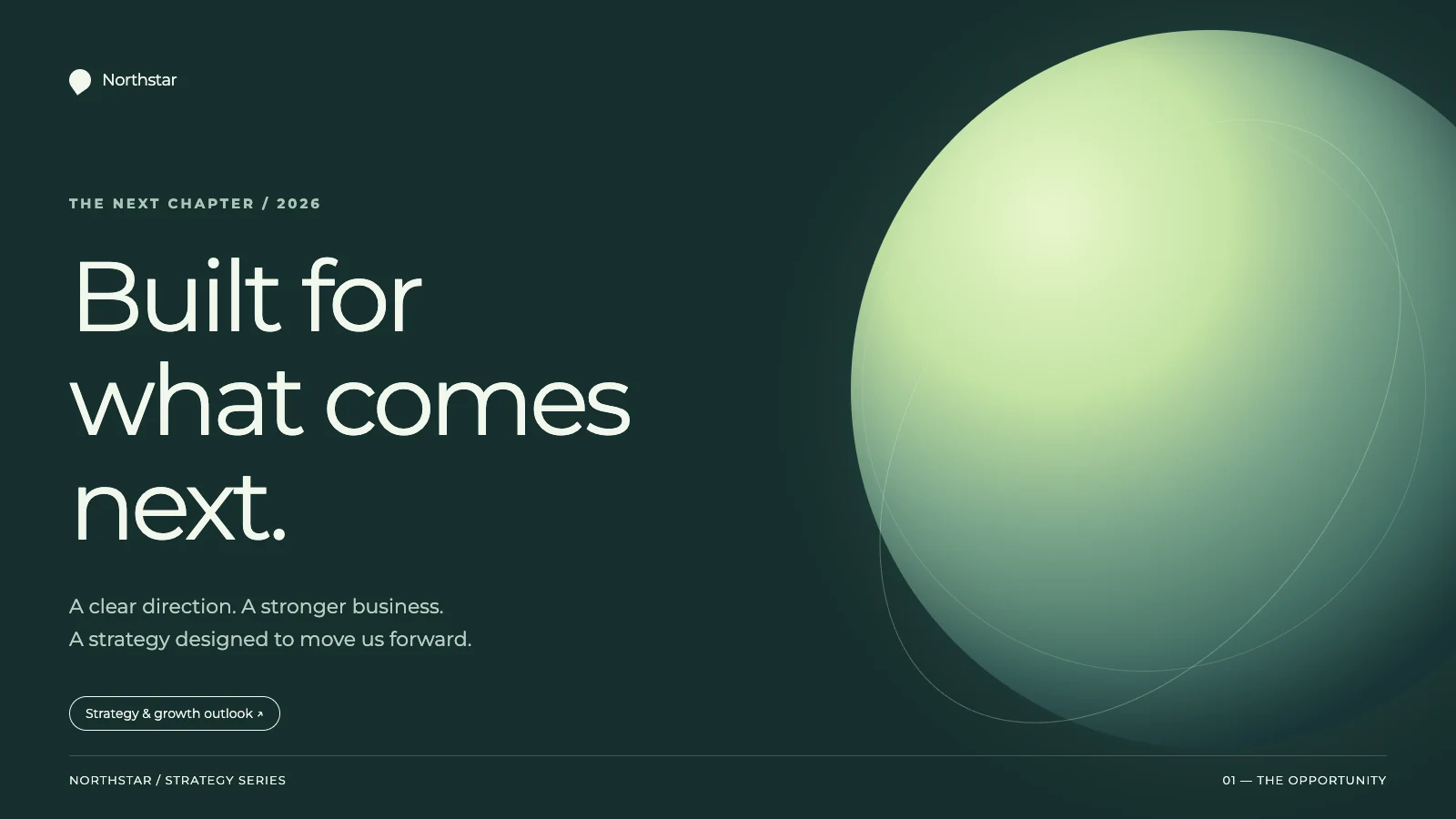
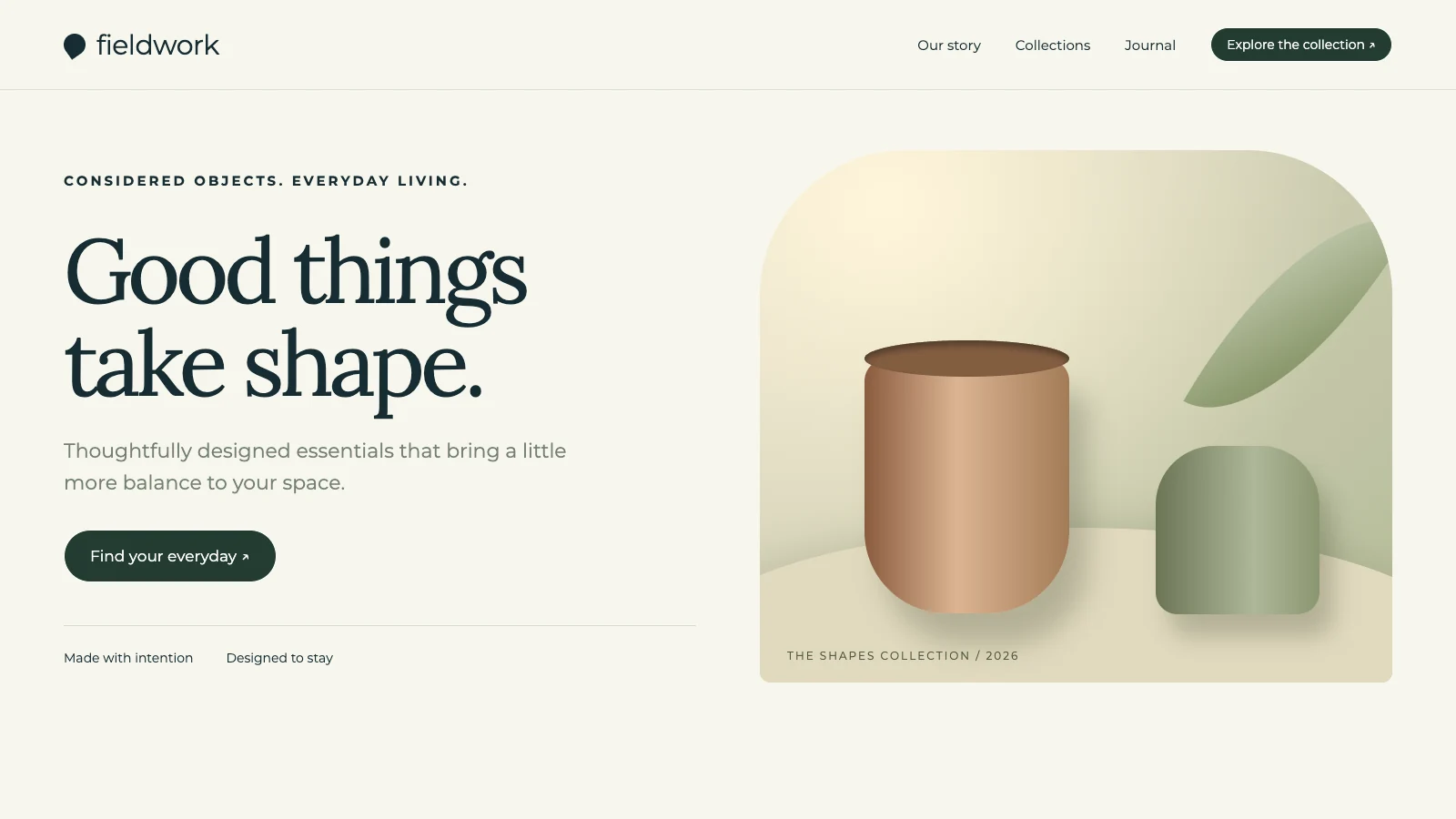
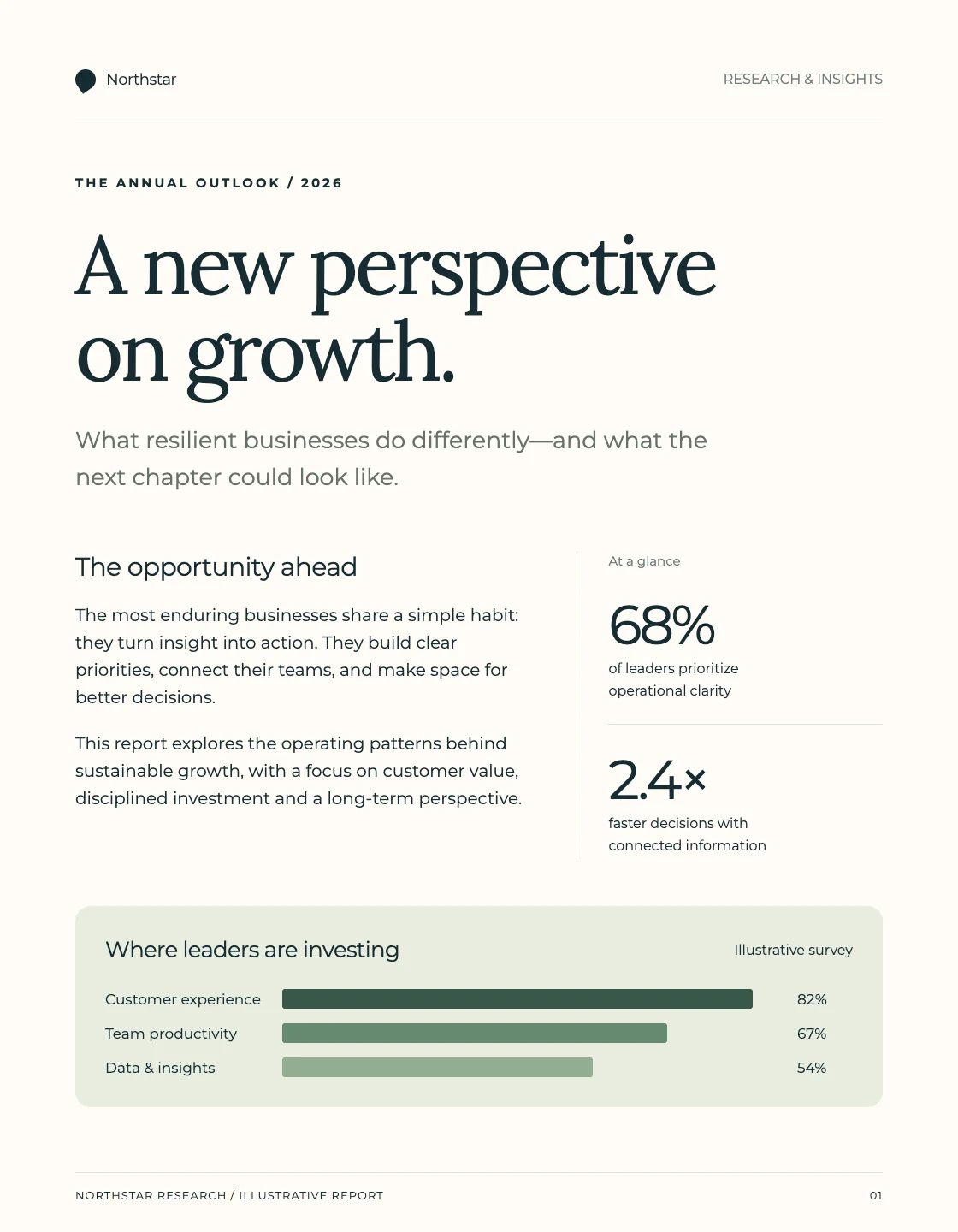
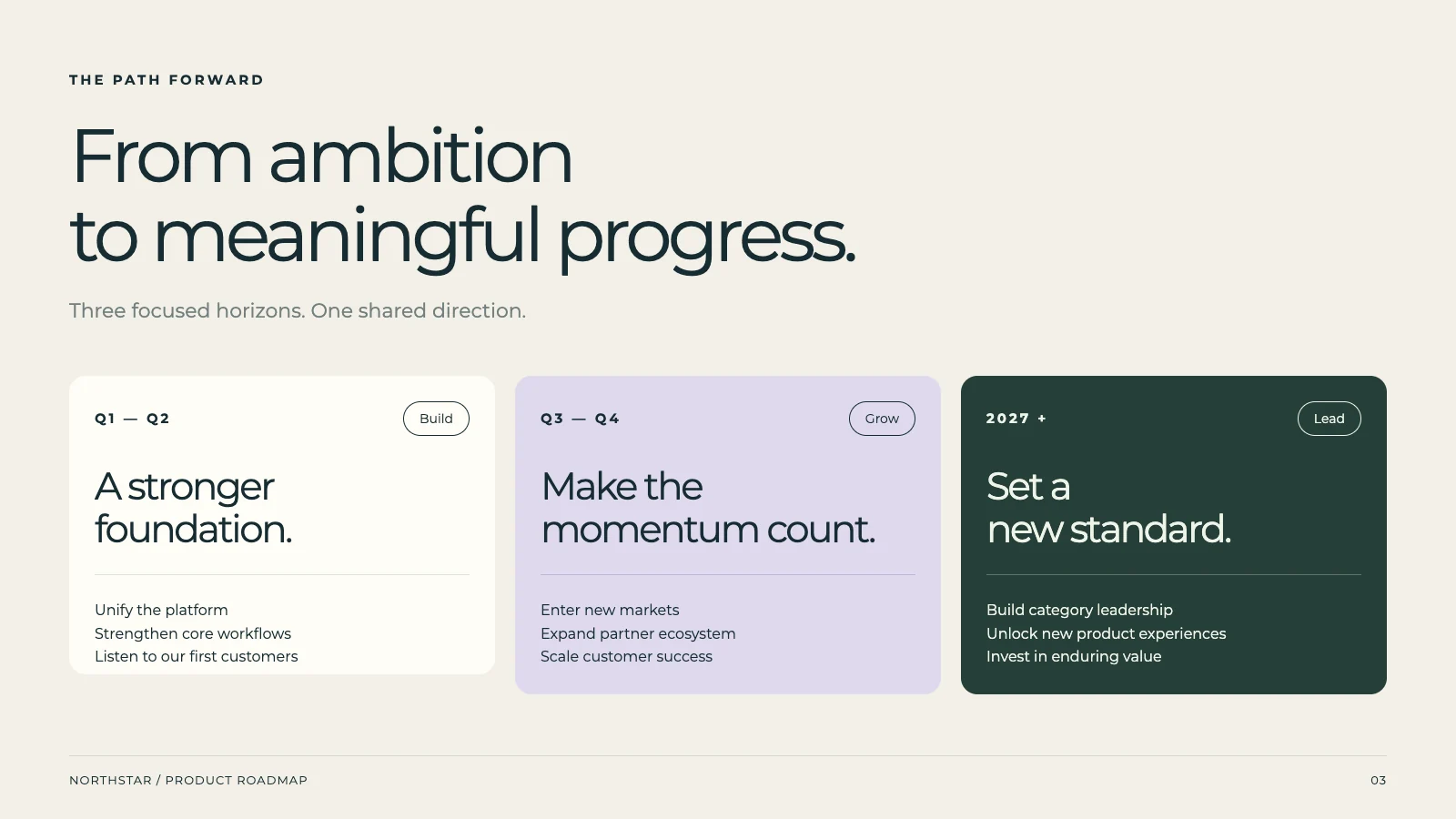
Choose from Multiple AI-Generated Presentation Styles.
Our AI presentation assistant offers more than just one outcome. From a single prompt, it generates 2-4 distinct versions of your presentation, allowing you to compare layouts, tones, and content structures. Select the option that best resonates with your audience and objectives, ensuring your message is delivered with maximum impact.
Create a quarterly business review with key metrics and team updates...
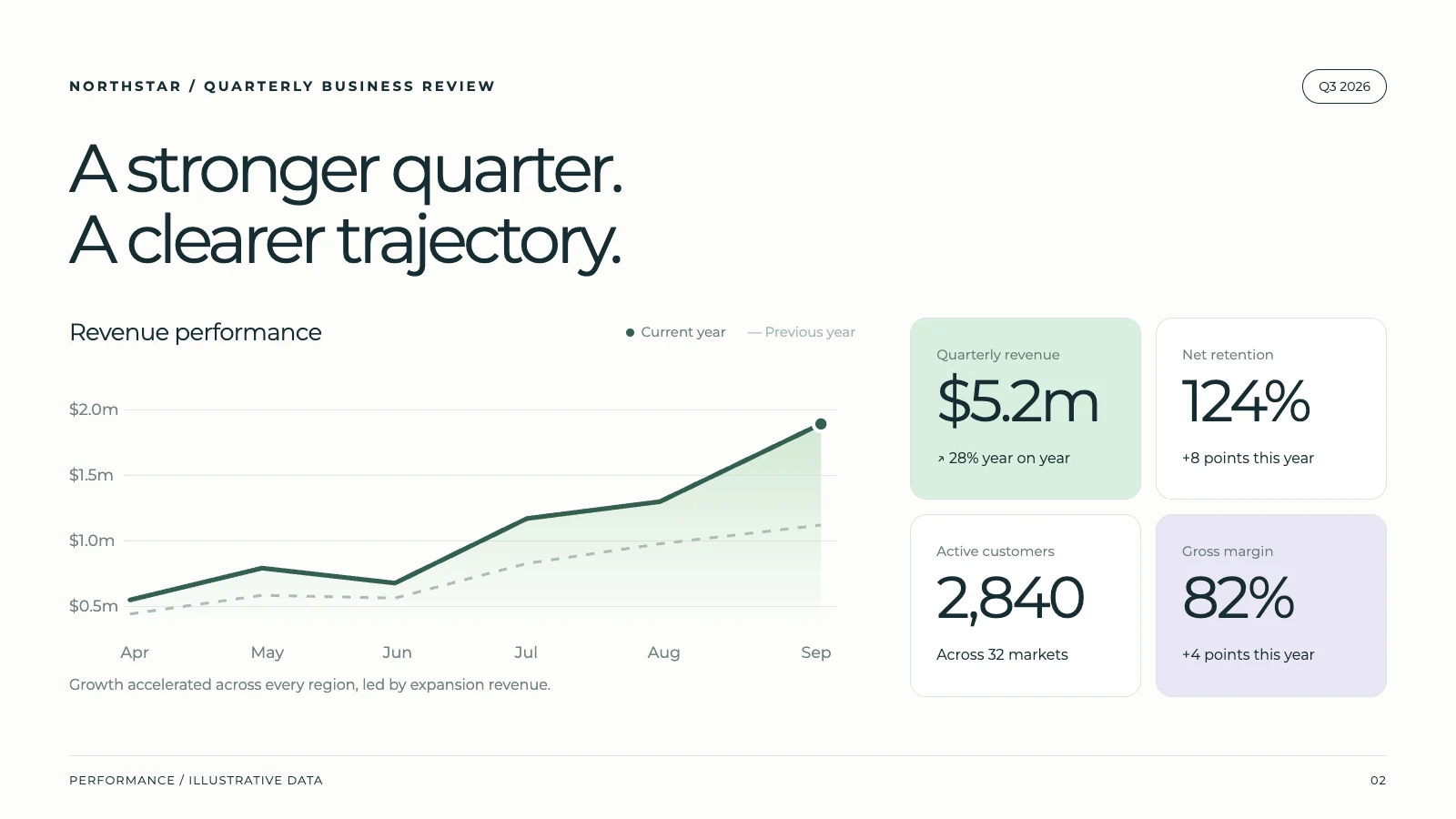
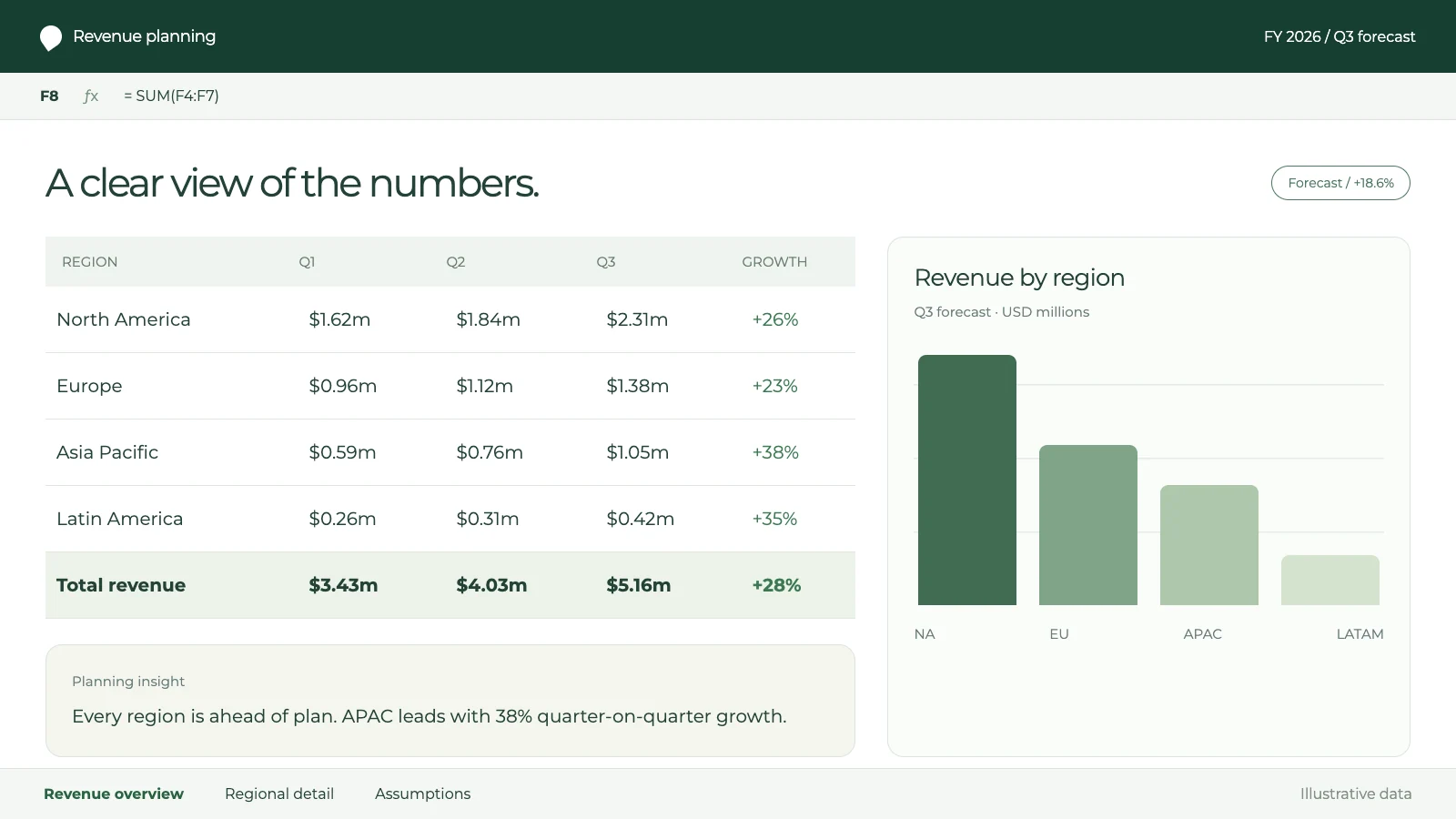
Edit Your Slides Using AI or Manual Precision.
Refine your AI-generated presentation effortlessly after creation. Use AI prompts to instantly rewrite sections, expand on ideas, or adjust the overall tone. For specific changes, dive into manual editing to perfect text, images, and formatting details. This hybrid approach guarantees your presentation is exactly as you envision it.
Rewrite the introduction to be more engaging
Done! I've rewritten it with a compelling hook.
Ensure Consistent Branding for Every Presentation.
Maintaining a strong, consistent brand image is paramount for professional presentations. Your AI presentation assistant automatically applies your uploaded brand guidelines, including colors, fonts, and logos, to every new slide deck. This ensures all your investor pitches, marketing materials, and internal reports look cohesive and branded.
Colors
Fonts
Logo
logo.svg
Replace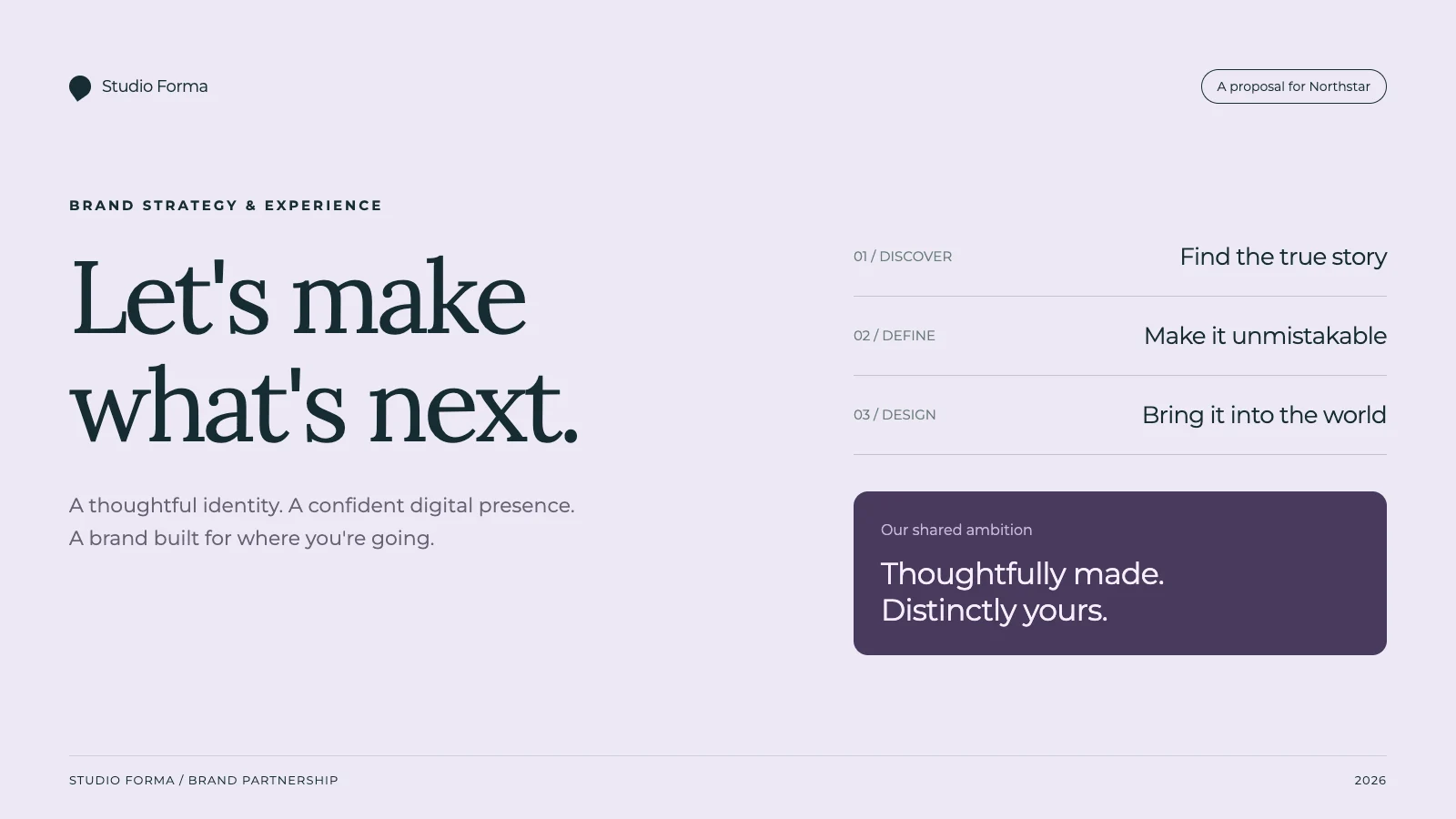
Sales Proposal
Team Report
One-Pager
Share Your Presentations in Any Required Format.
Your finished presentation needs to be shareable everywhere. NextDocs, your AI presentation assistant, supports universal export. Save your slides as a PDF for easy viewing, or directly to Google Slides and PowerPoint for further collaboration. This flexibility ensures your presentation reaches your audience in their preferred format, maximizing accessibility.
What people are saying
“The presentation turned out perfectly well, which I honestly didn't expect. I thought I would atleast get a few errors but it was flawless. Thanks for creating such a beautiful app and providing such services for free. Really appreciate it.”
Shubham More
University Student
“The AI editing features are a game changer. I use it daily for contracts and proposals—saves me hours of work!”
Michael Carter
Startup Founder
“I’ve never seen an AI tool that combines content generation and formatting so seamlessly. It’s like having a personal assistant for all my documents.”
Shauna Louise
Manufacturing Technician
“NextDocs is an invaluable tool for professionals. My team and I rely on it for creating polished proposals and NDAs in minutes.”
Ethan Johnson
Project Manager
“As a freelancer, NextDocs helps me create client-ready documents effortlessly. The templates and formatting tools are top-notch.”
Maria Gomez
Graphic Designer
“From resumes to contracts, this tool does it all. I can't imagine going back to manually editing documents again!”
Ashwinnie Pillai
Sales Enablement
“The one-click download feature is a lifesaver. I get perfectly formatted documents in seconds—every single time.”
Emma Brown
Marketing Director
Latest from our blog

Introducing AI Memory: NextDocs now remembers you
NextDocs now has a personal memory. Set your role, audience, tone, and preferences once — or just tell the AI to remember them — and every new chat already knows how you work. Plus a roundup of everything new across v1.9.
Read more
Are you abandoning NextDocs? A straight answer.
Since we introduced Shyne, the same question has arrived by email, in reviews, and on AppSumo. Here is the answer, what has shipped in NextDocs since July, and exactly what the Shyne offer is if you want it.
Read more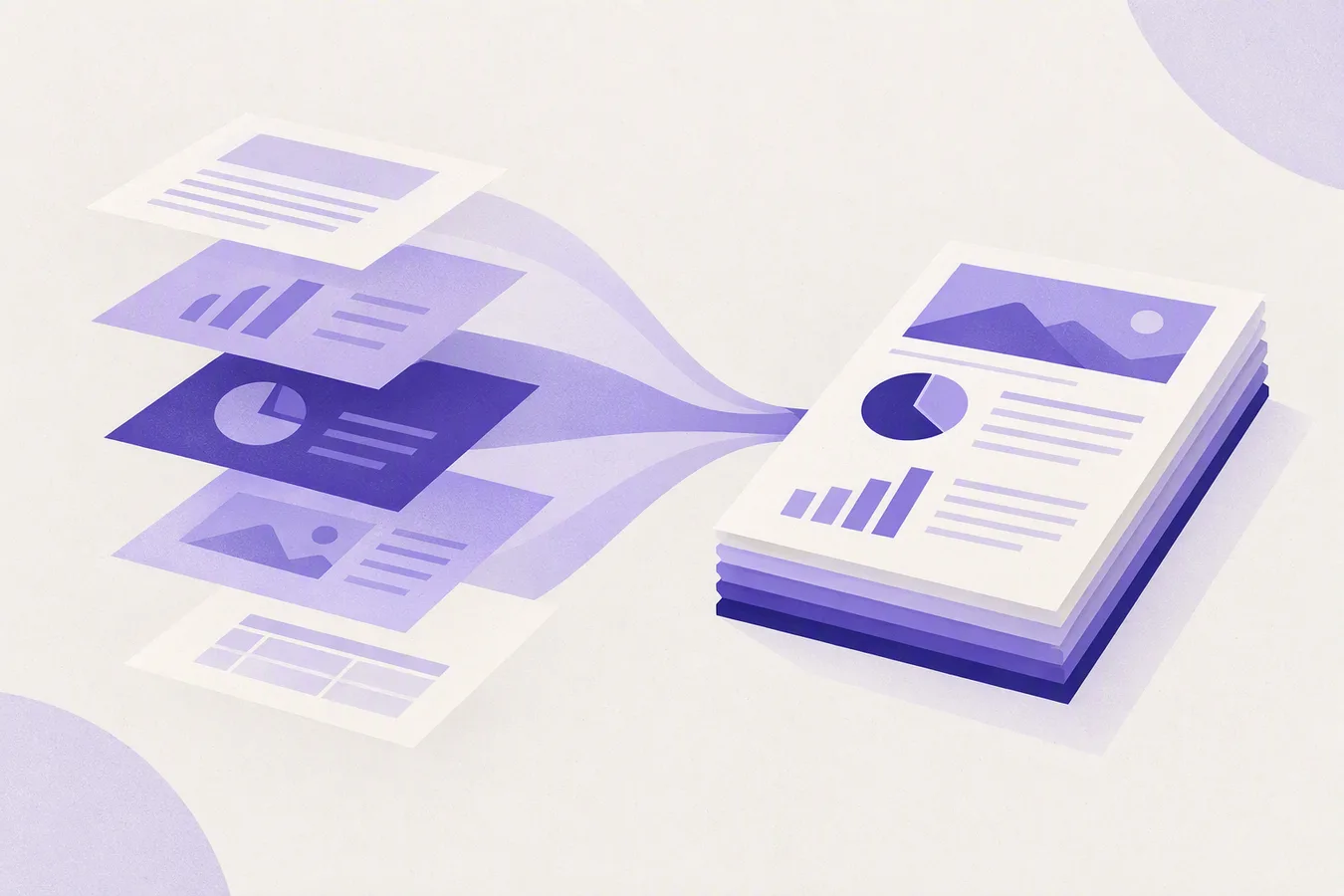
What's new in NextDocs, summer 2026
A catch-up on everything that shipped between June and September, bring your own fonts, Word export, long documents that finish, richer canvas text, new models on every lane, AI Memory, and a support desk that reaches a person, plus a short note on what is new at Shyne.
Read moreSimple, transparent pricing
Start free, upgrade when you need to. No hidden fees.
Free
For hobbyists
- Up to 8 pages per doc
- Up to 3 exports
- Export to PDF & image
- Basic AI models
- AI image generation
Pro
For individuals
Applicable taxes are calculated at checkout.
- Everything in Free, plus:
- Up to 22 pages per doc
- Unlimited exports
- Export to Slides, PowerPoint, Docs
- Quality AI models
Pro+
For power users
Applicable taxes are calculated at checkout.
- Everything in Pro, plus:
- Up to 46 pages per doc
- Premium AI models
- AI image editing
- Priority support
Ultra
For professionals
Applicable taxes are calculated at checkout.
- Everything in Pro+, plus:
- Up to 92 pages per doc
- Early access features
- Premium support
Prices are in US dollars. Taxes are based on your billing location. New customer pricing. Existing subscriptions keep their current billing terms.
Frequently asked questions
Can I use NextDocs for free?
What can I create with NextDocs?
Can I export to Google Slides, PowerPoint, and PDF?
How do credits work?
Can I collaborate with my team?
How do I use my brand in NextDocs?
Can I cancel or change my plan anytime?
Is my data safe with NextDocs?
What's the difference between Pro and Pro+?
Do unused credits roll over?
Can I get a refund?
Your next great document is one prompt away
Join thousands of users creating polished documents and presentations with AI.