


Claude Code, Cursor and Codex can build your deck: MCP in practice
The Model Context Protocol went from a curiosity to a category this year. Pitch shipped an MCP server in August. Every serious AI client, Claude Code, Cursor, Codex, Claude Desktop, VS Code with Copilot, opencode, can now talk to one. And the people who live in those tools are exactly the people who least want to leave them to make a deck.
This is a practical walkthrough of doing document work from an agent client, using the two MCP servers we run: NextDocs, for finished documents with exports, and Shyne, for a shared canvas your agent can edit live.
What MCP gives you here, in one sentence
Your agent gets tools. Instead of "write me a deck" producing text in a terminal, "make me a ten-slide deck on this in NextDocs" produces a real deck in your NextDocs workspace, with exports, because the agent called a tool that made it.
NextDocs: documents from your agent
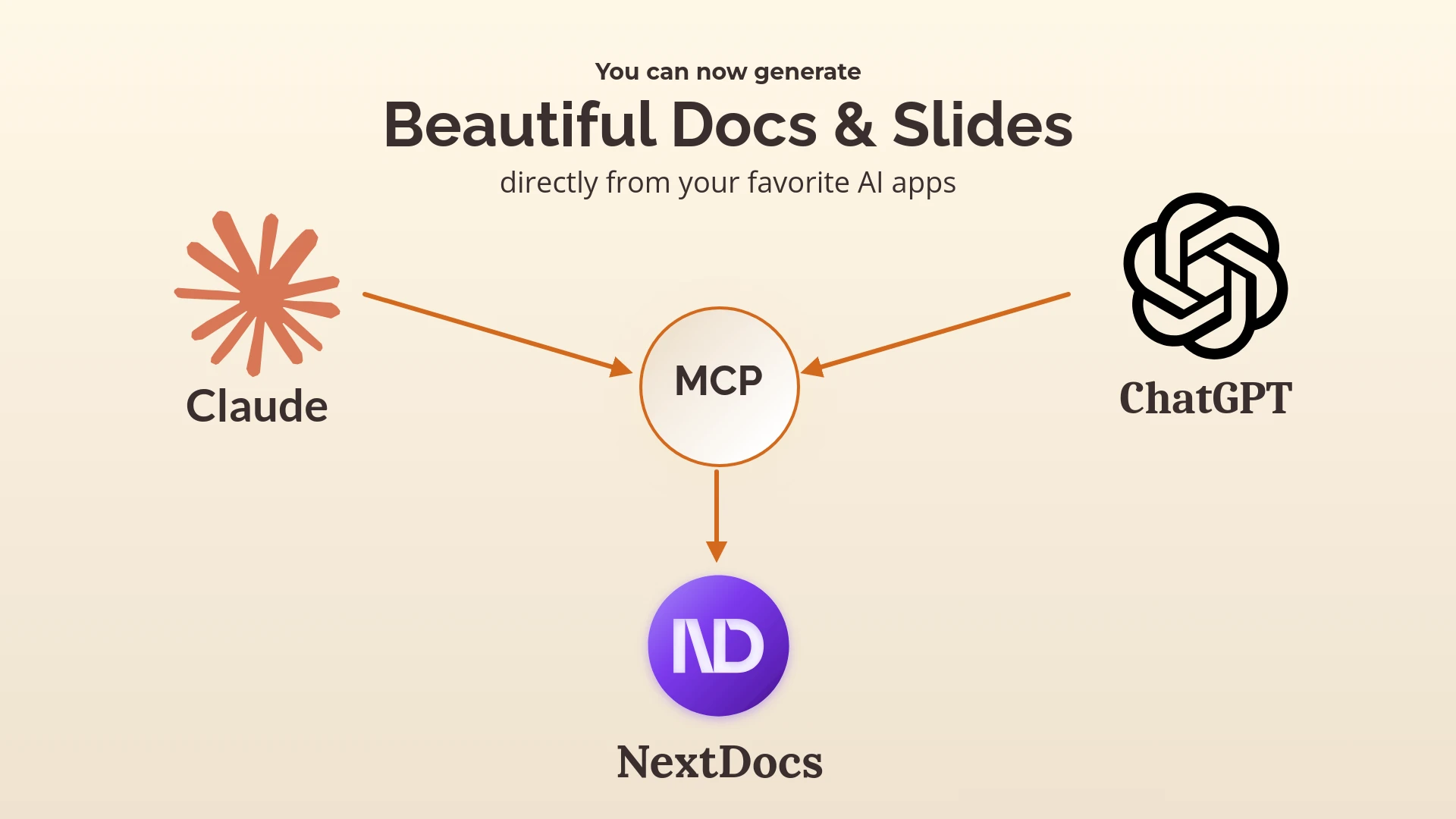
The NextDocs MCP server launched in January. Connect it to Claude, ChatGPT, Cursor or Claude Code, and the agent can create presentations and documents in your workspace from whatever context it already has: the README it just read, the spec you are working on, the data it just analysed.
The pattern that works best is brief plus versions:
Using NextDocs, create three versions of a twelve-slide architecture overview from the README in this repo. Audience is the leadership team, not engineers. Brand kit applied. Then give me the links.
Three complete decks land in NextDocs. You open the one you prefer, and export to PowerPoint, Google Slides or PDF. The agent never had to render a slide; NextDocs did that.
Shyne: two doors
Shyne exposes its whole canvas over MCP, and it has two doors depending on where your agent runs.
The hosted door is https://mcp.shyne.ai/mcp, a Streamable HTTP server with OAuth. Add it to any MCP client, sign in once, and the agent can list your projects, create canvases and frames, apply templates, set the brand theme, upload files, generate images and video, add clips to a timeline, export, and publish to social channels. Every project page in Shyne shows its own MCP URL, scoped to that project, so you can point an agent at exactly one piece of work.
The desktop door is the Shyne desktop app, which runs a local MCP server on 127.0.0.1:7655. It needs no cloud round trip, it is trusted on loopback, and writes are scoped by a short-lived per-project token. It is the door to use from Claude Code or Codex running on the same machine, and it is also how the desktop app lets those tools run the Shyne agent itself on your own subscription, so Claude Fable 5.1 or GPT-6 Astra can work on the canvas at no extra cost from Shyne.
Setup by client
The Shyne docs ship copy-and-paste snippets for each client; the shape is the same everywhere: add an HTTP MCP server pointing at one of the two doors.
- Claude Code:
claude mcp add --transport http shyne https://mcp.shyne.ai/mcp, then/mcpto sign in. - Cursor: add a server to
mcp.jsonwith the hosted URL, or the loopback URL if the desktop app is running. - Claude Desktop and VS Code with Copilot: the same URL in each app's MCP settings.
- Codex and opencode: an MCP entry in their config with the URL.
For NextDocs, the January post walks through the equivalent for Claude and ChatGPT.
What a session looks like
From Claude Code, in a product repo:
Read docs/launch-plan.md. In Shyne, in the "Q4 Launch" project, create a canvas with a ten-frame deck from it in our brand theme, then a 1080x1080 social frame with the headline, then generate a hero image for frame one in the brand palette. Leave the deck open for me.
Thirty seconds later the deck is on the canvas in the browser, the agent is still in the file, and the next instruction can be "shorter, and make frame four a table". If a colleague is in the same project, they see it happen.
From Codex, the same request works against the desktop door with GPT-6 Astra doing the thinking on your own plan.
Which server for which job
| You want | Use |
|---|---|
| A finished deck or document with several versions and a file export | NextDocs MCP |
| An agent editing a live canvas, with images, video and publishing | Shyne, hosted door |
| Local, no cloud round trip, your own model subscription | Shyne, desktop door |
| Both: draft in NextDocs, build the campaign in Shyne | Both, from the same agent |
One caution
An agent with write access to your documents is powerful, and the tools above will happily create fifty frames if you ask for fifty. Start in a scratch project, learn what one instruction does, then point it at real work. That advice applies to every MCP server, not only ours.
Connect NextDocs to your agent · Shyne MCP docs
The NextDocs Team