

The Power of Choice — Why Selecting Beats Creating
Last week we launched multivariant generation — the ability to create up to 4 document versions with a single prompt.
But I want to talk about something deeper: why this matters so much.
The Real Problem with Creation
Here's what most AI tools get wrong.
They focus on speed. "Generate a document in seconds!" Cool. But speed isn't the real unlock.
The real problem is creative anxiety.
You write a prompt. You get one output. You stare at it and wonder:
- Is this the right approach?
- What if a different structure would be better?
- Should I try again with a different angle?
So you prompt again. And again. Each time hoping the next version will "feel right."
This is exhausting. And it's not how good creative work happens.
Design is a Selection Problem
Here's something I've learned from years of watching people create:
Good taste is more common than good design skills.
Most people can look at 4 options and immediately know which one feels right. That's taste. It's pattern recognition built from years of seeing good and bad design.
But ask those same people to create something from scratch? They freeze. Not because they lack vision, but because they lack options to react to.
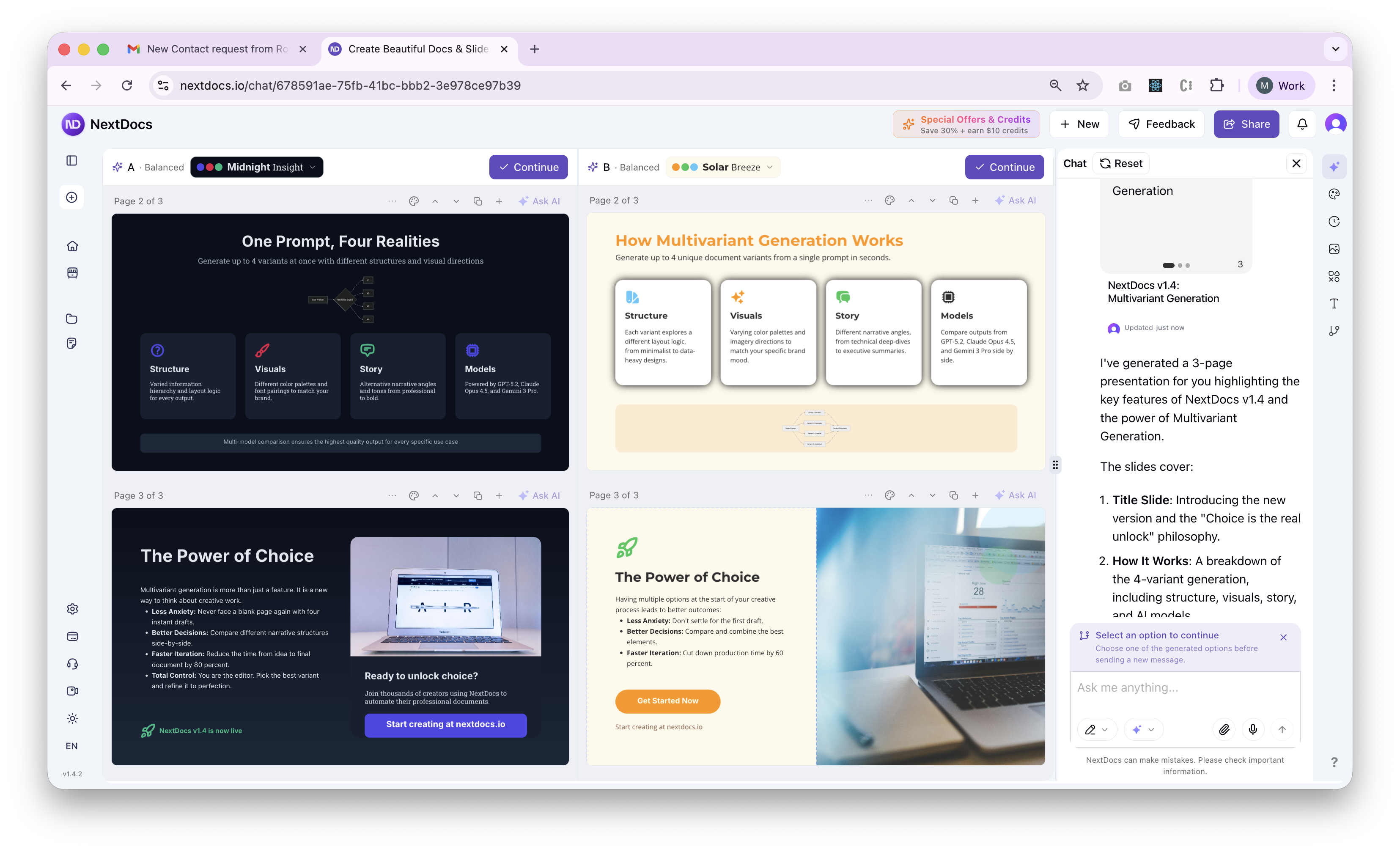
Multivariant generation flips the problem.
Instead of asking "What should I create?", you ask "Which one do I like best?"
That's a much easier question to answer.
The Psychology of Options
There's research behind this.
When we create from scratch, we're in generative mode. This requires:
- Coming up with ideas
- Making structural decisions
- Betting everything on one approach
It's cognitively expensive. Every decision feels high-stakes because you're committed to a single path.
But when we select from options, we're in evaluative mode. This requires:
- Comparing alternatives
- Trusting your gut reaction
- Making relative judgments
This is much easier. Your brain is wired for comparison. You've been doing it your whole life — picking restaurants, choosing outfits, deciding which route to take.
What Changes with Multivariant
Let me show you a real example.
Prompt: "Create a 10-slide pitch deck for a B2B SaaS startup raising Series A"
Without multivariant:
- Generate deck
- Review it
- "Hmm, the narrative isn't quite right"
- Prompt again with adjustments
- Review again
- "Better, but the structure feels off"
- Prompt again...
- Eventually settle (or give up)
With multivariant:
- Generate 4 variants simultaneously
- Variant 1: Problem-first narrative
- Variant 2: Traction-focused, leads with metrics
- Variant 3: Vision-driven, paints the future
- Variant 4: Competitive positioning upfront
- Look at all 4. Pick the one that resonates.
- Done.
The second approach isn't just faster — it's less stressful. You're not betting on one approach. You're choosing from multiple strong candidates.
The Confidence Factor
Here's something nobody talks about.
When you create one thing and iterate on it, you never fully escape doubt. "Maybe the first version was actually better." "What if I went too far in this direction?"
But when you choose from 4 options, that doubt disappears.
You saw the alternatives. You picked this one for a reason. The decision was informed, not arbitrary.
That confidence shows up in how you present the work. You're not second-guessing — you're advocating for a choice you made with full information.
Beyond Documents
This principle extends beyond presentations and documents.
Think about:
- A/B testing — Marketers don't create one landing page and hope. They create variations and let data decide.
- Design sprints — Teams generate multiple concepts before committing to one direction.
- Writing — Professional writers often draft multiple versions of an opening before choosing.
The best creative processes have always involved selection. AI just makes it practical to do this for everything.
The Math of Options
Let's get concrete.
With multivariant generation, you can:
- Generate 4 structural variants
- Apply 5+ themes to each
- Compare different AI models (GPT, Claude, Gemini)
That's 60+ possible directions from a single prompt.
Not that you need to review all 60. But knowing they exist — knowing you could explore them — changes how you approach creation.
You're no longer hoping your first attempt is right. You're confident you've seen enough options to make a good choice.
This is Just the Beginning
Multivariant generation opens up possibilities we're only starting to explore:
- Collaborative voting — Teams pick favorites together
- Style transfer — Take the structure of Variant 1 with the visual style of Variant 3
- Historical comparison — Revisit past directions you didn't choose
- A/B export — Send different versions to different audiences
The core insight remains: selection beats creation.
When you give people options, they make better decisions faster with less anxiety.
Try It Yourself
Ready to experience the power of choice?
- Start a new document at nextdocs.io
- Enable multivariant — Select 2-4 variants
- Enter your prompt — Describe what you want
- Compare and choose — Pick the one that feels right
You've always had good taste. Now you have options.
👉 Start Creating with Multivariant
Questions or feedback? I'm always happy to chat: mas@nextdocs.io
— Mas
Related posts
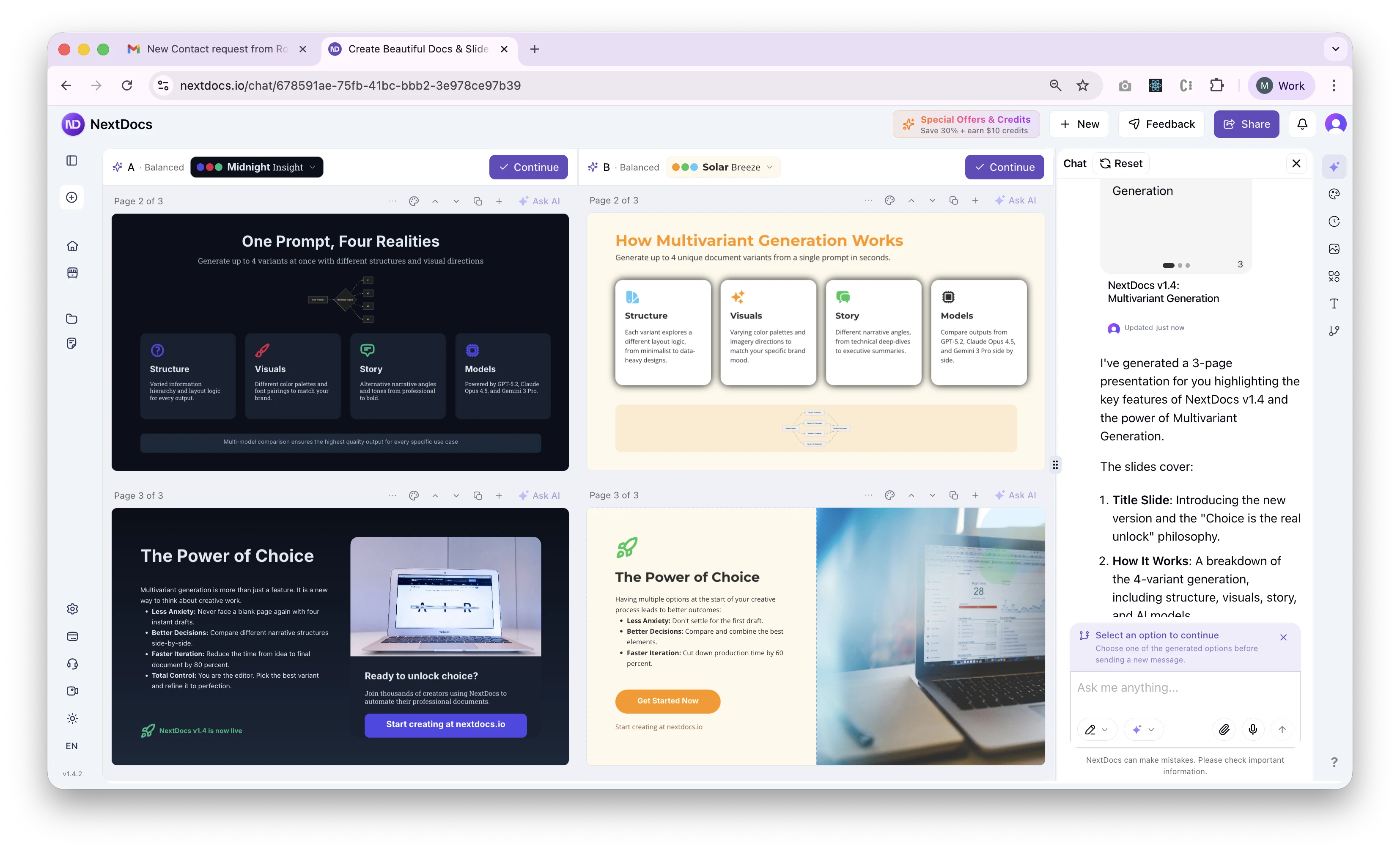
Introducing Multivariant Generation — NextDocs v1.4
Generate up to 4 document variants simultaneously. Compare different structures, visual directions, and stories side by side. Layer themes on top. Pick your favorite. This changes everything about how you create.
Read more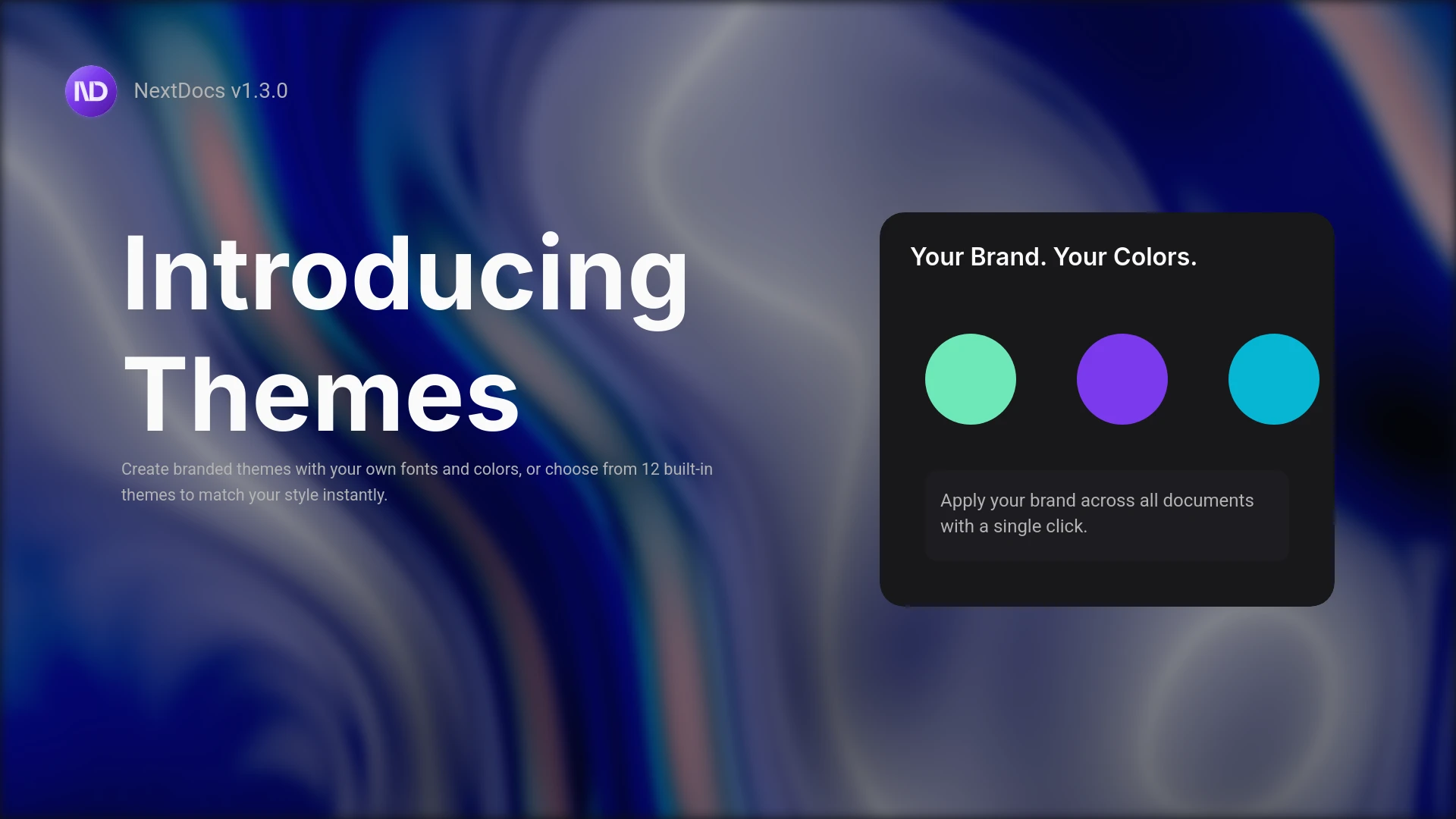
Introducing Themes and the Pageless Document Editor
Create branded documents with custom themes. Define your fonts, colors, and style. Plus a new pageless editor for flowing documents like reports and proposals. Professional results, your brand identity.
Read more