NextDocs vs Claude: AI Presentation Builder Comparison (2026)
A detailed comparison of NextDocs and Claude for presentation creation. Discover which tool offers the best balance of narrative intelligence and visual automation for your professional workflow.

The Evolution of AI Presentations in 2026
The landscape of professional communication has shifted dramatically over the last few years. In the past, creating a presentation meant choosing between a blank PowerPoint slide or a rigid template. Today, the choice is more nuanced. Professionals must decide whether they need a dedicated visual engine or a narrative logic assistant. This brings us to a critical comparison: NextDocs versus Claude.
When searching for the best AI presentation tools, users often encounter these two powerful options. NextDocs is a standalone, AI-native presentation builder designed to handle the entire workflow from research to final export. Claude, developed by Anthropic, is a sophisticated chatbot that excels at reasoning, outlining, and drafting narrative content.
While both use advanced artificial intelligence, they serve fundamentally different roles in the presentation creation process. One builds the slides, while the other builds the logic behind them. This article provides a comprehensive look at how they compare in terms of features, pricing, and overall utility for modern professionals.
Overview of NextDocs
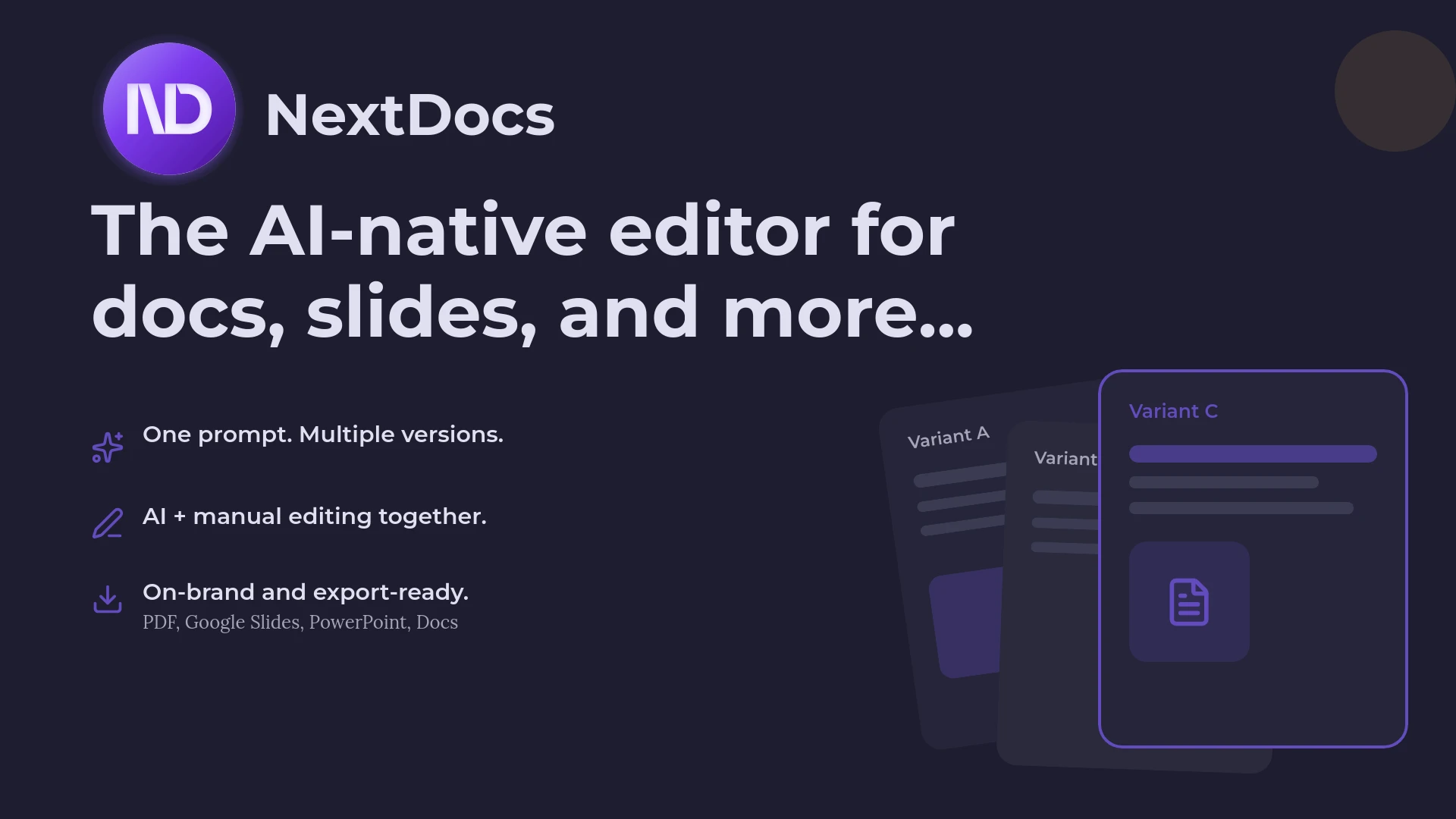
NextDocs represents the next generation of presentation software. It is not a traditional editor with AI features added as an afterthought. Instead, it is built from the ground up as an AI-native platform. The core philosophy of NextDocs is to provide users with choice and flexibility through multi-variant generation.
Most AI tools generate a single version of a presentation and expect the user to fix it. NextDocs takes a different approach by producing several distinct versions of a deck from a single prompt. This allows founders, sales teams, and consultants to choose the narrative arc or visual style that best fits their specific meeting.
Beyond just design, NextDocs integrates deep research capabilities. It can scan the web for real-time data, provide citations, and ensure that the content on the slides is factually grounded. For those exploring slidesai alternatives, NextDocs offers a much higher degree of automation and accuracy.
Overview of Claude
Claude is widely considered one of the most capable large language models for professional writing and reasoning. As a chatbot, it does not have a native canvas for slide design. However, it is an exceptional partner for the planning phase of a presentation.
Claude shines when it comes to structured planning, detailed outlines, and audience adaptation. It can take a massive amount of raw information and distill it into a compelling ten-slide narrative. It understands nuance, tone, and the subtle differences between a pitch for a venture capitalist and a training session for internal staff.
While Claude cannot export a PPTX file or generate a visual layout, it provides the "brain" for the presentation. Many users find that Claude is the best tool for drafting speaker notes that sound natural and persuasive. It is often the first stop for educators seeking AI presentation tools who need to structure complex curriculum topics before moving into a visual builder.
Key Differences at a Glance
The primary difference between these two tools is the output. NextDocs produces finished, editable, and stylistically consistent slide decks. Claude produces high-quality text that must be manually moved into a presentation tool.
NextDocs is designed for the end-to-end workflow. It handles the research, the writing, the layout, and the export. Claude is designed for the ideation and drafting phase. It helps you think through what you should say, but it leaves the visual execution to you.
Another major difference is in export capabilities. NextDocs supports universal exports, meaning you can take your content and turn it into a PDF, a PowerPoint file, a Google Slides deck, or even a Google Doc. Claude is limited to a text-based interface, meaning your only export option is to copy and paste the text into another application.
Feature Comparison Table
| Feature | NextDocs | Claude |
|---|---|---|
| Category | Standalone Builder | AI Chatbot |
| Primary Output | Editable Slides | Text / Outlines |
| Multi-variant Generation | Yes (Multiple versions per prompt) | No |
| Research Capability | Deep Research with Citations | Training Data / Web Search |
| Export Formats | PDF, PPTX, Google Slides, Docs | None (Copy/Paste only) |
| Brand Styling | Full Brand Kit Support | Text-based instructions only |
| Best For | Consultants, Founders, Sales | Planning, Outlining, Notes |
| Learning Curve | Low to Moderate | Low |
| Visual Editor | AI-Native Interactive Editor | No |
Deep Dive: NextDocs Strengths
NextDocs excels in environments where time is a luxury and quality is a requirement. For consultants seeking AI presentation builders, the ability to generate a research-backed deck in minutes is a game changer.
Multi-Variant Generation
One of the most frustrating parts of using AI for presentations is getting an output that is almost right but not quite. NextDocs solves this by generating multiple variants. If you prompt the tool to create a Series A pitch deck, it might provide one version focused on market traction and another focused on technical innovation. You can then select the best slides from each or choose the variant that matches your personal presenting style.
Deep Research Integration
Unlike general chatbots that might hallucinate statistics or provide outdated information, NextDocs has a dedicated research mode. It pulls actual figures from the web and includes citations. This is essential for business presentations where credibility is everything. When you present a slide on market size, you can be confident that the numbers are backed by real sources.
Universal Exports
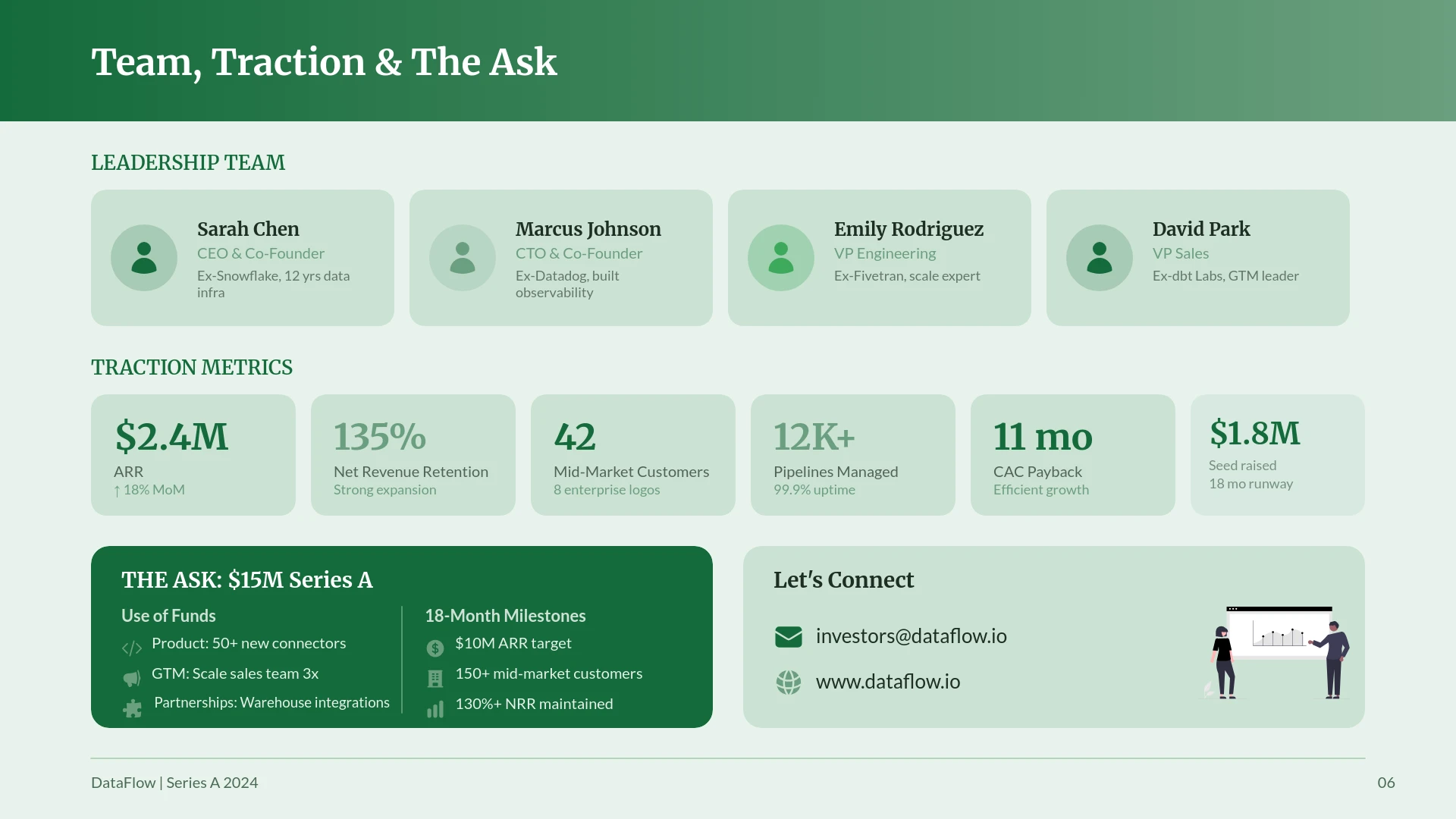
Professional workflows are rarely contained within a single app. You might start a project in a builder but need to finish it in PowerPoint for a client. NextDocs allows for seamless transitions. You can export to PPTX without losing your formatting, or move the content to Google Slides for collaborative editing. This flexibility makes it one of the most versatile options in our review of the best AI presentation builders of 2026.
Deep Dive: Claude Strengths
Claude is the ultimate "sparring partner" for your ideas. If you are struggling with how to frame a difficult message or how to transition between complex topics, Claude is the tool to use.
Narrative Flow and Logic
Claude has a superior grasp of narrative structure. It can help you build a "storyboard" for your presentation that feels logical and emotionally resonant. It understands how to build tension in a problem statement and how to provide a satisfying resolution in the solution slides.
Speaker Notes and Audience Adaptation
Most presentation builders focus on the slides, but the speaker notes are just as important. Claude can generate detailed, conversational speaker notes based on the slide content. It can also rewrite an entire presentation outline to suit a different audience. For example, you can ask Claude to take a technical presentation and simplify it for a non-technical board of directors.
Iterative Refinement
Because Claude is a chatbot, you can have a long conversation about your presentation. You can challenge its suggestions, ask for more examples, or tell it to change the tone of slide five. This back-and-forth process is excellent for refining the core message before any design work begins.
Pricing Comparison
NextDocs and Claude have different pricing structures that reflect their different use cases.
NextDocs offers a free tier that allows users to experience the multi-variant generation process. For professionals who need more volume and advanced features, paid plans start at $15 per month. This includes access to deep research tools, brand kits, and unlimited universal exports.
Claude also offers a free tier with usage limits. The Claude Pro plan is priced at $20 per month. This plan provides higher usage limits and priority access to the latest models, such as Claude 3.5 Sonnet or Opus. While the price is slightly higher, it also provides access to Claude for tasks beyond presentation planning, such as coding or long-form writing.
Pros and Cons
NextDocs
Pros:
- Generates full, visually stunning slide decks.
- Multi-variant approach gives you more creative options.
- Deep research ensures content is accurate and cited.
- Export to PowerPoint and Google Slides is seamless.
- Brand kits keep your presentations looking professional and consistent.
Cons:
- There is a slight learning curve for the more advanced AI editing features.
- Requires a subscription for the full suite of export options.
Claude
Pros:
- Exceptional at narrative structure and logical flow.
- Great for drafting speaker notes and anticipating questions.
- High degree of flexibility through conversational iteration.
- Useful for a wide variety of tasks beyond presentations.
Cons:
- No visual output whatsoever.
- Requires manual work to move text into a slide tool.
- Cannot handle brand styling or image placement.
- Sometimes produces overly verbose content that needs editing.
The Verdict: Which Should You Choose?
The choice between NextDocs and Claude depends on where you are in your presentation journey and what your specific needs are.
If you need a finished product that is ready to present to a client or investor, NextDocs is the clear winner. It eliminates the tedious manual work of layout and design. It is the superior choice for those looking for beautiful.ai alternatives because it offers more control over the content and better export flexibility. NextDocs is the tool for execution.
If you are in the early stages of a project and need to figure out what to say, Claude is an invaluable resource. It is perfect for those who want to spend time thinking through the strategy and the story before they worry about the visuals. Claude is the tool for thought.
In fact, many of the most successful professionals use both. They use Claude to brainstorm the outline and refine the messaging, then they feed that outline into NextDocs to generate the actual slides. This "best of both worlds" approach ensures that the presentation is both intellectually rigorous and visually impressive.
For most business users, consultants, and founders, NextDocs provides the most direct path to a high-quality presentation. Its ability to handle research and formatting automatically saves hours of work every week.
Ready to Create Better Presentations?
Try NextDocs Free and experience multi-variant generation, universal exports, and deep research integration. No credit card required.